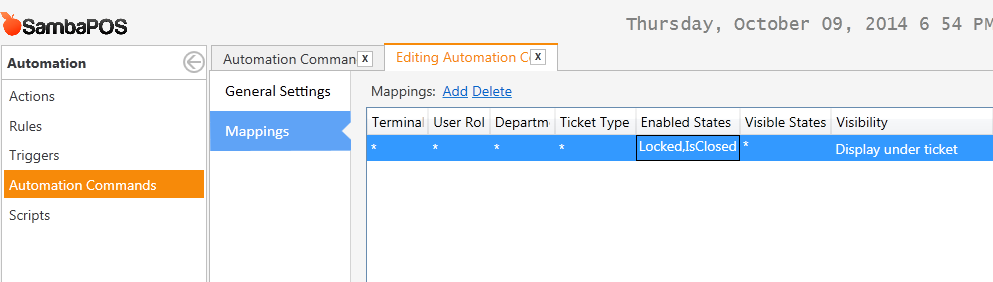
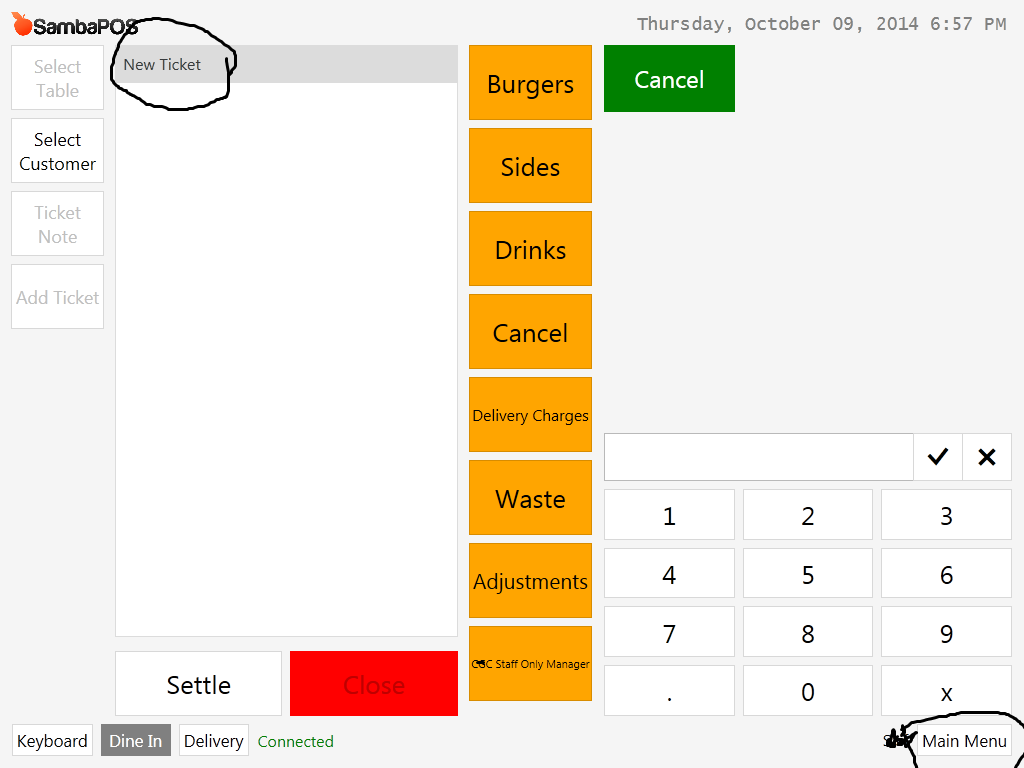
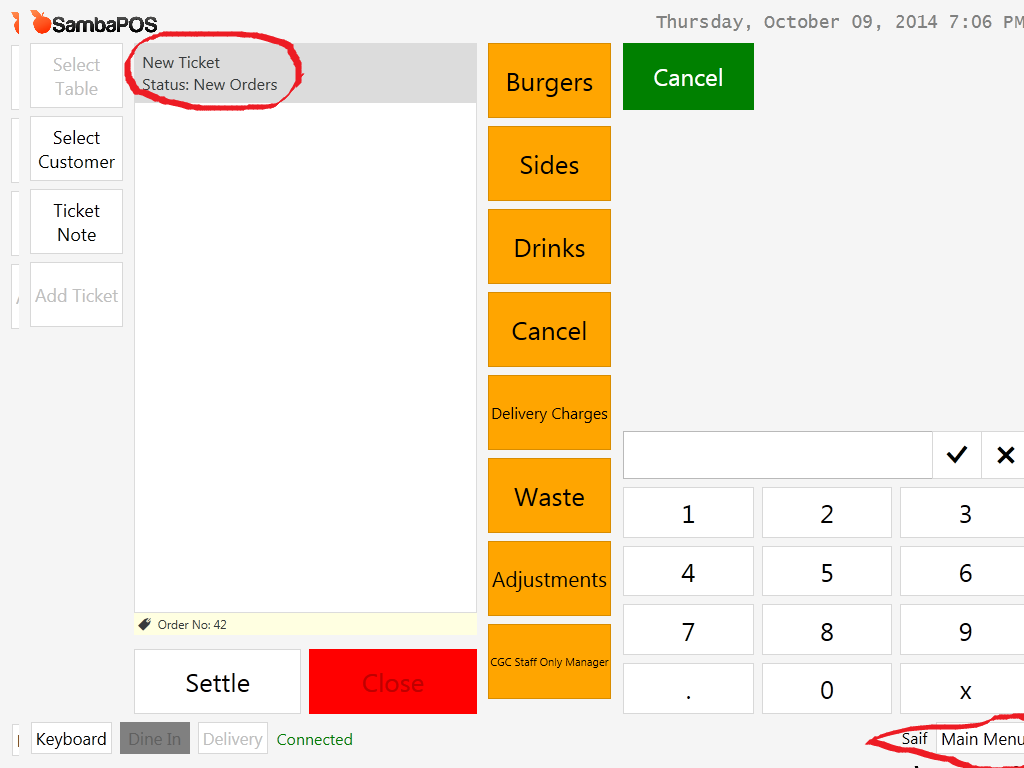
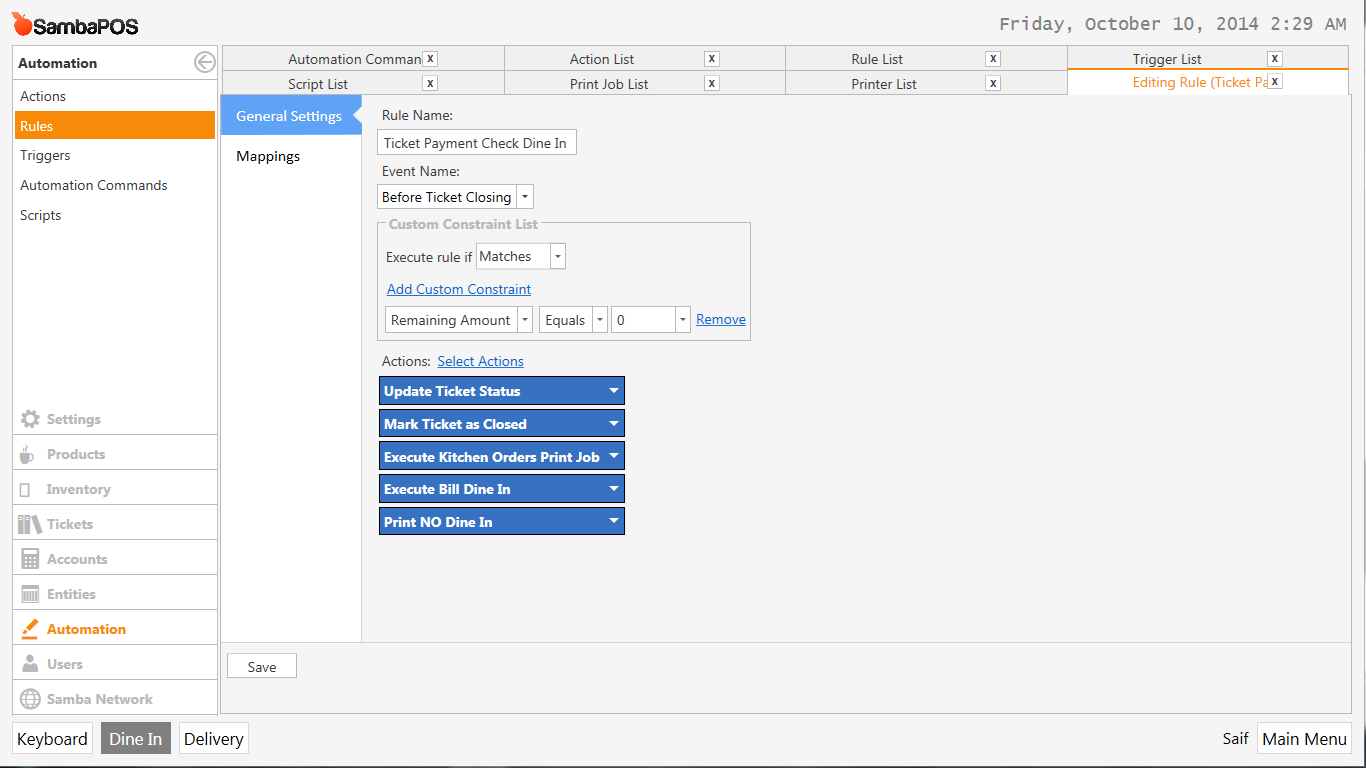
Now with this current i face an issue. If i enter the department screen and don’t select any menu item i’m able to get back to the main screen by pressing the Main Menu screen located on the bottom right.
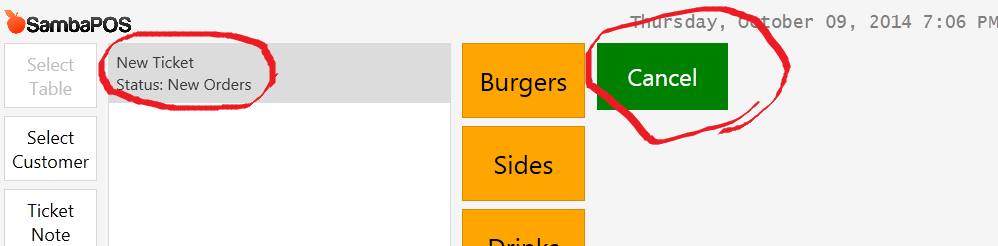
However, if i’ve selected an item and even after i remove it , i’m unable to return to the main screen by pressing the Main Menu button, because its status is now “New Orders”.
which is why i’ve added a menu item “cancel” and given it a very low value so that IF i want to go back to the desktop i can by punching in one ticket, containgin the product “Cancel”
so the finances aren’t really affected by this. Now the issue with this is that it messes up the order numbers … now is there any way to go back to the main screen, if i’ve added and removed a product, without punching in a dummy item?
When i do that that it for some reason prints and the order number is updated even when i’ve set the bill to be printed only when payment is settled :s
Wow I’ve didn’t noticed that. So my solution can create an issue when we move all items to a different ticket. Moving print bill actions to payment processed rule and making remaining amount check there is a better idea.