Confirmation, it reads the file and it is xml:
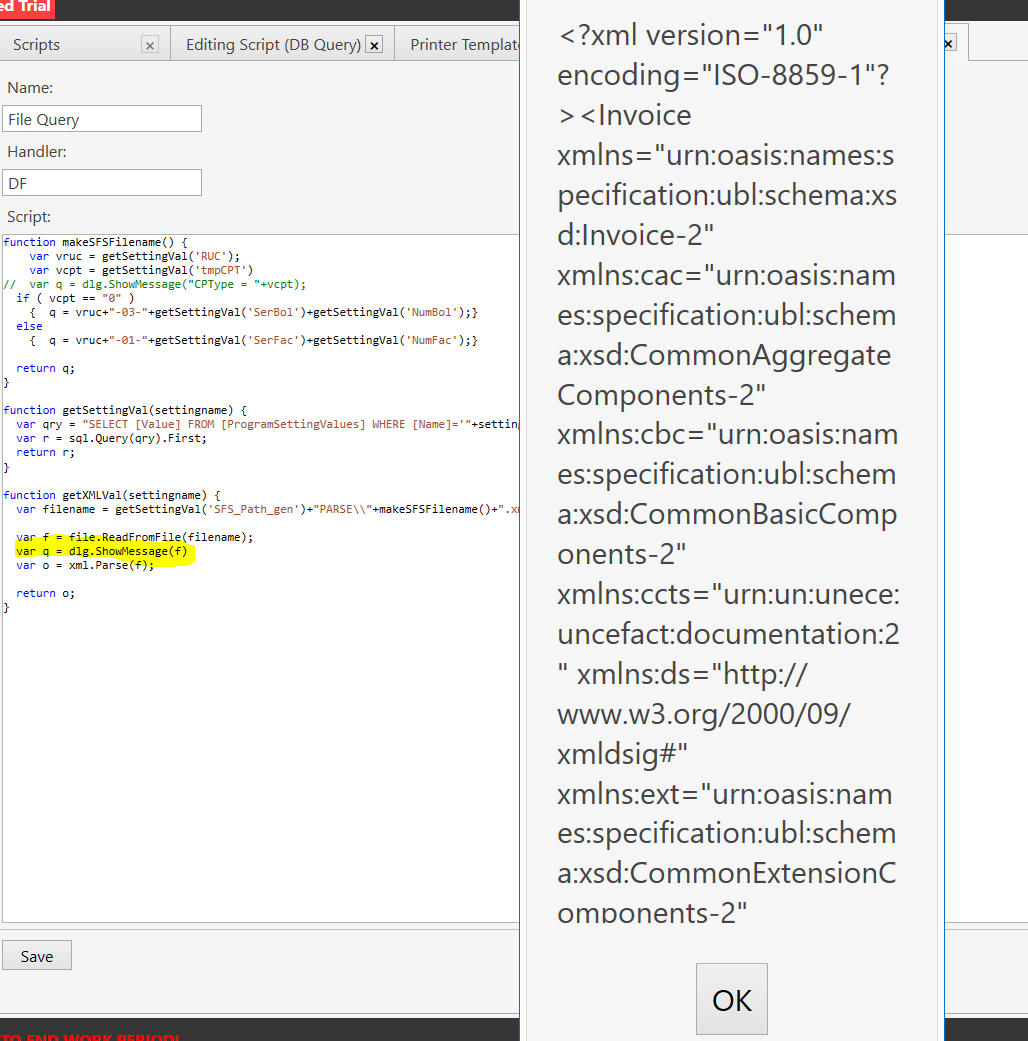
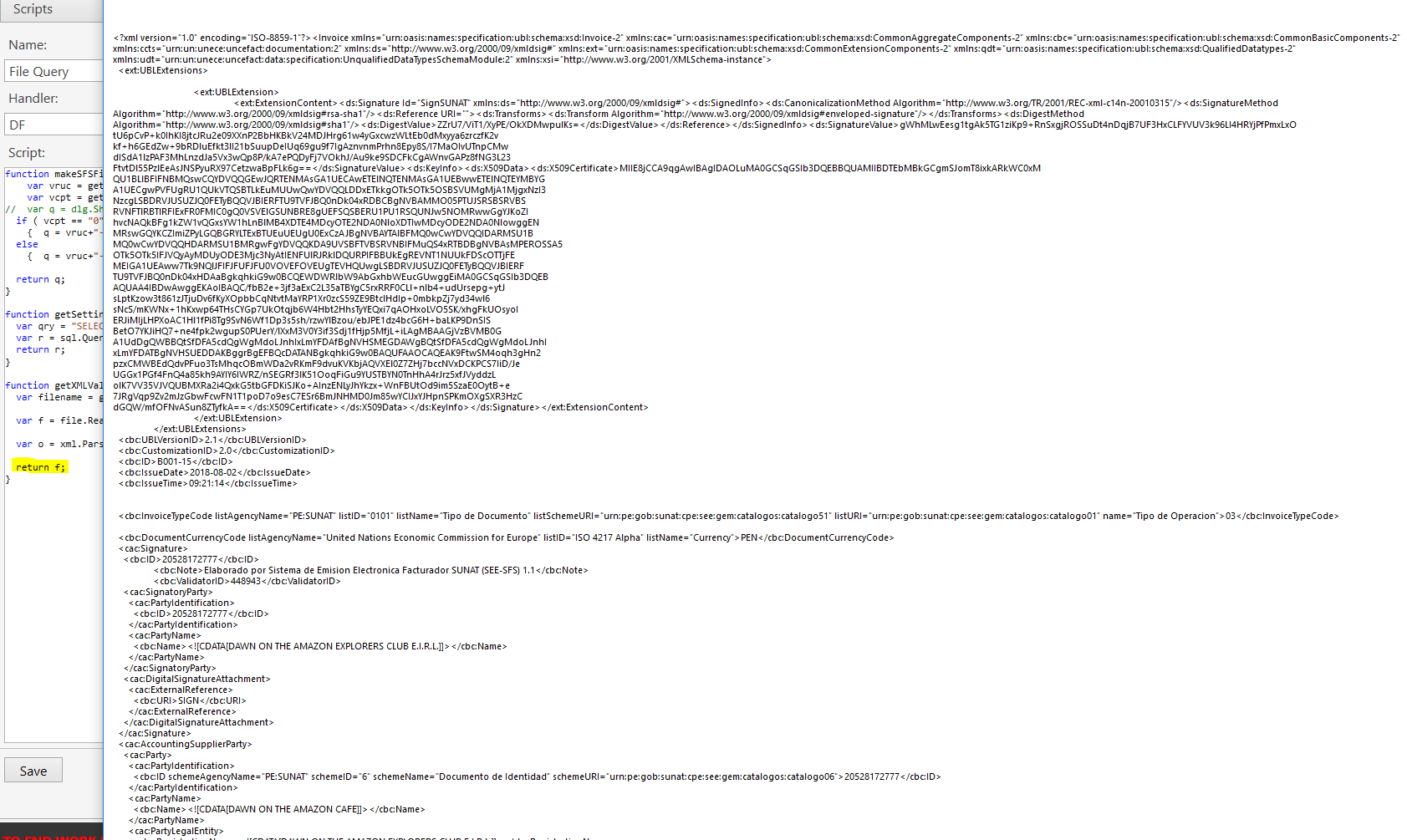
Progressing …
Continuing the discussion from  V5 Feature Compilation:
In the exemple of emre it is clear …
However in my xml file, I have a lot of:
<ext:xxxxx ...
and using the double-dot : is obviously not working, nor with the ’ caracter 
 var o = xml.Parse(f);

 var r = o.Invoice.'ext:UBLExtensions'.'ext:UBLExtension'.'ext:ExtensionContent'.'ds:Signature'.'ds:SignedInfo'.'ds:Reference'.'ds:DigestValue'.Value;
so …
begining of xml file is:
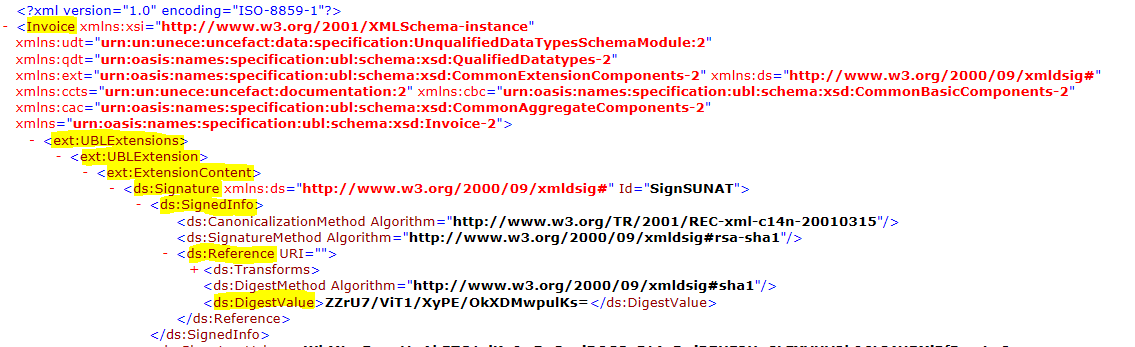
It’s a bit more confusing than:
var carColor = car.color.Value
I try without success:
o.Invoice.'ext:UBLExtensions'.'ext:UBLExtension'.'ext:ExtensionContent'.'ds:Signature'.'ds:SignedInfo'.'ds:Reference'.'ds:DigestValue'.Value;

o.Invoice.ext:UBLExtensions.ext:UBLExtension.ext:ExtensionContent.ds:Signature.ds:SignedInfo.ds:Reference.ds:DigestValue.Value;
How do I deal with that?
Upd: Not working neighter
o.Invoice.UBLExtensions.UBLExtension.ExtensionContent.Signature.SignedInfo.Reference.DigestValue.Value;
o.Invoice.ext.Extensions.UBLExtension.ExtensionContent.ds.Signature.SignedInfo.Reference.DigestValue.Value;
o.Invoice.Extensions.UBLExtension.ExtensionContent.Signature.SignedInfo.Reference.DigestValue.Value;
See when you don’t know what you are doing, it can take a lot of time …
Yes or you pay someone to do it faster.
To read some string in a text?
cat filename | grep DigestValue | sed -e 's/^..ds:DigestValue\>//' | sed -e 's/\<DigestValue//'
and that’s done.
however if you don’t know how works the sambaPOS helper xml.Parse, you only can try …
There is no information on internet about sambaPOS helper xml.Parse
Actually I try with exemple of emre adding a ext:car in the xml string and cannot get an extract of car.color.value … so I think, I’ll not be able to do it that way.
You probably need to escape the colon.
Surely parsing returns an array the same as parsing json, if parsing is working but calling value is causing issues surely it has been converted to array without issue, unless I’m missing something.
Well, xml parsing is a bit opaque for me, so I used the strings.
function getXMLVal(settingname) {

	var filename = getSettingVal('SFS_Path_gen')+"PARSE\\"+makeSFSFilename()+".xml";

	var f = file.ReadFromFile(filename);

	var r = findWord(f, 'ds:DigestValue');

  return r;
}


//  :)      TextToLook, WordToFind   :)
function findWord(ttl,wtf) {

	var i, b, e = 0;
	var r = "";

	var vwtf = wtf+">";
	i = ttl.indexOf(vwtf);
	b = i + vwtf.length;

	var vwtf = "</"+wtf;
	i = ttl.indexOf(vwtf);
	e = i;

	var m = dlg.ShowMessage("b = "+b+"   e = "+e+"    i = "+i+"    vwtf : "+vwtf);

    for (i = b; i < e; i++) {
    	r = r + ttl[i];
    	}

    return r;
}
And I have my DigestValue (or any other) from an xml file.
xml textfile contains:
<ds:DigestValue>ZZrU7/ViT1/XyPE/OkXDMwpulKs=</ds:DigestValue>
and findWord will extract the value between:
- ds:DigestValue>
and - </ds:DigestValue
It’s might not be nice or full error proof, but that’s enough for my use.
This isn’t really about the xml.Parse() helper at all. The function reads XML and returns an Object. That’s all it does. There is no other functionality to it.
var carColor = car.color.Value
That ^ “dot” notation is the JScript syntax used to read a value from an Object. Another way is:
var carColor = car["color"]["Value"]
Not sure what to say about the colons (:), but you will get errors because the JScript engine doesn’t understand what to do with them, but maybe try this:
var dv= o["Invoice"]["ext:UBLExtensions"]