##Automation Commands
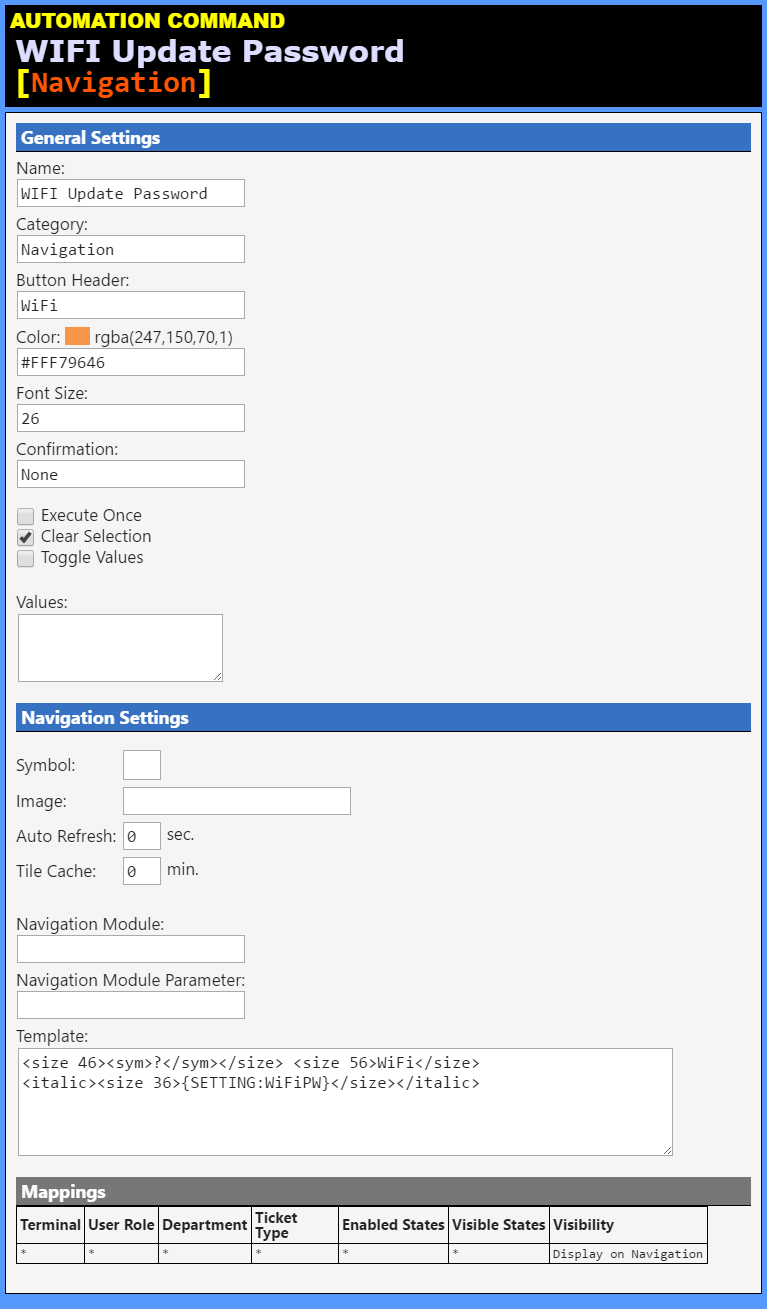
##WIFI Update Password [Navigation] (Automation Command)##
| Name: | WIFI Update Password |
| Category: | Navigation |
| Button Header: | WiFi |
| Color: | #FFF79646 |
| Font Size: | 26 |
| Confirmation: | None |
Values (0): (none)
Navigation Settings
| Symbol: | |
| Image: | |
| Auto Refresh: | 0 |
| Tile Cache: | 0 |
| Navigation Module: | |
| Nav Module Parameter: | |
Template:
```
? WiFi
{SETTING:WiFiPW}
```
Mappings
| Terminal | User Role | Department | Ticket Type | Enabled States | Visible States | Visibility |
* | * | * | * | * | * | Display on Navigation |
##WIFI Show Password [WiFi and Music] (Automation Command)##
| Name: | WIFI Show Password |
| Category: | WiFi and Music |
| Button Header: | Show\r((( WiFi ))) |
| Color: | #FFFFA500 |
| Font Size: | 30 |
| Confirmation: | None |
Values (0): (none)
Navigation Settings
| Symbol: | |
| Image: | |
| Auto Refresh: | 0 |
| Tile Cache: | 0 |
| Navigation Module: | |
| Nav Module Parameter: | |
Template:
```
</details>


<details>
<summary><b><u>Mappings</u></b></summary><table><tr><td><b>Terminal</b> </td><td><b>User Role</b> </td><td><b>Department</b> </td><td><b>Ticket Type</b> </td><td><b>Enabled States</b> </td><td><b>Visible States</b> </td><td><b>Visibility</b> </td></tr><tr><td><code>*</code></td><td><code>*</code></td><td><code>*</code></td><td><code>*</code></td><td><code>*</code></td><td><code>*</code></td><td><code>Display under Ticket row 2</code></td></tr></table></details>