Here is my email quick lookup. I have the phone number as the primary field. I’m using Samba’s reports to get the information using email as the expression in the report tag.
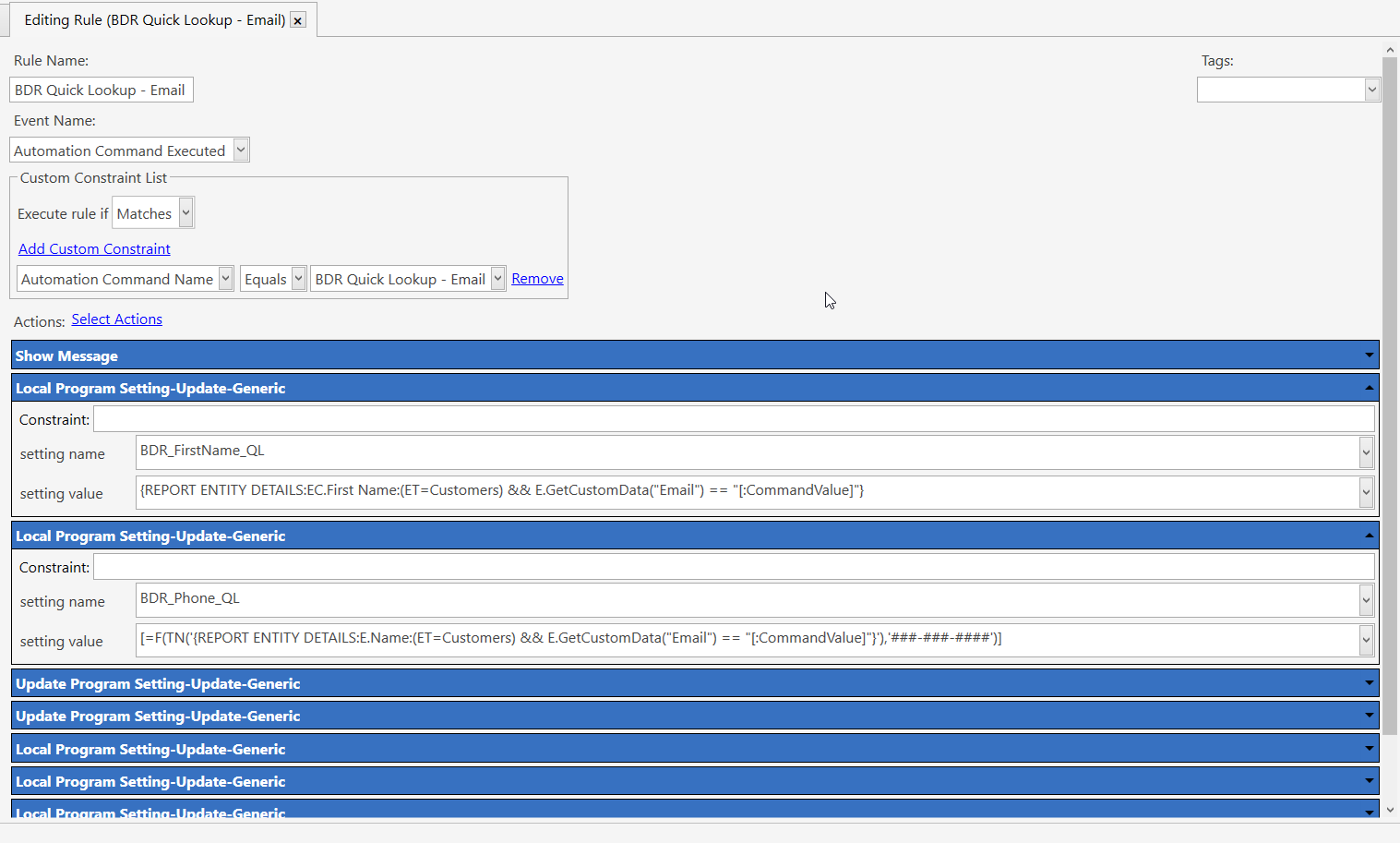
I’m using the email as the command value. Then using the command value in the samba reports tag.
You will want to do something similar, but use the key fob as the command value. You could add a rule constraint to see if an entity exists. Maybe something like:
{REPORT ENTITY DETAILS:E.Name:(ET=Customers) && E.GetCustomData("Email") == "[:CommandValue]"} Is Not Null
And another rule with a constraint of:
{REPORT ENTITY DETAILS:E.Name:(ET=Customers) && E.GetCustomData("Email") == "[:CommandValue]"} Is Null
Action:Show Message - Customer not found.
Do you have the key fobs and the reader? If you open a text editor open, can you scan a fob and it show up in the text editor? (Notepad may be a little flaky, I know with barcodes, only part of the scan will show up, until other keys are pressed, then the rest of the scan will show up.) If the fob number shows up in the text editor, it should work in Samba. I don’t have a fob or reader to do any testing.
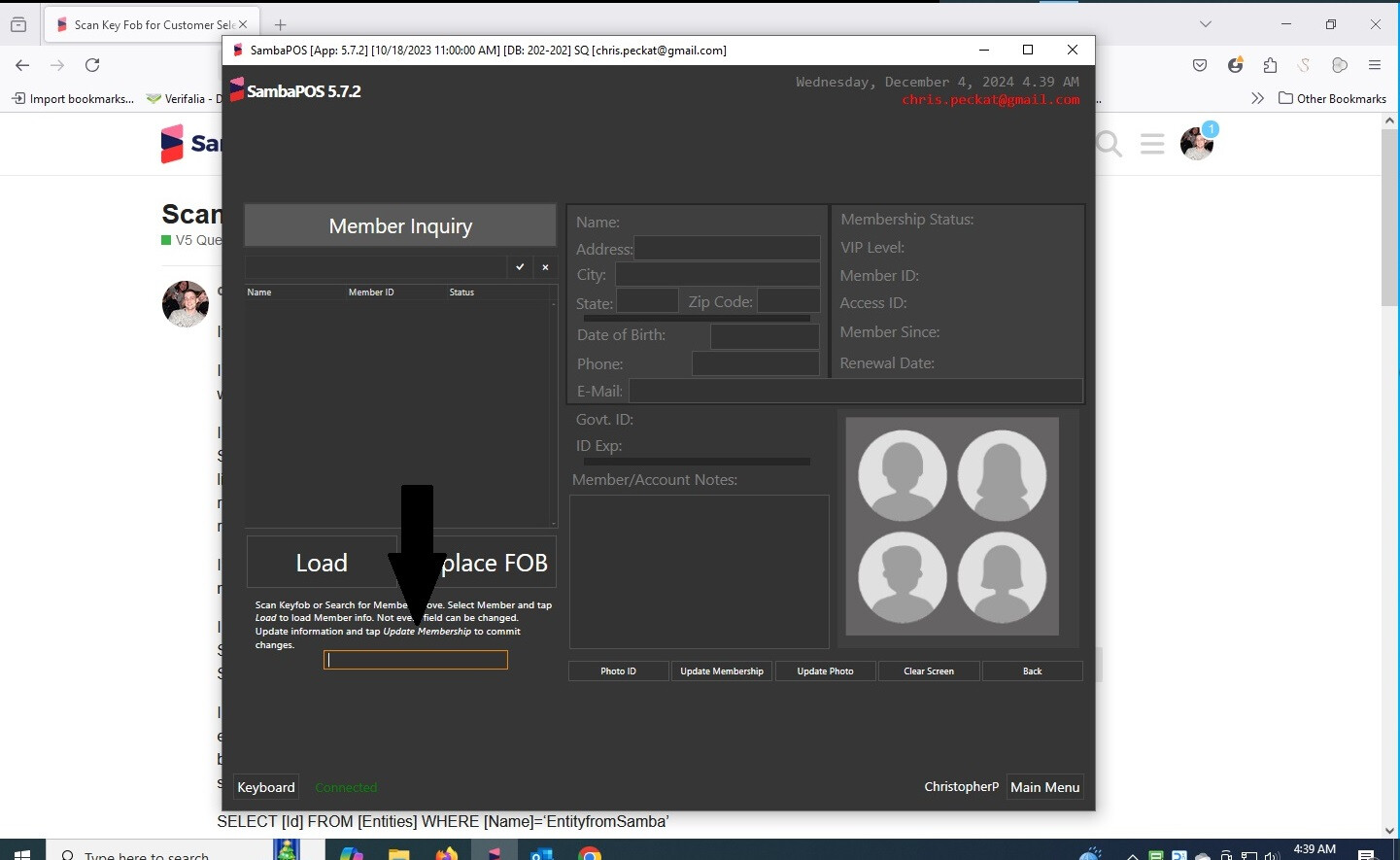
In your image, there is an option in the setting for the editor widget to “Should Focus”. I believe the curser will be placed in that field when the screen is displayed.
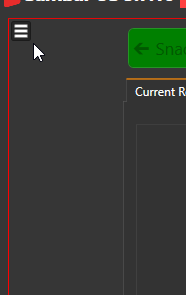
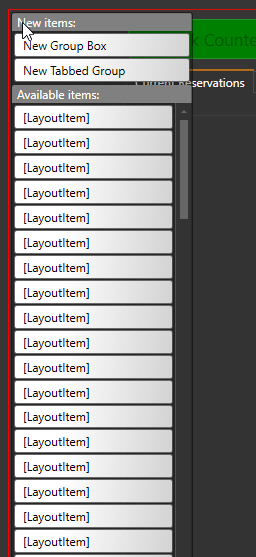
The tabs native to Samba and is available when using the entity screen setting View Mode: Layout. It looks like you are using Custom. They are not available in custom…not that I am able to find. Layout mode takes a little patients to get use to when designing especially when you have allot fields and want to move them around, things can get really messy really quick. But it is quicker to get things lined up. If want to see what it looks like, there is hamburger menu option in the upper left to access that option: