2 taxes in custom reports

Hi,
for sure a simple question.
I have 2 taxes, I need know the variable to put tax 1 and tax 2
Instead of T. Tax how can call I call tax n1 and tax n2?

[Item sales: 3.5, 1.2,1,1]
>Day|Ticket Sales|Tax|Total
{REPORT TICKET DETAILS:W.Range,([T.TotalAmount]-[T.Tax]).sum,T.Tax.sum,T.TotalAmount.sum}
>Total |{REPORT TICKET DETAILS:([T.TotalAmount]-[T.Tax]).sum,T.Tax.sum,T.TotalAmount.sum,}

Thanks
Tiago

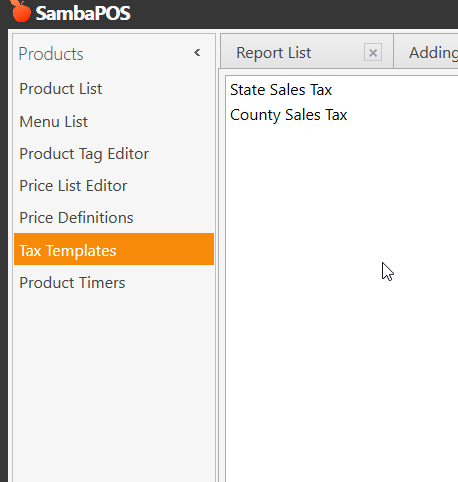
Seems like not included in auto complete list but TX.<tax template name> should work.

Sorry, but no.
[Tx.25%] doesn’t work. The name of the tax 25%
May be is the %?
Thanks
Tiago

It’s not Tx it’s TX case sensitivity is important. If that was just a typo then maybe the % is reserved and should be escaped.

Thanks one more time to all of you for help, but anyway TX doesn’t work also. I also remove the % in the tax name and nothing.

Can you help me hoy should be?
Tax n1 is 25 and n2 is 15.
Thanks
Tiago

[Item sales: 3.5, 1.2,1,1]

Day|Ticket Sales|Tax|Total
{REPORT TICKET DETAILS:W.Range,([T.TotalAmount]-[T.Tax]).sum,T.Tax.sum,T.TotalAmount.sum}
Total |{REPORT TICKET DETAILS:([T.TotalAmount]-[T.Tax]).sum,T.Tax.sum,T.TotalAmount.sum,}

Show how you used it.

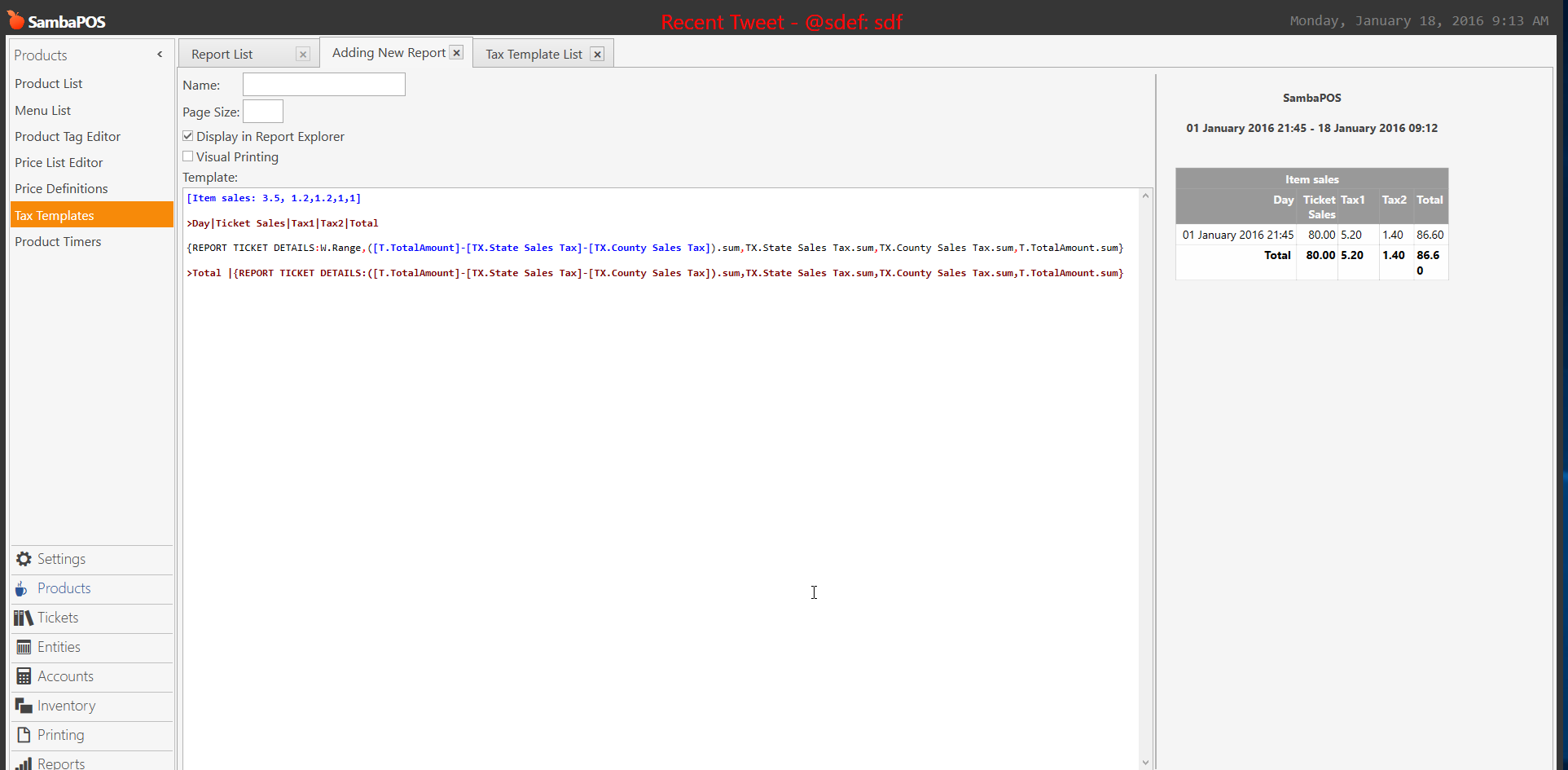
[Item sales: 3.5, 1.2,1.2,1,1]

>Day|Ticket Sales|Tax1|Tax2|Total

{REPORT TICKET DETAILS:W.Range,([T.TotalAmount]-[TX.25%]-[TX.15%]).sum,TX.25%.sum,TX.15%.sum,T.TotalAmount.sum}

>Total |{REPORT TICKET DETAILS:([T.TotalAmount]-[TX.25%]-[TX.15%]).sum,TX.25%.sum,TX.15%.sum,T.TotalAmount.sum,}

It may well be that you need to rename your Tax Templates to remove % symbol. It might be causing a conflict in the parsing mechanism for the Report Tags.

For example:

Name : Rate
T1   : 15
T2   : 25

… or …

Name : Rate
Tx15 : 15
Tx25 : 25

You could also use easy names for what the taxes apply to:

Name : Rate
Food : 15
Alco : 25

You get the idea…

Personally, I use T1, T2, etc. since the Tax Rates can change where I live, so having the rate as part of the name became problematic when I had to change them from throughout my system and in SQL reports. Now I never need to do that ever again.

You have two mistakes in the report syntax first mistake is you did not use an expression and the 2nd report you havea , at end and still no expression.

EDIT: I tested your syntax using my tax templates and it works just fine so Expression is not required but I did fix the comma at end.


So what @QMcKay said is correct you need to take the % out of your template names also make sure 100% your spelling it correctly and its exactly the same.