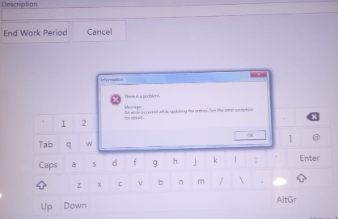
can not end work period it shows error
An Error occurred While Updating The entries. see the inner exception for details.
Can you post the exception text from the log file, please.
- Check free disk space on the server (C:\ usually).
If the disk is almost full, free up some space. - Enable autogrowth on your database:
- Open SQL Server Management Studio (SSMS).
- Right-click your
POSdatabase → Properties. - Go to Files.
- For the
POS.mdffile (usually under PRIMARY filegroup), check if Autogrowth is enabled.- If not, enable it (e.g., grow by 100 MB or 10%).
- Make sure the Maxsize is not set too low.
- Manually increase database size:
- In SSMS, go to the database Properties → Files.
- Increase the Initial Size (MB) for the PRIMARY file.
Thanks I got it After Some deep research.