Hi! I’m getting the following error whenever I try and restore my database. Any reason as to what might be causing this?
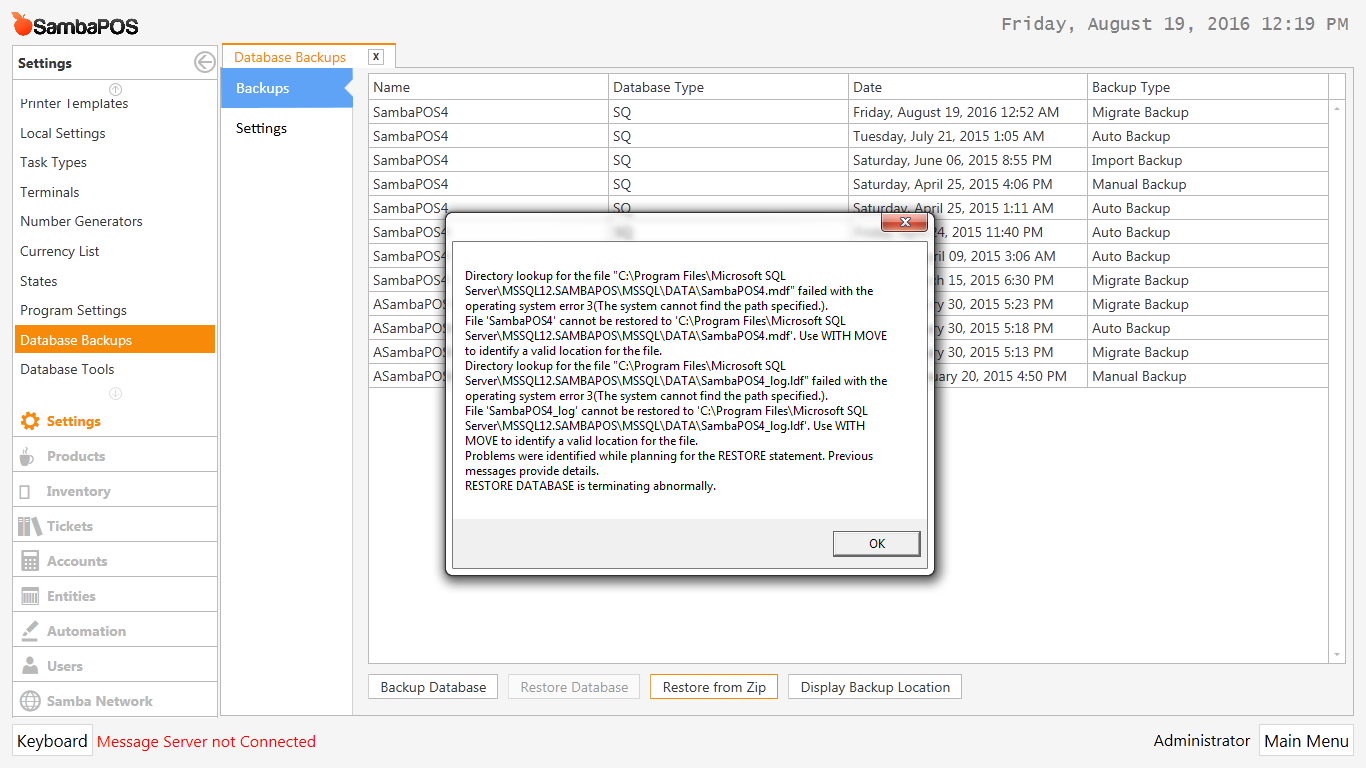
The screenshot is attached.
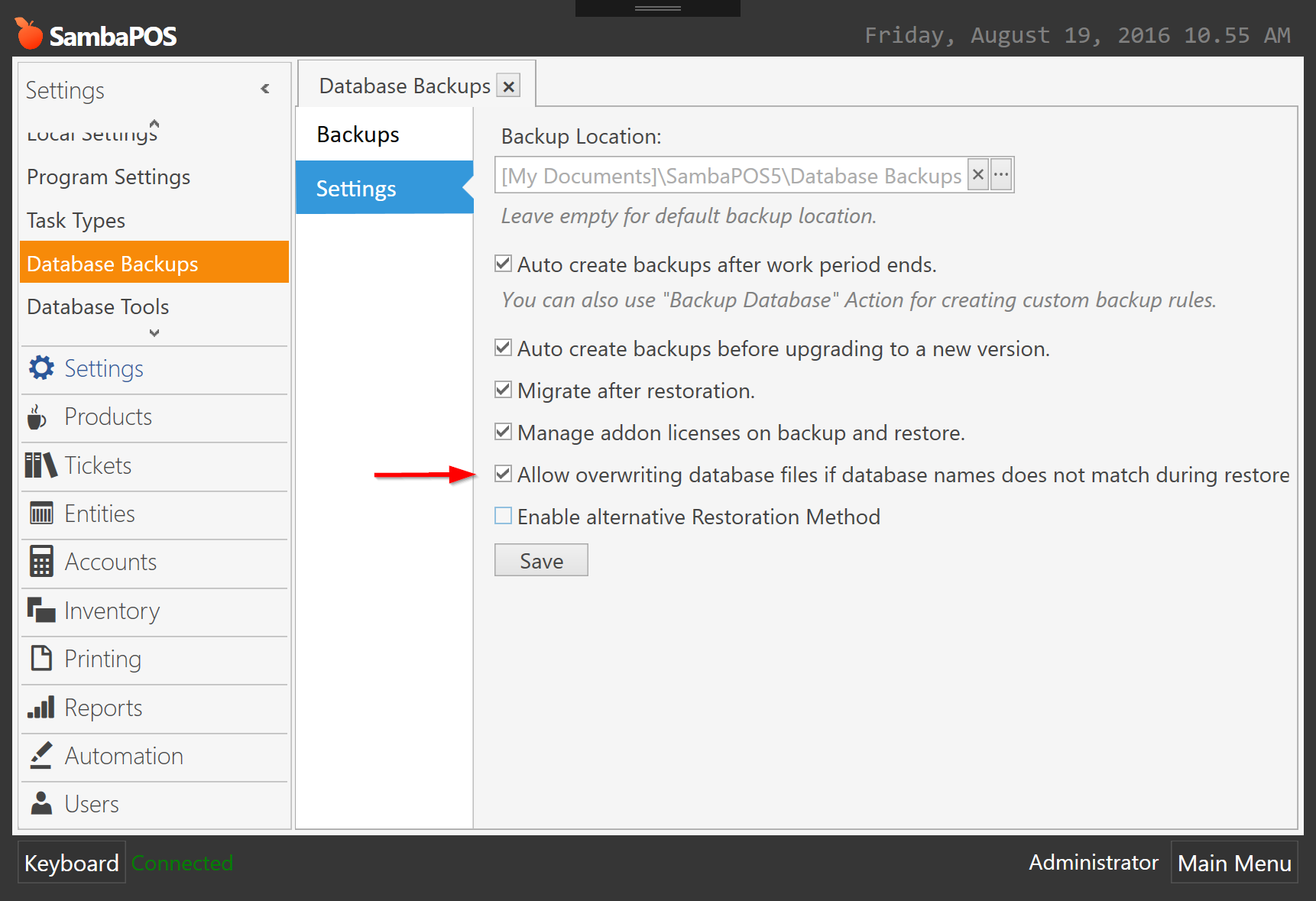
Hi! This setting is already enabled.
Are you trying to restore from the one named ASambaPOS?
Nope i’m trying to restore others too. Not working at all!
This is weird. Does the file path mentioned in the error message exists on your hard drive?
Yes. In one of my Drive partitions.
Is there any way to fix this?
Could it be because:
1 - That i’m restoring from 64 bit to 32 bit?
2 - Or that i’m restoring from a SQL 2014 instance to a SQL 2012 instance (or the other way around)?
Regards,
Saif
That is probably fine.
You cannot do that.
You can restore from lower version SQL (2012) to higher version SQL (2014), but not vice versa (you cannot restore 2014 onto 2012).
However, the error message should indicate the version incompatibility… the error message you posted indicates that a file cannot be found, possibly because the file or path does not exist, or the service does not have access to the path.
Okay I installed SQL 2014. So its 14 to 14 now. Still the same error! very frustrating. Whats causing this?
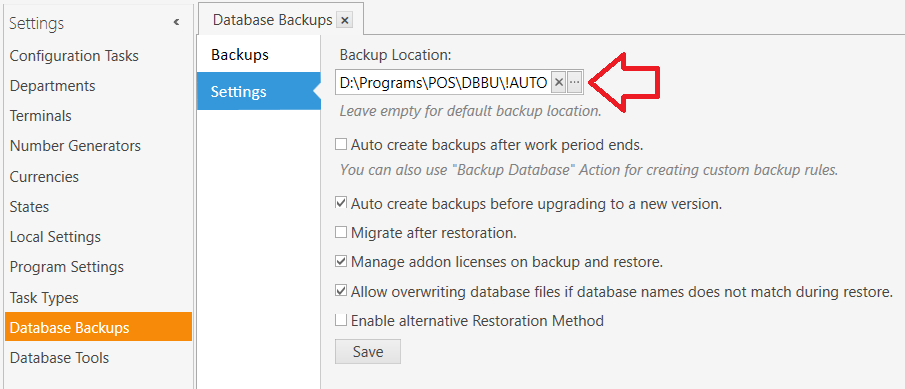
What is the path for Backup Location, in Database Backups > Settings ?
For example, your error message indicates it cannot locate the file "SambaPOS4.mdf" in this path:
C:\Program Files\Microsoft SQL Server\MSSQL12.SAMBAPOS\MSSQL\DATA\SambaPOS4.mdf
   ^^^^^^^^^^^^^                      ^^^^^^^ ^^^^^^^^            ^^^^^^^^^^^^^
   64-bit                             2014    Instance            Database
64-bit: C\Program Files\Microsoft SQL Server\
32-bit: C\Program Files (x86)\Microsoft SQL Server\
2012: MSSQL11.instanceName
2014: MSSQL12.instanceName
2016: MSSQL13.instanceName
I would bet the error message is exactly correct when it says it cannot find the file in the path mentioned.
I went through the forums and found this piece of advice by Emre:
SambaPOS_old database uses SambaPOS4.mdf files so it can’t restore. Did you manually renamed databases?
Try this…
Create a new blank database with management studio.
Extract backup zip somewhere and restore extracted bak file with management studio on that new database. You should also enable Overwrite the existing database (WITH REPLACE) setting on Restore Options. I hope management studio can better handle that case.
If it restores fine update your SambaPOS connection string to new database name and continue using it.
I did just that in management studio and its working 
Okay. So I followed Emres advice and created a new database. I imported the backup to this new database. The name of the old database was Sambapos4 and the name of the new database is Sambapos4Test. However, it seems regardless of whatever “Database name” I specify within SambaPos the same newer database is accessed.
Which is strange.
I would’ve thought that Sambapos4 would not contain the update.
Why has the new database been imported onto both the instances?