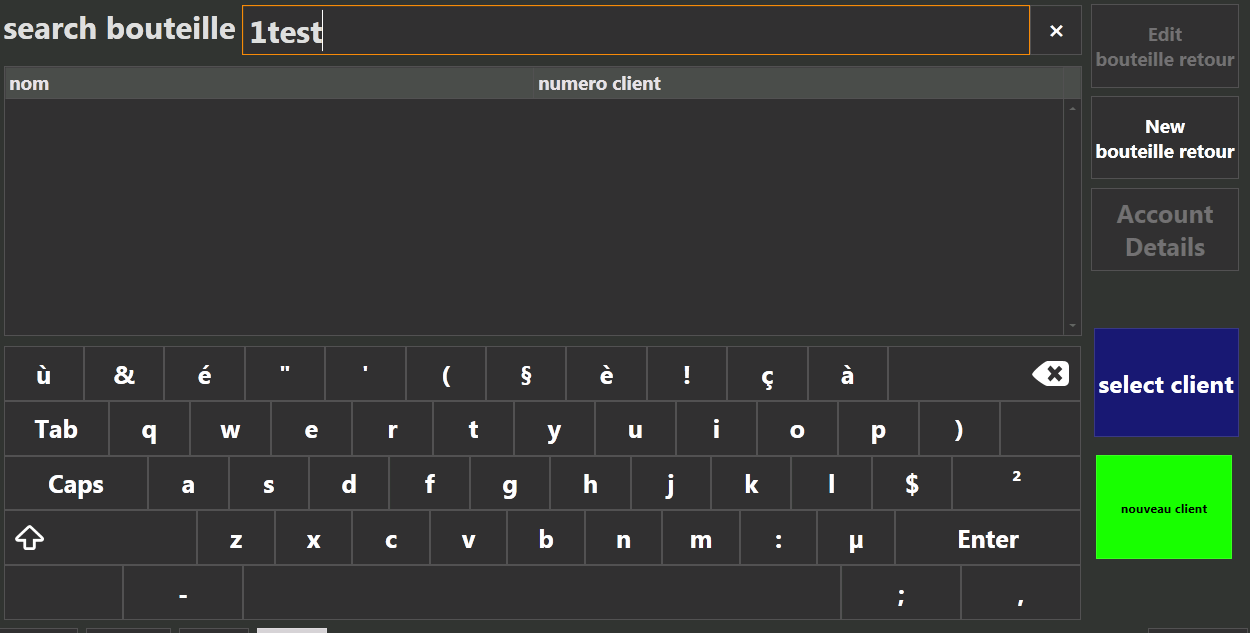
so here is my question is there a way to just show the “create account” button instead of with the option “save” when creating a new customer cause everytime my waiters click “save” but then are baffled that they cant credit the client this would all be resolved if it just showed “create account” only when its a new customer.
i tried it with custom screen but that only lets me customize the search screen not the creating new customer account screen
Probably not in the way you describe, at the point your entering new entity details that entity doesn’t actually exists untill you save so there is no info the create the account for.
You would probably be best to look at a way to automatically create account when entity saved for entity selected where an account is not created…
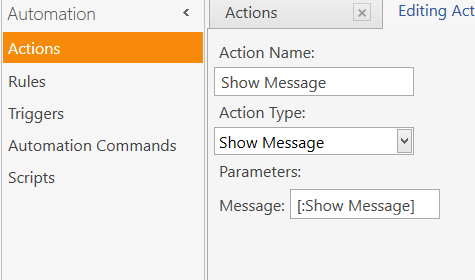
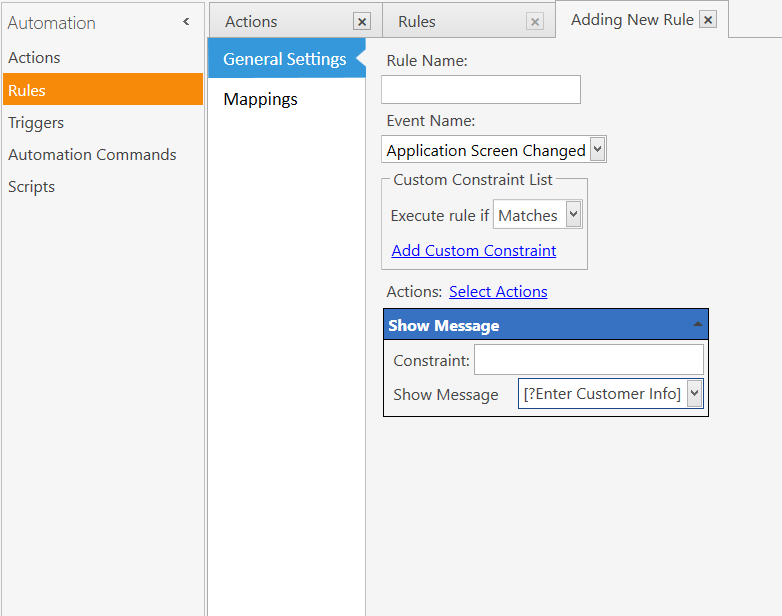
Use something like [:Custom Data] in the action… then in the rule where you have that action put [?Enter Customer Info] Into the action.
Using [:Variable Name] in actions allows you to define what goes in the action via the rule instead of hardcoding it into the action. In fact some functions can only be read into actions like that. As an added benefit it lets you create actions once and you can use them in multiple rules.
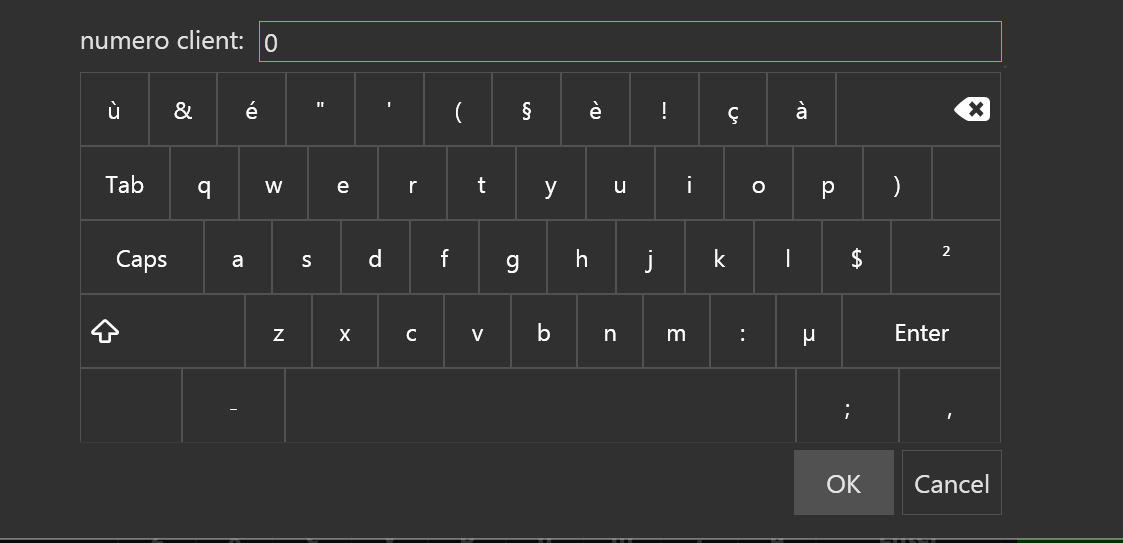
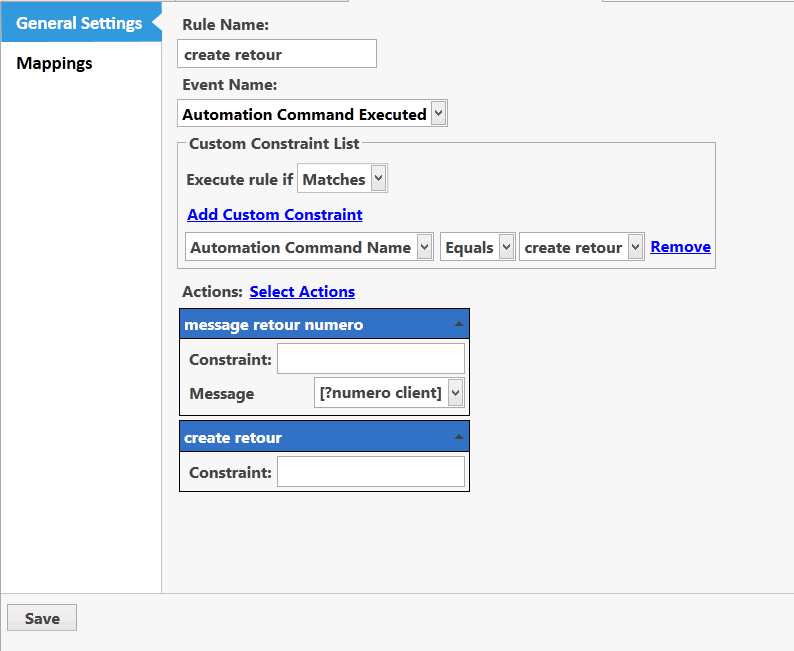
oh k i think i follow now so in the rule where it selects the action the constraint should be (in my case):
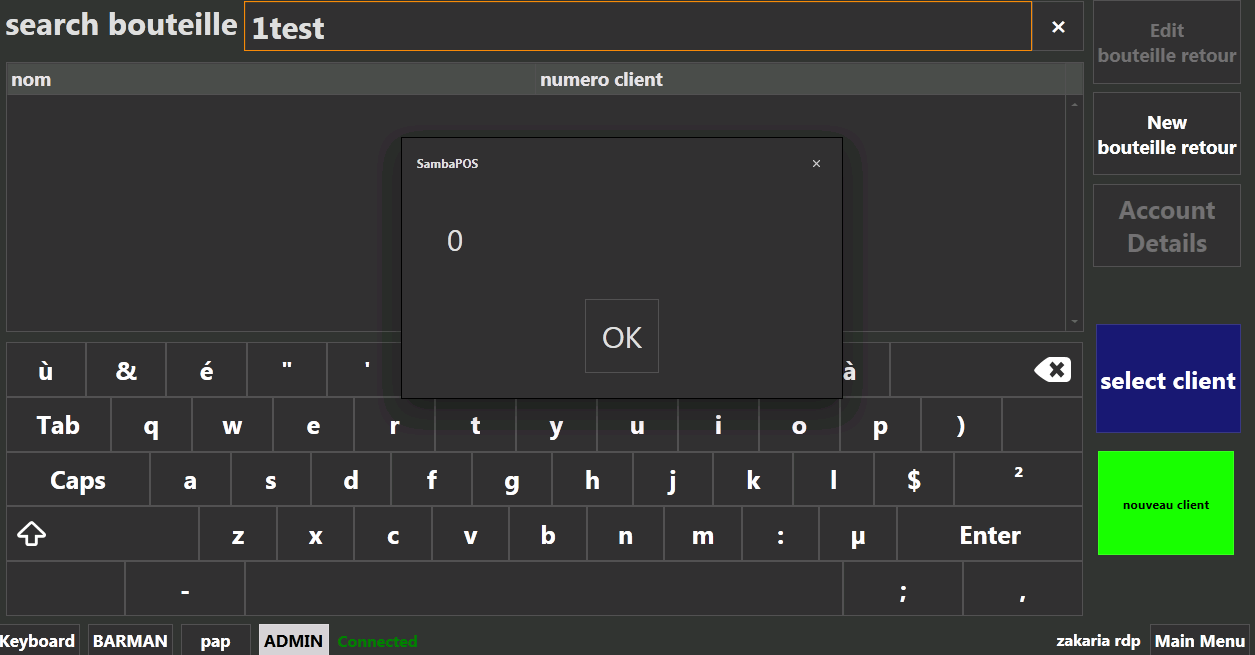
[?numero client] and in the rule it self it should be [:numero client]?
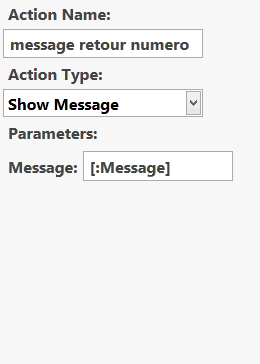
I create a simple action Show Message and for Message parameter I use the variable [:Message] It could be anything like [:John Doe] or [:Variable for Message] etc.
Then in the rule I want to use that action I insert the action and expand it. You will see a new parameter named whatever you used for the variable in the actual action. This new parameter is where you enter your [?Blah] expression.
That is what an action Variable does. Maybe now it makes more sense to you. Using variables in actions can also significantly reduce the number of actions you use since you can effectively create generic actions and use them for multiple automation.
It lets you pass rule values etc into the actions parameters.
Oh geeze you took me all wrong. I did not mean for you to use Show message … that was an example… and you still did your action wrong. I just used show message action as an example… I meant for you to use the process in your Create Entity action.
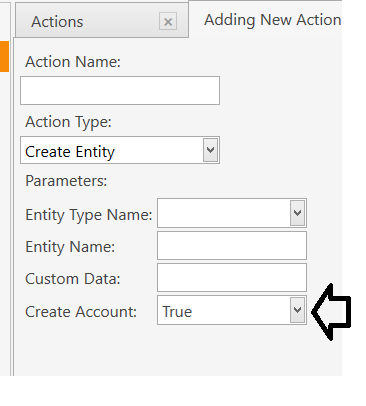


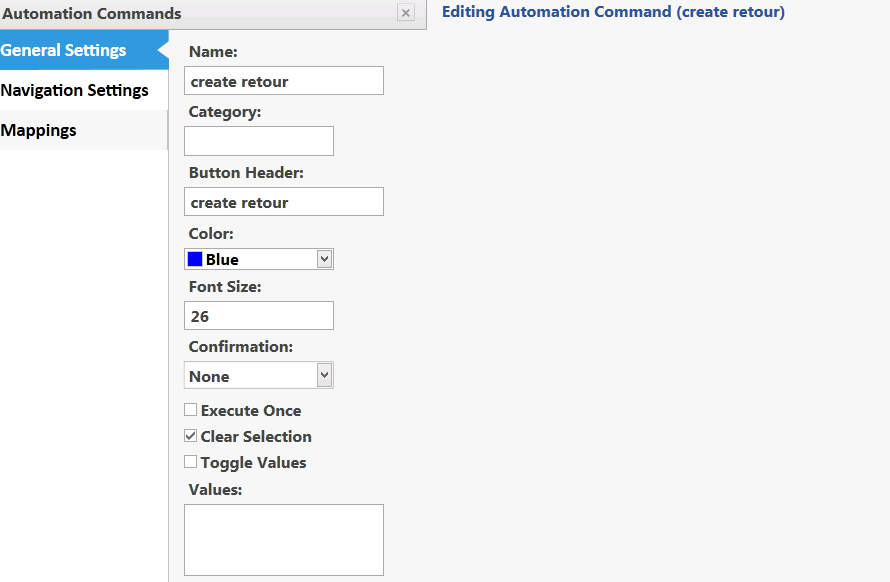
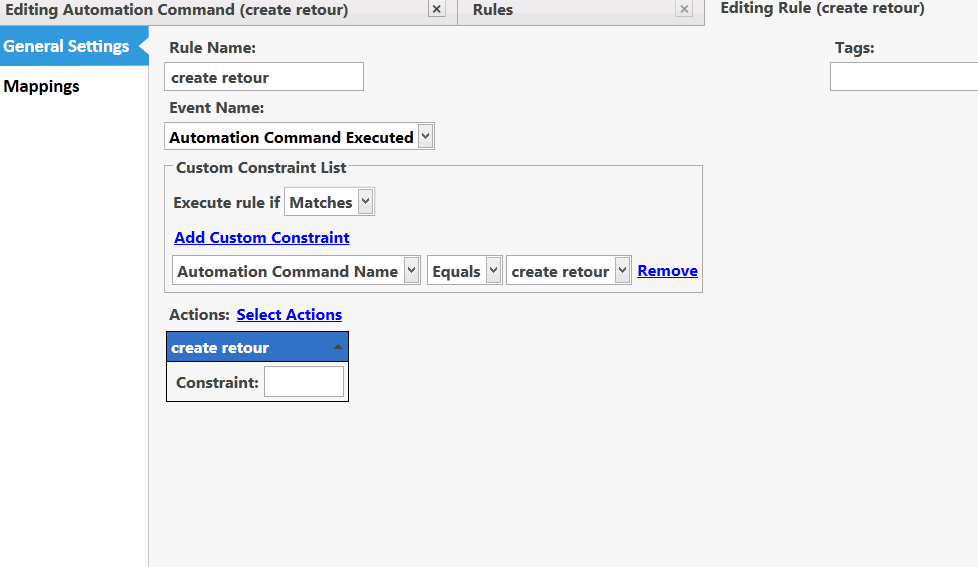
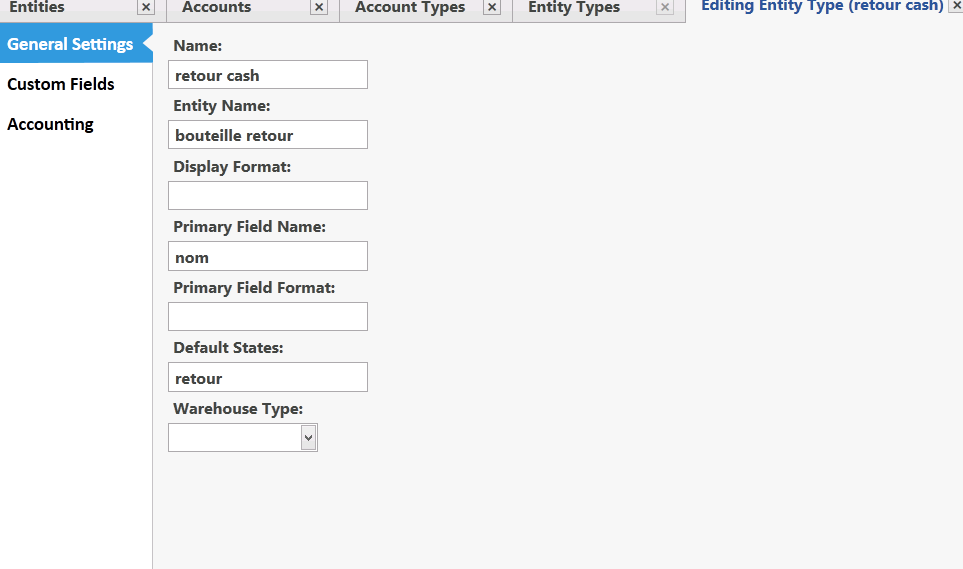
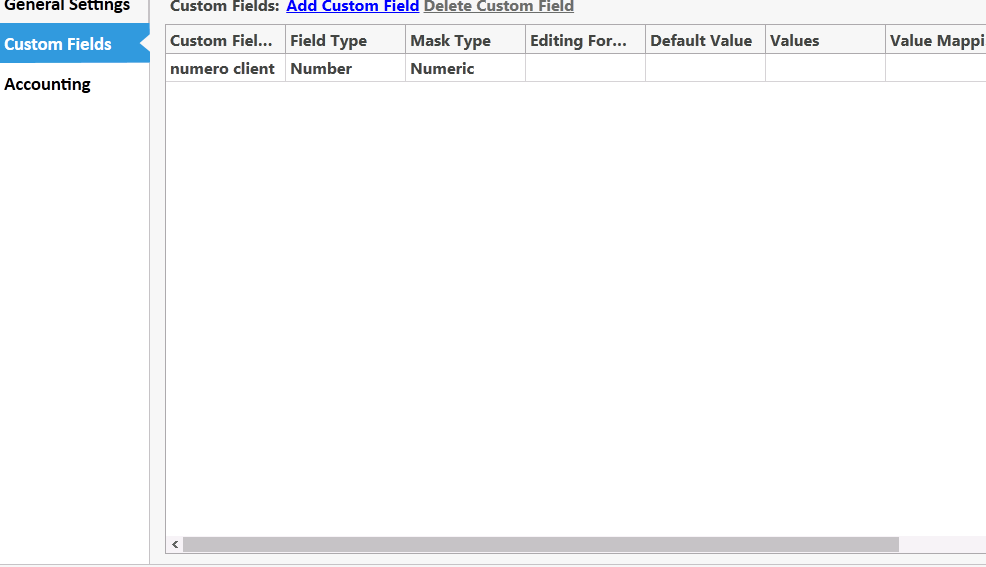
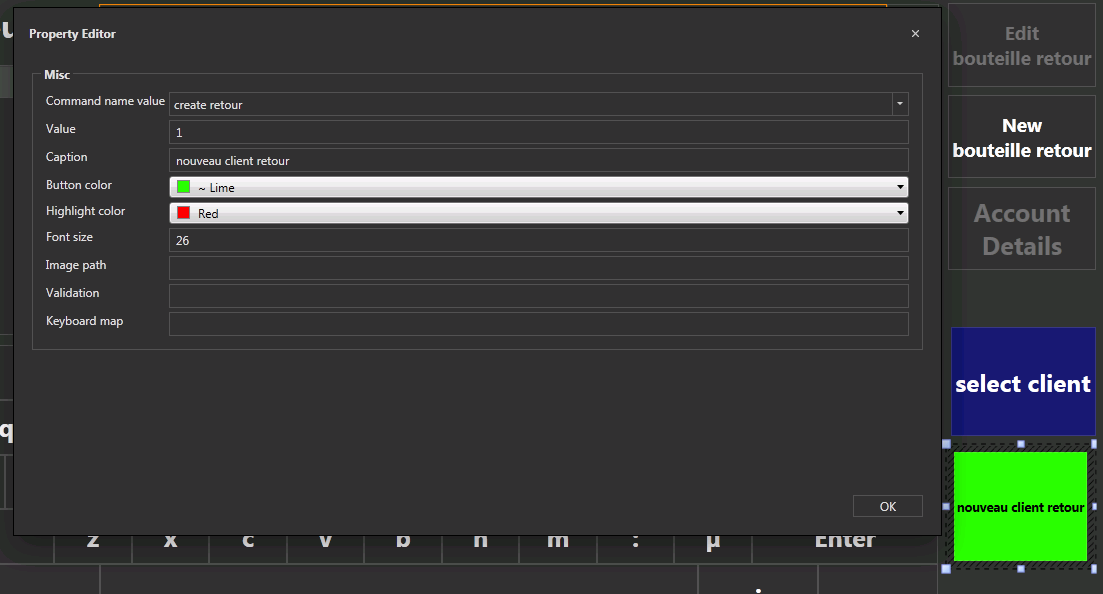
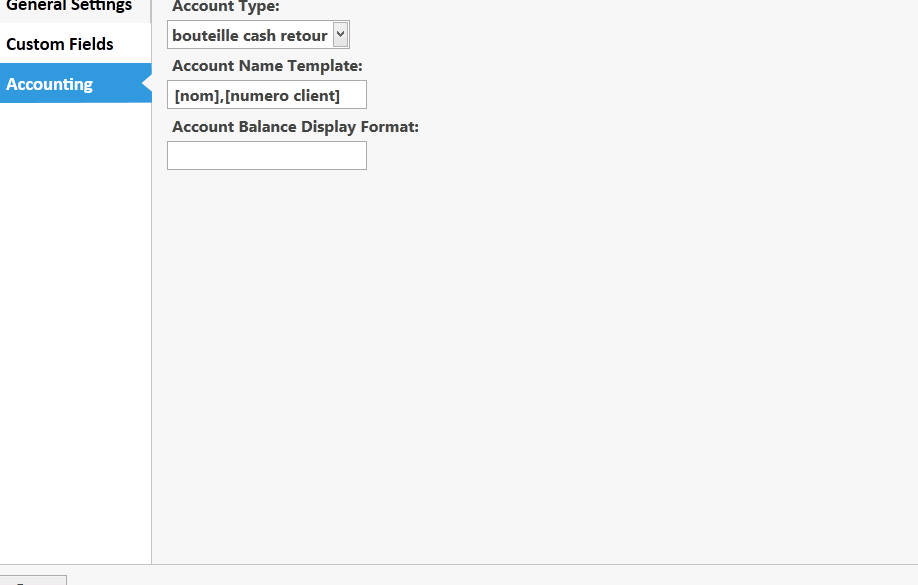
 (feel really stupid at this point) so do i need to put “variable” in the custom data field??