Is it possible to have the mapping:Enabled States to show if an entity is selected?
For example, if entity type Customer is selected… a button will appear on the POS.
Matt
Is it possible to have the mapping:Enabled States to show if an entity is selected?
For example, if entity type Customer is selected… a button will appear on the POS.
Matt
Ahh no worries, I can change a ticket state when an entity is selected… do it that way.
I should stop asking questions lol
Dont forget to add a clean up rule to change back in entity changed and new one in null 
Good idea, I will do that for cleanup purposes… but it would be impossible to get the wrong entity in my scenario as it is selected by swiping a membership card with a random 16 digit number.
And no entity screen for it I guess?
I have state for room entity which switches from account post which asks for an account number or room post which uses the account number of the room entity updated by my PMS API scripts and as there is an entity screen you can use the X on the entity screen to remove room.
Also do similar for tables for a more flexable ‘Table required’ setup. Using product tags with a table required field food and other products which will get sent to kitchen or coffee section get a table required state which is counted with a report expression and if table required count >0 it shows message saying table required is ticket tables elected state is null. 
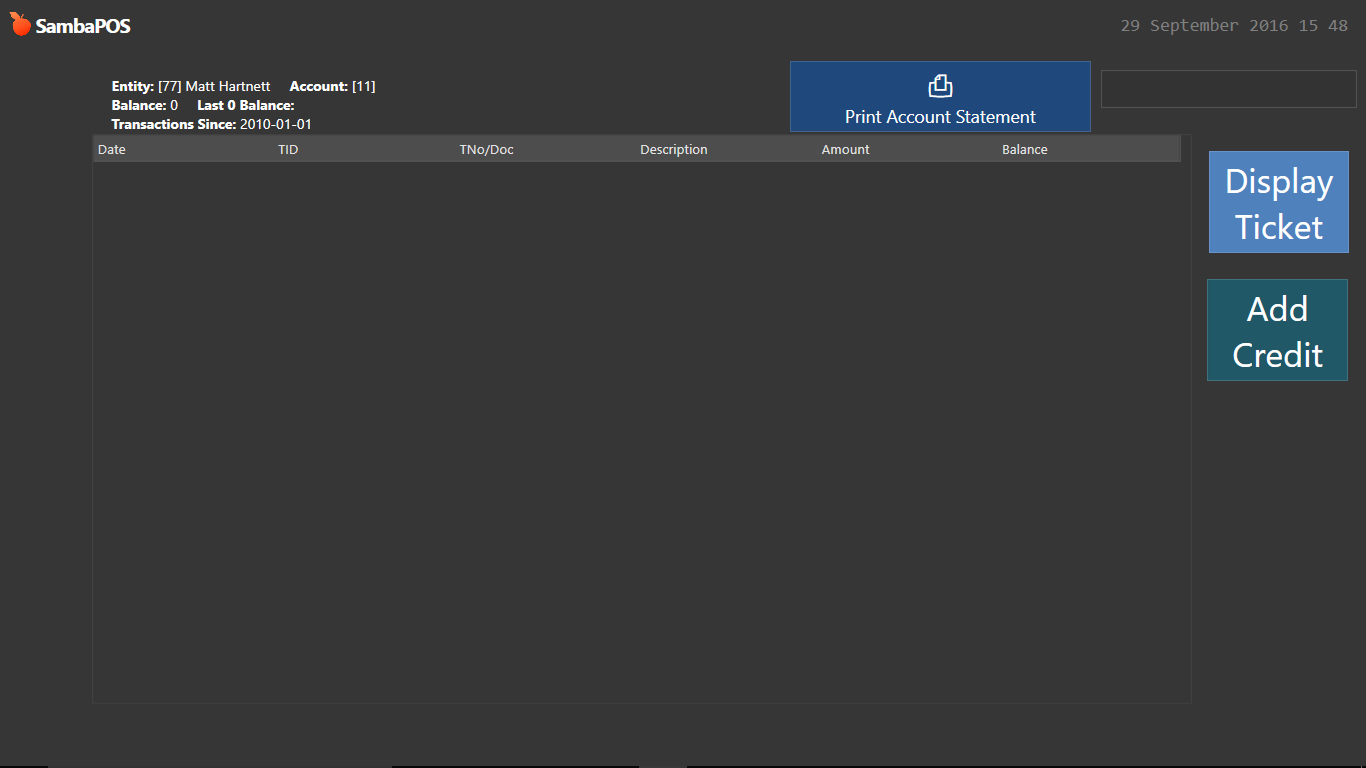
an entity screen yes I spose, but when its selected I use a custom entity screen which only allows functions to be used for that particular entity (using the tutorial for Customer Accounts Statements and Payments by @QMcKay )
Oh yeah! I can change my ‘Select a table’. Cant remember how its set up, but its some god awful way lol
I don’t think this is the case any longer, but it depends on the screen View Mode.
For example, Automatic and Search Modes are constrained to the Entity Type as set in the screen configuration.
However, the following View Modes, I believe, will allow you to put Multiple Entity Types on a single screen…
Custom Mode appears to be constrained by Entity Type (because you need to pick the Type in the screen configuration), but you can set Widgets to use other Entity Types, like the Entity Grid and Entity Search Widgets have Settings to choose the Entity Type.
Layout Mode does not force Entity Type selection at all. Again, you set the Entity Type within the applicable Widget.
That ^ is a Switch User issue.
Depends how you launched that screen. Did you use an AMC with Navigate Module actions, or did you use “Select Entity” button?
^^ from the Account Functions