HI I’VE FEW QUESTION HOPE U GUYS CAN HELP…! I’VE 1 SERVER PC FOR BILLING & A TERMINAL FOR WAITERS (NAMED AS TERMINAL 2)
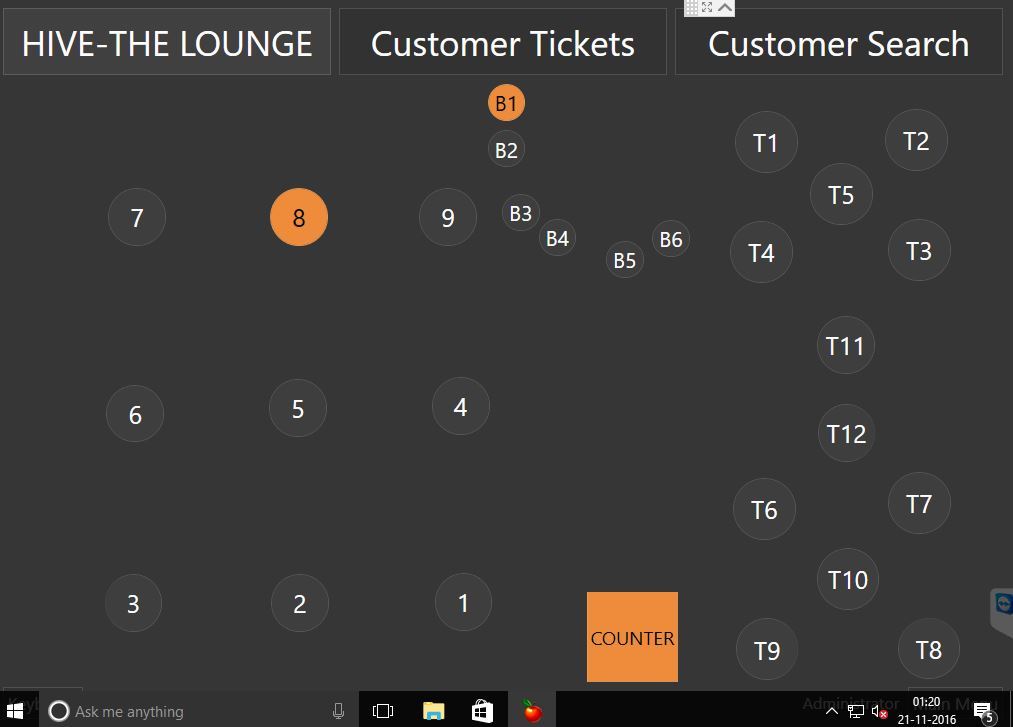
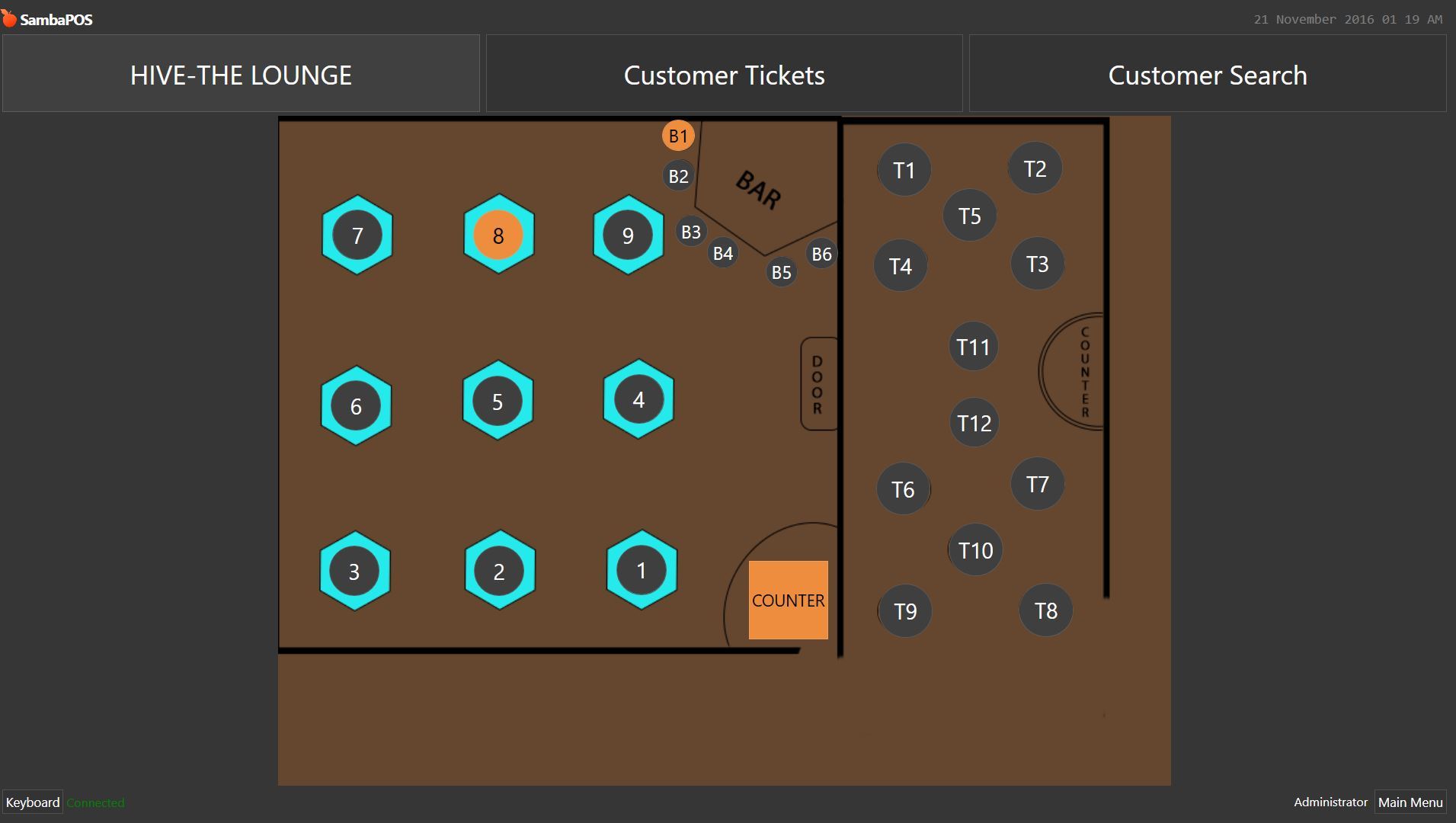
Q:1 = HI I’VE A LAYOUT PLAN IMAGE OF MY LOUNGE IT SHOWS ON SERVER PC NO PROBLEM BUT DOSENT SHOW IN TERMINAL 2 I’VE ADDED SHARED PATH FOR EXAMPLE: FILE:://SERVER-NAME/PATH/IMAGE.PNG
Shared drive for image. You may need to edit and save on second screen - think custom entity screen layouts save a file locally which may not have happened yet on the second machine.
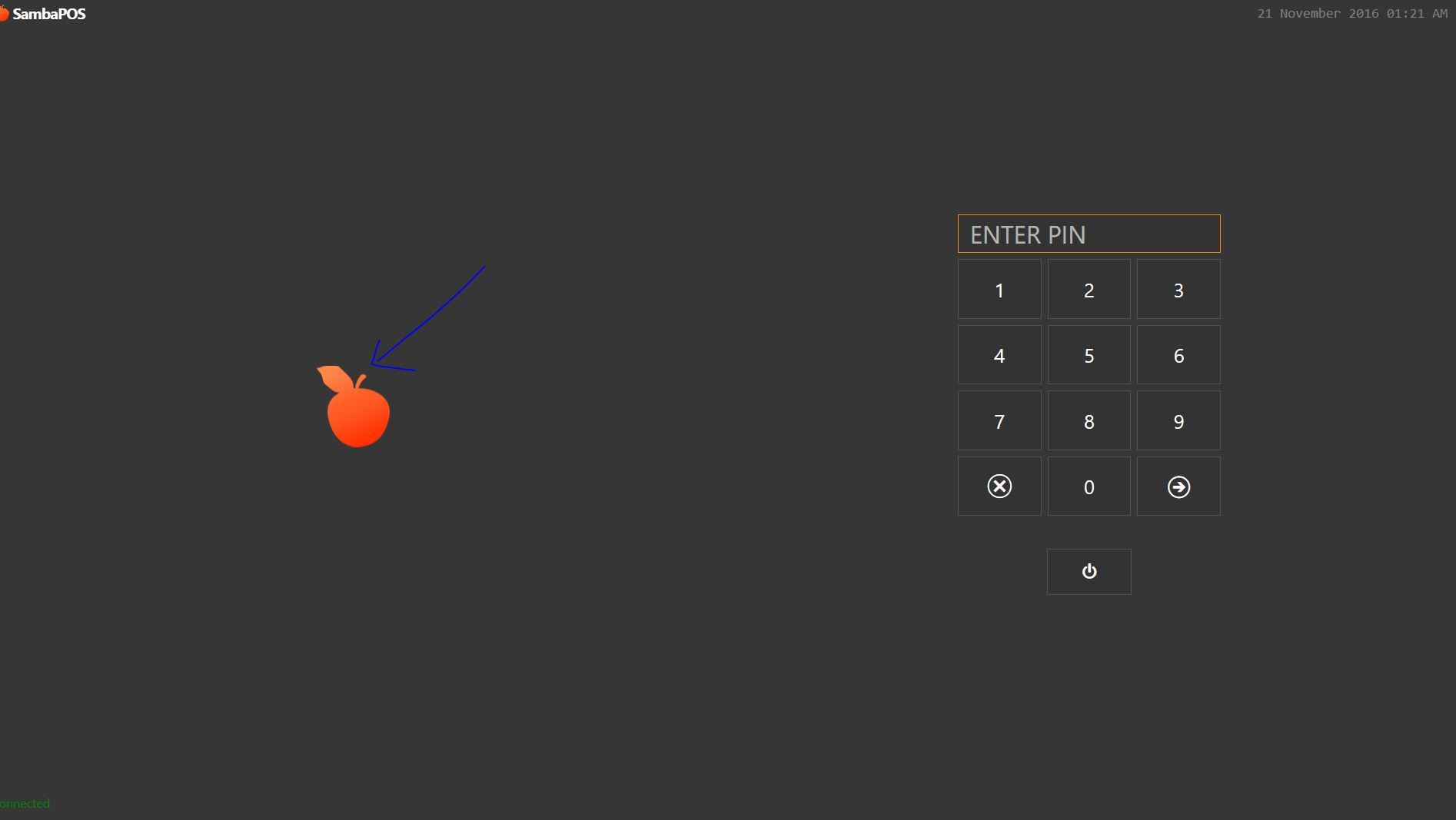
Login screen logo can be overridden by creating a ‘Images’ folder in the SambaPOS5 folder in my documents and putting the image in PNG format in the folder - it must be names logo.png.
Printing to USB you will need to share the usb printer from the server via windows sharing, add it on the second terminal and give it the same name.
Generally directory must be similar. If stored local you should have the same directory inc drive letter on all machines.
If mapped network folder you should map on all machines inc the server and again give the same drive letter for all machines for the mapped drive.
For USB Printer i shared and now its working fine.
For logo I replaced my logo png file with samba logo file at C:/ProgrameFiles/sambapos5/images/logo
For Entity Background I shared the folder and file and selected in Entity Appearance path as //ServerName/documents/imagename and now its showing in 2nd terminal … Really Appreciate… Thanks again.
 I’VE ADDED SHARED PATH FOR EXAMPLE: FILE:://SERVER-NAME/PATH/IMAGE.PNG