I tried to figure this out for a while but fail.
I would like to know if what is the Printing tag for online instructions.
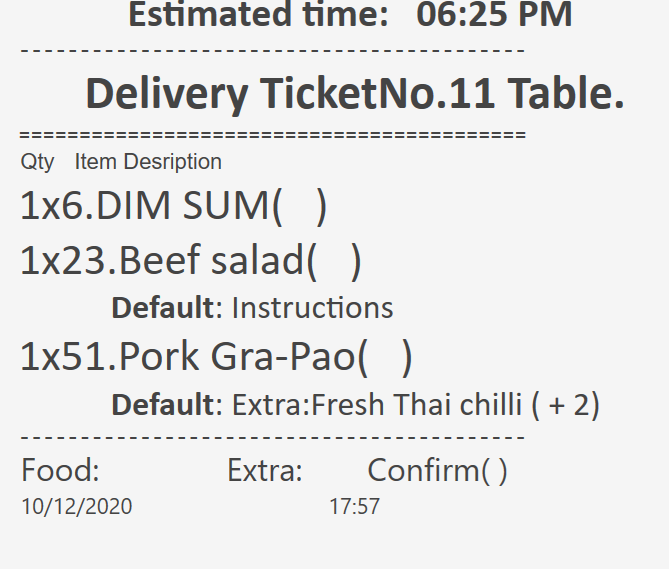
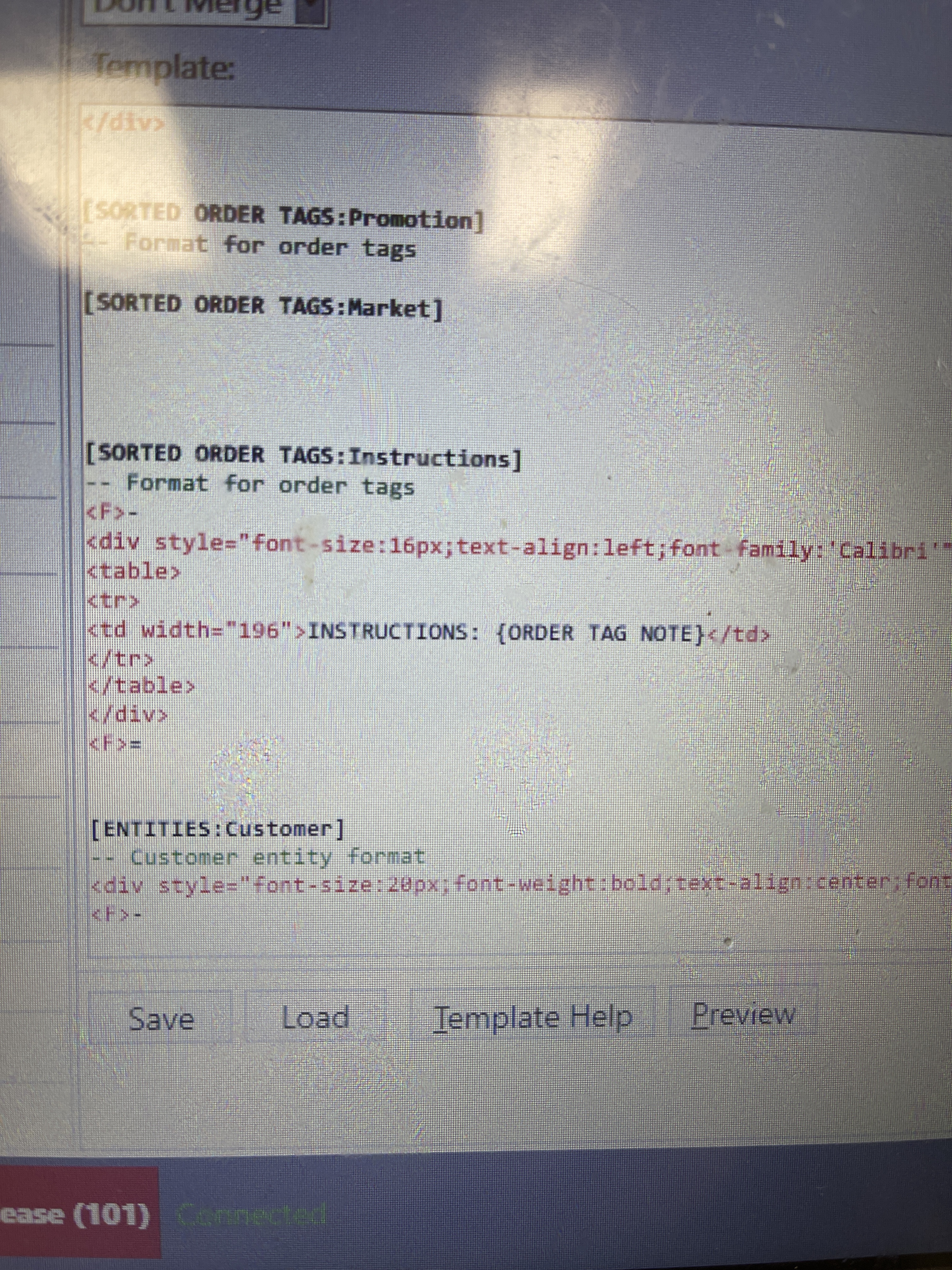
This is what I have. so when the order comes out, its only show as INSTRUCTIONS instead of the actual instructions.
[ORDER TAGS:Instructions]
– Format for order tags
-
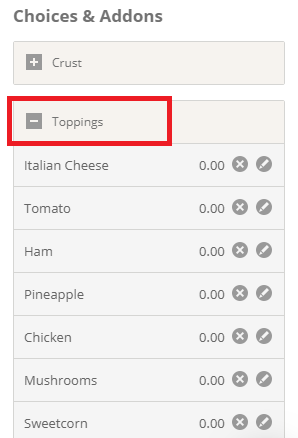
Be interested to know if the “Choices and Addons” name has to prefix the main item option when coming in from Gloria?
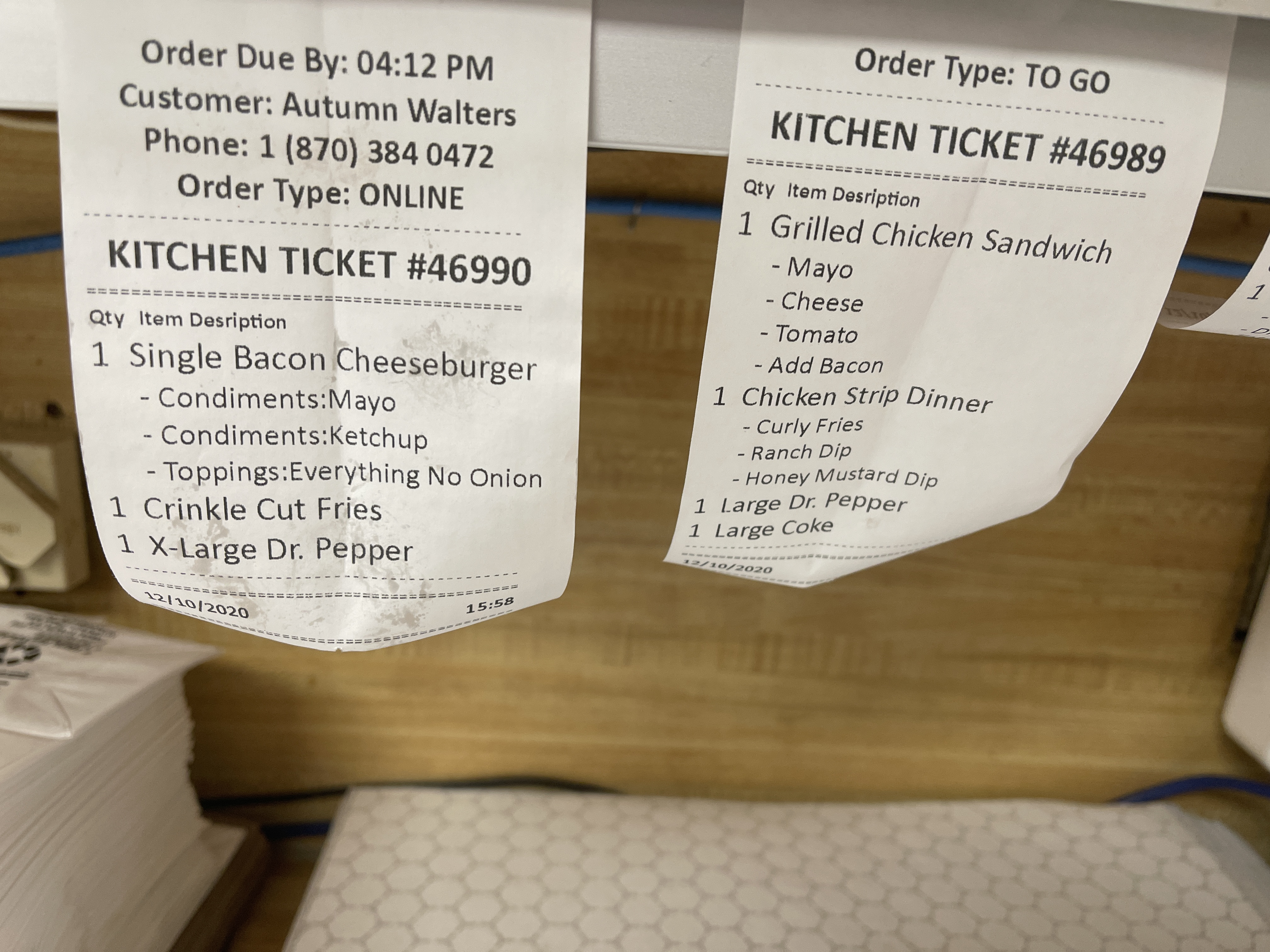
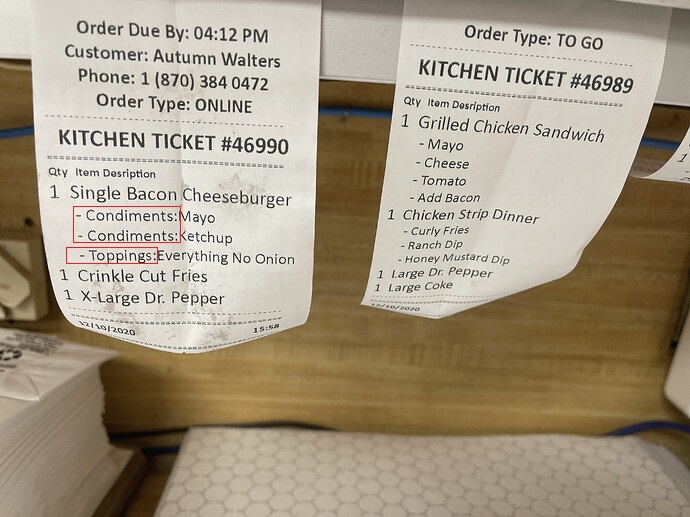
I have a client now using Gloria after he was a bit unsure at first. His customers are finding it easy to order from but the kitchen printing is not to his liking. He doesn’t like how the Choices and Addons name comes before everything.
As can be seen from your ticket on the right, which I assume was generated from the POS, it’s not something you would generally elect to have printing in the kitchen. I am thinking of offering it linked to Samba if it can be redacted in that instance?
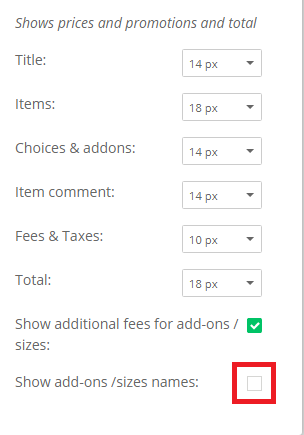
I found the setting in Gloria itself, within the print setting:
Simply uncheck the box highlighted in red in the receipt template:
Useful if using Gloria Stand Alone.