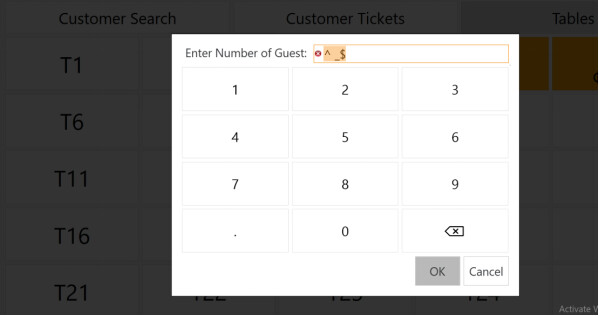
Hi Jesse, I followed your post to implement Person Count by Keypad Prompt , it works perfectly
But when i press OK from the keypad, the process proceeds to adding Items. I want to force selection of value greater than 1.
Adding a constraint on Create Ticket rule did not work for me
TICKET TAG:Person Count GREATER 0
Hi Memo, keyboard prompt still accept “Null” Value & Zero after using this [=TN(‘{TICKET TAG:Person Count}’)] in the rule constrain. Ticket is still created without person count. I can share more details on getting this done?
The expression [=TN()] will return 0 if the tag is not set - it’s the default value for int, float, double, decimal in C#.
Okay, so I see you mention a prompt. I assume you’re using something like [?Persons]. If that’s the case, one can add regex to the prompt to constrain the input.
[?Persons;^[0-9]+$;;OCN] will show a number pad with OK/Cancel and only accept positive integer input.
I want to restrict opening a table till a value greater than zero (0) is selected.
Currently, pressing on the OK & Cancel button gives access to tables.
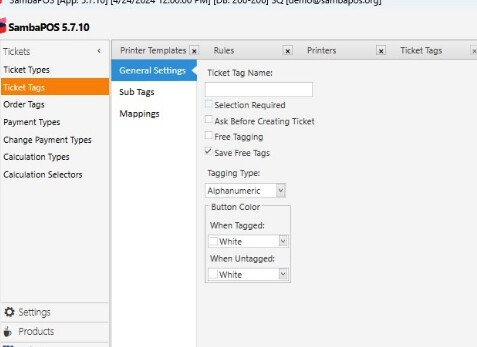
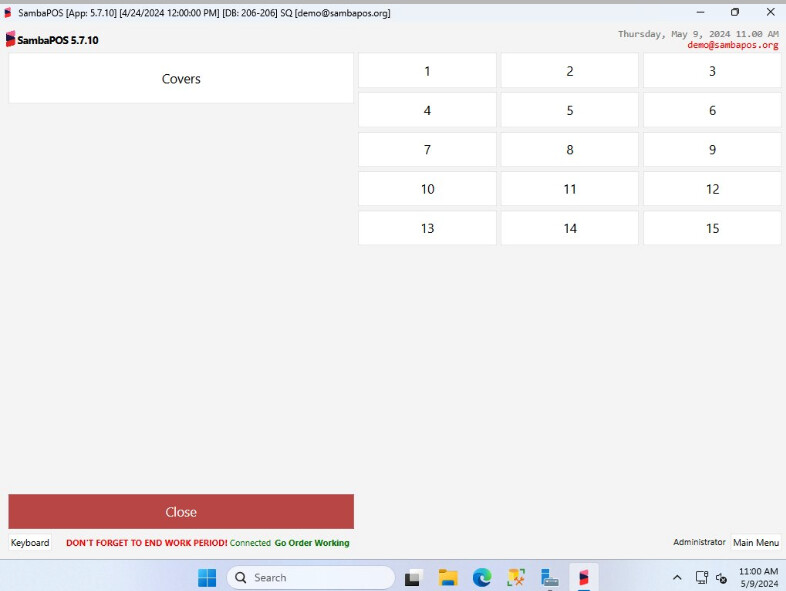
If you define them as actual ticket tags and create subtags like 1, 2, 3, 4, 5 etc so when they pick a number also set the Ask Before Creating Ticket option.
You’ll have to pass that as a command value to whatever automation command you’re using to create a ticket (use the action Execute Automation Command to fire the command with value).
Jesse’s way will also work.
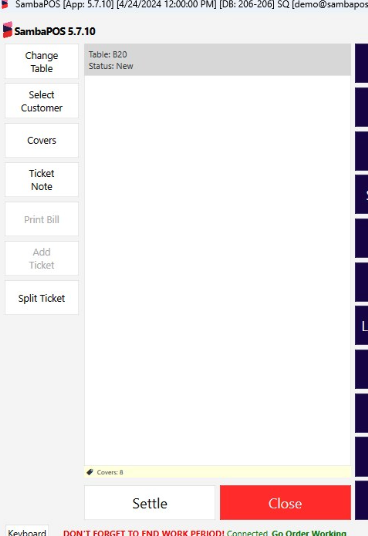
Another option would be to check if Person Count is set && > 0 on close and if not prompt for a count.