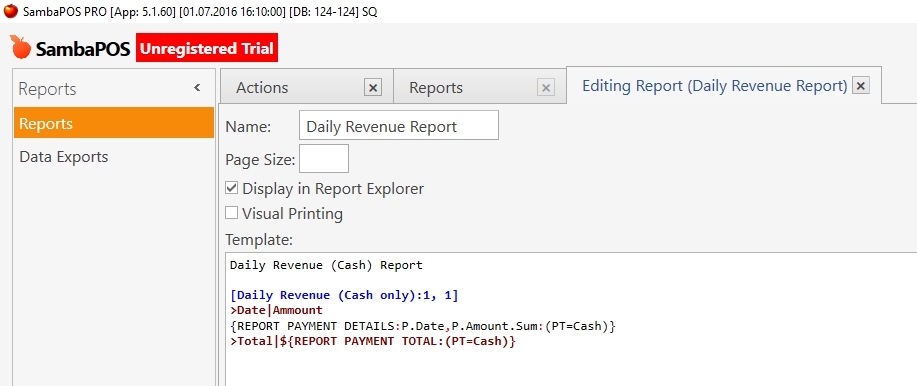
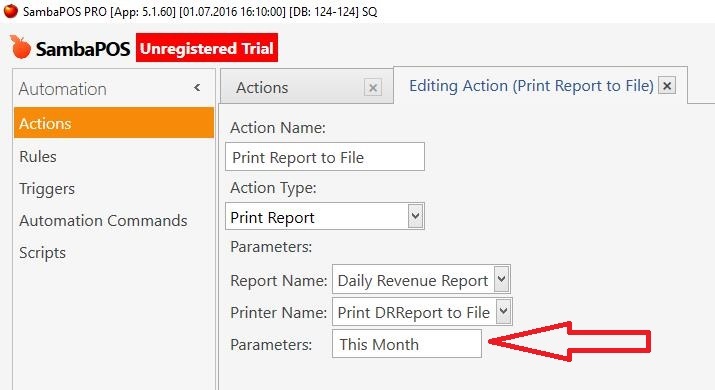
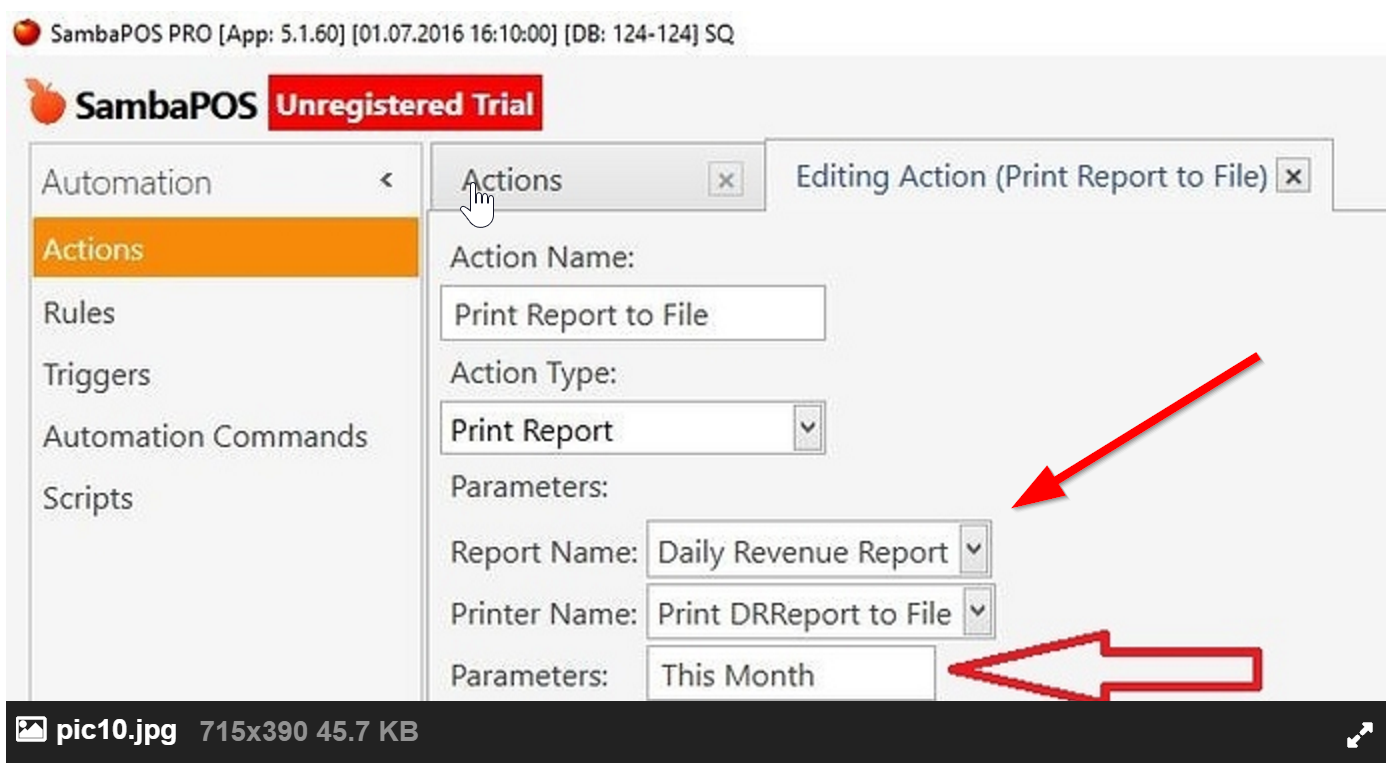
Everything is good, but by default SambaPOS sets the date range to “Today”. As a result, there is only the short version of this report into a file (for today only).
How can I force SambaPOS to change the date range to “This Month” automatically?
I mean without changing it manually on the Reports Screen or without using SQL script.
The box “Parameters” at the screenshot (red arrow) doesn’t work for this purpose.
Every morning we open WP and every evening we close it.
When I open this report manually in Reports, it works perfectly and I can see the whole month revenue per day.
Thank you for your response!
Yes, it can be printed out of course.
But the question was not “how to print”. My question was how to force SambaPOS to change the date range while it is printing this report.
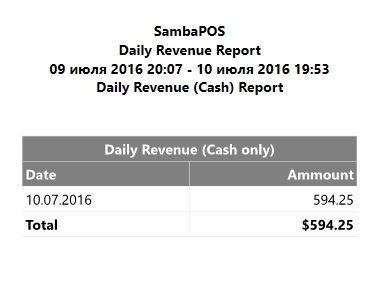
Now I have this result:
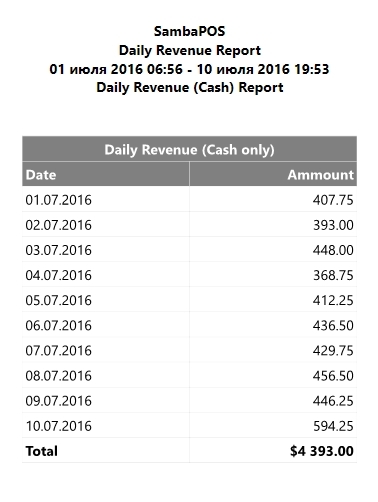
But I need this one:
So what should I do in order to SambaPOS makes this report for whole month but not only “for today”?
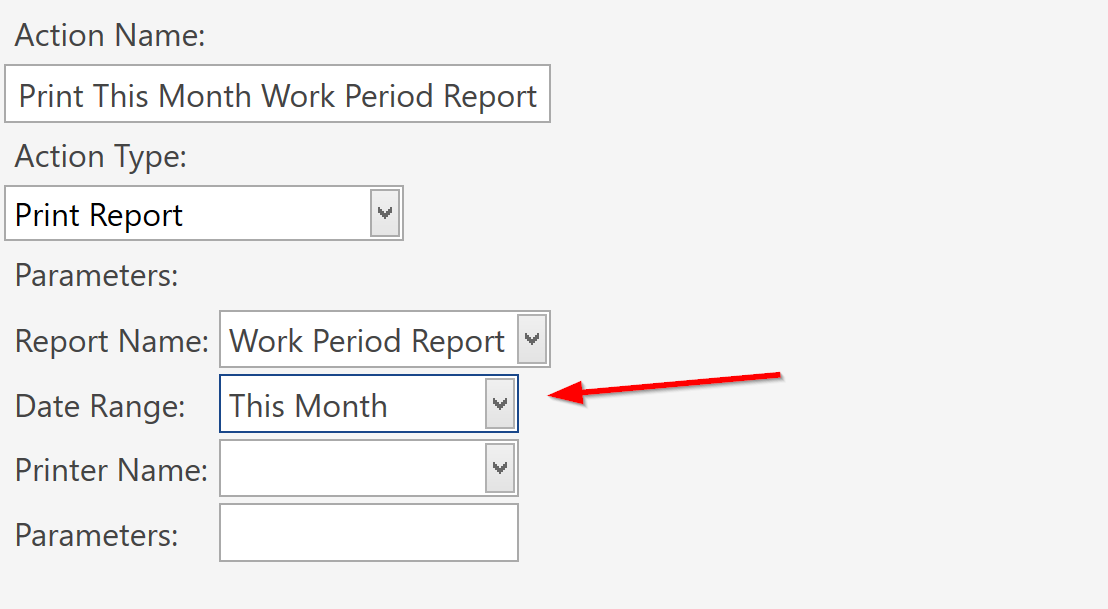
I’ve tried, but now I’ve got an interesting issue
The destination file is empty, and if I try to open this report manually from Reports - I get “non-stop-working” until I close SambaPOS.
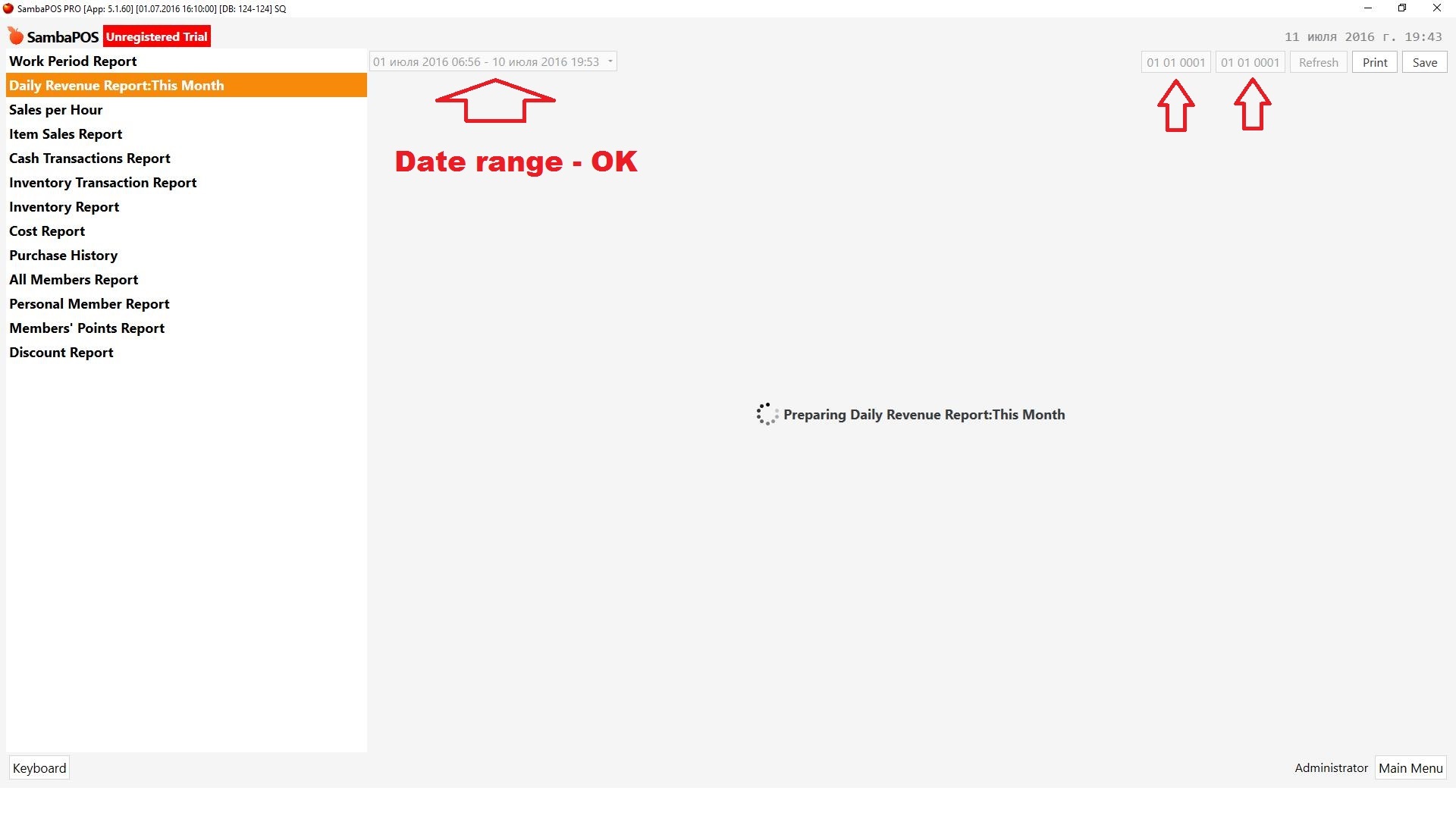
As you can see at this screenshot - the date range on the left side is correct (= this month), but on the right side there are something wrong.