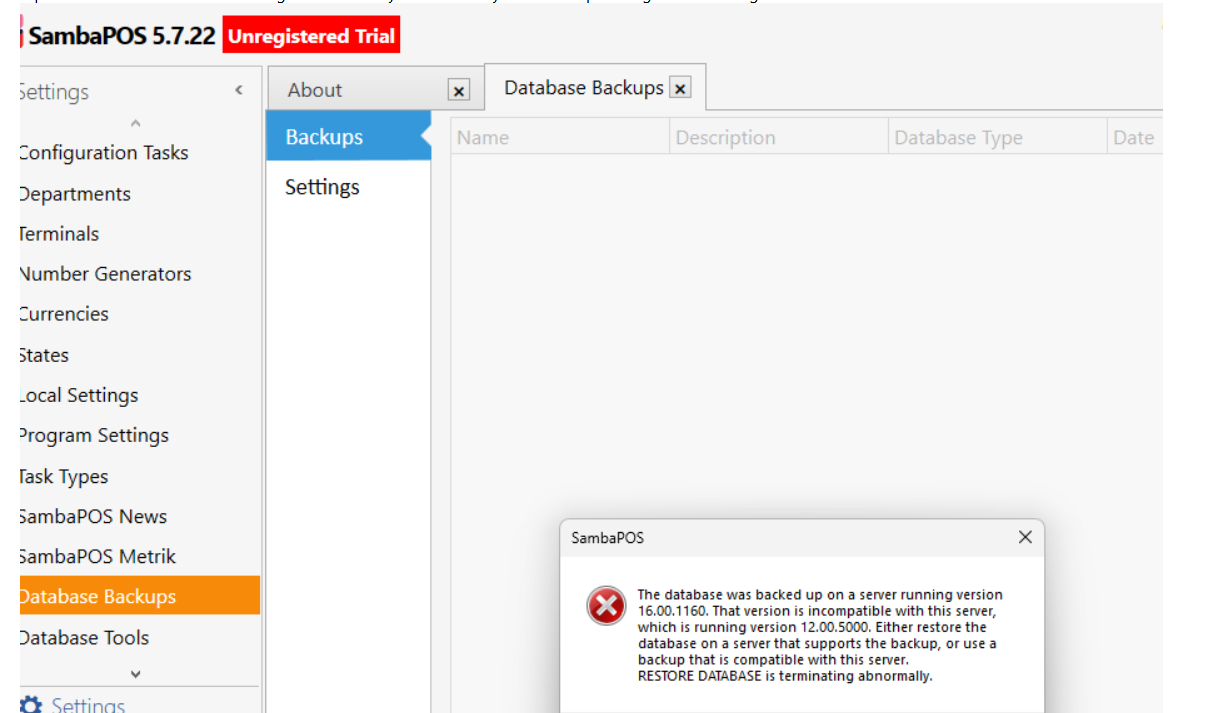
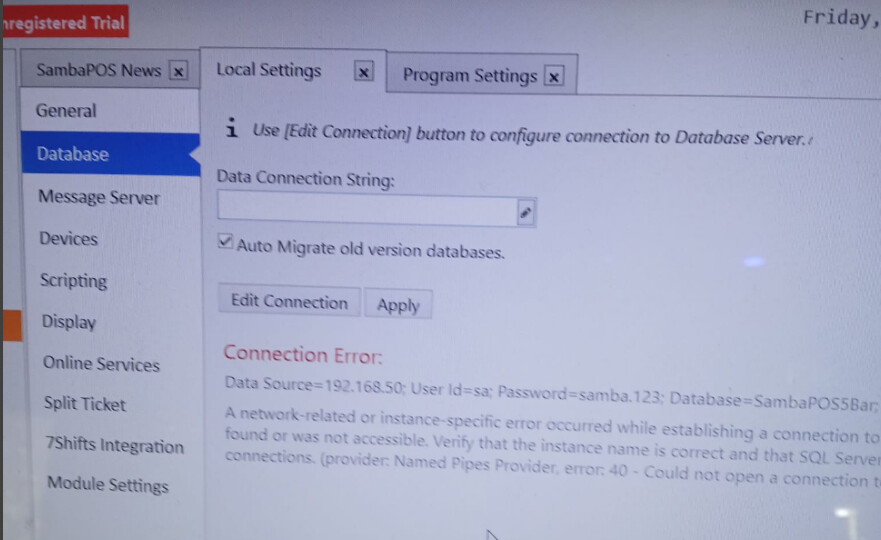
Hi all, I have just attempted to open up and set up SambaPOS on the restaurant’s computer for the first time. Spent many hours loading data on the SamabaPOS v5 at home using the Demo and backing up the entries. Restaurant computer took SQL download but now SQL is 2025 not the 2022 version? Samba opened and seems to work OK, but it gave this error flag when I went to open the copied download backup I had from the home computer. What does this mean, both Sambas are the same version . what is different is the version of the SQL ?
What do I redo and change to correct this, I certainly don’t want to re-input all this data again, but accurately load the back up data onto the restaurants computer..
Understand I need the same SQL Version in both computers, if I upgrade my home computer to the same SQL ver as the restaurants will I loose the data in the home computer that backed up the data. Will I loose all that data imputed in that SambaPOS ?
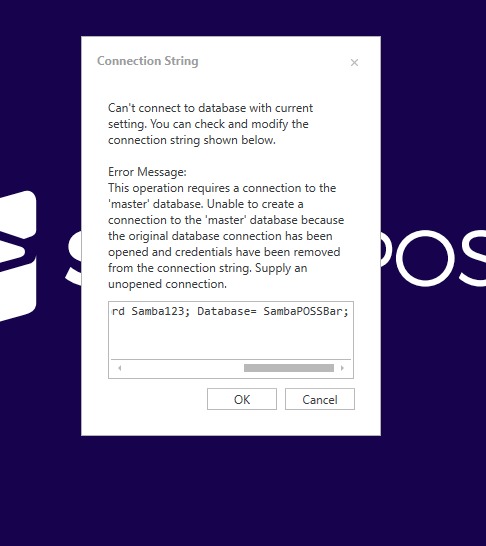
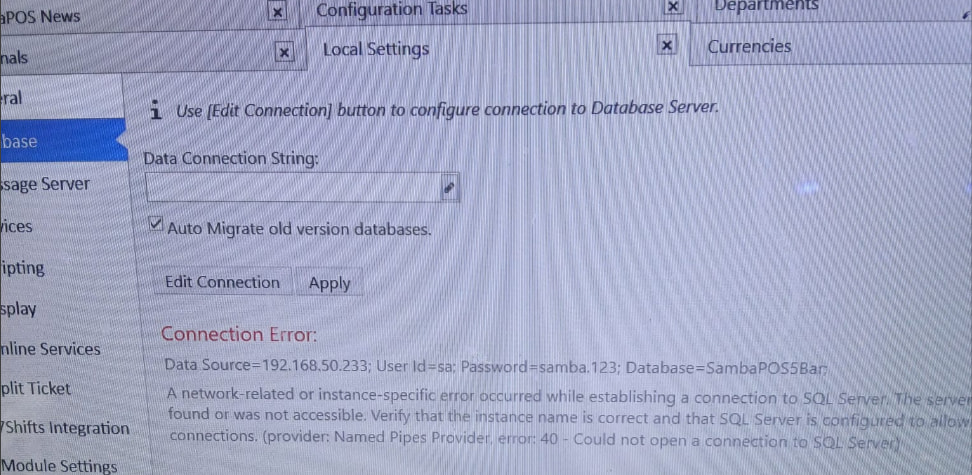
Ok this morning for several hours again I uninstalled all SQls and Sambapos5 ,I reinstalled Sql according to the instructions several times because after I reinstall SambaPOS it Sambapos does not open it sits loading, I have shut off all virus protections but It will not load, last time I waited for a long time and I got this error flag with the
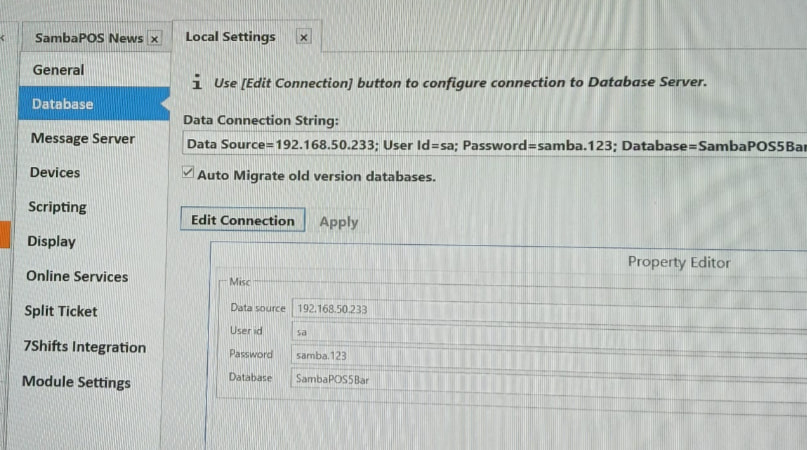
indicating this - Data source=192.168.50.233 User id=Sa; Password Samba xxx; Database =SambaposBar;
How do I change this? Each time I download the SQL it downloads Version 2025 and that doesn’t fix this issue. how do I get this too work? SambaPOS on the restaurant computer worked once before I installed any SQL? I don’t think it should have worked without the SQL ? If I change my home computer to a newer SQL will I loose my data that is already there, because I could take that SQL what ever I get from downloading install that on my home computer and take that SQL to the restaurant computer and install same SQL, need to know if I will loose data doing it this way, but still do not understand why I cannot get SambaPOS to load at all. I have followed the instructions well almost know them by memory now. Also if I uninstall everything and do a new reinstall should all be fine after it just isnt?
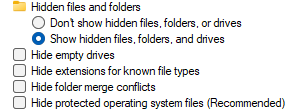
I am on my home computer doing a check to speed up locating this file for when I go to the restaurant and look there. I cannot locate this file on my home computer? will it be there? I am searching in three locations
it does not exist on my working SambaPOS5 . So I am assuming it shouldn’t be there at all ? if it does. I have no file with “settings” in its name ?
Also, if I uninstall both SambaPOS 5 and the SQL’s should not this file also be removed ?
If you setup with the same password for sa user then everything should work like before.
Did you enable TCP/IP, set default port, and enable Named Pipes for the new SQL installation?
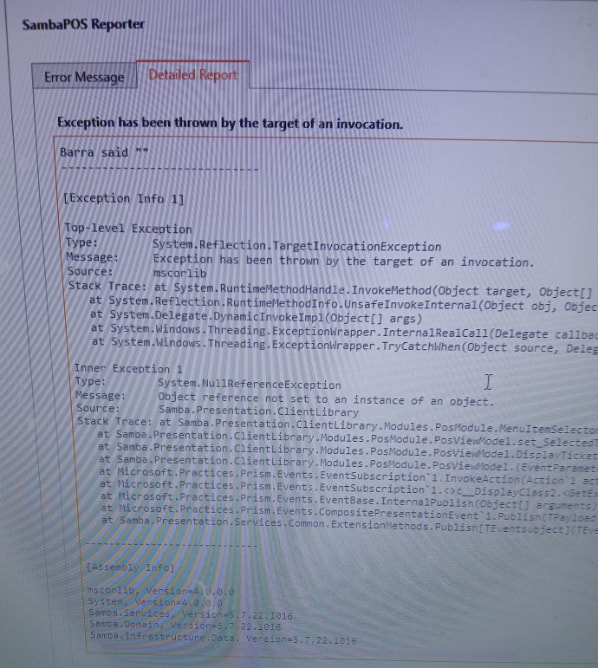
Paste the exception here as it will give us a better idea of why there’s a failure to connect. The log file is found in %USERPROFILE%\My Documents\SambaPOS5\log.txt
Let me explain, My home computer is working fine with SambaPOS5 with what I am doing, I am slowly progressing and learning it. I wanted to transfer the data I have done already to the Restaurant computer. I have been there 3 mornings now and cannot get the SambaPOS 5 to open up??? I have followed the installing directions to a “T” . This all started because I had the wrong SQL ver on the restaurant computer? It was apparently older than the home computer, don’t know why a different version loaded when I did the same loading as I did a few weeks back? I have uninstalled everything several times to get a clean restart but nothing I do gets it back up. I cannot find the settings file recommended to delete, it does not seem to exist? I have checked and rechecked the TCP/IP rules etc. locations etc all are Yes or enabled ? Virus Protections off etc. Strangely, it once ran when I first loaded SambaPOS 5 without any SQL so after I loaded the SQL as it is deemed necessary it will not start but sits in the loading state forever, it did produce an error flag. I see the ver of SambaPOS5 is 32 bit, is there a 64 bit version as that could be my problem? .I don’t know, what to do any longer as all I do gets the same results and SambaPOS5 does not complete loading, I do need help to get this started ,any one please
Update on this; Yes, it finally loaded after deleting that file .. , but with issues,
Question, I did delete that file but there was another one sitting below it that was labeled ( - settings back up) , should I delete that one as well?
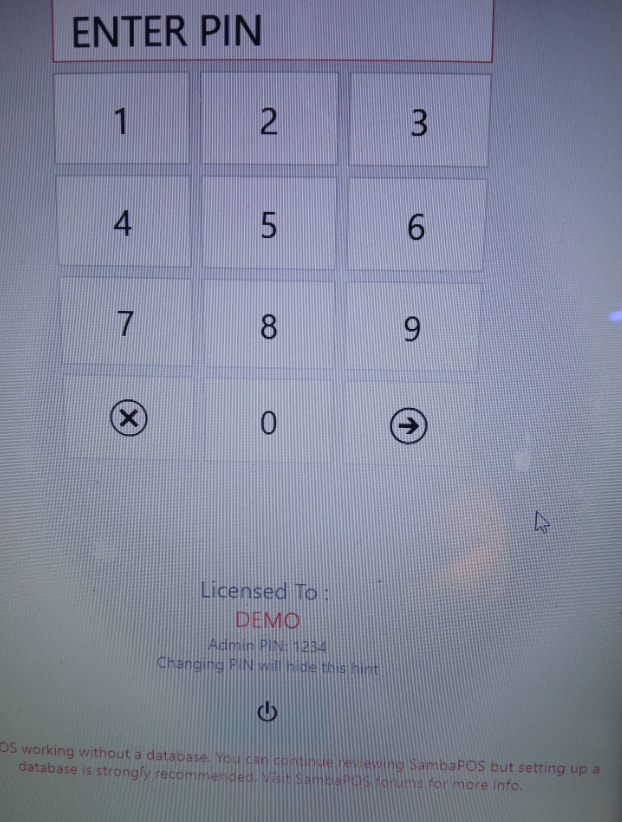
The SambaPOS program I may have to reload it again because it still needed to know the data base and I have to figure that one out. It would not do a search for a location, I’ll have to write the file address in. The Demo POS Screen did not populate was blank screen.
Also, I went to the License file to activate and loaded my email and PW for the license with success, however, when I opened the SambaPOS5 the main screen was still in Demo mode did not indicate it was registered to me and the demo did not act properly as a demo.
I did not have any more time to work on it till tomorrow. I wanted to let you know what has progressed, - inch by inch, I’ll get this done with help, thank you
Data Base, - I am assuming I only need to pace a file location somewhere on my computer for my back up data to be recording too.
Just as a side note, you are not going to want to use a backup to transfer info back and forth. You are going to want use the Import/Export function built into Samba. You can access it by going to Manage → Database Tools →Tools. From the Export button, you can select the items you want to transfer to your Production computer.
Maybe you can help me set this up, I would like to get the SambaPOS 5 to just work on my Restaurant computer so far for few days now I can not get it to operate with out errors . I can not get a clean loading of a demo it reverts back to some of my data and crashes this should not be this hard to get started now I am frustrated… the Business is like 10 miles away and I only so much time to get to work on it. I am so confused with what has to go where and what has to be put in. Here are a few of my errors
I put in what I believe should be there but nothing works right , again this shouldn’t be this difficult to do, I don’t even know why I cannot clean up with an uninstall when after, I go to reinstall the data is back and can not figure where it is getting it from ? This is going to take me forever to get done the directions are all over the place to set up but something I am missing clearly, is there a simple I,2,3 set of instructions to install. I have done the SQL several times, and now it s the SambaPOS 5 that is giving me headaches. I am lost .. .and frustrated
Send an email to [email protected] they should be able assist you. It will probably be the quickest way to get up-and-going.
Keep in mind, that you can only have 1 license per restaurant/site. You can not have 1 license registered in your restaurant and the same license on you home computer. You should be able to use the demo mode on your home computer (without paying for a license). When you reach the 100 ticket limit, you can clear database transactions (as mentioned in another thread) and continue working in demo mode.
For all but basic usage, there is no quick-1-2-3 for most things, unfortunately.
To make your life easier, you’ll want to be able to remote into the store. A lot of people use anydesk. They’re really charging a lot these days but you may be able to get by for a while with the free tier.
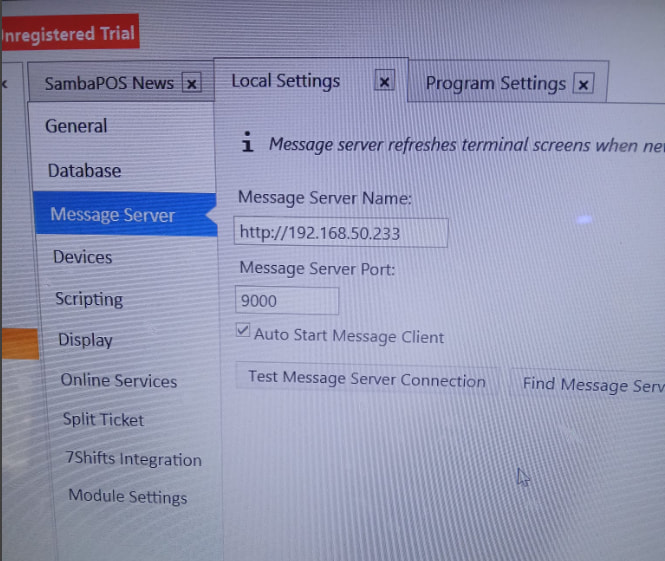
I see you’re using the IP address for connections. This is fine if the server’s IP address is static. Otherwise, I recommend using the computer name instead.
The SQL error in the first image is because the SQL provider cannot find the server. Either the IP address has changed, TCP/IP and NamedPipes are not enabled, the service is stopped, or the terminal is offline.
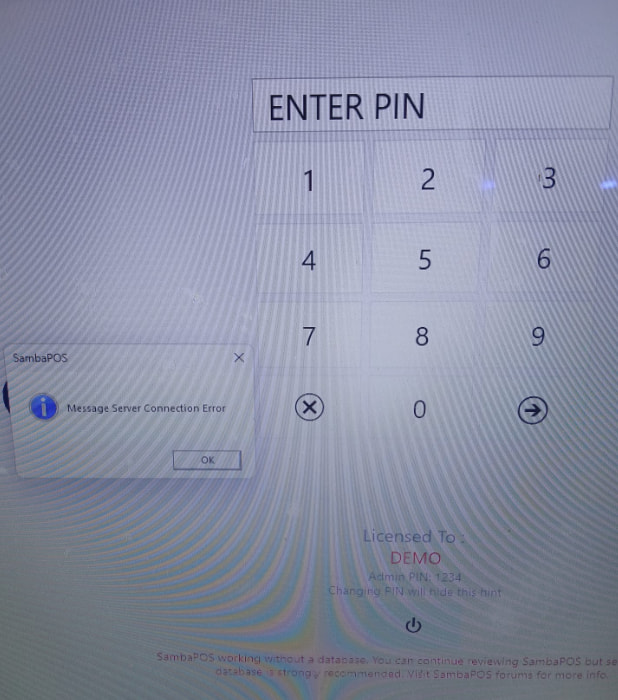
I’m guessing it’s an IP address issue as you’re seeing a message server error, too.