Kind regards:
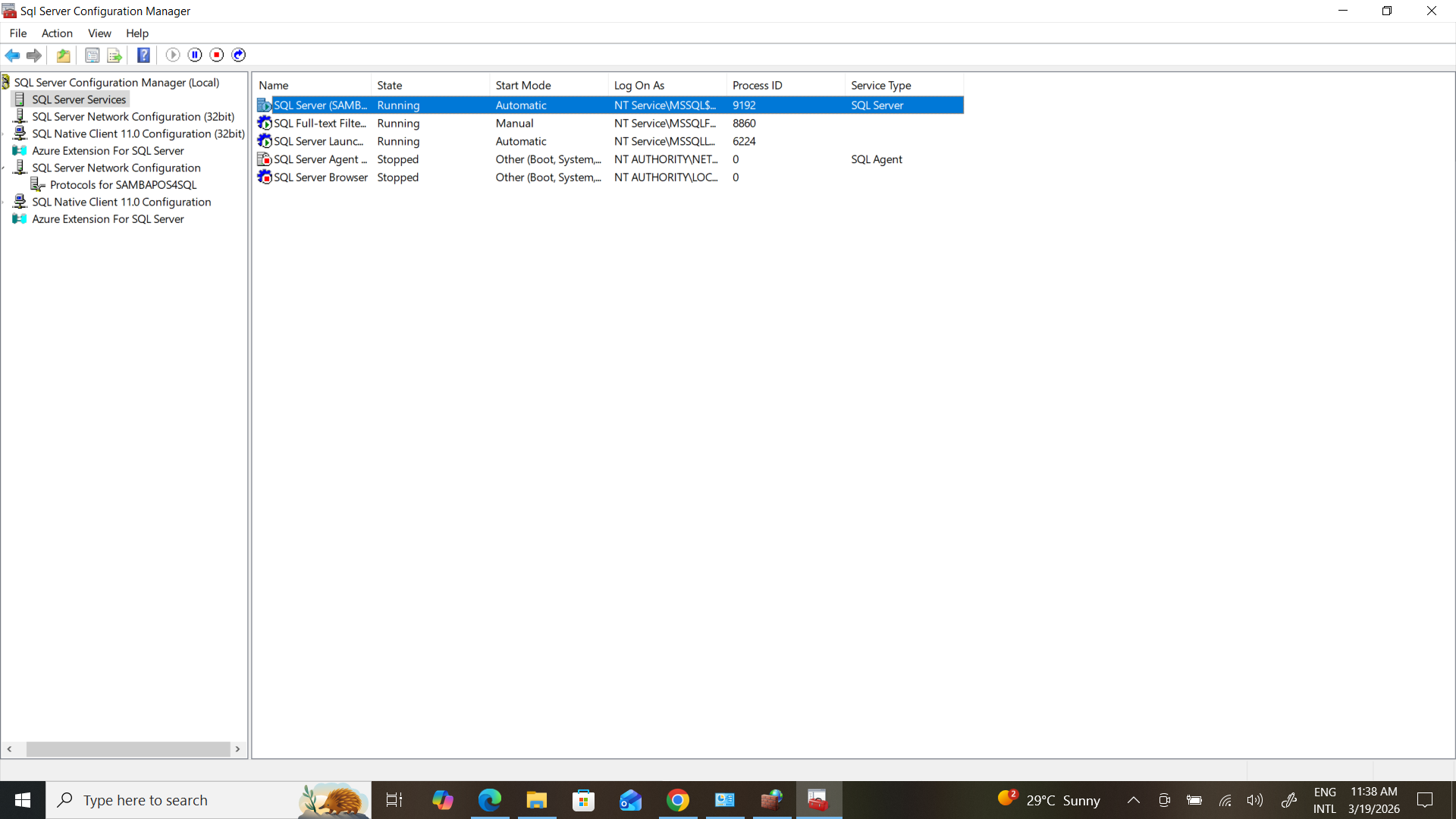
I hope for assistance in connecting SQL SERVER. I have spent 4 hours trying and could not find a solution. Nevertheles

s, I have browsed all the Samba reviews.
Check this post out, it may help.
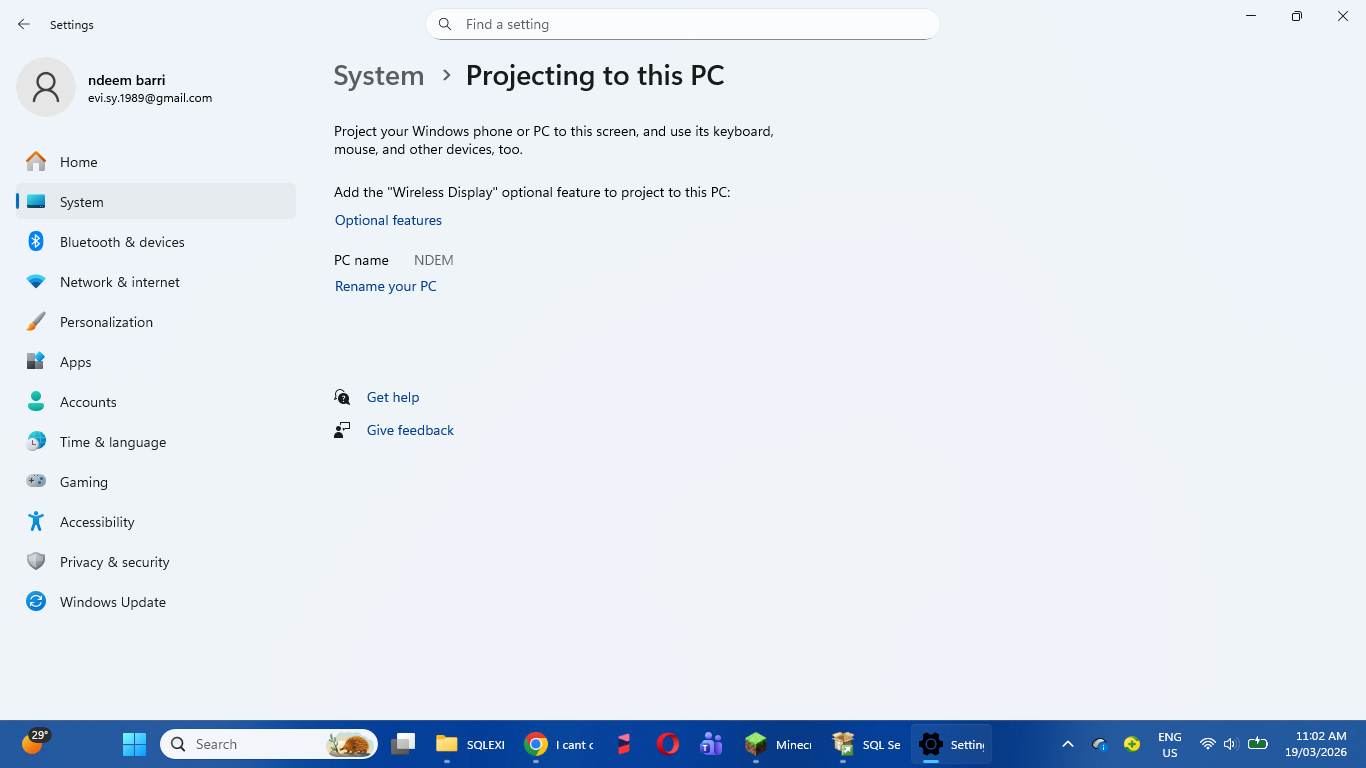
Try to put your data source as DESKTOP-BAROON only. Is that the correct PC name?
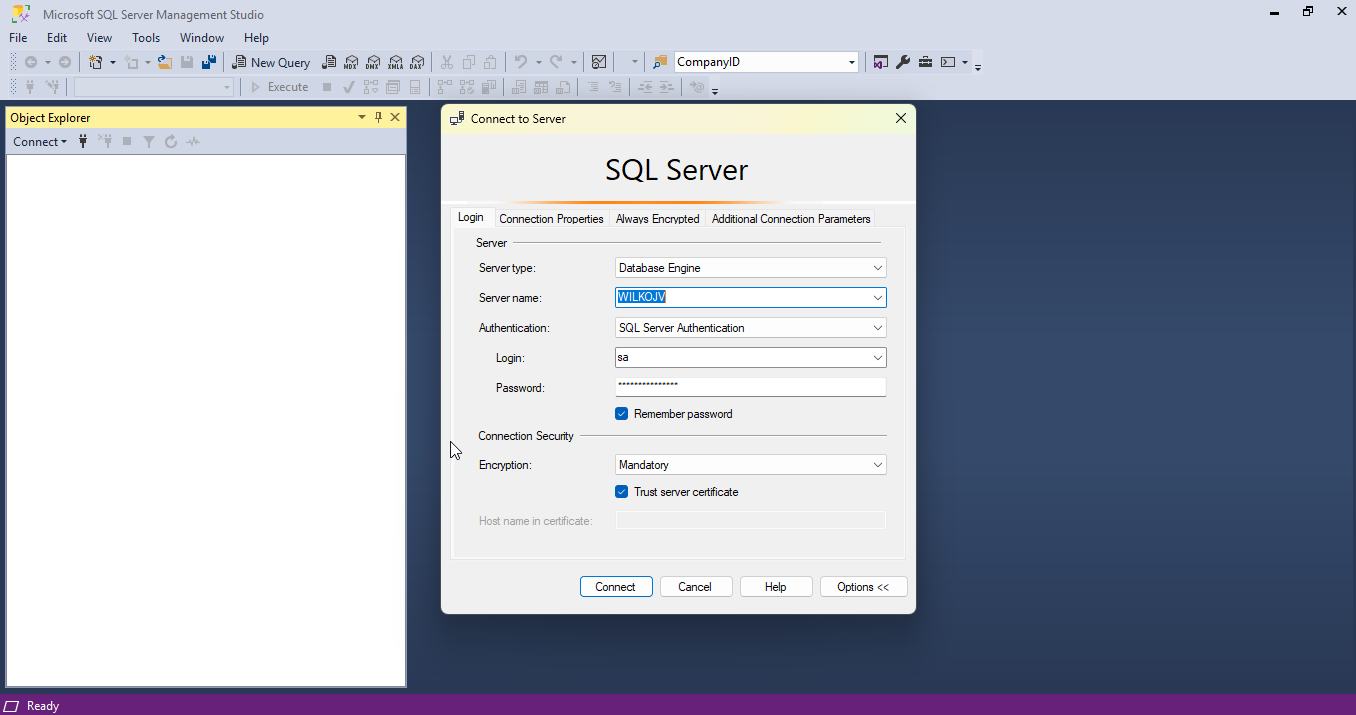
So it should be Data Source: NDEM, User ID: sa, Password: “Your DB Password” and Database: “Your DB Name”. Did you allow Port: 1433 in Firewall and did you add Port 1433 in SQL?
YES Port1433…but frome where DB Name??
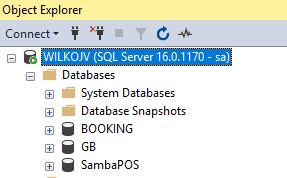
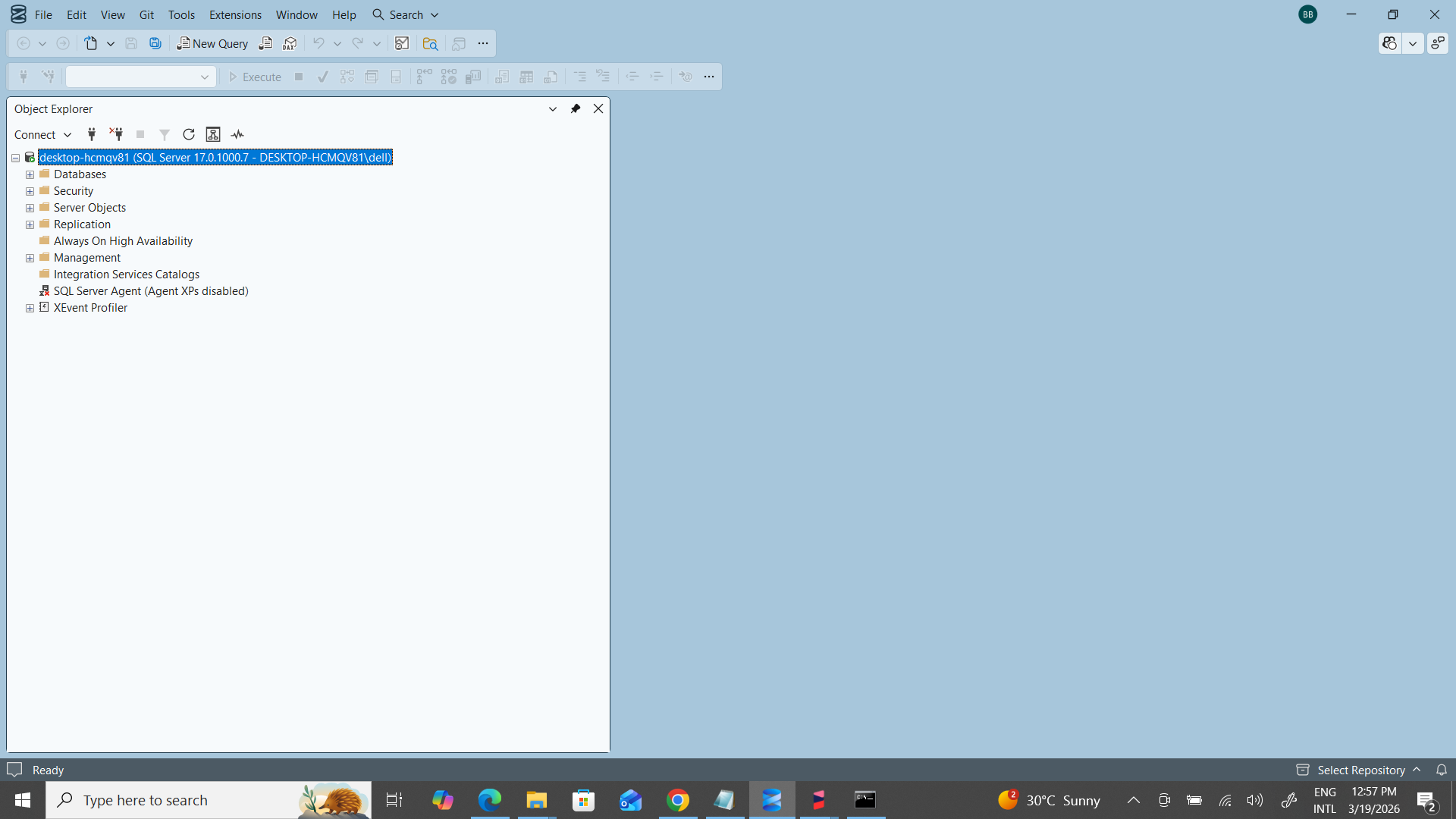
Is SambaPOS5-SQL your DB Name? Login to SQL Server Management and check what name you gave your DB!
+ Databases, unwrap it and you will see name of your database.
Are you using one POS computer, or are there more than one that you want to put in sync?
LABTOP v<//
ANY MISTAKE 4 THIS
I dont understand what you mean by this, can you take a moment to explain what you are trying to do?
Connecting one device to database and connecting more via network is a different process that takes more configuration.
Thank you so much for your prompt reply.
My question is as follows: I own a grocery store and use the Samba software.
Let’s say my computer crashes or gets damaged in water.
How can I recover my previous data?
You can setup backups.
Main Menu => Manage => Settings => Database Backups
By Default SambaPOS will backup once after a work period is ended. If you need more often, you will need to setup automated backups. There are scripts and tools that do this unrelated to SambaPOS.
You can sync these backups to Cloud storage via Google Drive, OneDrive, DropBox etc. and these can be used to restore database.
Computer fails => Setup new computer => Download backup => Restore => Done.