I was just solving that yesterday. You can run a command to add these fonts for deletion on boot and then reinstall calibri font from a device where they arent corrupted
i tried deleting them, but they are system files and could not. it was easier and faster to just change to a different font. or in the reciept template i just removed font-family reference.
Got many customers with this issue yesterday and today. Yesterday restarting system 2x resolved it, but today doesn’t. Also uninstalling the 1-2 security updates that were released on 11 August (related to .NET Framework 3.5, 4.8) also usually resolved it, but I had some systems it doesn’t fix also. Also tried deleting FontCache then restarting, also doesn’t work.
Can you tell me what worked for you? it seems to be such a strange issue that one thing works for one system and not another!
I had the commands stored in an order but deleted that file since it was the same hassle, for some it worked and for some it didn’t.
Took his advice and we just update all templates to use Segoe font family instead. UPDATE PrinterTemplates SET Template = REPLACE(Template, 'Calibri', 'Segoe')
Run it on all your clients, have them logout/login and forget about it ever bothering you.
I had exactly the same issue on one of my Windows 11 PCs running SambaPOS.
In my case, the problem was caused by the August 11, 2026 .NET Framework update KB5120708. Microsoft has now listed this as a known issue affecting WPF applications when printing with certain fonts, including Calibri.
I tested it by uninstalling KB5120708, rebooted the PC, and printing immediately started working normally again. So in my case the Calibri font itself wasn’t corrupted.
For anyone experiencing this, I would first check:
Settings → Windows Update → Update history → Quality Updates
and see if KB5120708 is installed.
As a temporary workaround, either uninstalling KB5120708 or changing the SambaPOS printer template from Calibri to Arial/Segoe UI worked for me.
Microsoft currently lists the issue as “Investigating.”
I would not recommend removing a Windows security update to resolve this, as there are critical security fixes combined in the update that protect your internet connected computer.
The temporary fix of swapping Calibri → Arial is the best solution for the moment, until Microsoft has a patch to fix Calibri font.
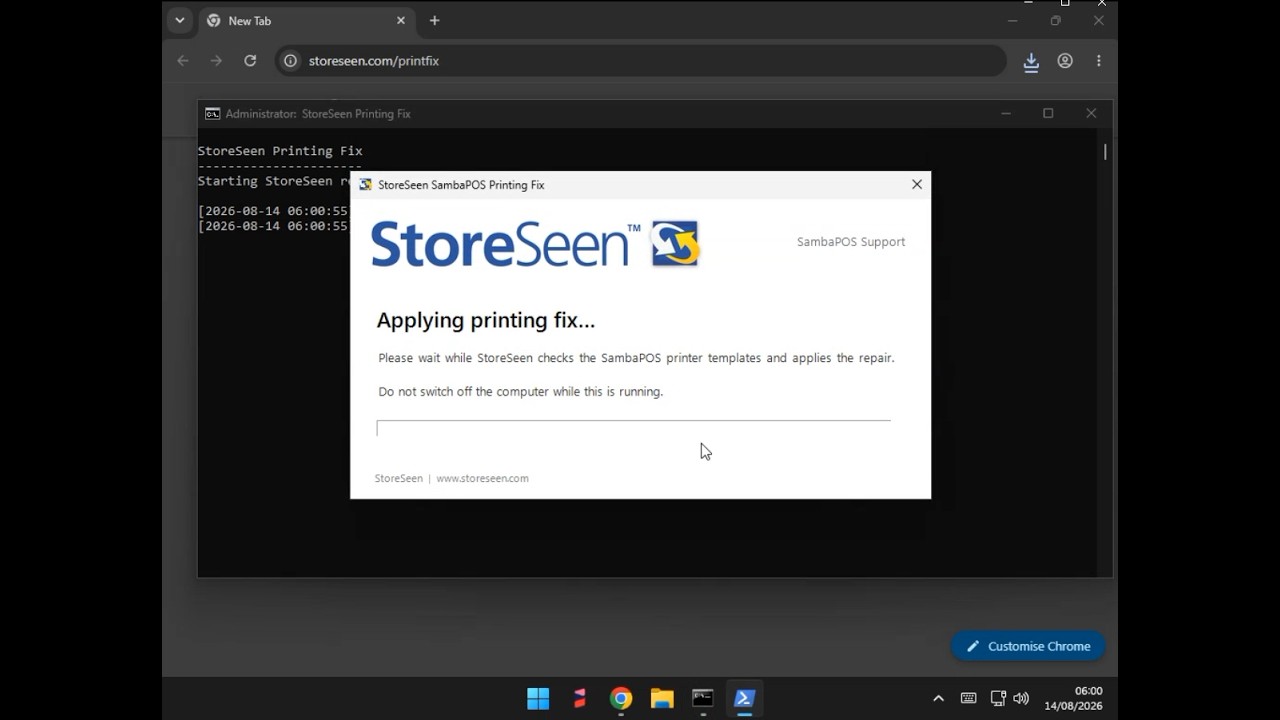
If it is helpful to anyone, our company created an automated fix for our customers and anyone is welcome to use or share this with their customers if they wish. Sorry, it is branded with our company since it was created for our own customers’ use!
Download the StoreSeen Printing Fix on your main POS terminal from the link below:
Windows may ask for administrator permission or an administrator password.
Click Fix Printing Now and wait for the confirmation that the fix has completed.
Close SambaPOS completely and open it again, then try printing.
The fix automatically checks your SambaPOS printer templates and corrects the font affected by the Windows update. It does not change your menu, products, prices or sales data, and it creates a backup before making any changes.
If you have more than one POS terminal and another terminal is still showing the printing error afterwards, please close and reopen SambaPOS on that terminal as well.
Please Note: the fix changes the receipt font from Calibri to Arial, so the printed receipt may look very slightly different, but it should remain clear and perfectly usable.
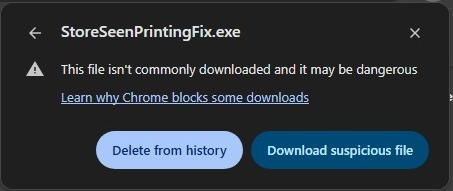
Please Note: Chrome may show a warning saying the file isn’t commonly downloaded and may be dangerous(like the example shown below). This is because the StoreSeen Printing Fix is a new utility and has not yet been downloaded often enough to build a download reputation with Google. The file is digitally signed by StoreSeen (UK) Limited and is safe to use. If you see this message, choose Download suspicious file to continue.
Microsoft have confirmed that the WPF TrueType font-subsetting bug introduced by the August 2026 .NET/Windows updates has been resolved in the September 2026 .NET Framework cumulative updates (released 8 September).
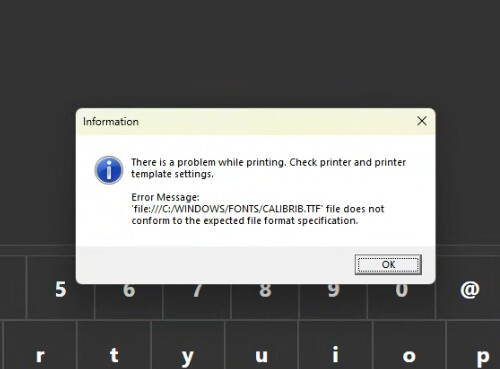
This was the issue causing SambaPOS Document Printer templates using fonts such as Calibri to fail with errors such as:
CALIBRIB.TTF file does not conform to the expected file format specification
So if you are still experiencing the problem, install the latest Windows/.NET Framework updates and reboot the PC.
The workaround I posted previously, which changes affected printer templates from Calibri to Arial, is still perfectly safe to use and does not need to be reversed. However, once the September update is installed, Calibri should work normally again.
I have tested this on a system that previously reproduced the issue, and Calibri printing is working normally again after the September update.
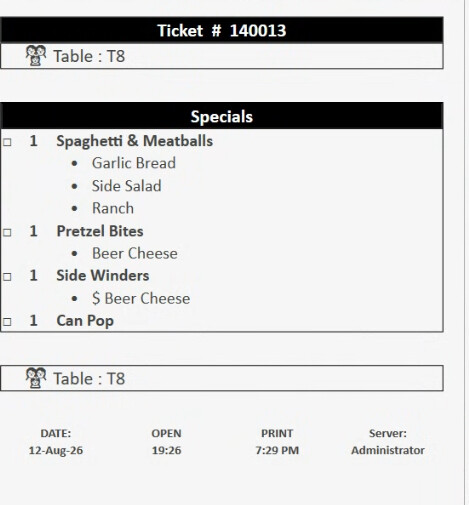
 Please Note: the fix changes the receipt font from Calibri to Arial, so the printed receipt may look very slightly different, but it should remain clear and perfectly usable.
 Please Note: Chrome may show a warning saying the file isn’t commonly downloaded and may be dangerous (like the example shown below). This is because the StoreSeen Printing Fix is a new utility and has not yet been downloaded often enough to build a download reputation with Google. The file is digitally signed by StoreSeen (UK) Limited and is safe to use. If you see this message, choose Download suspicious file to continue.