Actually I was really curious how easy or hard it would be after posting the above, so I just tried it out. The results are good, you should be able to print to it quite easily (actually more easy than setting up a standard label printer in my opinion).
I just used this template:
{ORDERS}

[ORDERS]
{NAME}
{ORDER TAGS}

[ORDER TAGS]
* {ORDER TAG NAME}
The printer printed fine, I had the print job to Separated Prints by quantity so I would get one label per item. The printer cut after each label just as expected.
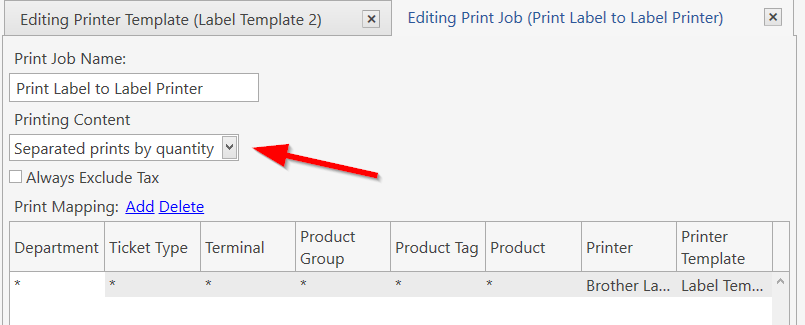
End result is this:

This is the label type I have loaded:
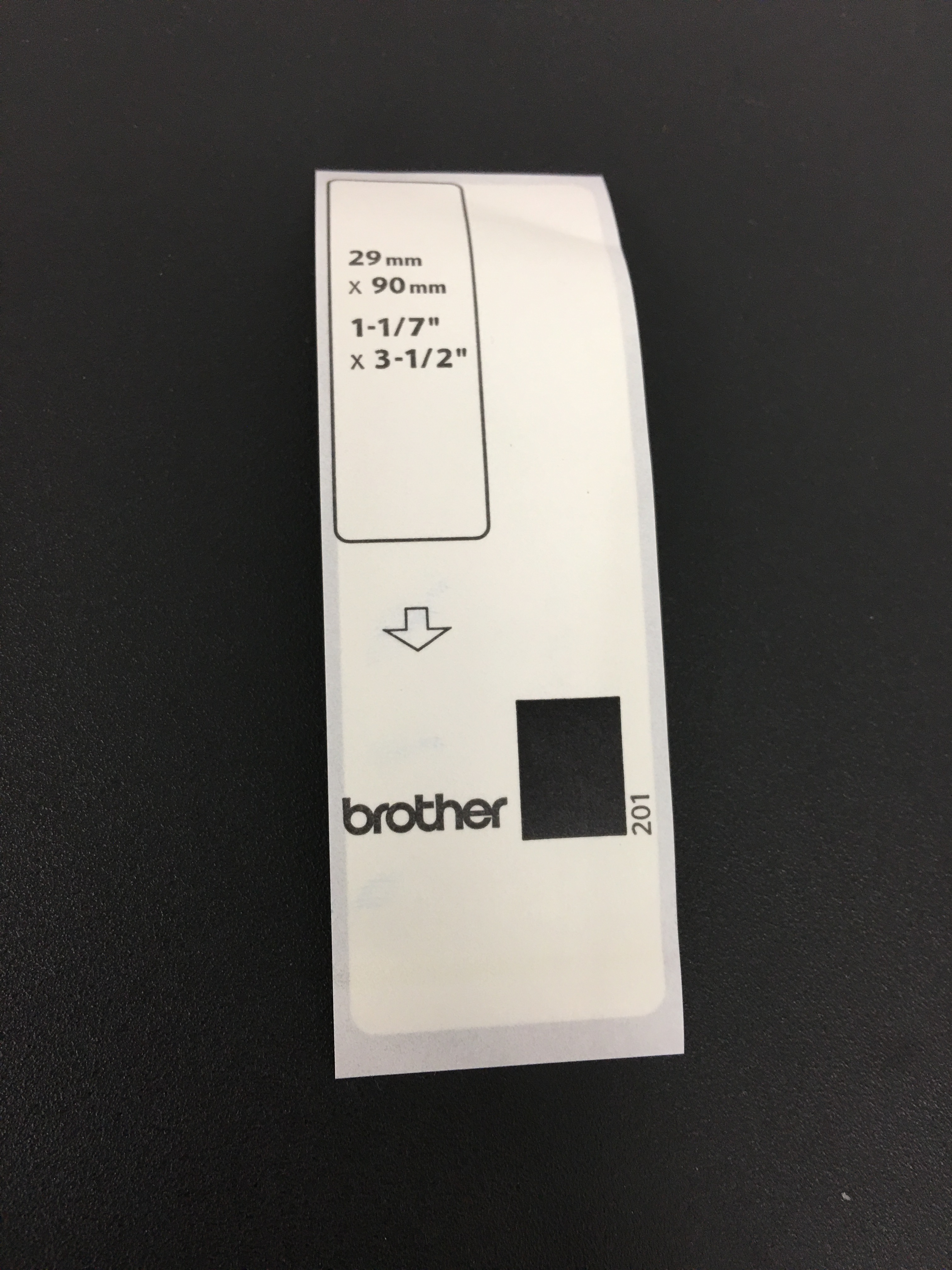
So for a starting point, it works  But again as I mentioned earlier, this is an expensive printer to use if you print a lot!
UPDATE: I saw you can actually purchase compatible label cartridges for this printer. Here are a few I found on Amazon (note I do not endorse or recommend these products, I just did a quick search online so they may be poor quality, just go by the reviews)
http://www.amazon.com/OfficeSmart-Continuous-Compatible-following-DK2205F/dp/B008HO9ELW/ref=pd_sim_229_2?ie=UTF8&dpID=4103-GbZGgL&dpSrc=sims&preST=AC_UL160_SR160%2C160&refRID=1VH3YN91MWFCFSXCTRJ6
Different size, this one is cheaper but you need the black cartridge from a previous one you have, or you can buy the black cartridge part on Amazon or ebay as well: