I have a stand alone system running windows 10, I had V5.7.22 installed and working fine with a licence. The pc was shut down abut possibly switched off before windows had fully closed, Samba was closed first though.
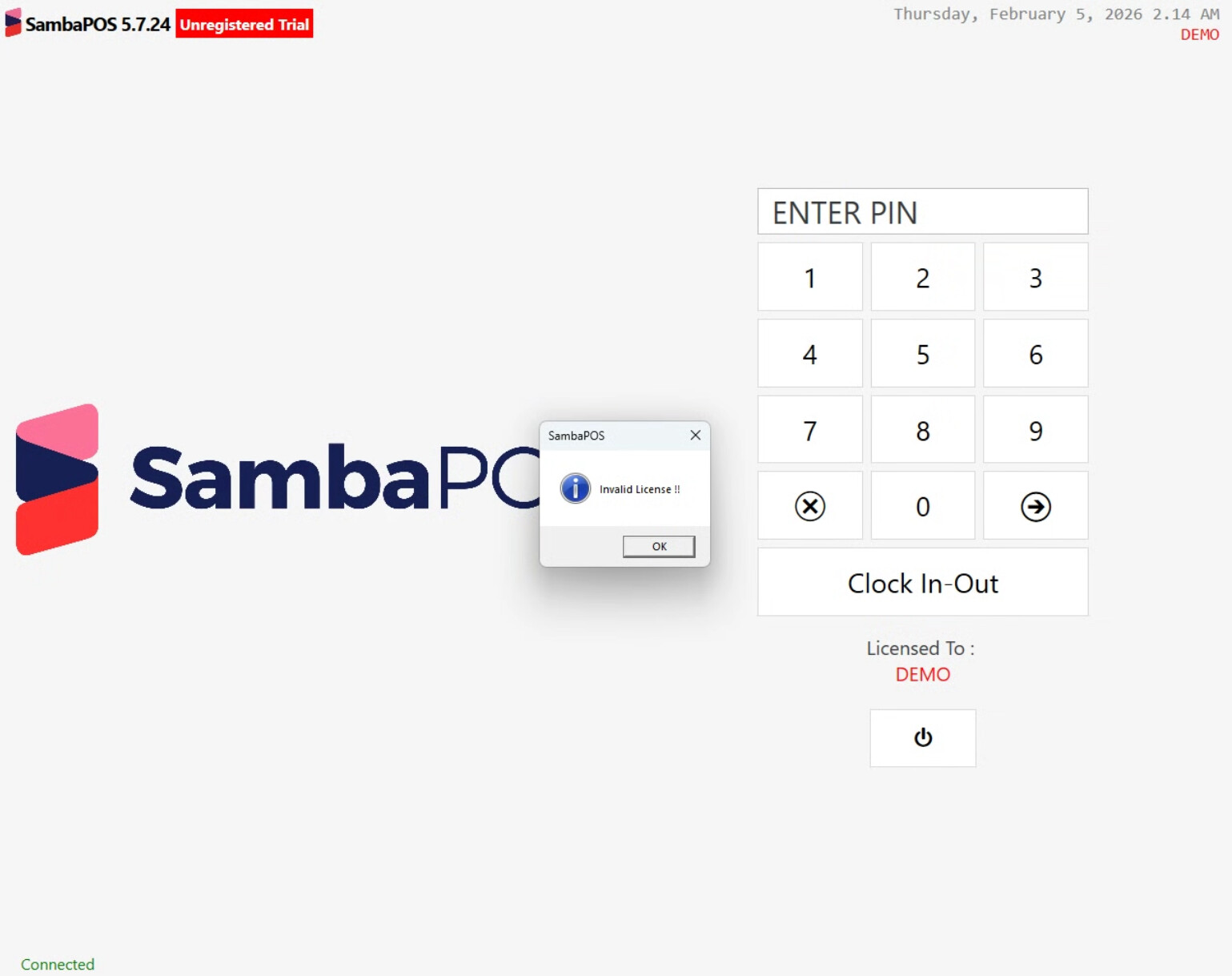
When next booted I got an invalid licence message popup on the login screen, the messaging server was connected.
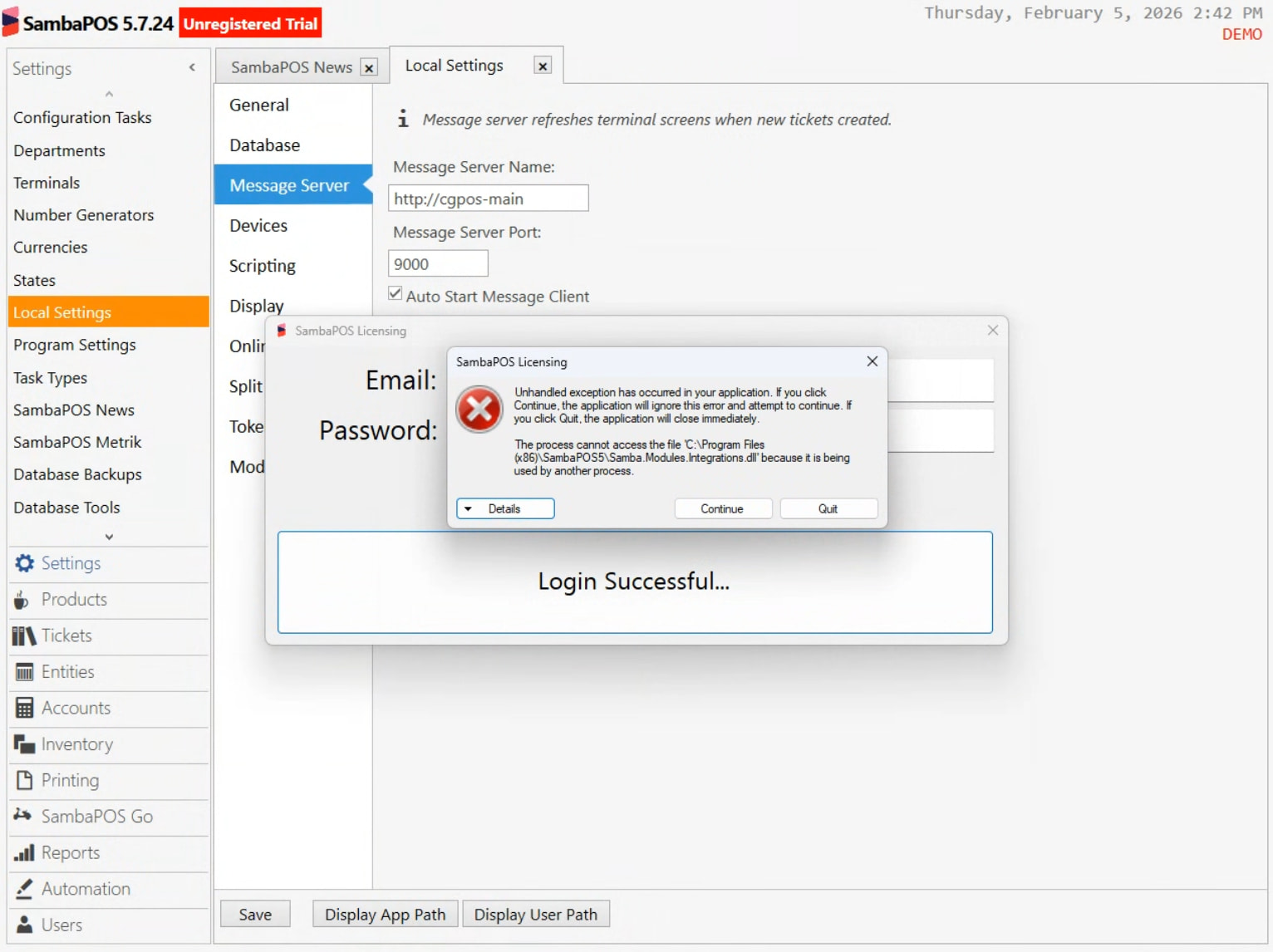
I followed the steps and removed the licence in Samba, exit samba fully, go to licence.exe put in my information and clicked install licence, it said login success, licence installed, I restarted the messaging server
I went back into Samba and got the same error, connected on messaging server but invalid licence.
I updated to V5.7.24 and tried again, still no luck.
I logged into the control panel and cleared the key, repeated my steps above again, got the same message login success, licence installed, but still have a demo version with invalid licence issue, nothing shows in subscriptions in control panel, under home tab I can see Samba V5 Pro, is activated = no is valid = yes.
Thanks, I don’t have message as an option. Do I need to do some fake posts on this post to hit a certain amount of posts before the message option becomes available?
Thanks Memo, I have no button like that just a blank space, nor is the one in his full profile, I just tried another browser to see if that was the issue but nothing there either. I will email support. Thanks for the help and time. Cheers, Mark.
one thing i did fine odd. message server format is : http://serveripaddress port is 9000. when i click test connection: successfully connected to message server. if i click find message server i get the local internal ip address:9000 of the terminal machine.
i have uninstalled samba. i have uninstalled message server. etc.
the system is working with the database etc. and connected to message server… just license wont validate. when you try and do a sale it says invalid license.
tech support was too fast so i couldnt follow what they did to fix the issue, and they did not make any notes on the forum to help anyone else or me later with the same issue.
windows update caused auto reboots of pc’s. 2 terminals were in demo mode this morning.
closed all. cleared licenses. the server is running and activates as well as a win 10 terminal. 2 windows 11 pc’s licenses wont activate.
can someone please explain the licensing process IN DETAIL the documentation so far is incomplete:
the message server is only supposed to run on the server machine. but, when you run the license.exe file it auto installs the message server service and automatically starts it on the terminals.
so how are you supposed to run the license activation?