During the process of trying to the connection string to work with SQL Express 2014 from LocalDB,
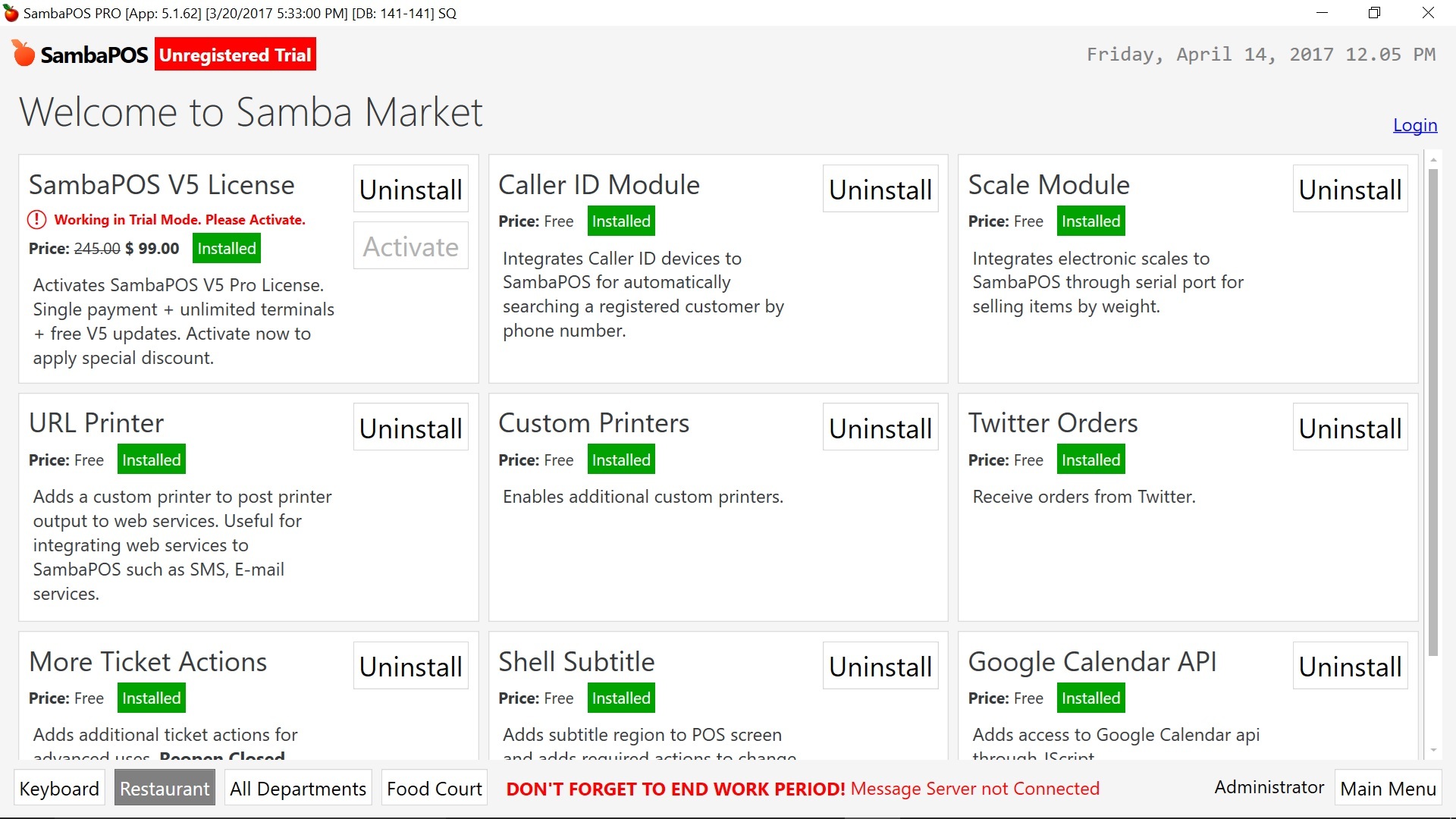
an error has occured which I have not saved the “prt sc” but basically it is about either the access denied or connection string error(I forget which). It FORCED me to quit SambaPOS. After I exited the program and reload SambaPOS, the “Unregistered Trial” red label appears on the left upper corner. I finally managed to get the connection string correct(at least I assume) and restored the backups from a zip where the directory access is OK but the red “Unregistered Trial” label did not go away.
What to do now?
This is the screen I am at now. I tried to login with the button on the right but it seems nothing happened after that.
When you say “my products”, do you mean the products listed on the screen shown in my screen capture below?
Also when you “reset the keys”, does that mean “Uninstall” the “SambaPOS V5 License” and then “Activate” again?
You didn’t log in correctly. It’ll say your username if you log in correctly.
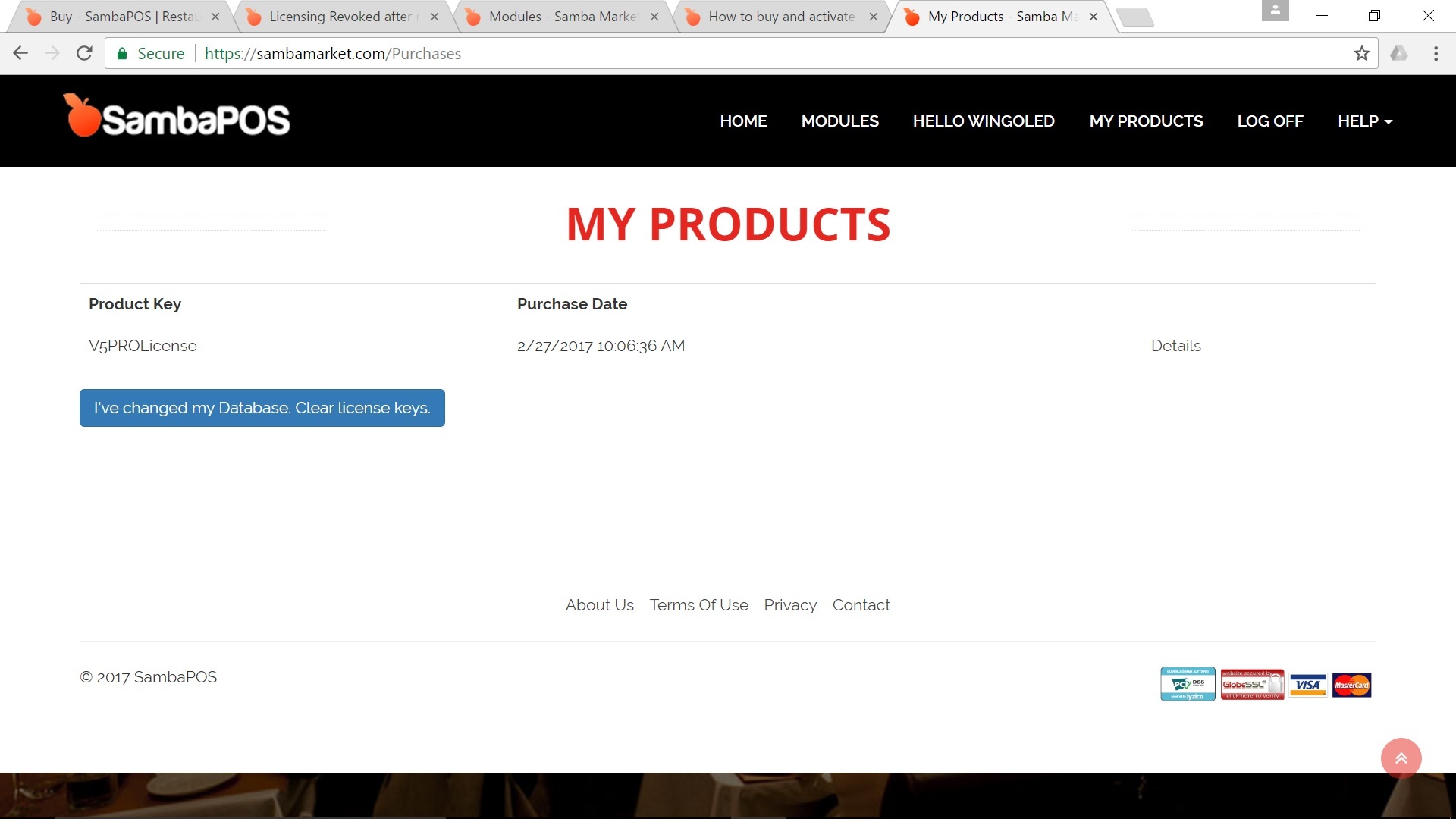
No you go to sambamarket.com log in there. You will then see “my products” and the option to reset your keys
No, he means at sambamarket.com where you purchased the licence, there is a database key reset option which allows you to clear the redistered key and reactivate after loging in on that screen you show there.
Now I have log in the sambamarket.com and seems to have successfully logged in. The only option available is “I have changed my Database. Clear license keys.” which I have clicked and a success message was returned. However, there is still not an option to reset the keys. When I run SambaPOS the same Unregistered red label appears.
Yes, thats the option just used wrong expression for button…
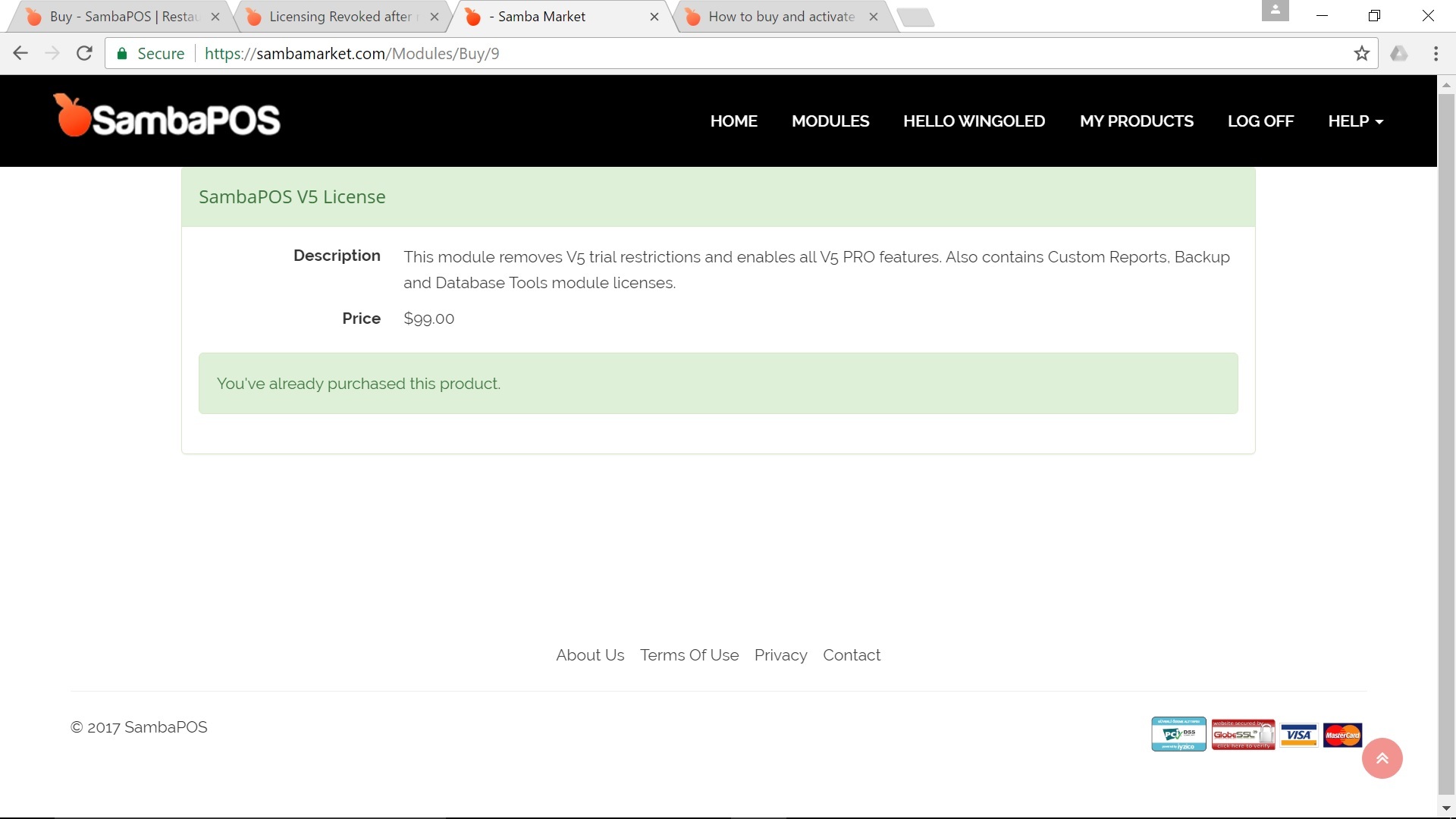
Now login using same details in samba and reactivate the v5 licence.
That option you selected will now allow samba to reactivate.
After resetting the password in sambamarket.com, I used the new password to login in the sambamarket in SambaPOS and now I can login in properly and the “Activate” button becomes active.
Thanks for both or you.