I know it’s possible to have a linebreak in a Portion but the code for the linebreak prints on the ticket.
Is there a way to not print the linebreak code on the ticket?
I know it’s possible to have a linebreak in a Portion but the code for the linebreak prints on the ticket.
Is there a way to not print the linebreak code on the ticket?
Could you please share an example so we can better understand?
With these, we can clearly see the issue and suggest the right solution.
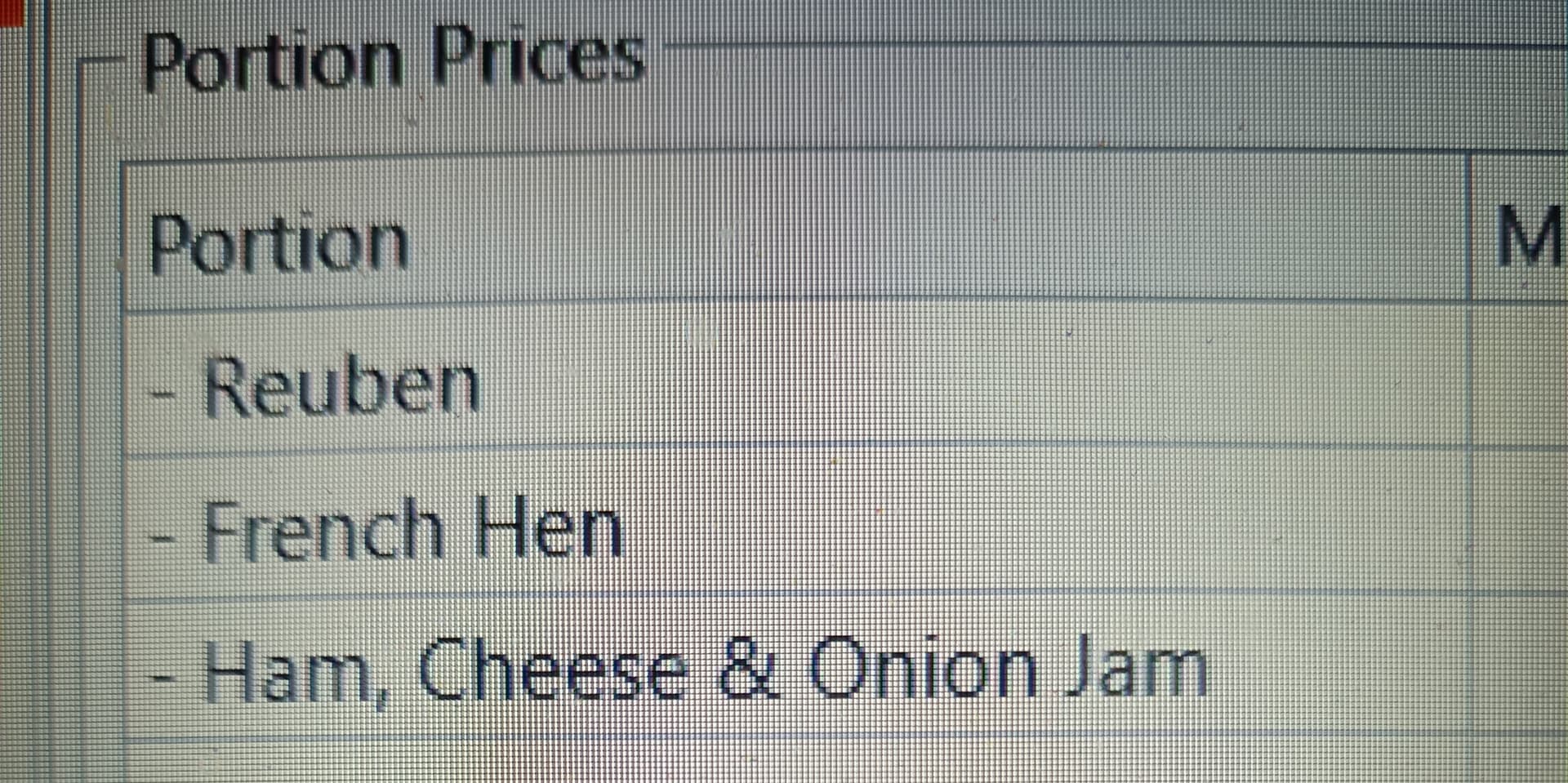
Ok, so here is my portion (one of many) for a Gourmet Toasty:
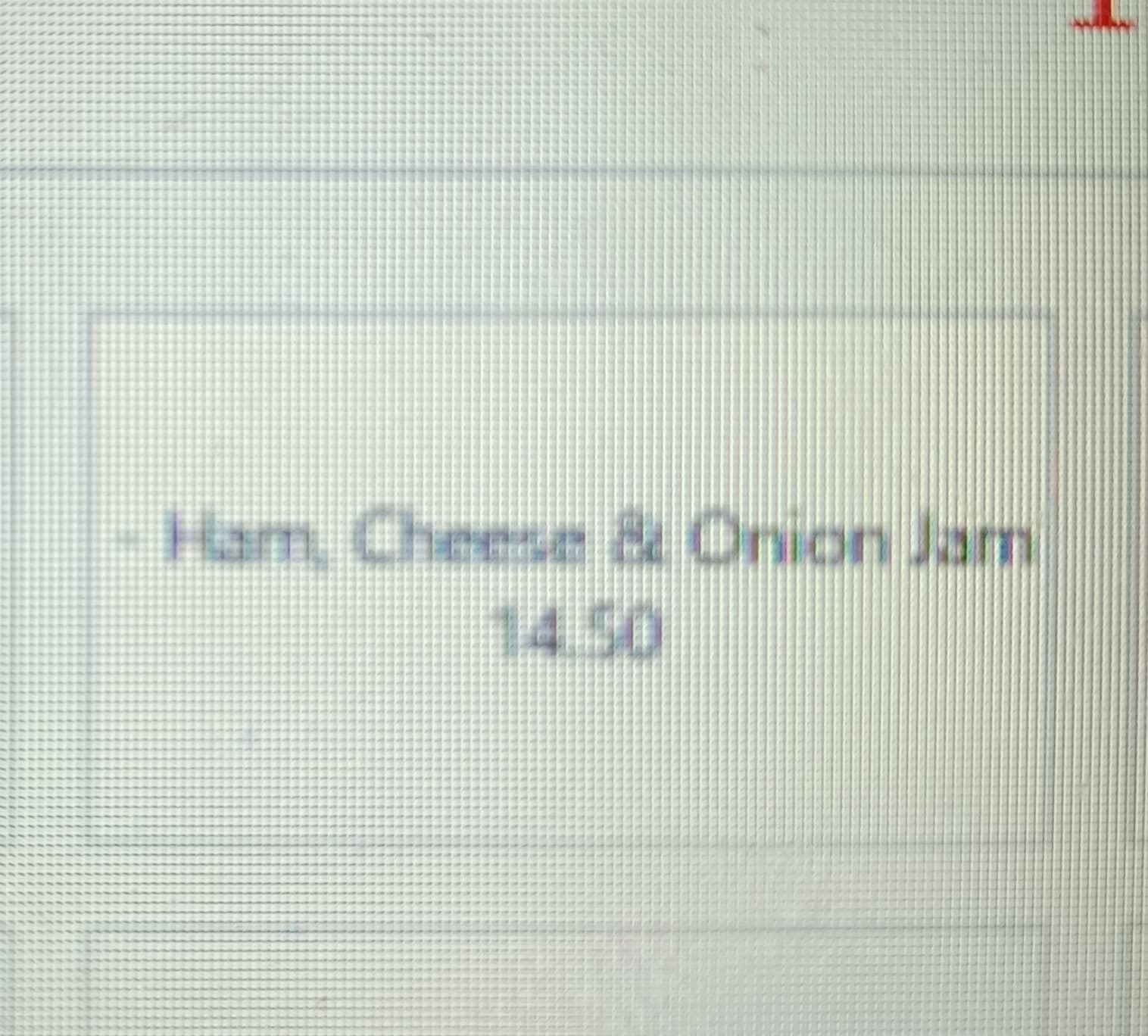
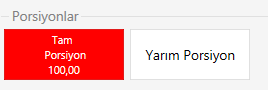
This is in the product set up screen. This looks like this in the menu:
Which is really small compared to the other items.
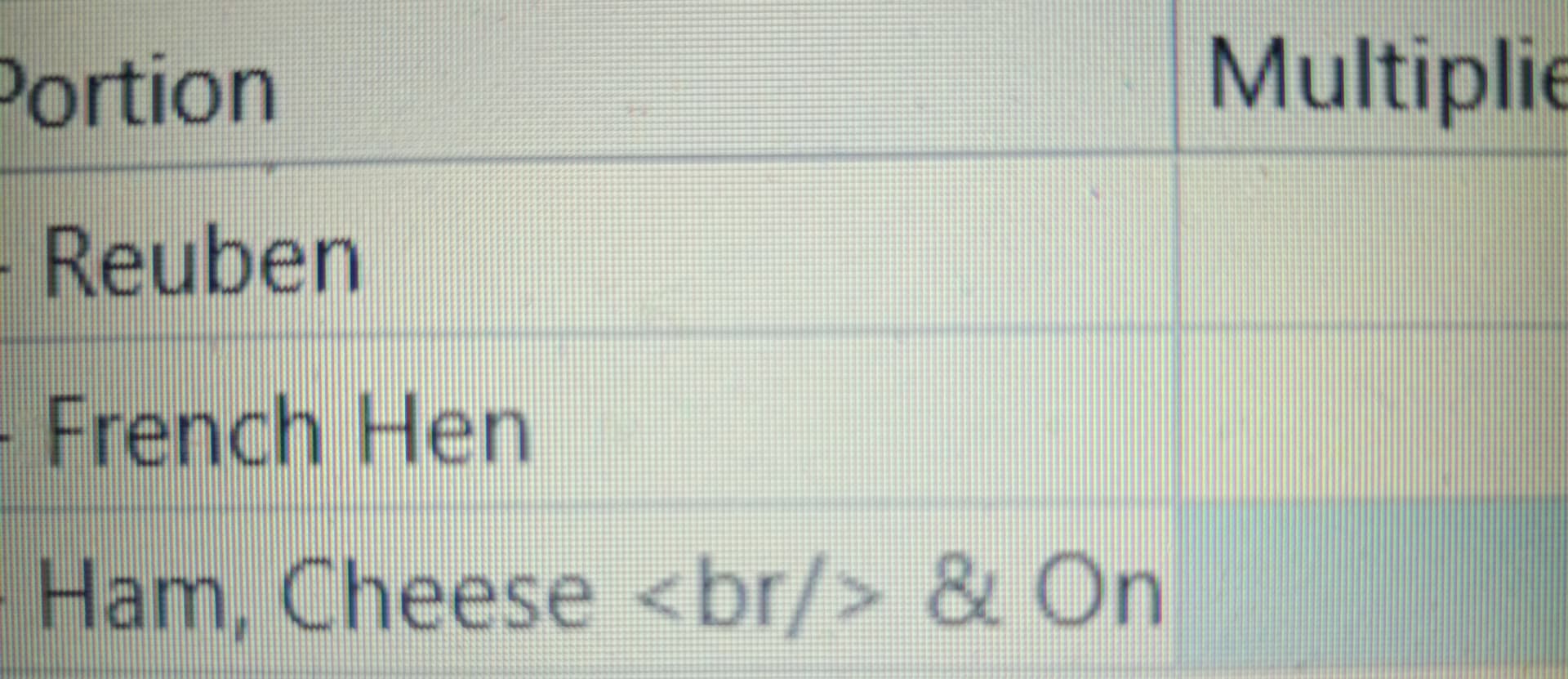
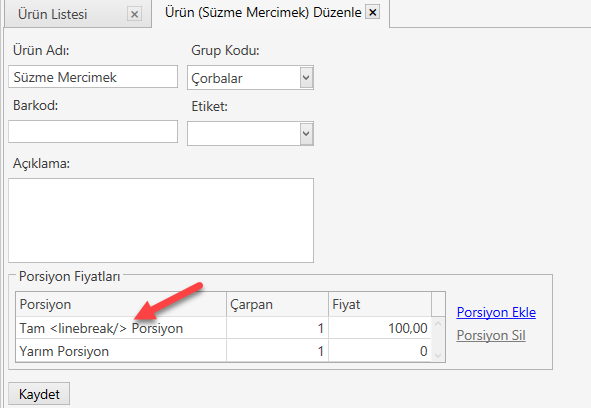
If I add a linebreak (2 different ways):
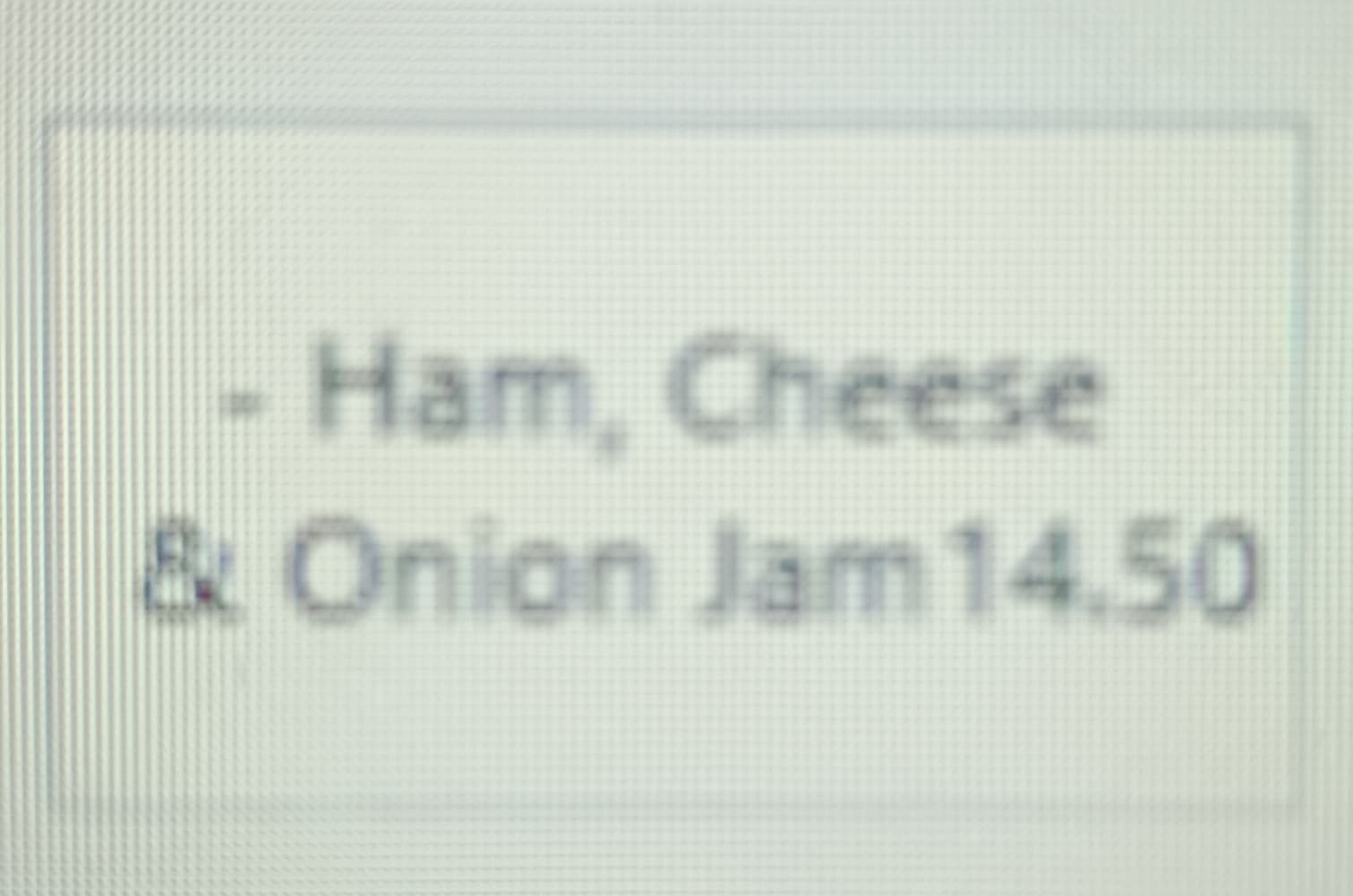
The menu looks like this:
So far so good 

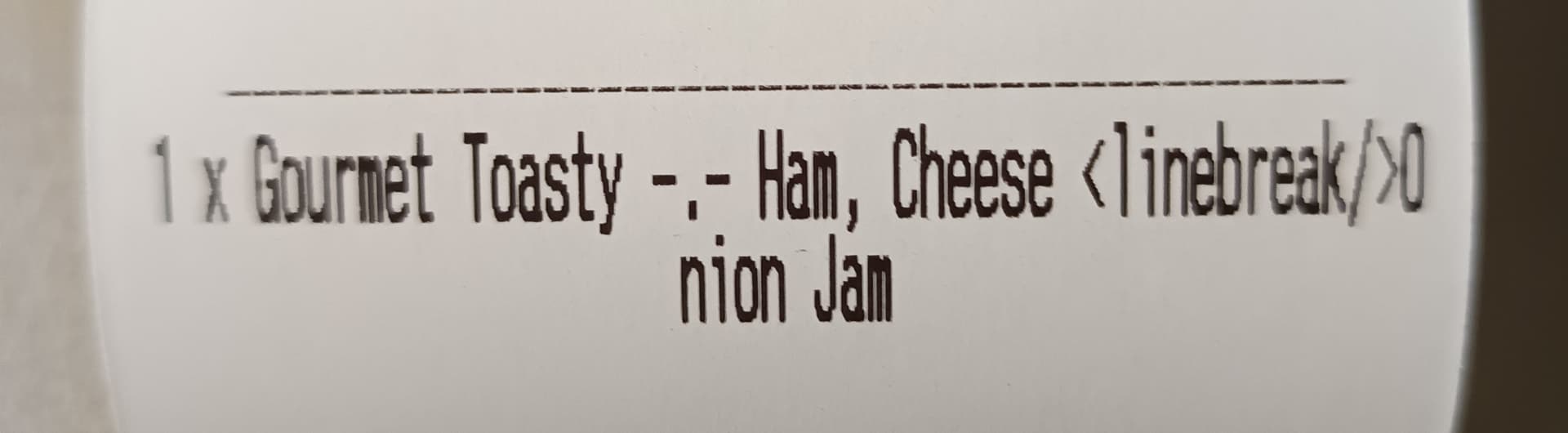
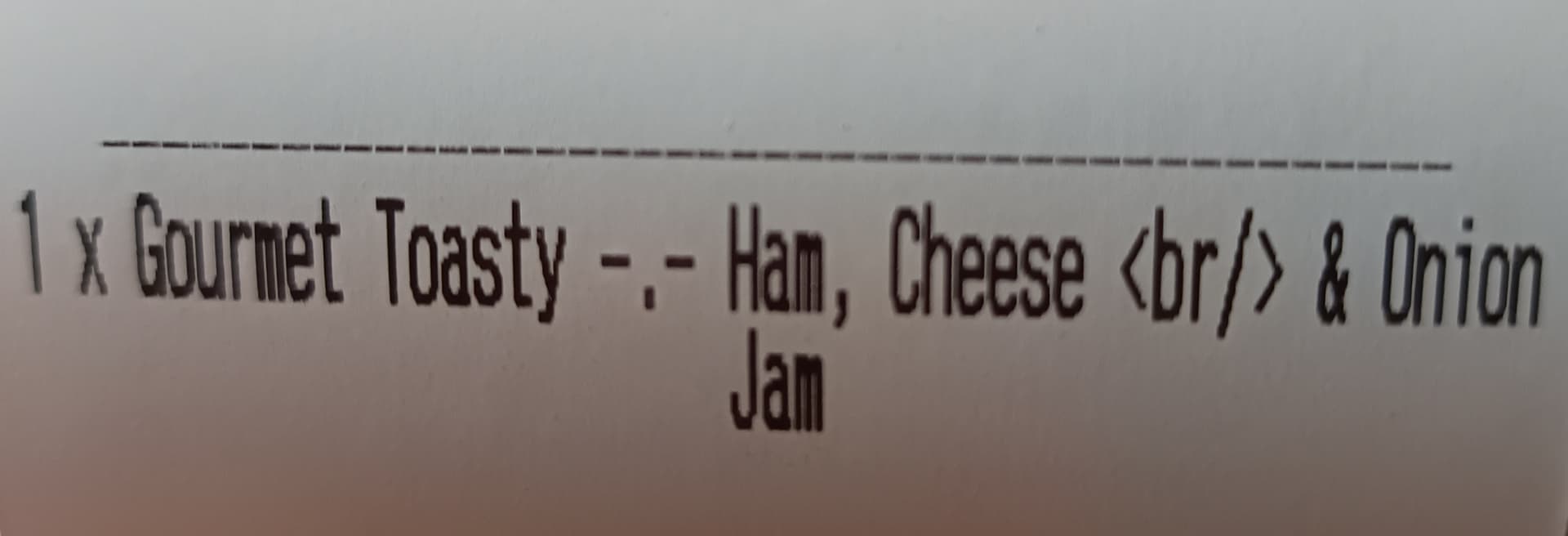
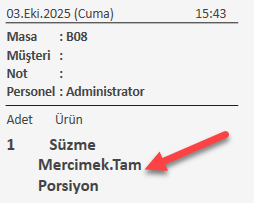
But when I print the ticket, I get this:
This happens because you are using the ECS POS printer type. With this type, the text is printed literally instead of creating a new line.
If you change your printer type and template to HTML, then you can use and it will correctly break the line without printing the tag.
Awesome thanks, I’ll give that a try at the end of service today.