We are often asked for specific bits of information
Map to a car park
Map to an ATM
Our business legal details
Etc… etc…
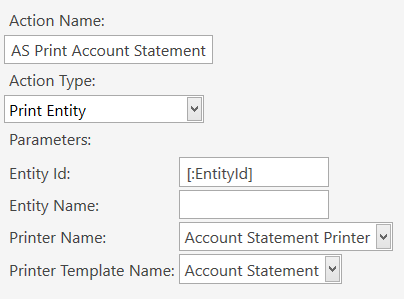
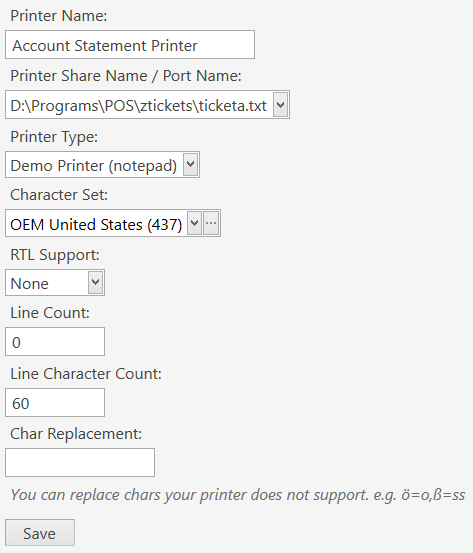
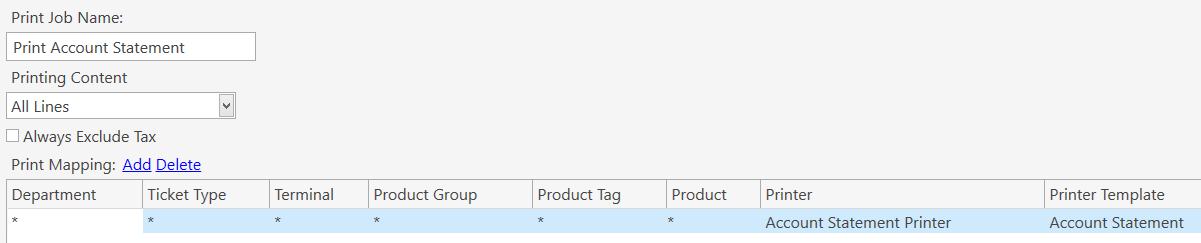
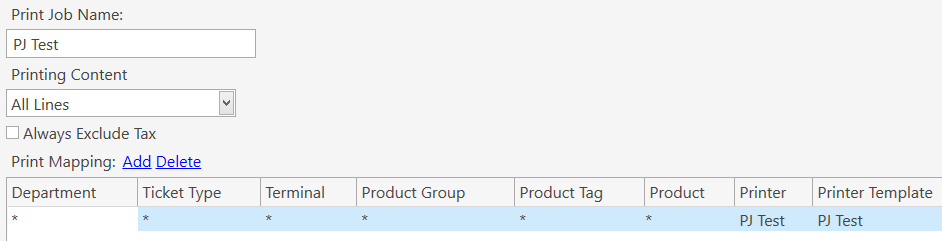
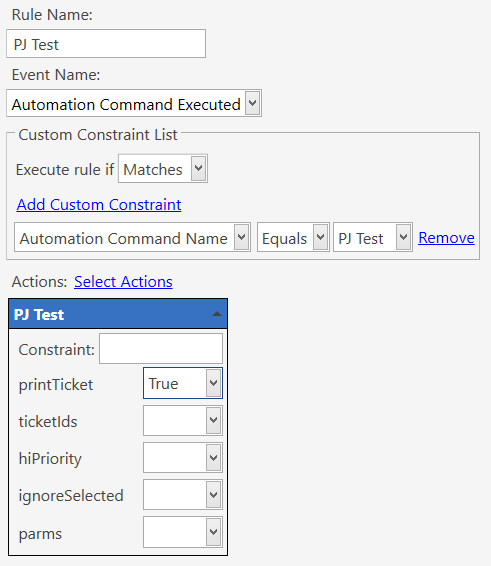
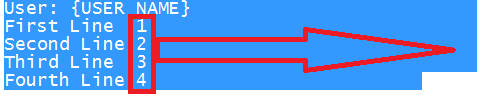
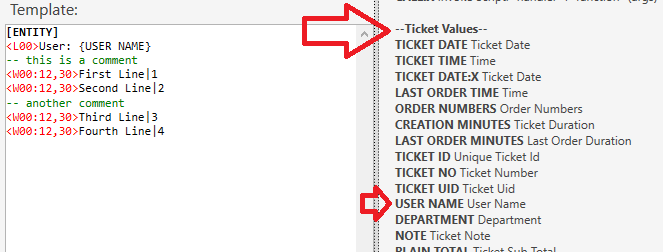
I have set-up everything so that I can print these using a single button from the navigation screen, but for some reason comments and the [LAYOUT] are being printed and not stripped away. The preview for the print template looks correct, but the ntoepad demo printer and the real printer all print the text which should be hidden.
I just noticed the guy with the {USER NAME} issue in the other thread. I spotted that when you asked him to add [LAYOUT] to the top of his template, the word [LAYOUT] was also printed. Could this be related?
I know I could just remove the comments, but I was just wondering if I was doing anything wrong and particularly why the preview looks correct, but the print (physical or notepad) shows the comments.
Glad that you got it to work in some way. I can’t get it to print at all when I use Print Entity Action… maybe because I don’t have an Entity selected?
Nothing shows up in my preview either when having [ENTITY] but I figure this is normal since the Template is unaware of an Entity being loaded.
As far as the Execute Print Job Action doing weird things, maybe it is a bug… I just can’t imagine that no one has ever seen it before, unless it was a bug introduced in a recent version.
Execute Print Job basically prints a ticket so needs a loaded ticket. To allow printing entity related things without being required to load a ticket I implemented Print Entity to allow you to load an entity and use Entity related Tags. It uses [ENTITY] as the base layout tag.
@emre, what we’re looking for is to be able to arbitrarily print a “static” document (template) without loading anything, but still be allowed to use common formatting mechanisms like <L> <T> <W> etc. and at the same time not print commented lines.