Which files do I need to migrate in a manner to start using SambaPOS4 with another Windows user account?
==
Due to consequences I had to start a new Windows account with clear installation of SambaPOS4.
Now I need to migrate all data from the older Windows account - but do not have access to the account itself, only user data through Windows Explorer / cmd.
I believe the situation is similar to migrating POS from one PC to another? What am I supposed to do? Which files do I need to migrate?
I just blindly installed Samba months ago according to default setup wizard settings. But if I remember correctly, some SQL related stuff was installed with Samba altogether…
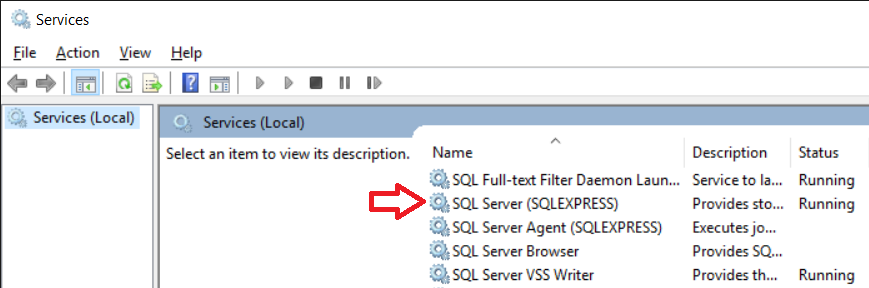
If you use sql express its a windows service so should be independent of user account or at least thats my understanding.
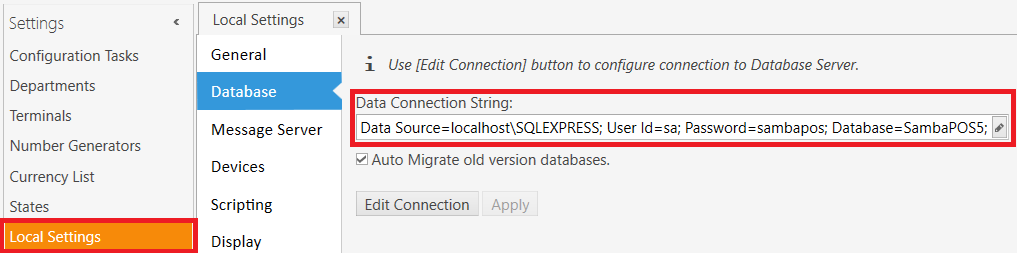
You would just install samba and set the database string to the same as on the other user account as samba settings are local to a user (I think)
However if you only used the samba installer you would not have SQL express as that needs downloading seperatly. You would know if you did its like almost a GIG download.
I would guess your using localDB or CE, hopefully localDB…
If your connection string is empty will be sign defiantly not SQL express. Not used the other two so not sure on those.
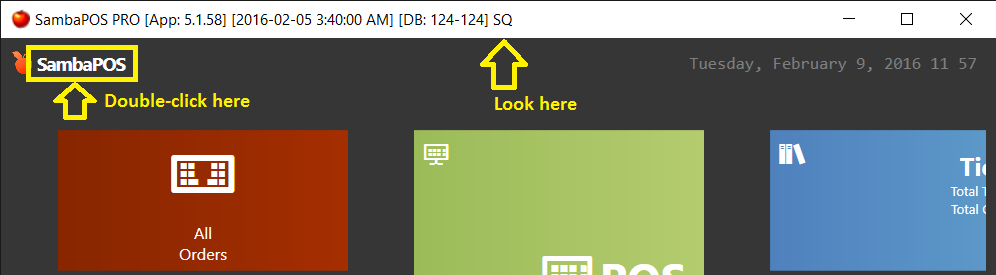
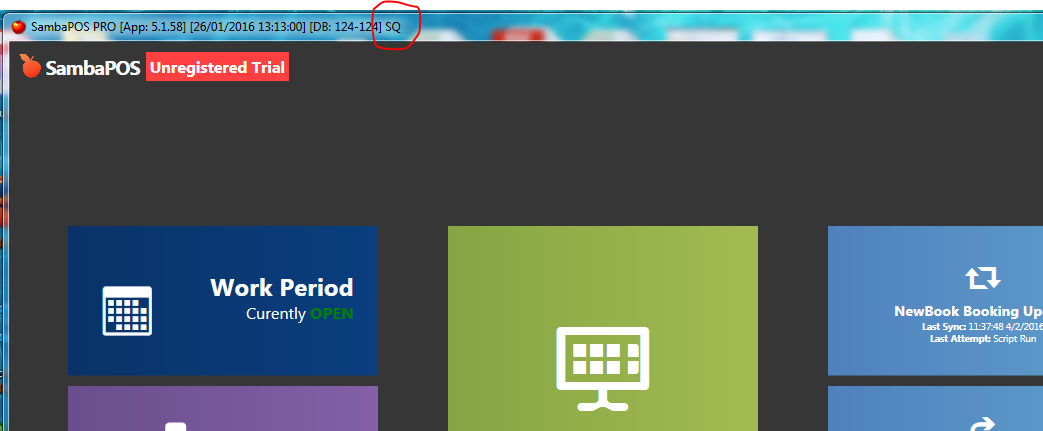
If you login as admin and double click on samba logo in top left the window will come out of full screen and show the type of database used in the header.