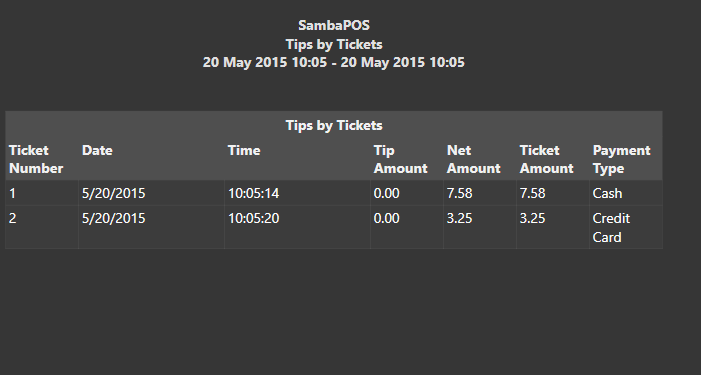
If you want to show the Payment type with tickets then you would need to code that into the SQL not add it as a tag. Or convert the entire report to Report Tags it might look like this:
[Tips by Tickets:1,2,2,1,1,1,1]

>Ticket Number|Date|Time|Tip Amount|Net Amount|Ticket Amount|Payment Type

{REPORT TICKET DETAILS:T.TicketNumber,T.Date,T.Time,CA.Tips,=[T.TotalAmount]-[CA.Tips],T.TotalAmount,TT.Payment:(TS.Status=Paid)}
this requires a couple things:
- You need to make a Ticket Tag that tags the orders with [:PAYMENT TYPE NAME] on Payment Processed Rule
- Where it says CA.Tips be sure Tips is the name of your calculation and its case sensitive.