I read your topic More Functions for TakeAway Department
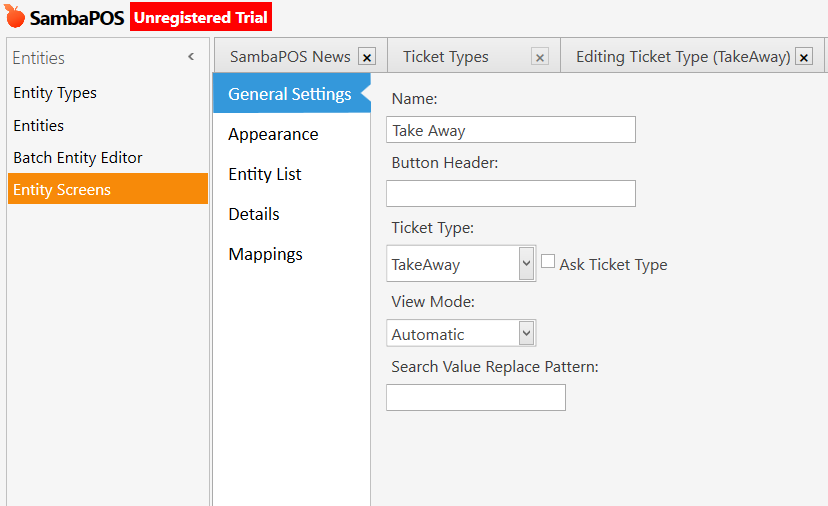
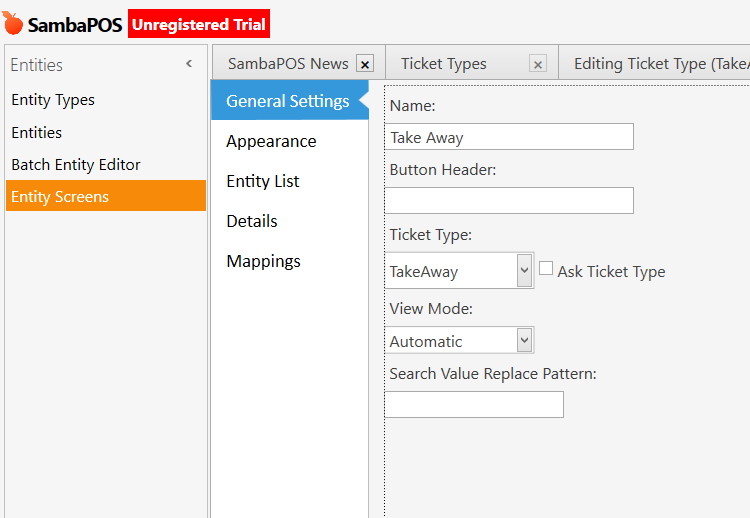
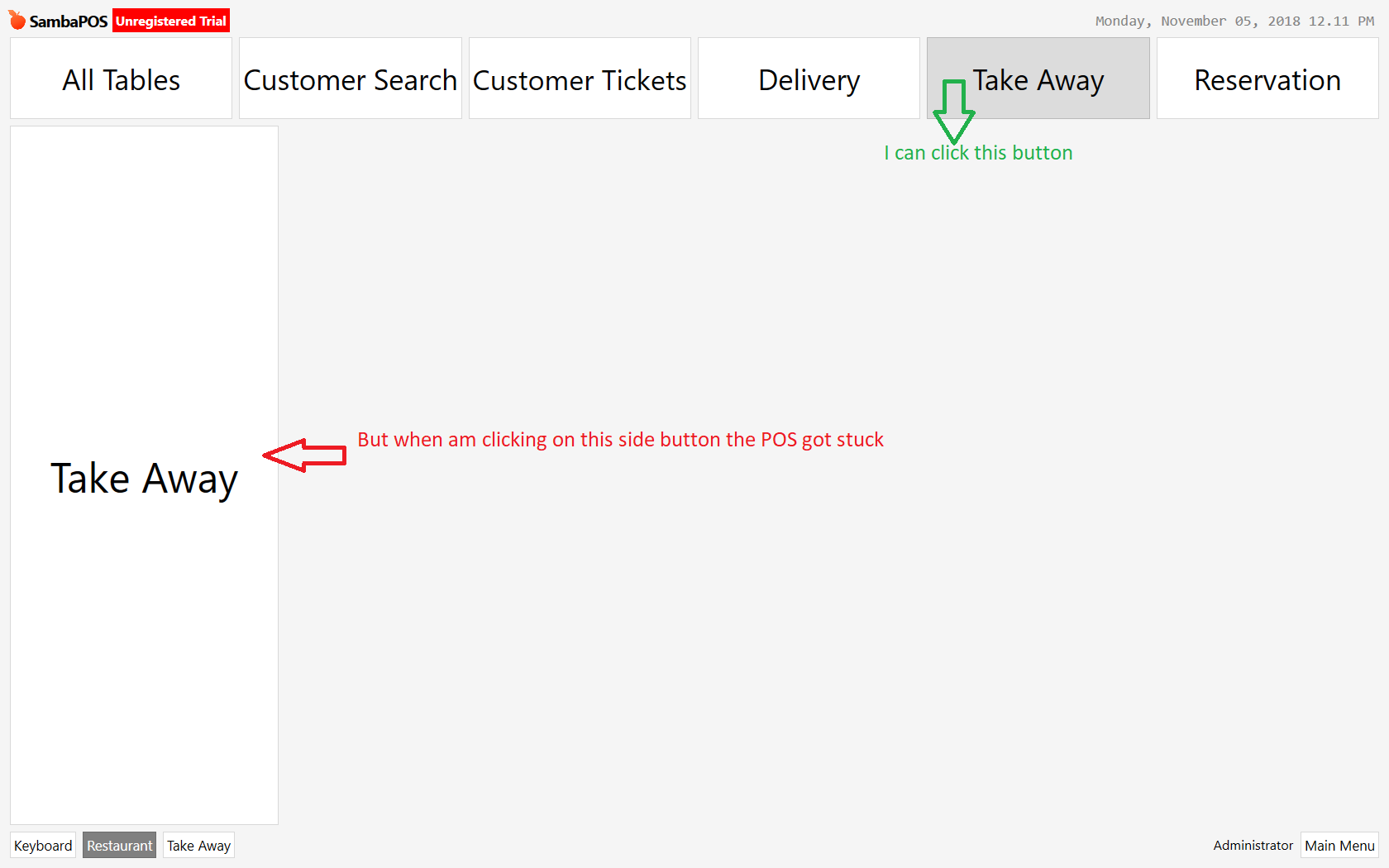
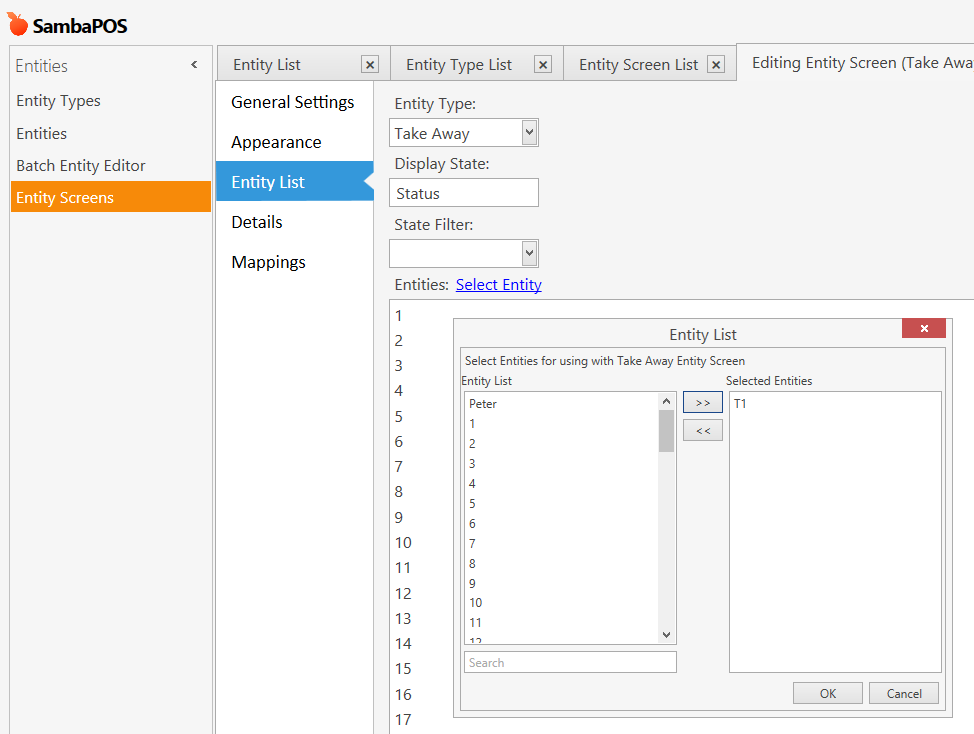
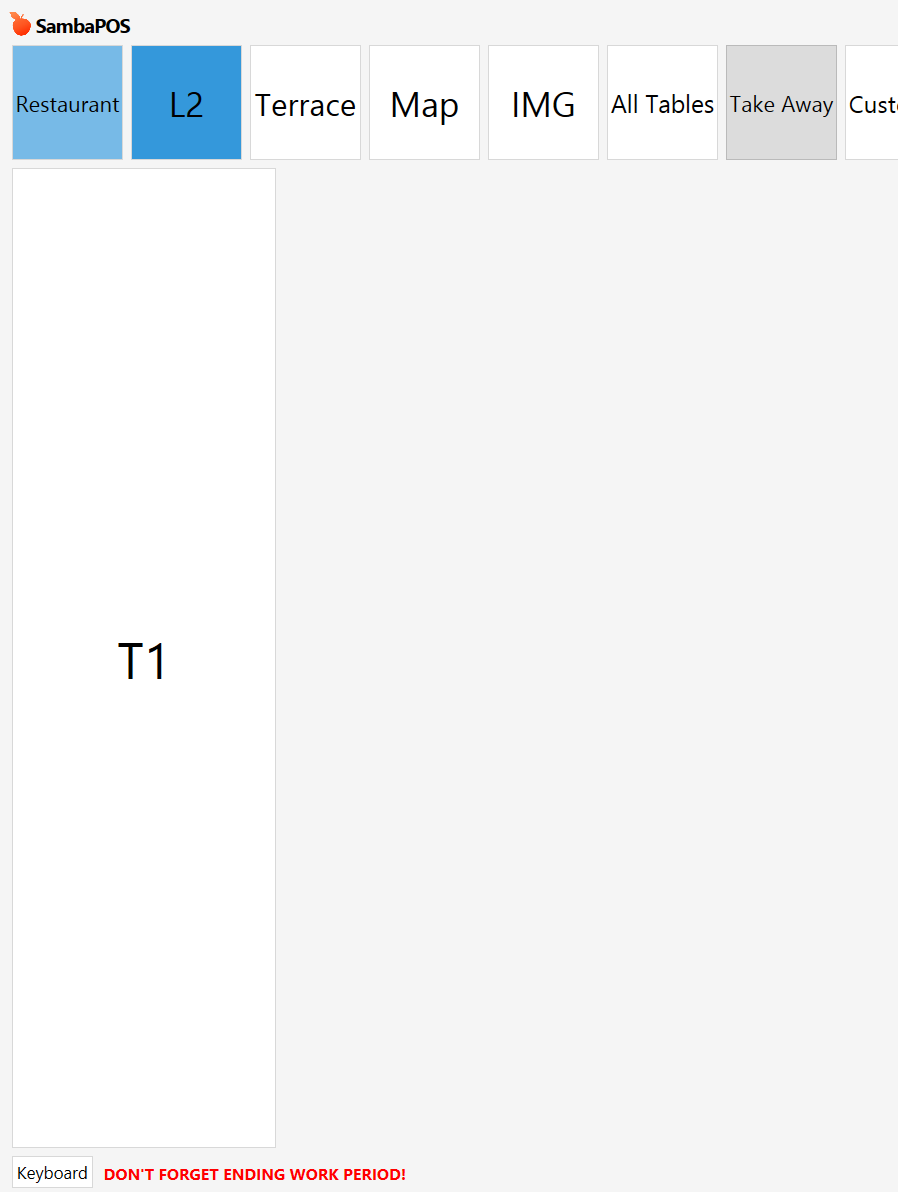
When I am assigning a Ticket type as a new ticket type (Take Away.) to the new Entity screen Take Away the POS is got hanged.
I read your topic More Functions for TakeAway Department
When I am assigning a Ticket type as a new ticket type (Take Away.) to the new Entity screen Take Away the POS is got hanged.
What do you mean by hanged exactly? Does it stop responding when you go the entity screen?
What happens when you type a name in button header and save?
Hi Shivan,
Its stoped working. We can not do anything. We need to close the POS from Task Manger
So when you open up sambapos, and you go to “POS” can you see your TakeAway Entity screen?
Am attaching my Database Backup Can You Please check…?
SambaPOS5_201811051215SQM.zip (616.3 KB)
Hi,
I tried like you said. but still it’s not working.
Found your problem…
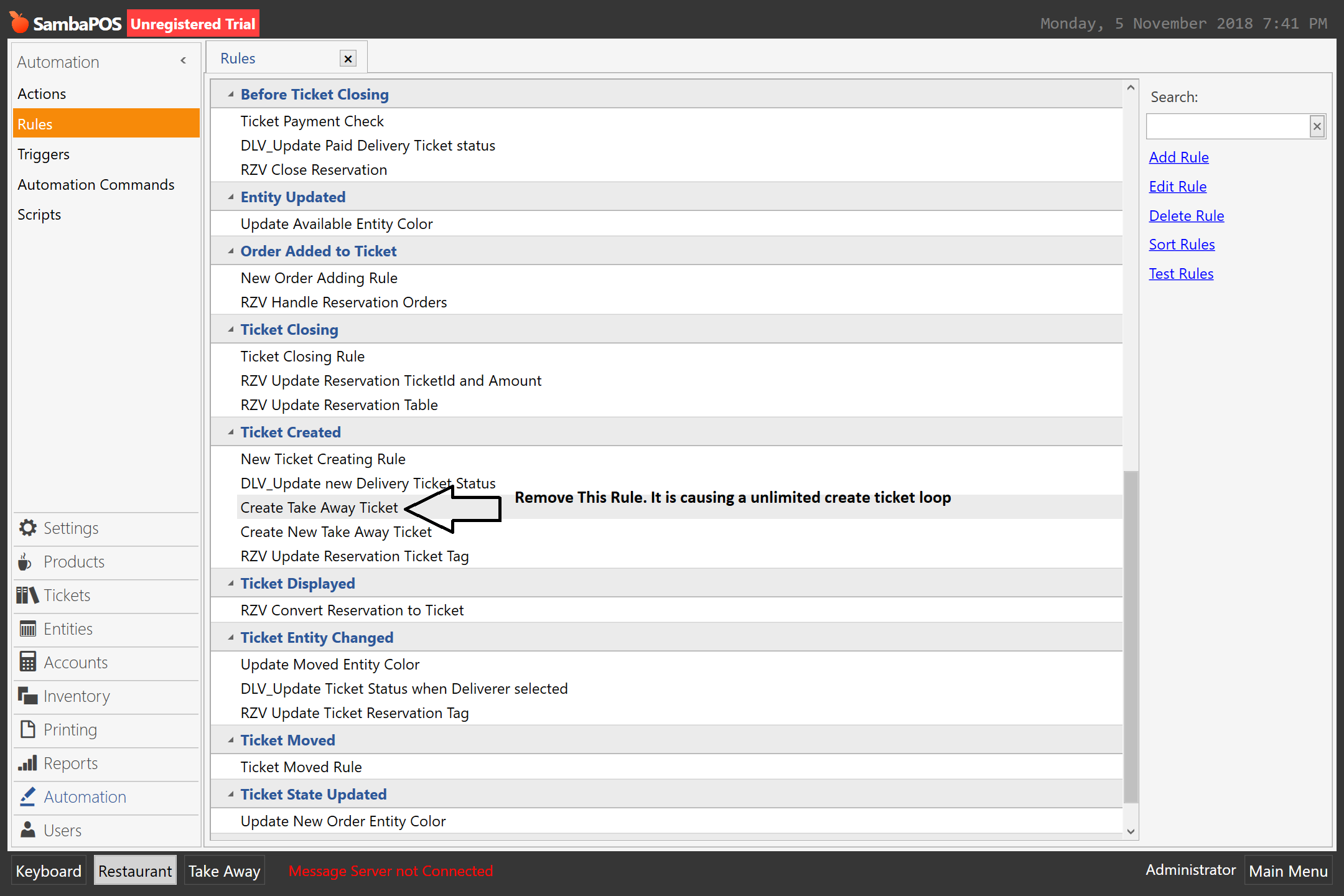
You have 2 rules there for take away.
You don’t need both of them.
Remove both of them.
and it will stop causing your entire POS to freeze.
Hi Shivan, Its working fine. Thank you very much for your support @Shivan.
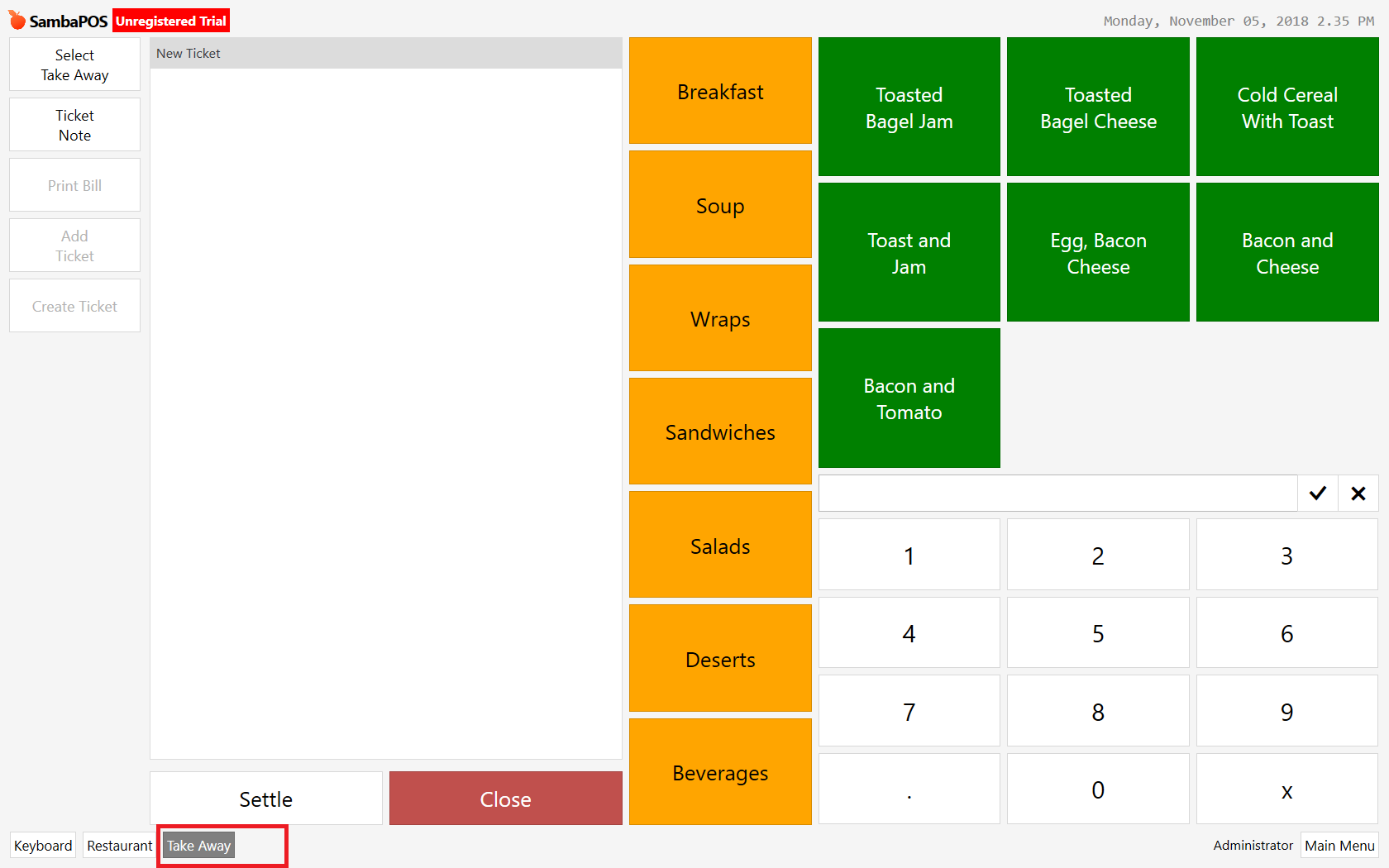
Is there any chance see the billing screen when am click on the entity screen it’s self.
I don’t think you can, because in order to see the Settle screen, you will need to have at least 1 item in the order screen.
It wont go to settle screen if there is no order to settle.
Your Entity screen “TakeAway” You created a button called “TakeAway”
Create a auto command button called “Takeaway” Don’t need to add mapping.
Create a rule which is fired on “Auto Command Executed” Event.
Add Constraint where Auto Command Equals “TakeAway”
Add a “Create Ticket” Action.
Once you’ve done this, you will need to ensure your button is assigned the same Auto command name “TakeAway”.
Once you do this, it should work.
You shouldn’t need to create the unmapped automation command to trigger a automation command rule from an entity screen command button.
Oh, that I didn’t know lol. I thought you needed to create an unmapped button in order to apply it to a rule.
interesting
If you want the automation command name to show in the drop-down of the rule constraints - however you should be able just to manually type the automation command name in the rule without the need to select it from the drop-down.
I didn’t get the above one . Rest of the things I done.