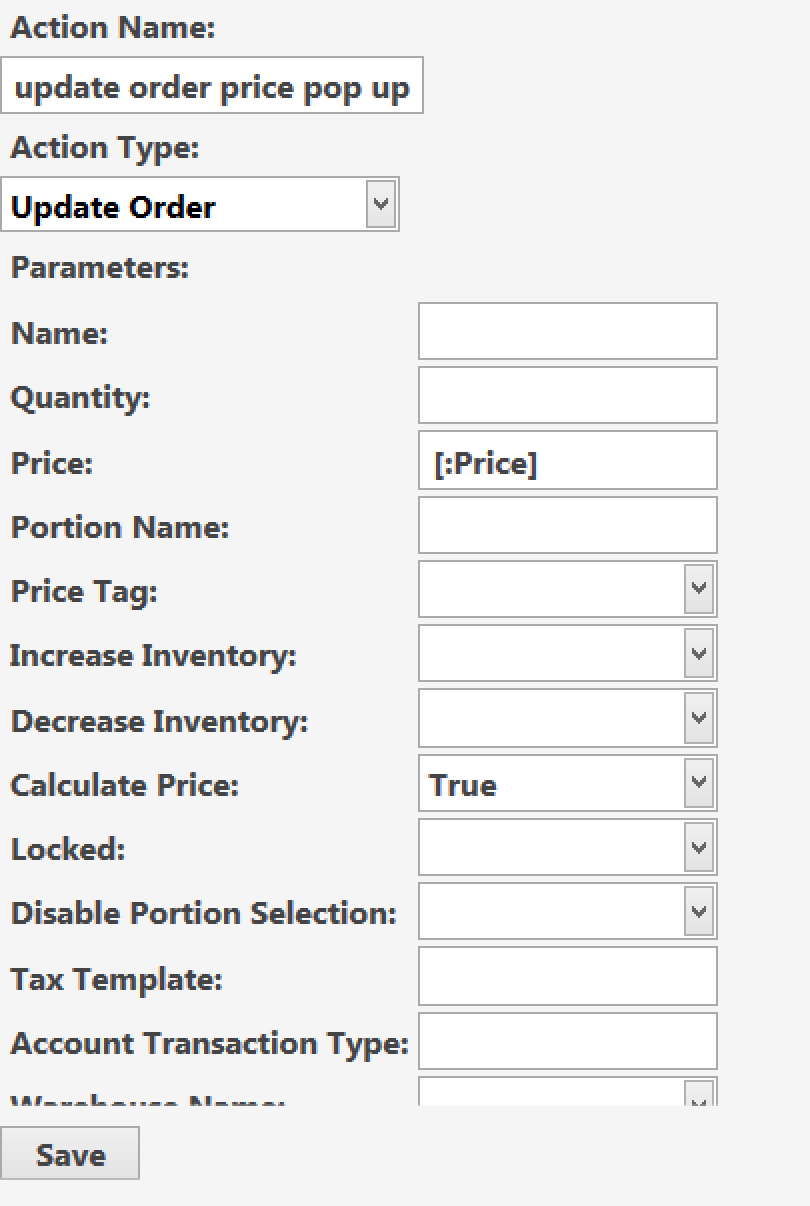
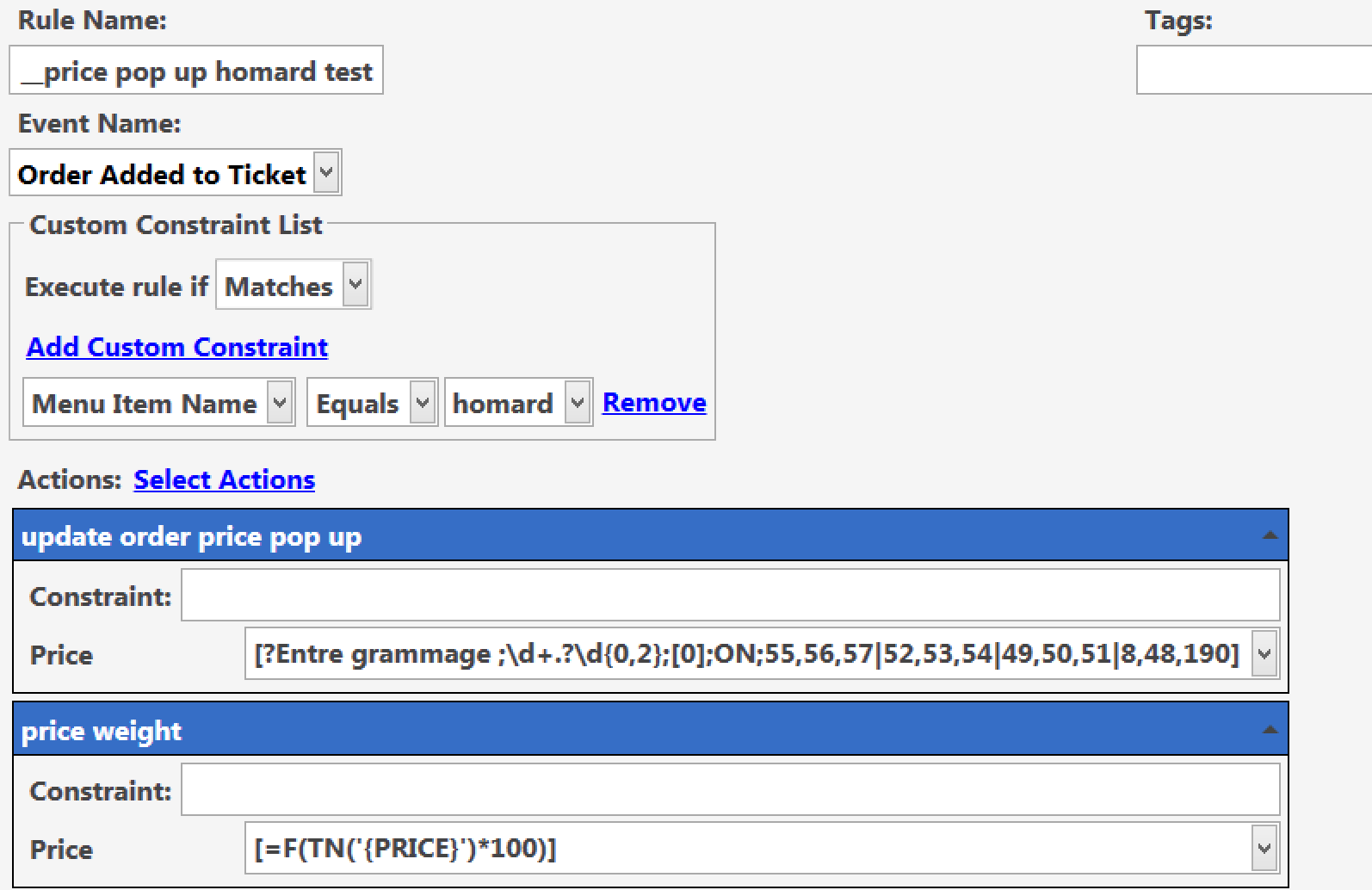
So i have some products like lobsters and fish where the price is based on the weight(no scale module) of the product i successfully implemented a way to pop up a numberpad to modify Prices [?Enter New Price ;\d+.?\d{0,2};[0];ON;55,56,57|52,53,54|49,50,51|8,48,190]
but here i was wondering is there a way to modify this so that you enter weight like let say 550grams and then it multiplies this number by a fixed amount so that the waiter doesn’t need to calculate the prices of these products themselves.
Thanks
edit:this solution works but is improved by @JTRTech in post 3
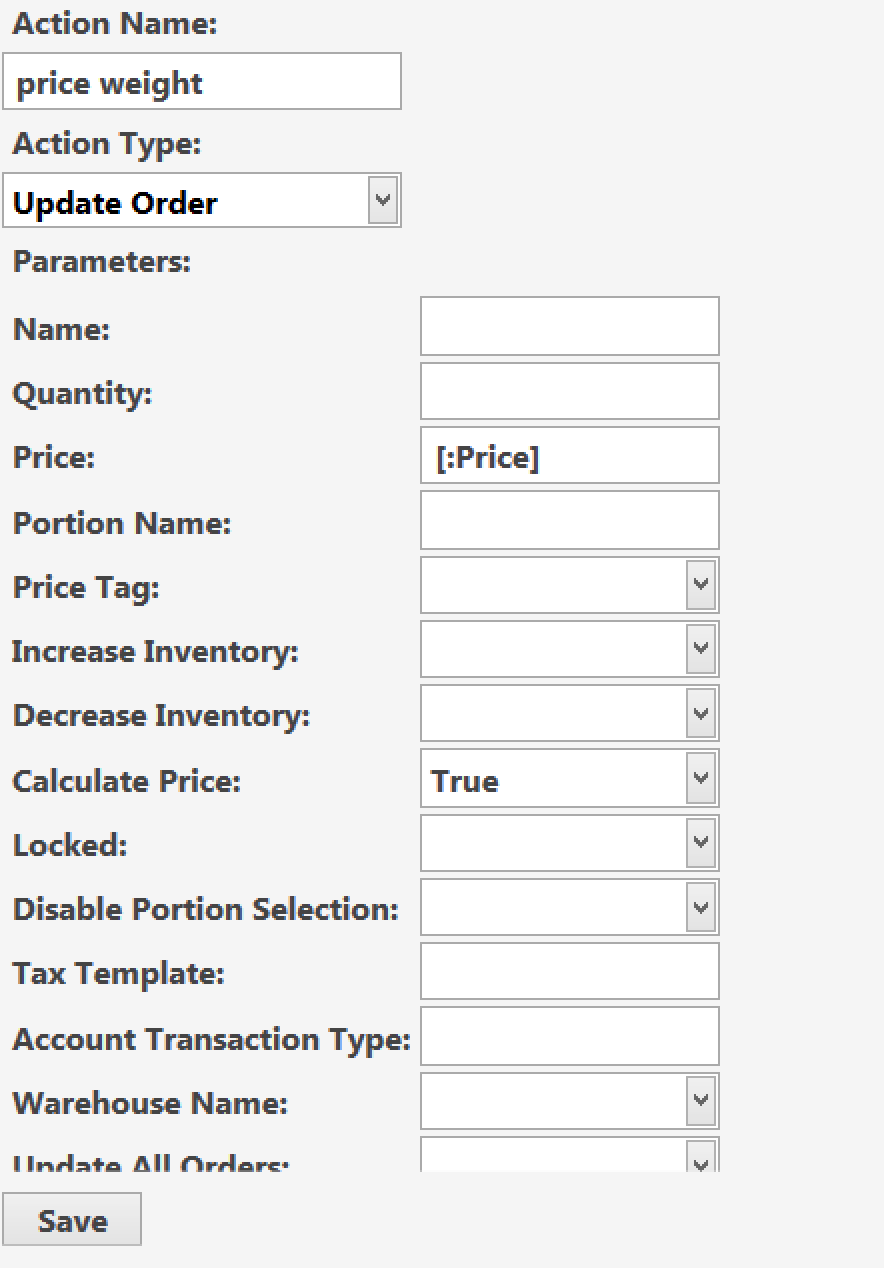
i found a solution i just added another action to modify the price after the first one and this time i set price to [=F(TN('{PRICE}')*100)] so now the value entered in the pop up numberpad instantly gets multiplied by 100.
That seems a little clumsy…
In theory you would either trigger an execute automation command where the command triggered a seccond rule where the update price actions was.
You [?prompt] would define the command value then the seccond rule where the update price action was would use command value in place of price.
I havn’t tried but an even better possibility if it works would be;
[=F(TN('[?Enter New Price ;\d+.?\d{0,2};[0];ON;55,56,57|52,53,54|49,50,51|8,48,190]')*100)]
Off to bed but would be interesting if that works.
Just so you know, clalculate price field is irelevent to this automation, it is the option which allows void/gift to hold their price for reporting etc but not to be included in the ticket total.
i know it just had the calculate price to true as i cloned the action from a old existing rule i already had and then modified name and price but thanks for the info any ways