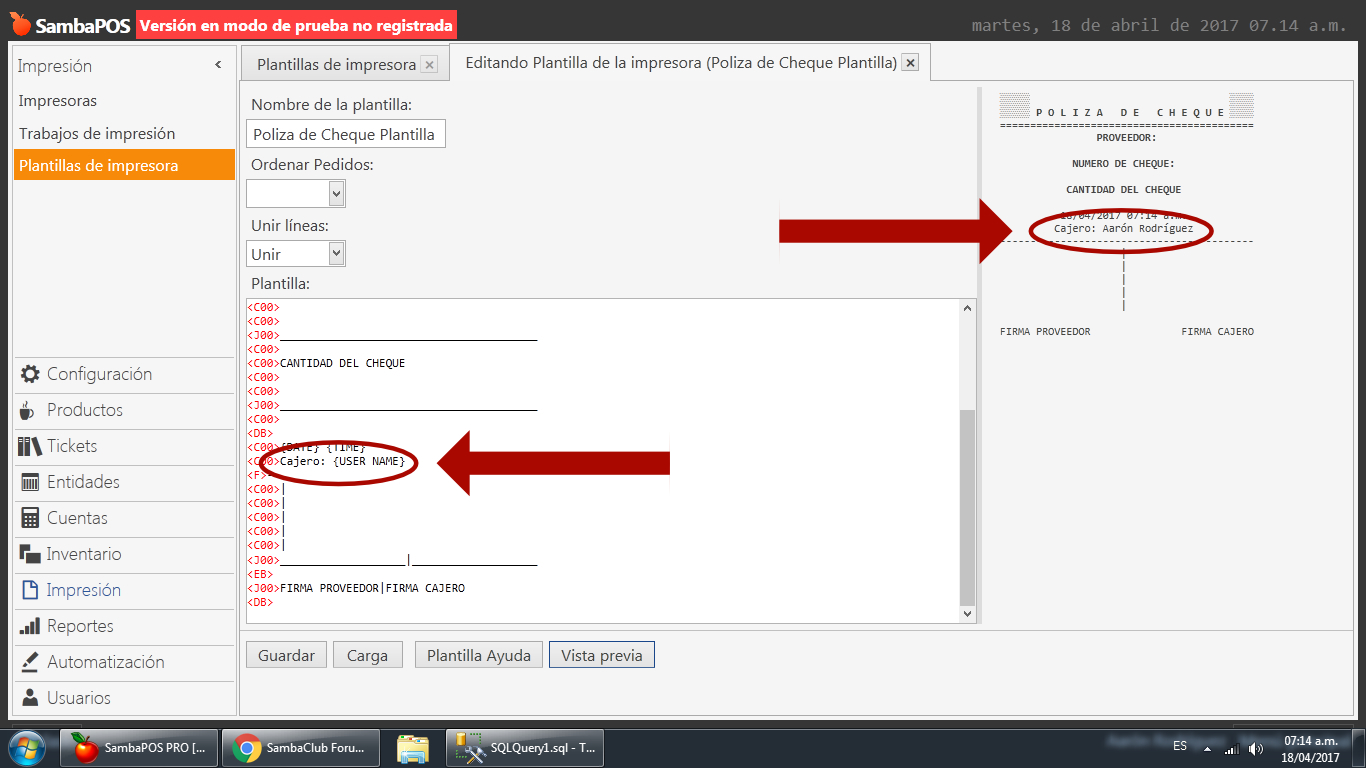
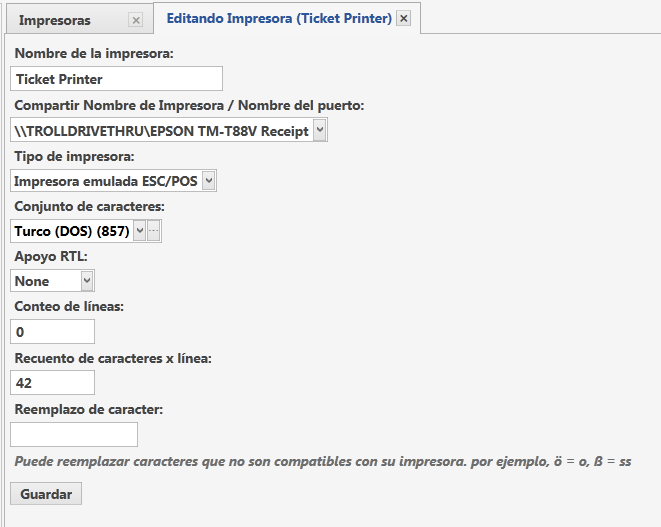
Hey! I have an strange behavior with {USER NAME} with this printer template
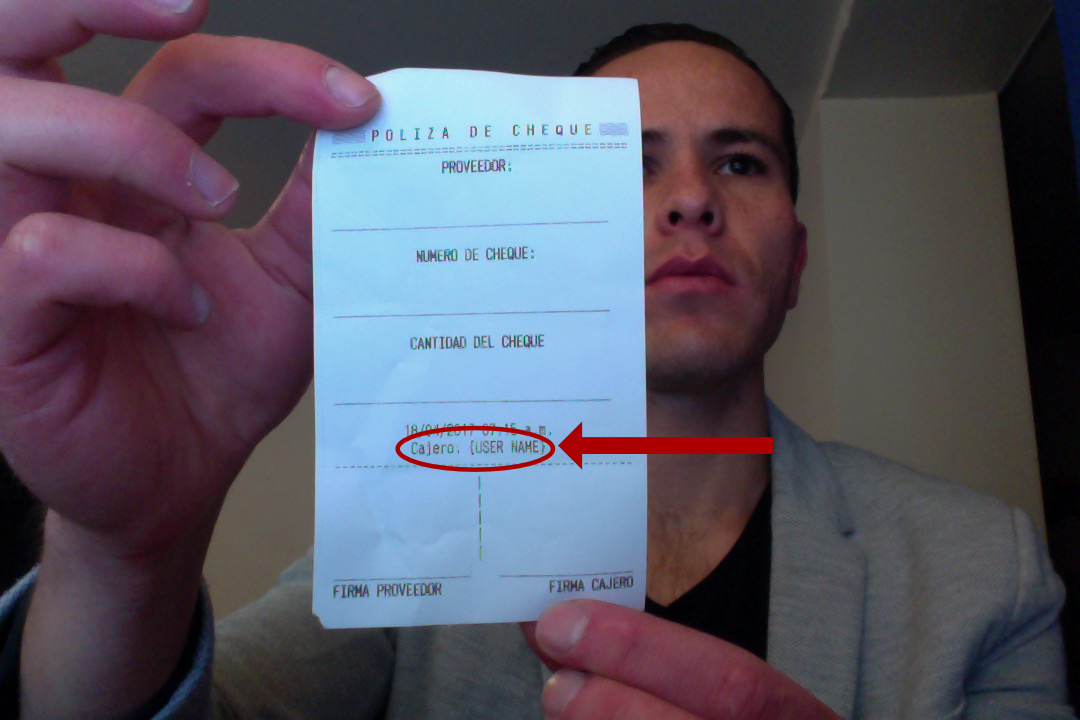
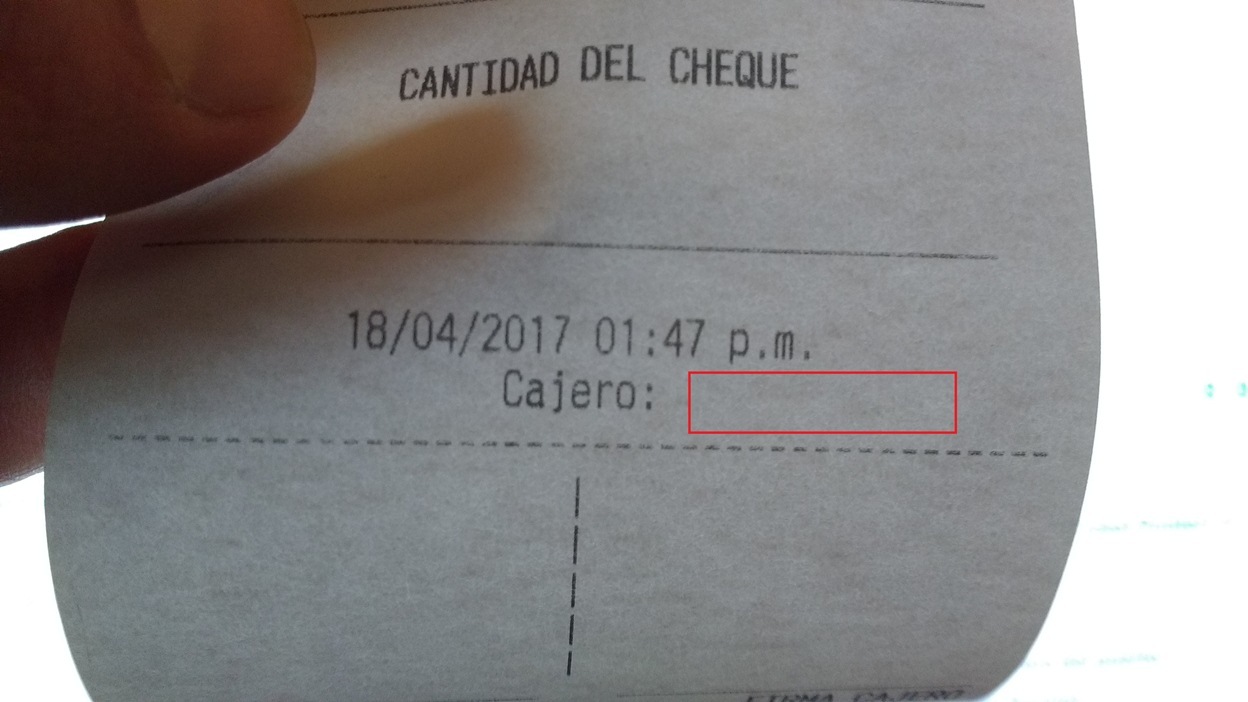
As you can see, everything seems to be working just fine, i have the {USER NAME} tag and it shows correctly my name on the Preview. But, here´s the result with the Actual Printing:
I already tried reseting everything, log out and log in, changing a little bit the syntax, etc
Am i missing something? Or is it really a kind of bug? What do you think?
QMcKay
April 18, 2017, 2:04pm
2
Are you using that Tag in th [LAYOUT] section or somewhere else?
Show your entire Template.
QMcKay
April 18, 2017, 2:44pm
4
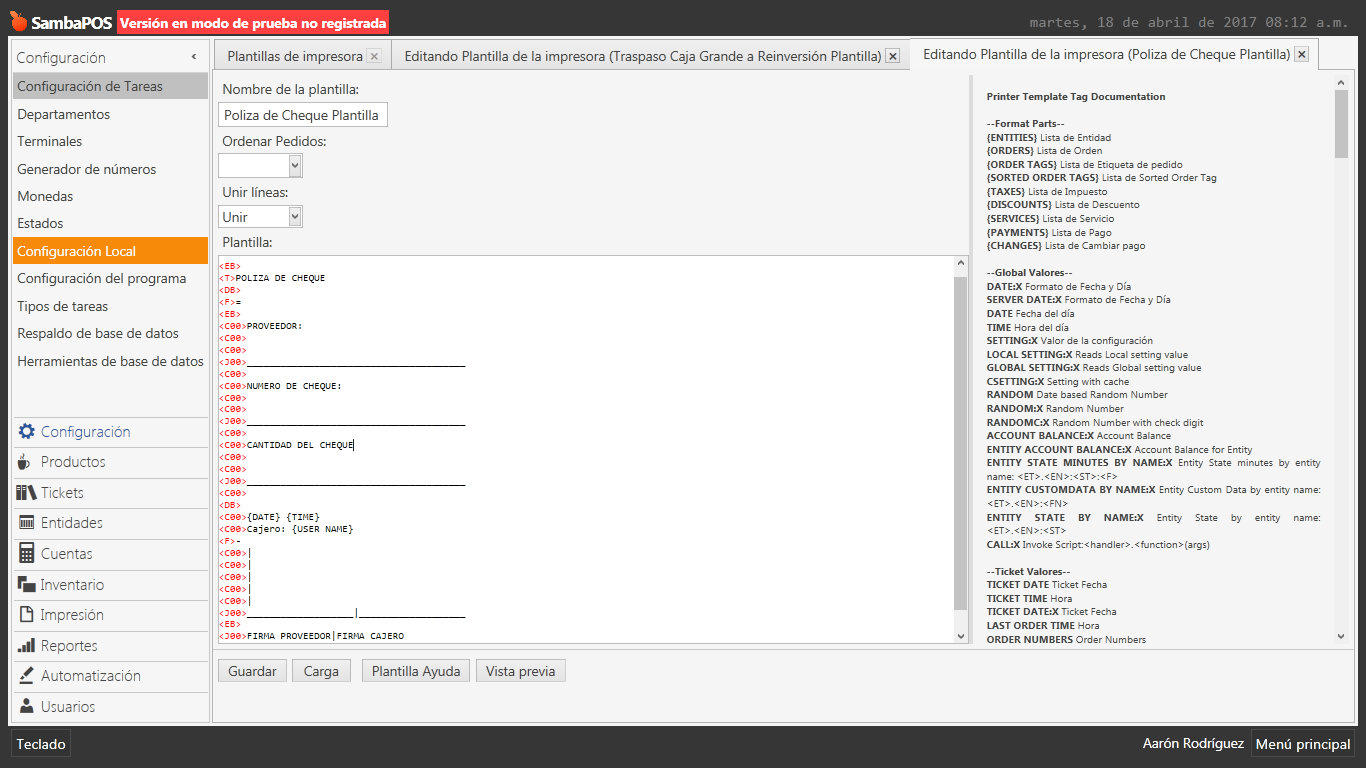
Copy and paste your Template TEXT into the Forum please. Your screenshot of your Template does not show what I want to see.
There you go:
 <EB>
    <T>POLIZA DE CHEQUE
    <DB>
    <F>=
    <EB>
    <C00>PROVEEDOR:
    <C00>
    <C00>
    <J00>_______________________________________
    <C00>
    <C00>NUMERO DE CHEQUE:
    <C00>
    <C00>
    <J00>_______________________________________
    <C00>
    <C00>CANTIDAD DEL CHEQUE
    <C00>
    <C00>
    <J00>_______________________________________
    <C00>
    <DB>
    <C00>{DATE} {TIME}
    <C00>Cajero: {USER NAME}
    <F>-
    <C00>|
    <C00>|
    <C00>|
    <C00>|
    <C00>|
    <J00>___________________|___________________
    <EB>
    <J00>FIRMA PROVEEDOR|FIRMA CAJERO
    <DB>
QMcKay
April 18, 2017, 2:54pm
6
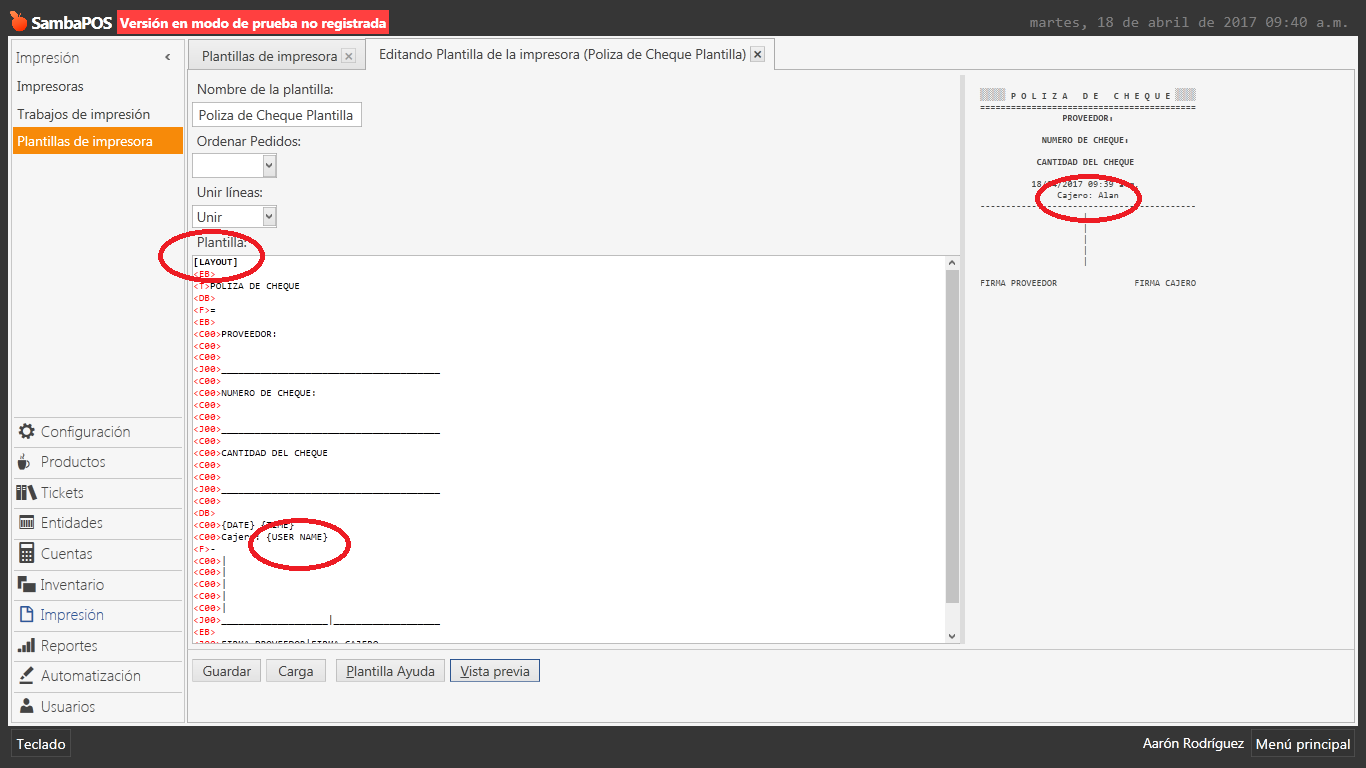
Add this to the very top of your Template:
[LAYOUT]
Done:
Everytime i add [LAYOUT] to any of my templates, it prints it, and the problem remains:
QMcKay
April 18, 2017, 3:48pm
8
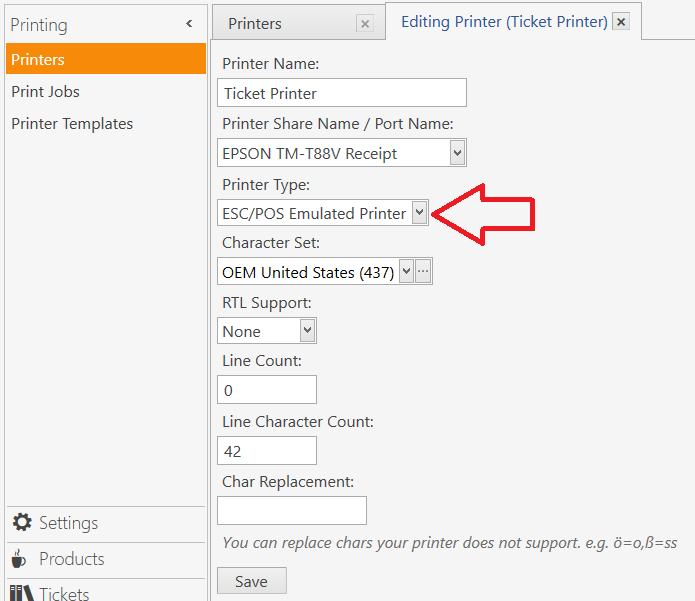
What do you have the Printer Type set to?
Can you try to print this in order screen (create ticket)
@sukasem If I print in the order screen, then it doesnt print anything:
QMcKay
April 18, 2017, 8:07pm
12
How are your executing the Print Job? If there is no Ticket Loaded, then the User Name will not print because that Tag is specific to a Ticket.
Got it, you are right QMcKay, when I load a ticket it works on order screen. Is there a way to print User Name on Accounts screen without having a ticket loaded?
QMcKay
April 18, 2017, 8:13pm
14
You can try one of these:
{:CURRENTUSER}
{SETTING:CURRENTUSER}
… which should give the name of the User that is currently logged in to the system when the Print is executed.
QMcKay:
{SETTING:CURRENTUSER}
Thats it, {SETTING:CURRENTUSER} did the trick, thank you very much again @QMcKay !