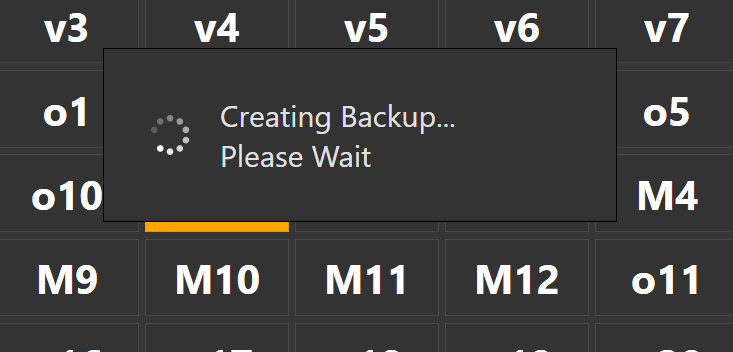

i setup my database to do a backup 3times daily but i cant seem to make it run in the background even though i set it to True.
is there a way i can make it do the backup in the background without showing a popup message,
I’d suggest you just don’t do the backups within SambaPOS and instead use a third party solution to automate SQL backups - I have used SqlBackupFree many times which is free and lets you set how long backups should be kept locally (plus gives added features like uploading backups via FTP to a remote server).
This will be totally invisible to the user and less chance the backup process gets interrupted by some user action. The only downside is that your backups won’t show in SambaPOS and so cannot directly restore from the backup screen - you will need do restores via SSMS.
2 Likes
I built a solution from this youtube video. It shows you how to create a .bat file and use windows task management to automate it. It runs in the background and fast. I have it to backup my database daily on a separate hard drive in my computer. Its been working great for me.