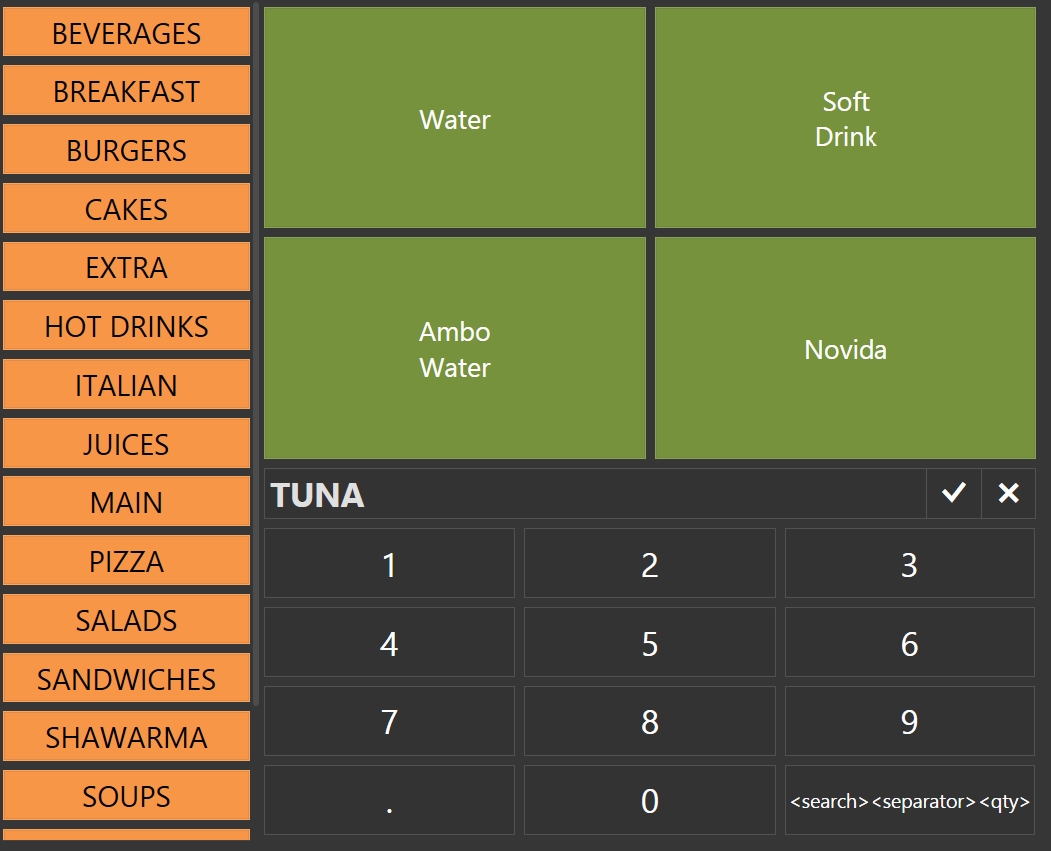
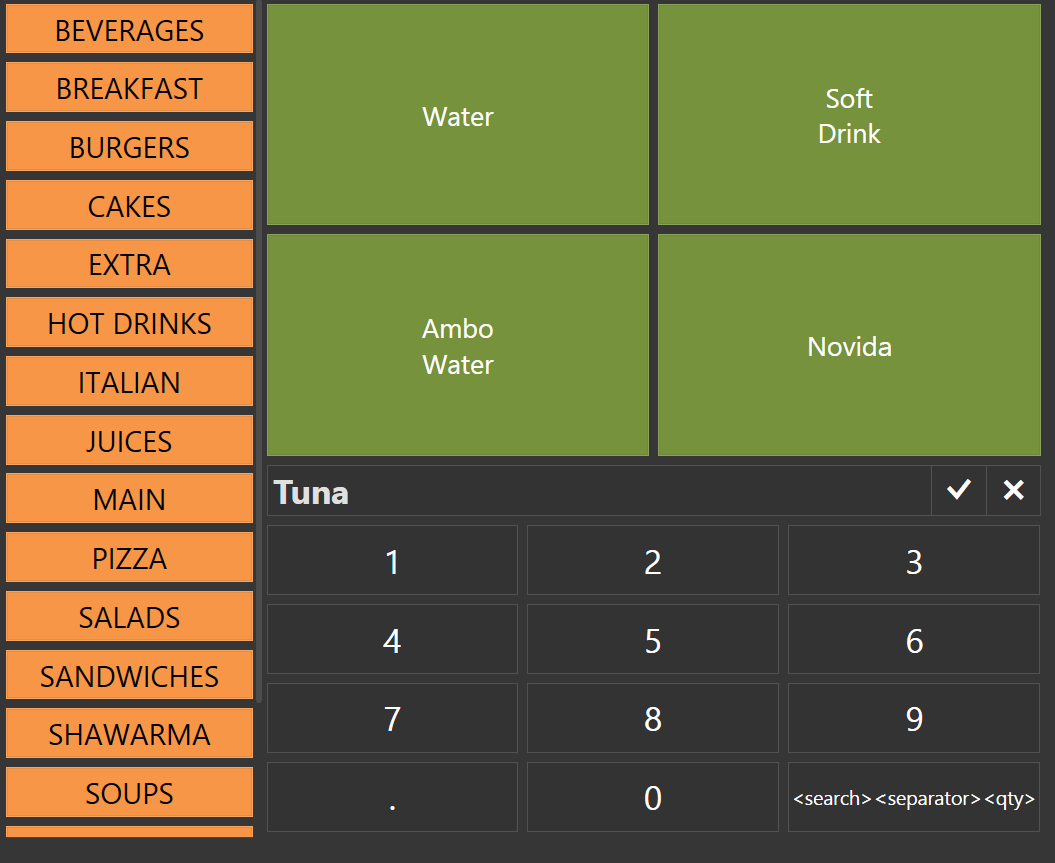
But if the search contains any capital letter or upper case in the first or in the middle, nothing is happening (Search results are not showing) like this
Does anyone know this behavior of the software? I know this is not big deal, it doesn’t interfere the work process but it doesn’t have to be case sensitive.
Thanks
I think yes @Posflow, because earlier day, writing X in the search (like writing box, as you type x, it clears the whole search letters) so, I searched in the forum and found this topic. And I added <search><separator><qty> in settings as the guide. That shows the search is qr based (I think ). Also, that could be why there’s <search><separator><qty> in the button to bottom left of the numbers pad in the screenshot I shared. So, what do you think?


 ). Also, that could be why there’s