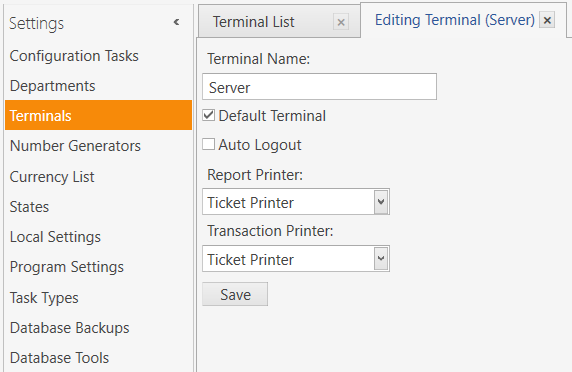
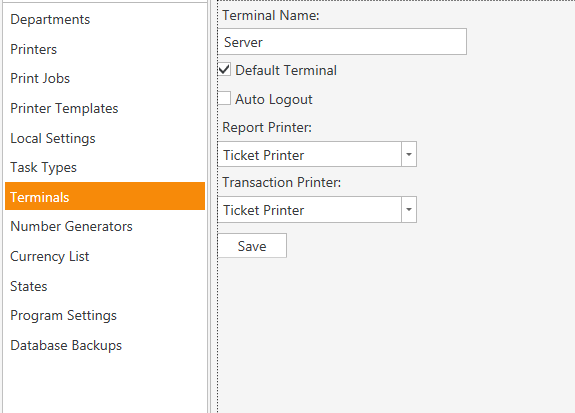
If you read abode with QMcKay we found an error in the tutorial, so i wonder maybe there is another !! not for sure of course just wonder …
I might be wrong but I think Print Transaction Document actually prints to the Invoice Printer, try setting Invoice Printer to your ticket printer.
Changed it … Nothing
Sorry, yer just checked, getting the document print I remember being a snag in my voucher setup working on the other day.
You have logged out and back in again since setting up?
yes i just did it …
So at the minute your getting normal printer template yer?
Exactly …
I just want the GC number to give to the customer instead wrote it by hand on paper …
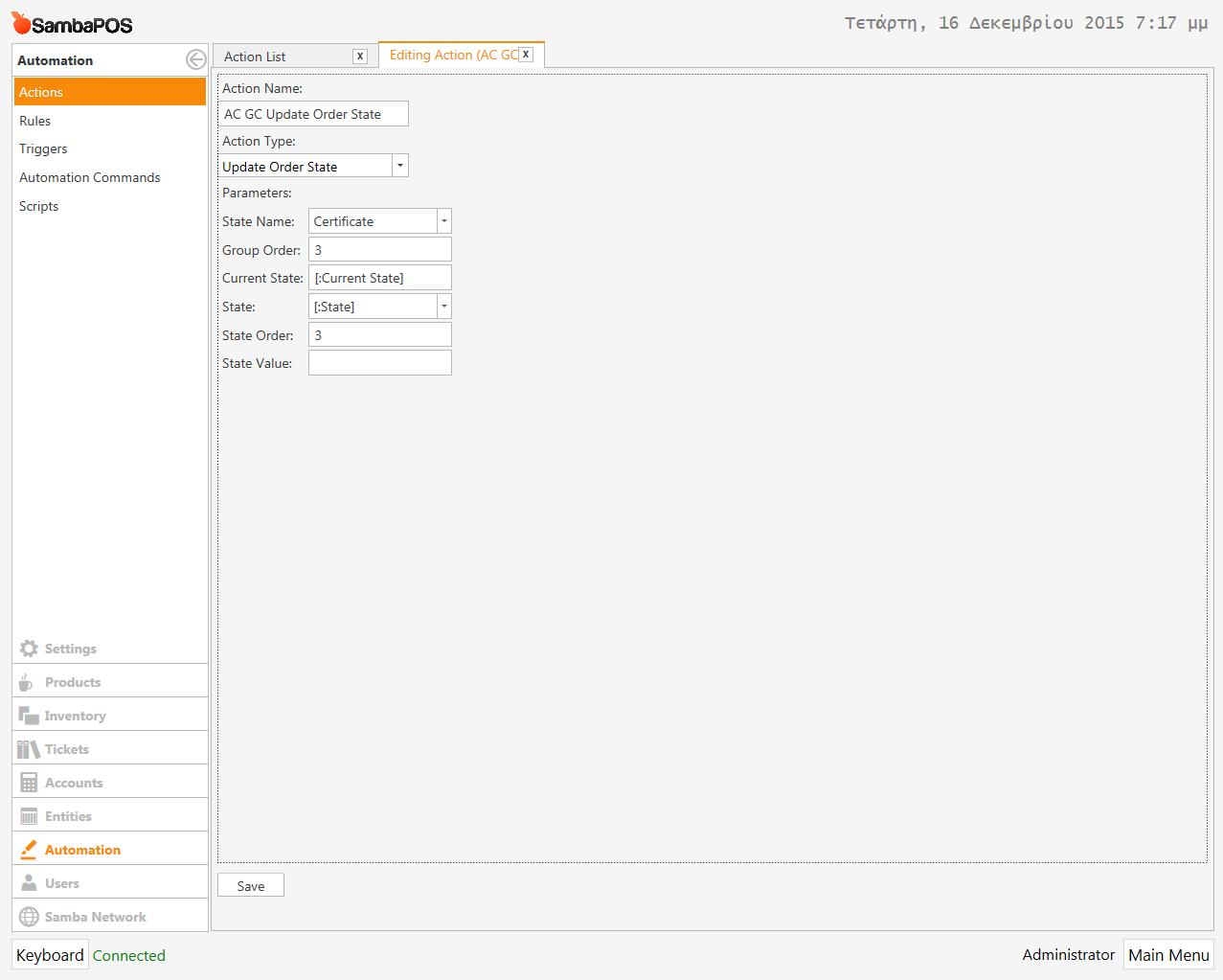
Can I see your ‘AC GC Update Order State’ action please?
my mistake sorry ,
1 min pls
Sorry, ment the actual action to check the state name.
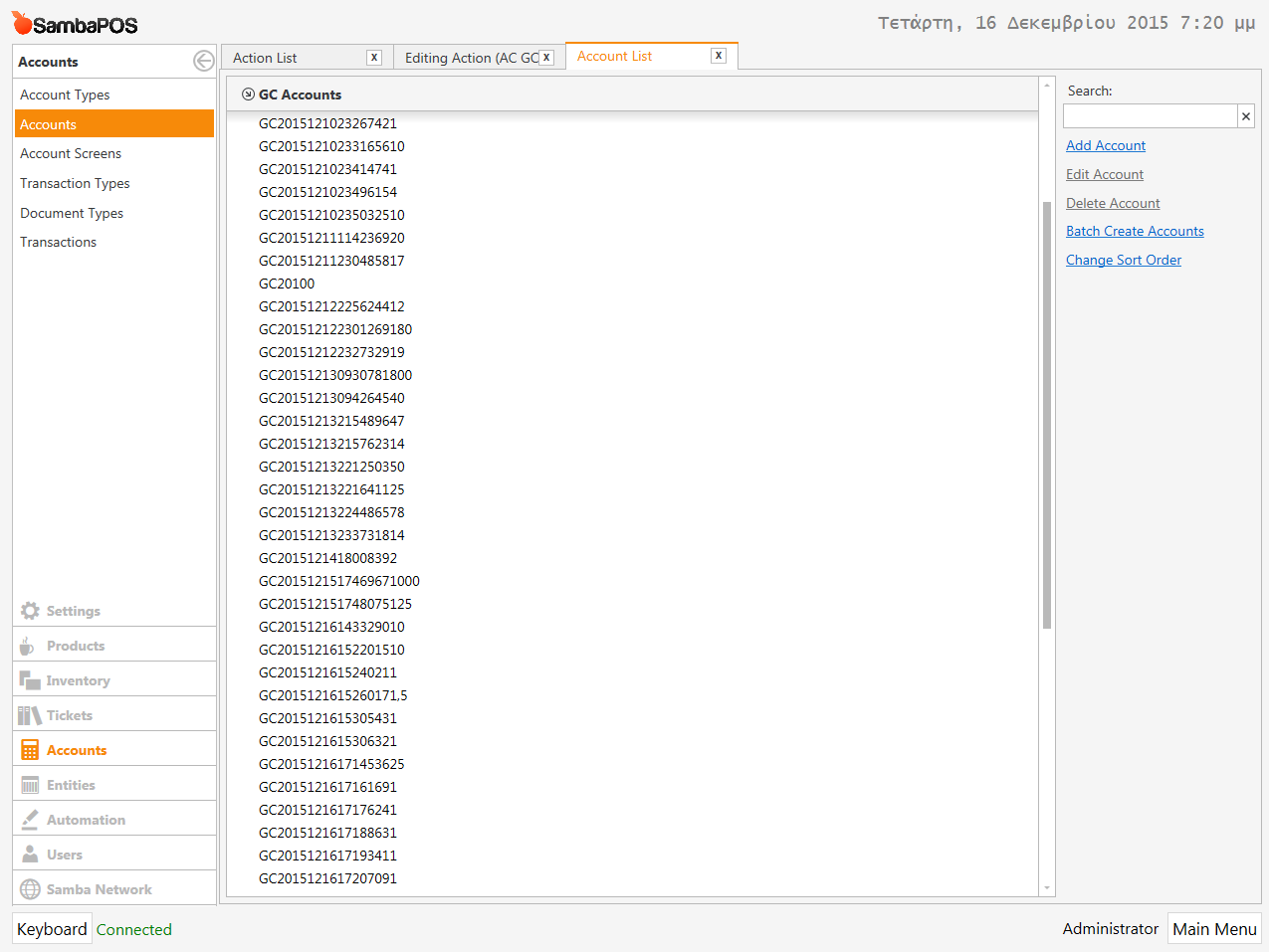
Are the certificate accounts being created?
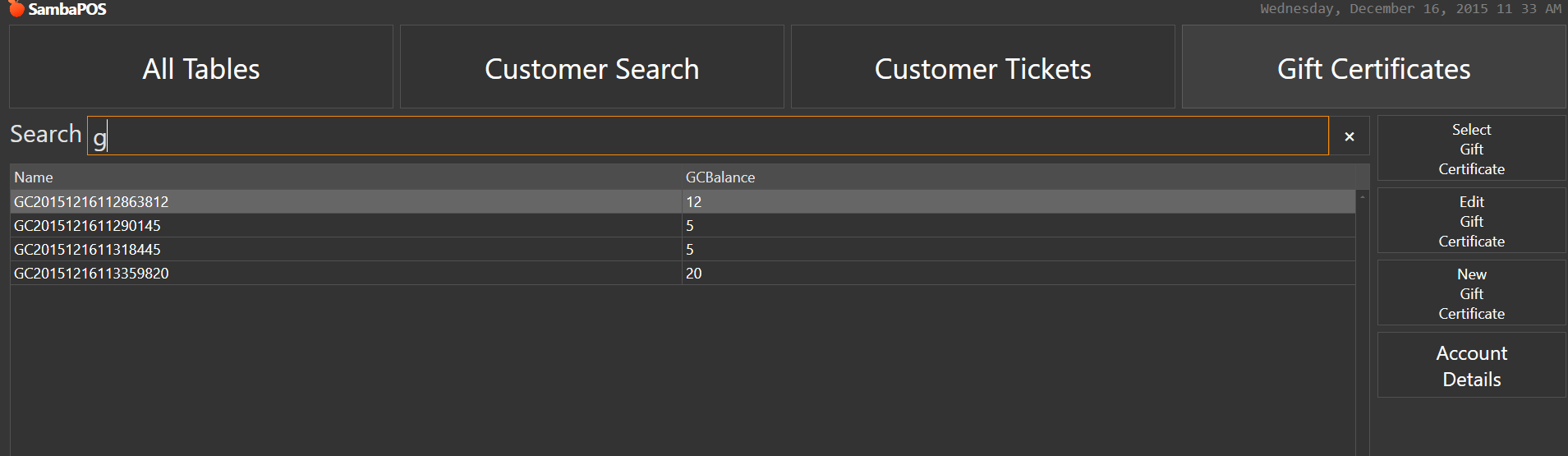
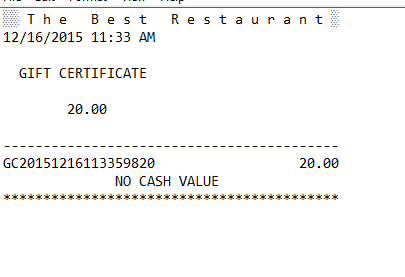
I made sure to follow exactly as the tutorial shows and it works. I did see a few things we could do to update it for V5 but i purposely did not do that I followed exact tutorial.
If you want to issolate/narrow down the problem clone the print document action but set it with a fixed document ID and put it in a rule for a ‘test’ automation command button without constraining to states etc just to print a template for a document you know exists, this will help narrow down the issue.
I’m starting Over right Now …
I just now did the entire tutorial and except the printing and the balance in the entity screen i have and a new problem with 1 trancaction deletes all the balance from the account …
And if anyone wants i can send my database to see that everything is perfect …