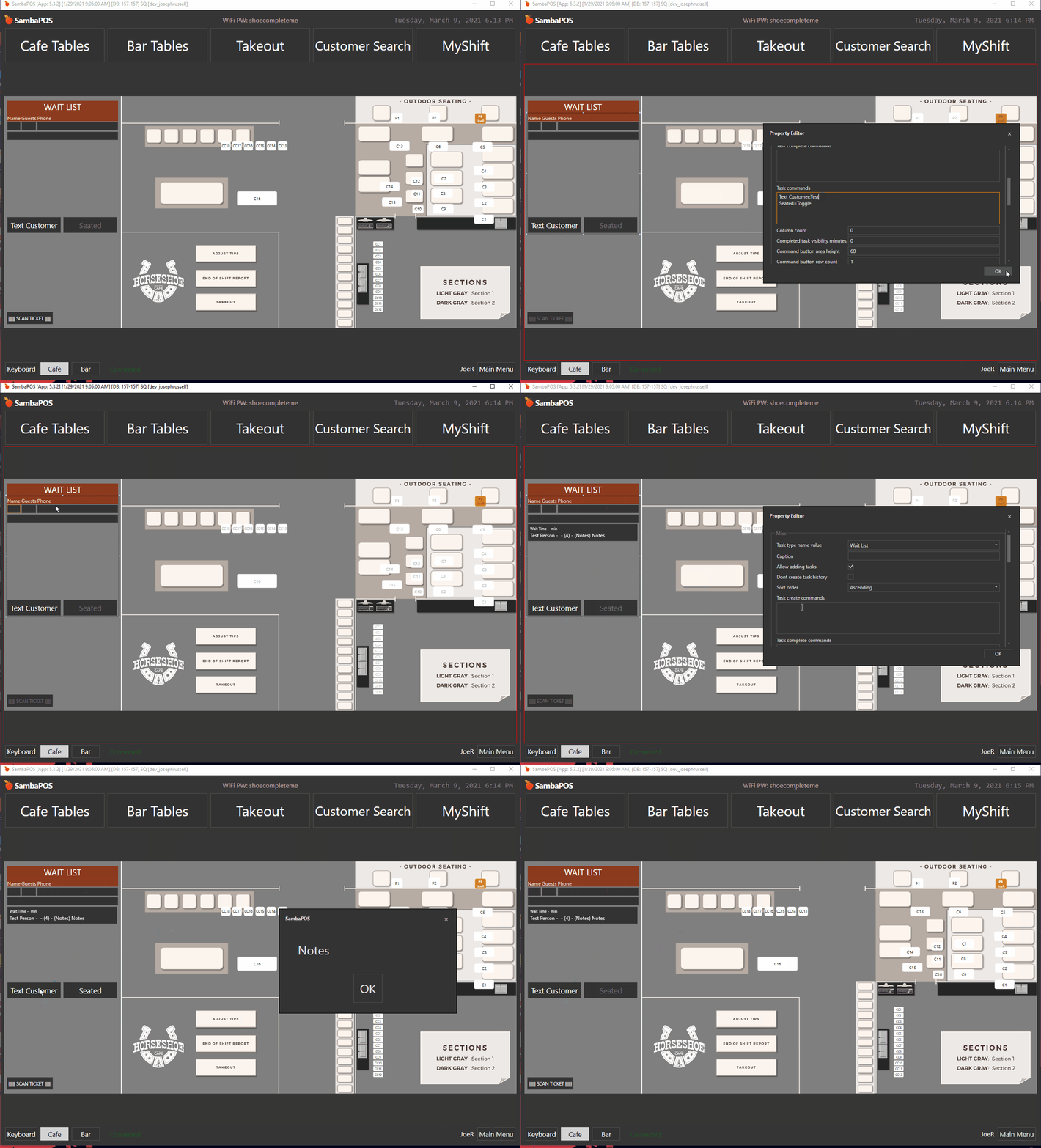
You can pass the Task Id or Task Identifier to the rule and use a report expression to get the information you need.
<button text>=<command name>:[Id]
{REPORT OPEN TASK DETAILS:TSC.<custom field>:(TST=<task type name>) && T.Id="[:CommandValue]"}

or

{REPORT OPEN TASK DETAILS:T.<db field name>:(TST=<task type name>) && T.Id="[:CommandValue]"}
***If T.Id does not work try T.Identifier. I forget which it is.
Yes, there are a total of 3 defined custom tasks. Name, Guests, Phone. Currently I’m passing Phone and assigned [:CommandValue] to a local variable for use in the printer template.
Thats odd. So [Id] actually provides the default content. In this case its the notes section. It doesn’t provide the Id number. I wasn’t getting anything because I have it blank.
Oh, okay. I’ve always used a Identifier. Try using [Phone] instead of [Id].
If the phone number gets passed to the Command Value in the Show Message, then you should be able to use TSC.Phone="[:CommandValue]" instead of T.Identifier...
You are not using task printer to generate tasks are you? I think that was my confusion. You can define fields in the task printer and reference those in the widget.
I’ll probably mess around with that later. I really wanted to do something simple, but not they’re asking me to track when the customer was texted.
If thats the case I might as well change the SMS from URL Printer to Script/REST so I can get response codes from ClickSend. I just didn’t want to have to design a bunch of custom stuff since the Task Editor covers most everything.
they’re asking me to track when the customer was texted.
Maybe log to db in the automation when SMS is sent, then when a ticket is created for the waiting entity tag the ticket with SMS time pulled from db? Or, perhaps, a local var unique to the guest?