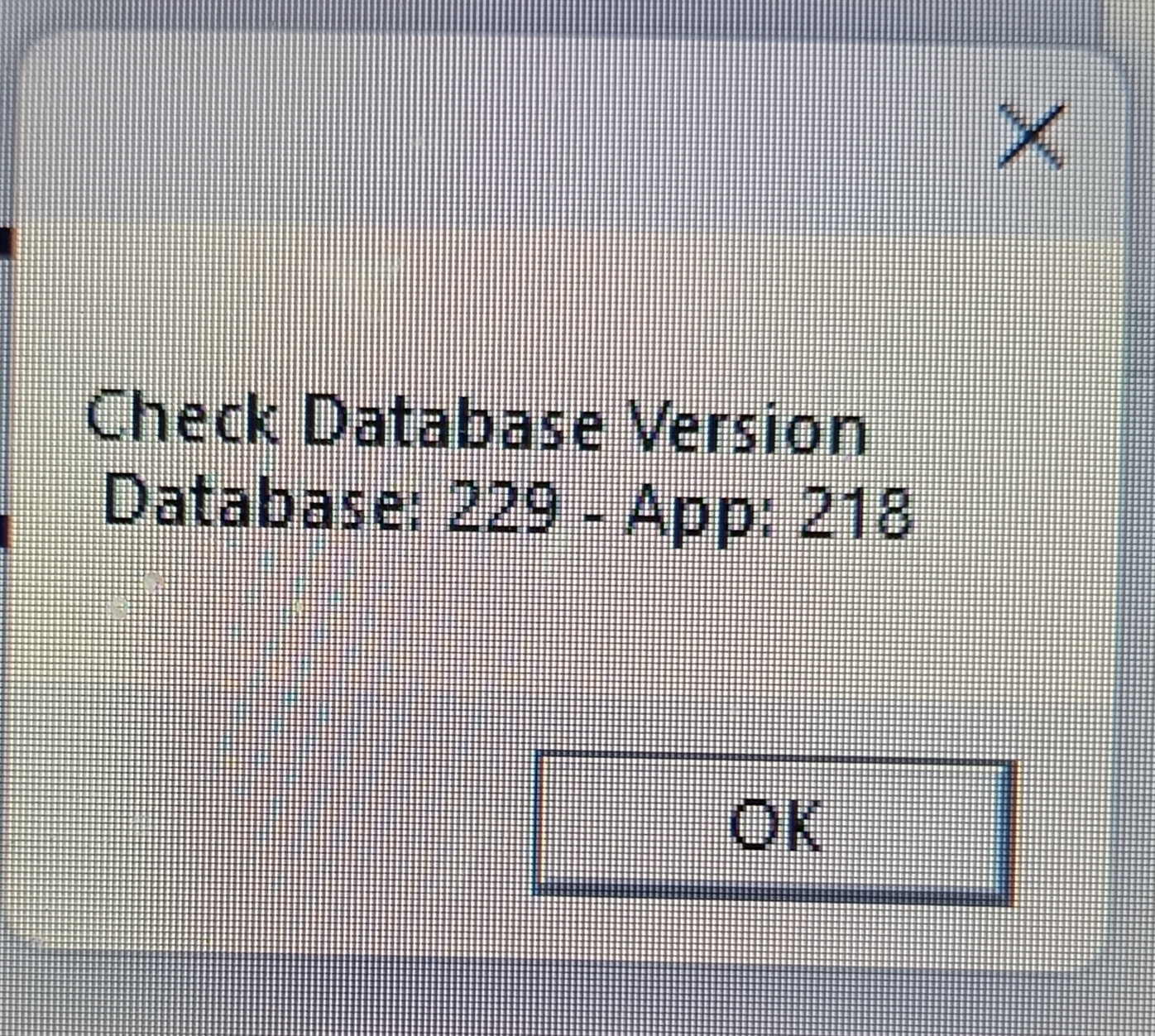
Hi, I just updated to 5.7.24 from 5.7.22 but get the following error;
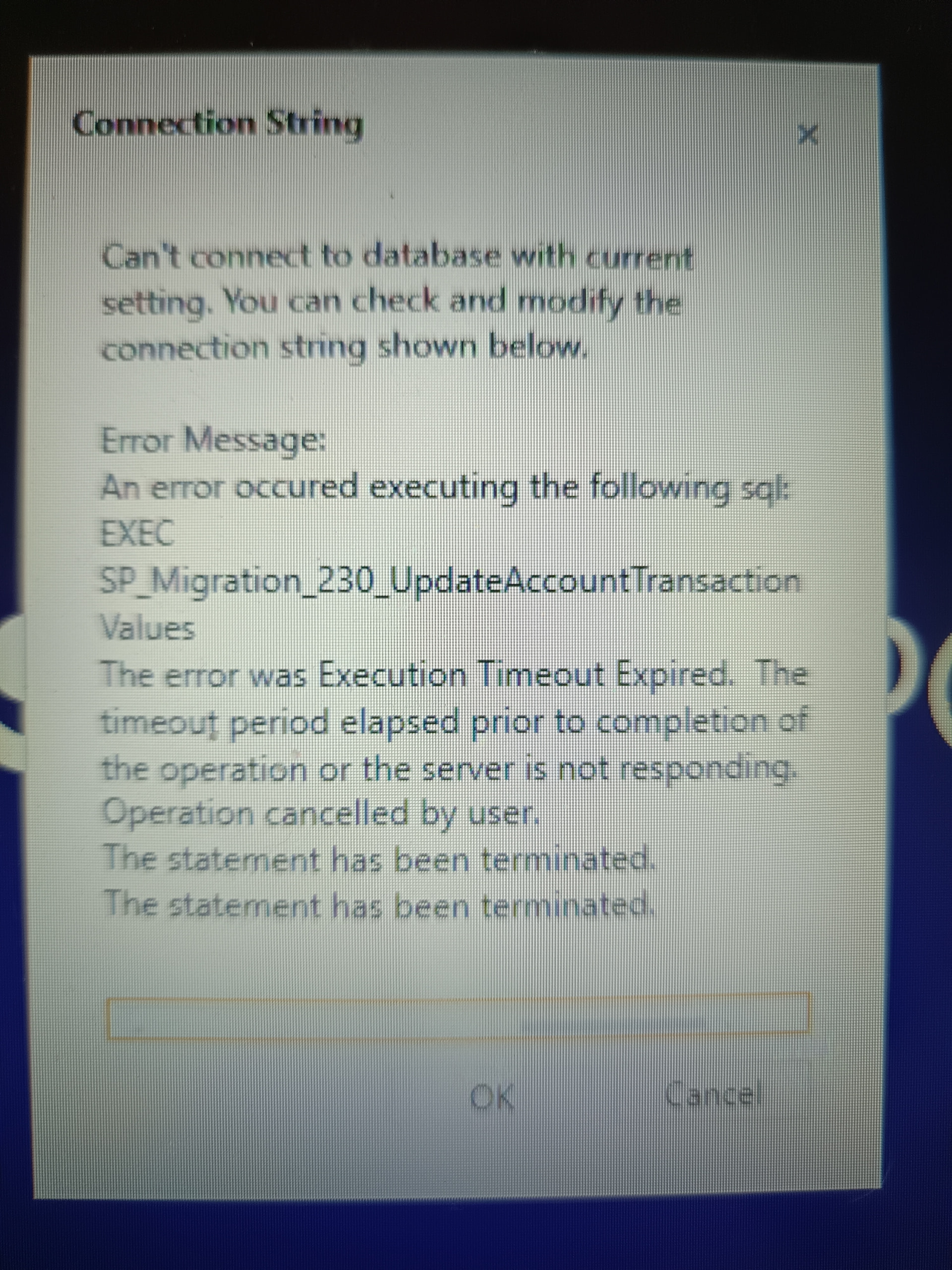
The connection string is correct, not sure what’s gone wrong?
The migration is timing out on the computer here. To fix this, could you perform the operation on the server computer, closing any background applications and dedicating all resources to SQL Server? You’re likely getting this error because there are too many records in the AccountTransactionValues table when trying to migrate it.
Migration has reached 229, that’s why you’re getting an error. If you still want to use the old version,
Please delete the records after 218 in the VersionInfo table. 219-220-221…
Thanks for the reply, I’ll try those suggestions.
I am on the server computer, nothing else is running but it’s not very powerful.
Is it possible to delete all the transactions, do the migration then restore form yesterday’s backup?
No. Because we are adding new fields to all tables. Because of this that isnt a solution.
Do you have more powerful computer for do this migration ?
Ok.
No, this is all I have 
I’m going to have to reinstall from scratch, can I use SQL Server Express 2025?
I’ve deleted everything.
Reinstalled SQL Server Express 2019
Reinstalled 5.7.22
And after a few hours it’s finally allowing me to restore a backup (although that’s been running for about 15 minutes so far)
That failed, I only have 7 hours left until we open again 
Vehbi can you increase timeout duration from 30 seconds to 60 seconds for queries, or making it a program setting? I am just assuming this same issue ties into one of our customer huge volume of invoice per month and reports keep kicking off this timeout error.
@Muzzargh if you have a high powered device/server? It could potentially process it in shorter time without error raised.
Unfortunately I don’t.
It’s now 3am for me, I need sleep.
Finally got it fixed with 11 minutes to spare.
Somehow the connection string was corrupted.
Bit reluctant to update any time soon though
Does the update make any firewall or connection changes during the process? I can’t get my 2nd terminal to connect to the server, can’t find SQLEXPRESS.
These are all the ports you need to open. And in 99.99% scenarios you only have to open them as Inbound ports on the Server device.
New-NetFirewallRule -DisplayName "SQL Server (TCP 1433)" -Direction Inbound -LocalPort 1433 -Protocol TCP -Action Allow

New-NetFirewallRule -DisplayName "SQL Browser (UDP 1434)" -Direction Inbound -LocalPort 1434 -Protocol UDP -Action Allow

New-NetFirewallRule -DisplayName "SambaPOS API (TCP 9000)" -Direction Inbound -LocalPort 9000 -Protocol TCP -Action Allow

New-NetFirewallRule -DisplayName "SambaPOS Discovery (UDP 10000)" -Direction Inbound -LocalPort 10000 -Protocol UDP -Action Allow
I’ll give that a go but I’ve tried disconnecting the internet and turned both firewalls off to no avail
Dont forget to go to
Computer Management
Make sure you got enabled Named Pipes & TCP/IP
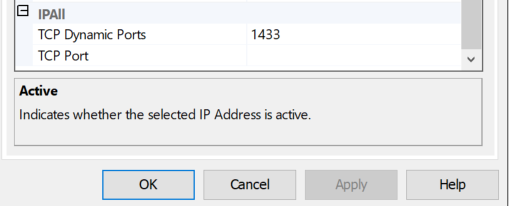
Then right click on TCP/IP > Properties > scroll down find IPALL
Set TCP Dynamic Ports to 1433
OK, Save > Restart SQL services, try again.
Yes, this is already done, cheers 
Actually I’ve set Dynamic Ports to Blank
And TCP Port to 1433
I’ll change that and see what happens.