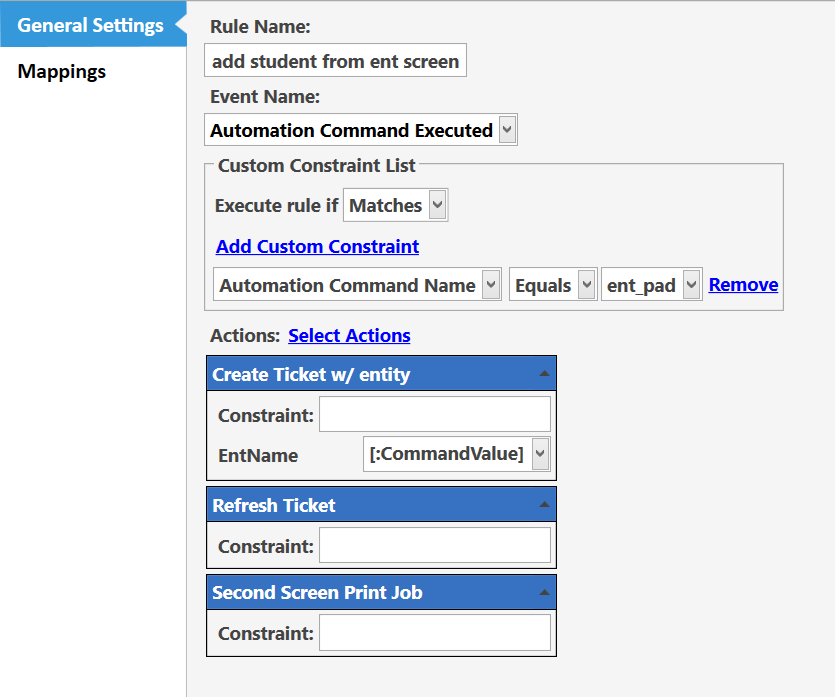
Im trying to setup a entity screen, so that a barcode scanner can be used to scan a card and load a membership but Im a bit stuck, I thought of using the task edtor widget and then using a rule to check when the AMC is done run a rule to change the ticket entity like this
Im guessing I need a constraint in the AMC Command so that it works
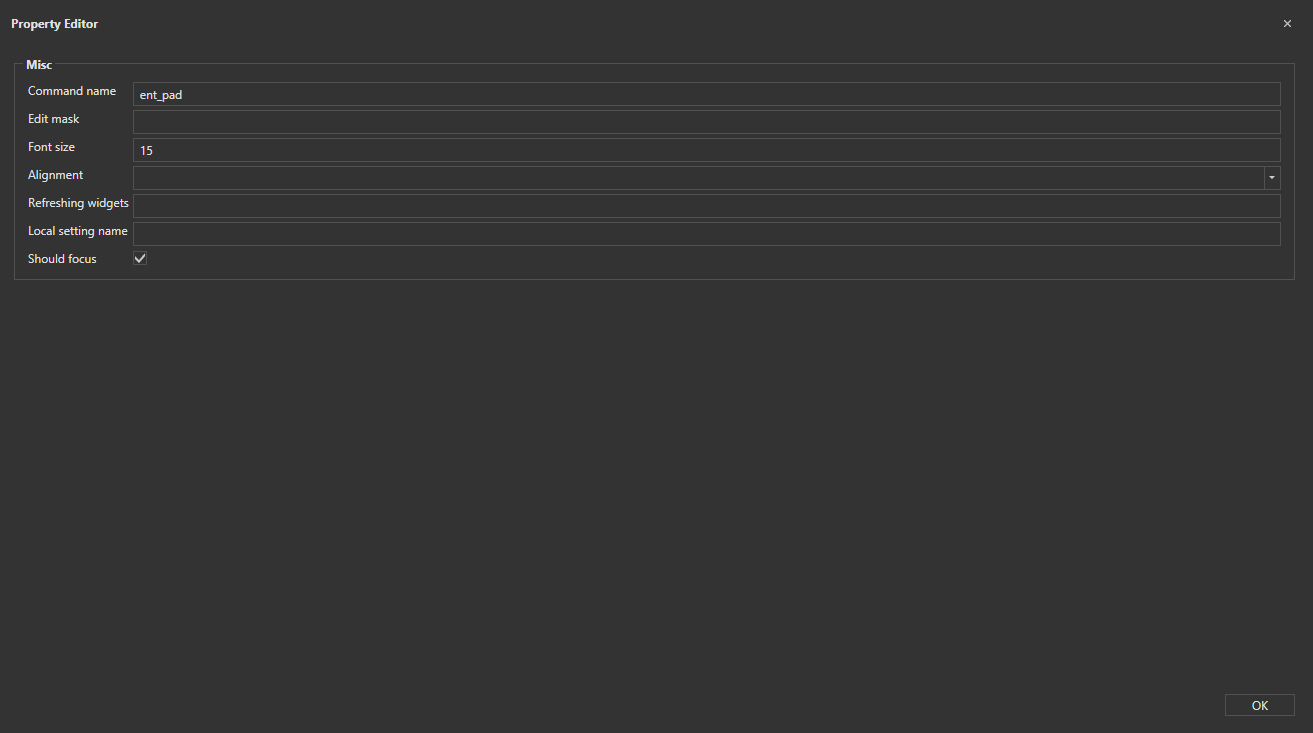
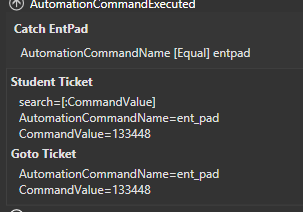
I thought I’d show my full AMC and the task editor settings:
You need a way to “submit” the Editor Widget data for it to be able to invoke the Automation Command.
More accurately, you need to cause the Editor Widget to lose Focus. When that happens, the AMC will fire.
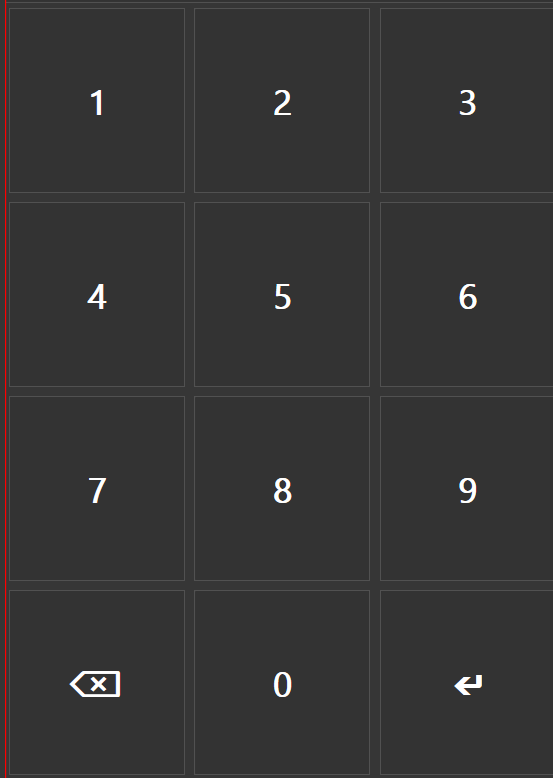
You could just click somewhere else on your entity screen (ie. the Enter key on your Custom Keyboard), or hit the Enter or Tab key on your physical keyboard.
Well at the moment it’s firing as soon as it loads. So I wanted to knwo if I could make a constraint for the rule to test if an Entity exists with that Name.
You won’t be able to Constrain the Rule with Entity-related Data because the Rule is for Automation Command Executed. It has no idea that you are talking about Entity Data.
You could have an Action in the Rule to Load Entity and pass the CommandValue to that Action.
Then have another Action in the same Rule to fire another ExecAMC and make a Rule for that AMC.
Within that Rule, check to see if the Entity was successfully loaded by checking {ENTITY DATA:Students:CardNumber} or {ENTITY NAME:Students} or whatever (depends on Entity Type configuration). Use a Show Message Action to verify this.
If the Entity was loaded successfully, those Entity-related tags should be populated, and you can constrain the Rule, or the subsequent Actions within the Rule.
Mmm, Ive got that pretty much wokring @QMcKay
edit: i realyl dont have ti working, sometimes it creates the entity sometimes it doesnt. I think my aporahc is very flawed
Like what’s the difference beetween these two?