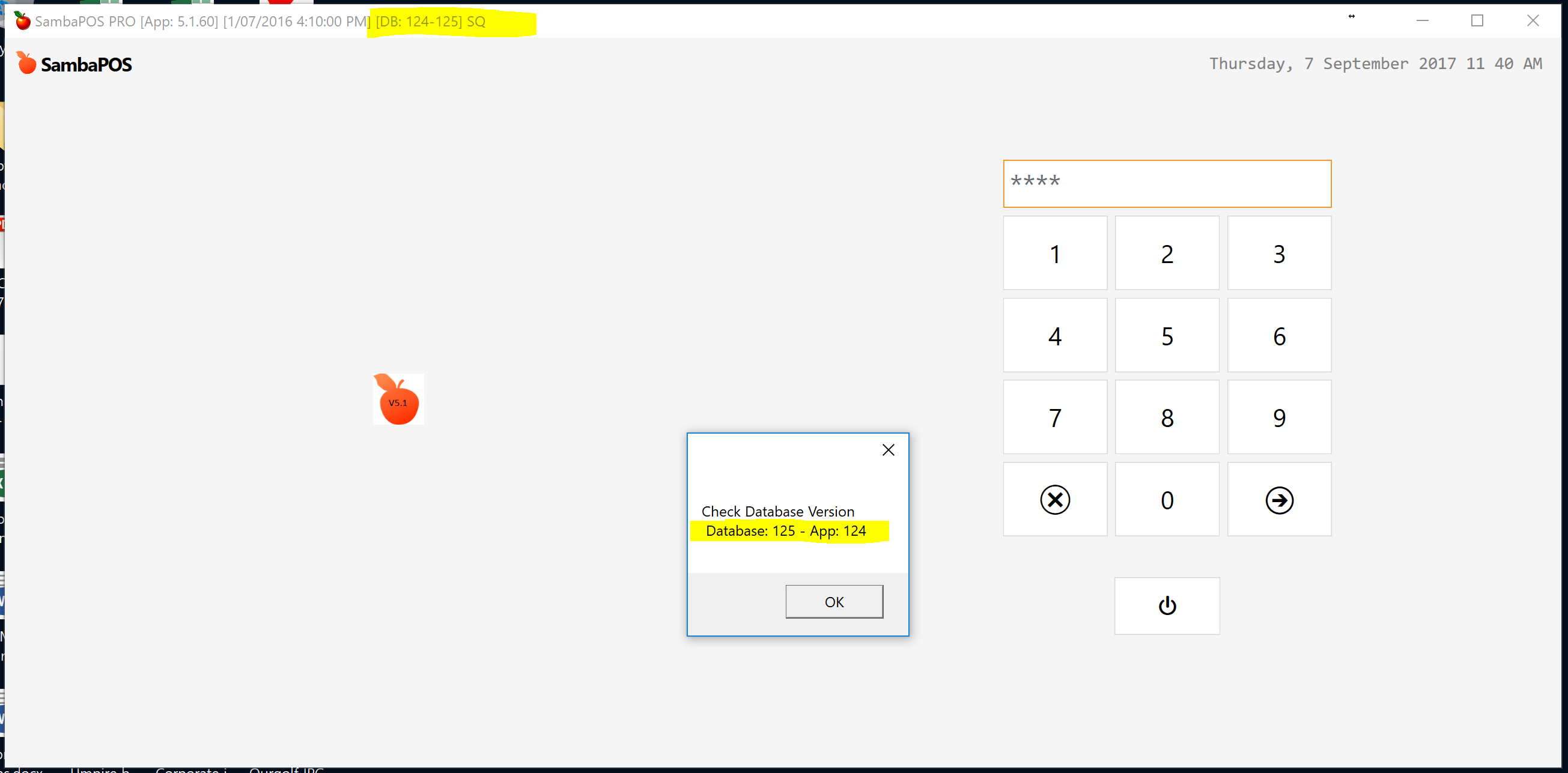
I have imported a database from one of our sites onto my master terminal - it is a more advanced version than the all of my other sites and now I cannot access SambaPOS to remove it or do anything
version 5.1.60 is older version 5.1.62 is latest. You need to install the latest version and upgrade all of your instances to it to prevent issues in future.
yes we are working towards that - in the meantime I cannot support the existing clients if I cannot get back into the older version. Can you advise how I do that please.
You cant since you upgraded. You need to upgrade the client. Your database is already upgraded. That error is telling you that the database is upgraded to a newer version.
Looks like one of your clients upgraded versions before you uploaded the database.
If I uninstall my SambaPOS and reinstall to the what I had then I can just reload the older versions from other sites> I appreciate I cannot open this one client in the future until I upgrade. Can you confirm that is the best option moving forward please. Thank you for your comments, I greatly appreciate them
Hey @Shivan well I worked it out for him as Andrew is part of our group.
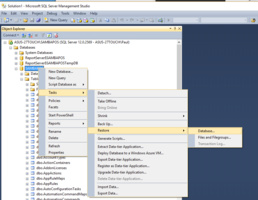
The Client software was not upgraded just accidentally restored a later DB. So to fix it just extract the SAMBAPOS_Full.bak from the ZIP file that contains the correct version DB and use SQL Management Studio to restore the Backup. It should naturally find the BAK file if in the right directory.