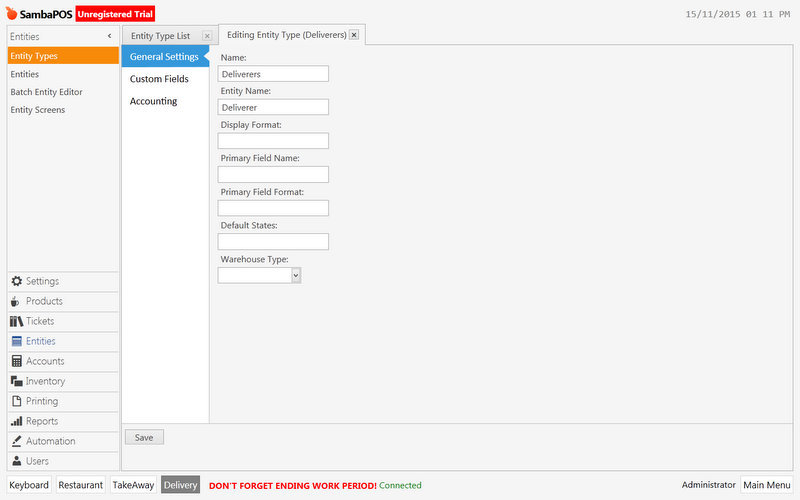
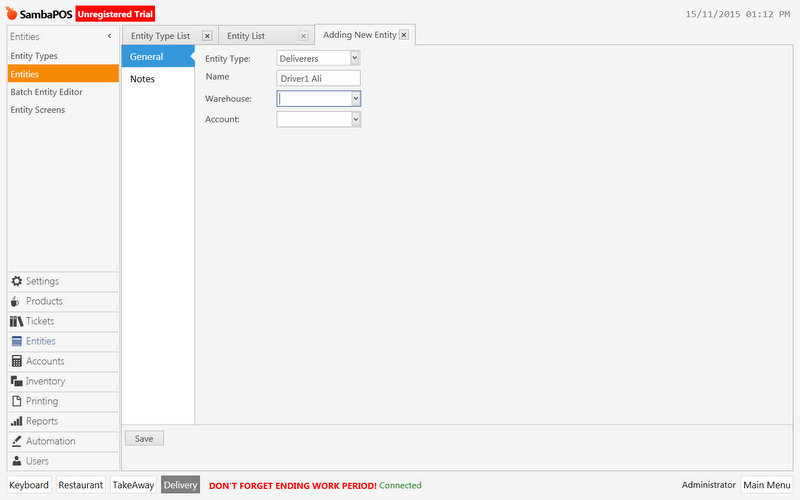
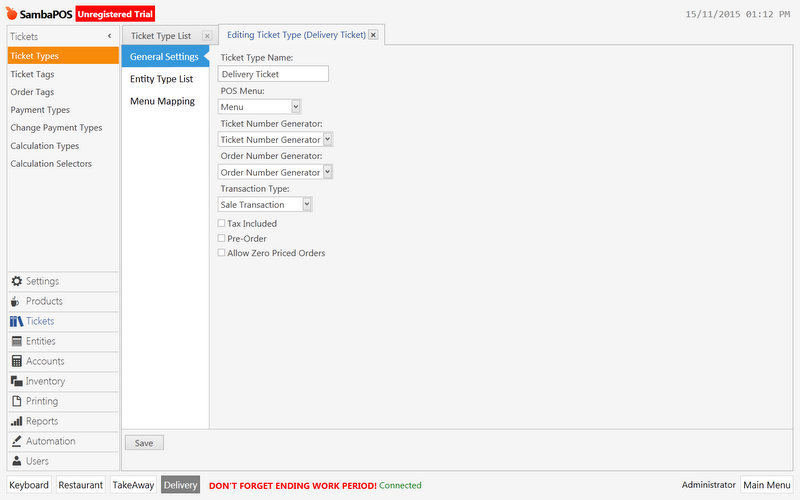
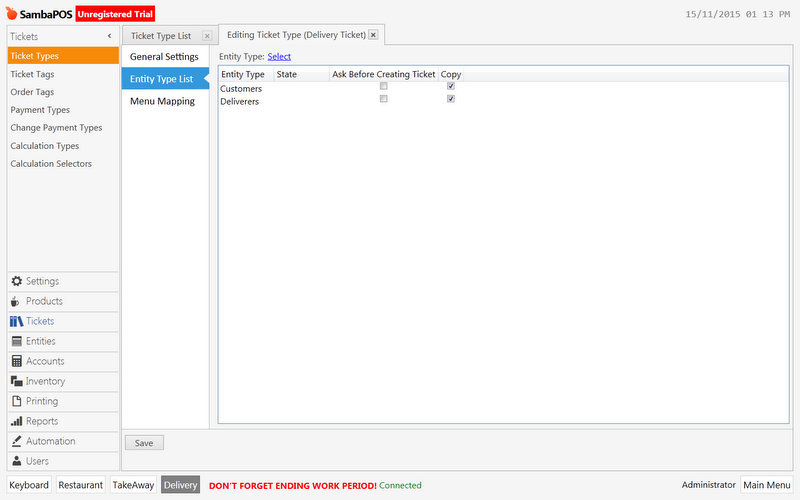
@Jesse
I searched about setting the delivery for V5, but I found the setting for V3 which I try to do it in V5 but it didn’t work.
So please I a beginner in SambaPOS and it is my first use, send me screen shot of how to setting delivery in V5 with driver account review.
Another question how to use new Order/Ticket every work period?
Your abusing the mention feature this will likely not get you the help you need. I do not use delivery system. The v3 tutorial works with few modifications to rules.
Being new to Sambapos I recommend you do other v5 tutorials and get familiar with the system then attempt the delivery setup.
Also please read the welcome sticky post it has very valuable information.
@Jesse
I’m a new user and it is my first time to use samba POS, I downloaded V5, and I want a text script or sample DB to use it in delivery and take away.
Also I want a new order number or ticket number every work period.
Please I want help NOT normal reply READ.
@zahran kendash merely pointed out that exxcesive use of the @ mention feature is against the best practice policy and doing that will just aggravate people. Emre for example is the creator/developer and unless you have a bug or serious issue he is less likely to jump in and give you step by step one on one tuition for a feature that is already well discussed on the forum.
Also just a quick point… comments like this
Is not going to get you help any faster…
The forum is a great place to find help but members are other samba users not support agents, your not going to get many people jump at just showing you everything from scratch.
If your wanting someone to setup for you maybe post an advert in the adds section.
There are many helpful people users on the forum but you need to show willing rather than just post with 'I WANT this and WANT that…
Anyway, moving on from that, what have you tried and where are you stuck?
Which tutorial did you follow?
As kendash said if you new to samba you will probably be better off starting with a couple of more basic configurations to familiarize yourself with how samba works,
Fast Cash buttons is always a nice easy one to start with.
Be sure you understand entities (tables/customers)
The more experienced users on the forum will happily help you with questions but how to setup delivery is very broad and vague and the power of samba is that there are always many ways to achieve your end goal, there is very few ‘set’ ways to do things. You’ll soon see that each person has their own little preferences in methods of setting things up.
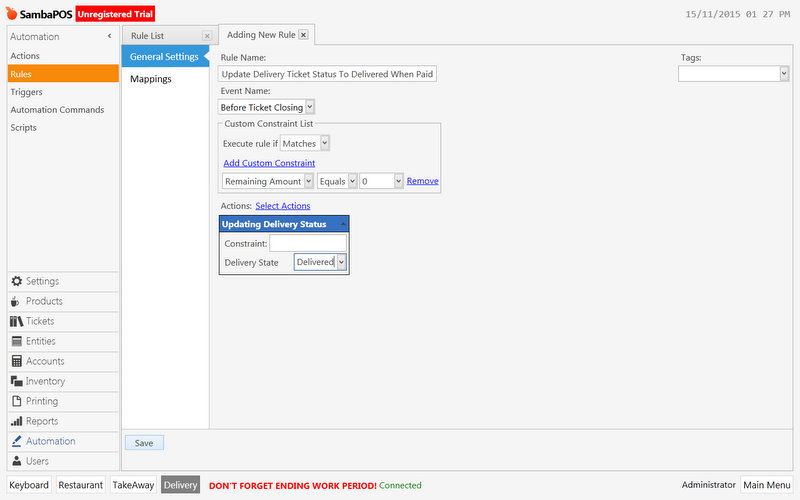
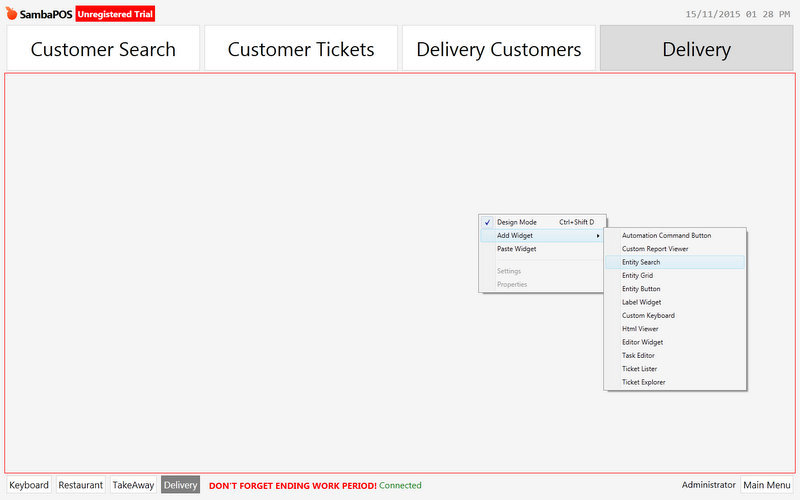
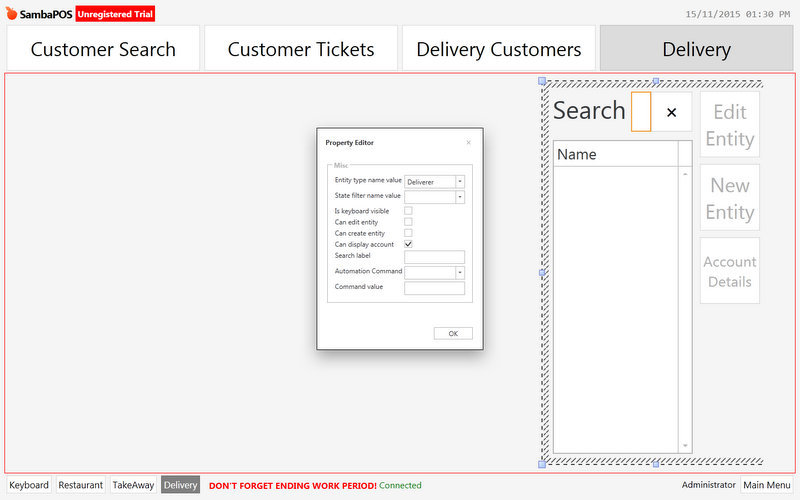
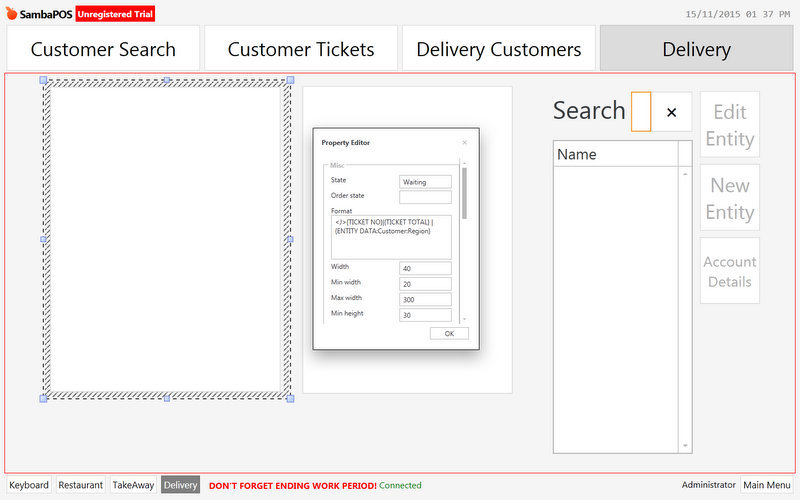
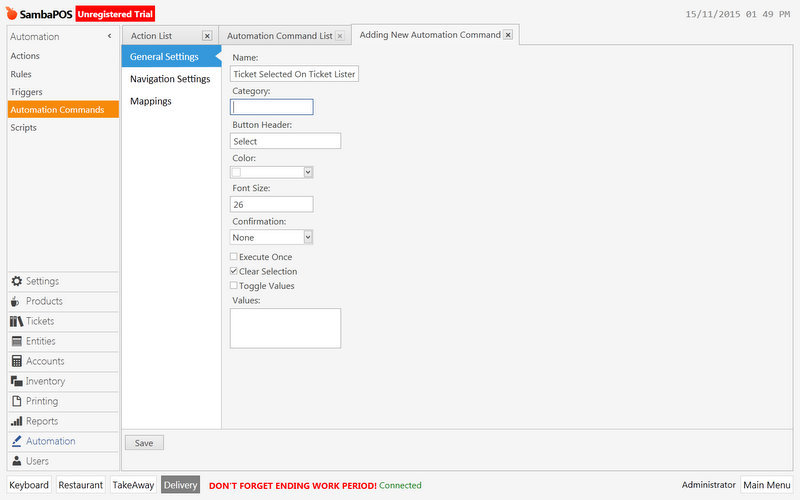
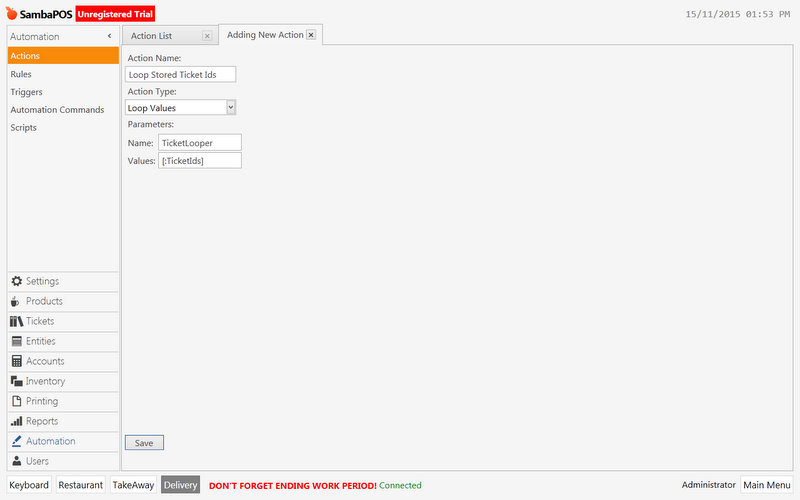
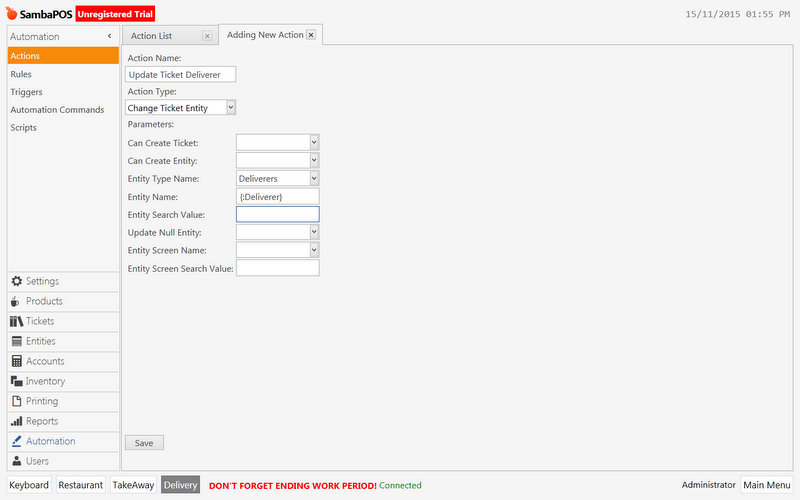
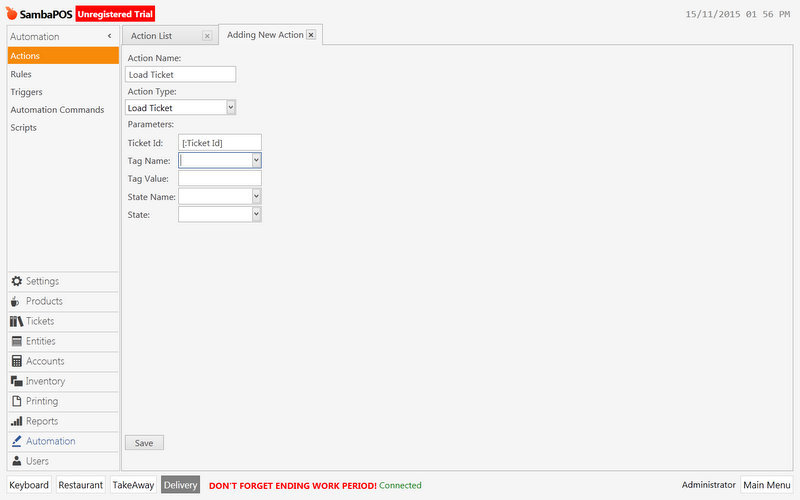
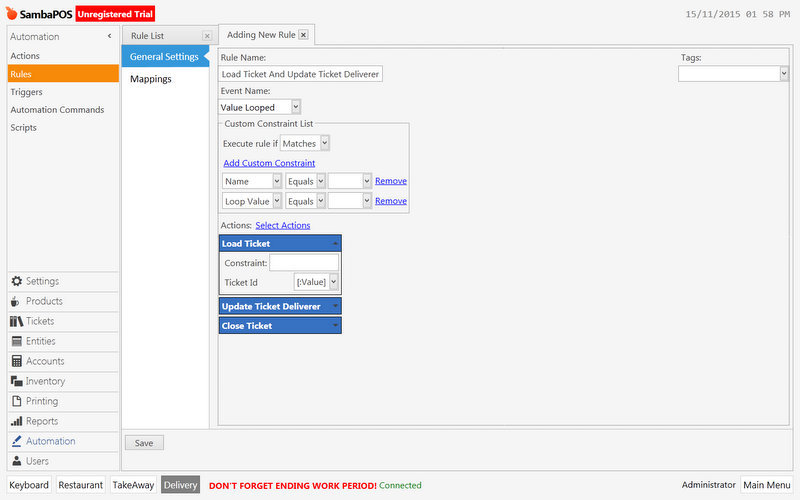
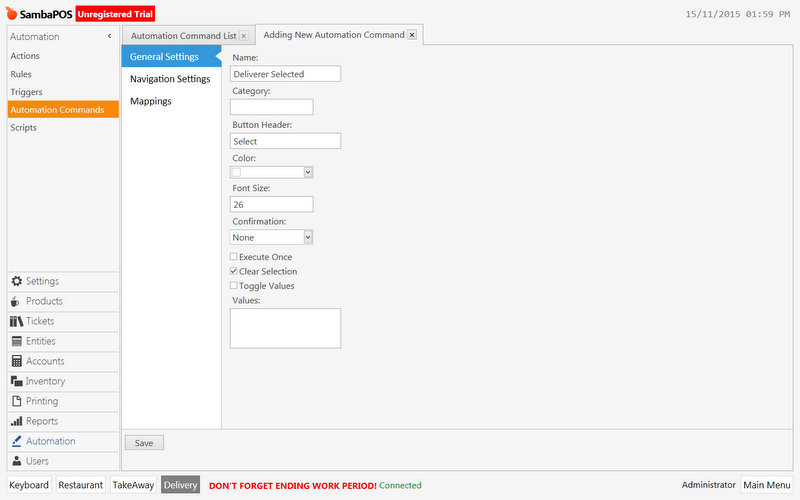
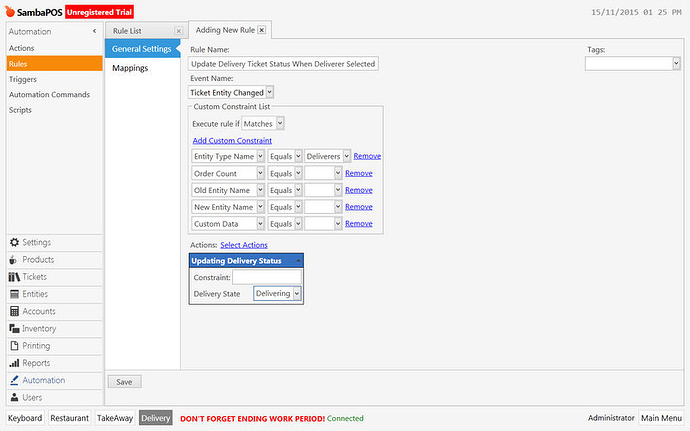
Can you show us what you tried and where it didn’t work? Screenshots help. I am more than happy to help you but I am really not interested in building it for you. To help you I need more information like what you tried and what seems to not work. You said you tried the v3 setup but it did not work. What parts did not work? Can you show screenshots of your rules and actions? Perhaps you made a mistake with a rule?
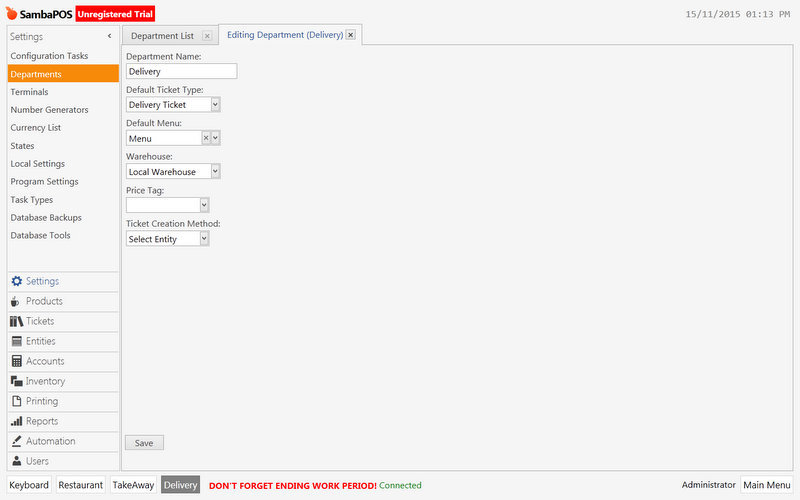
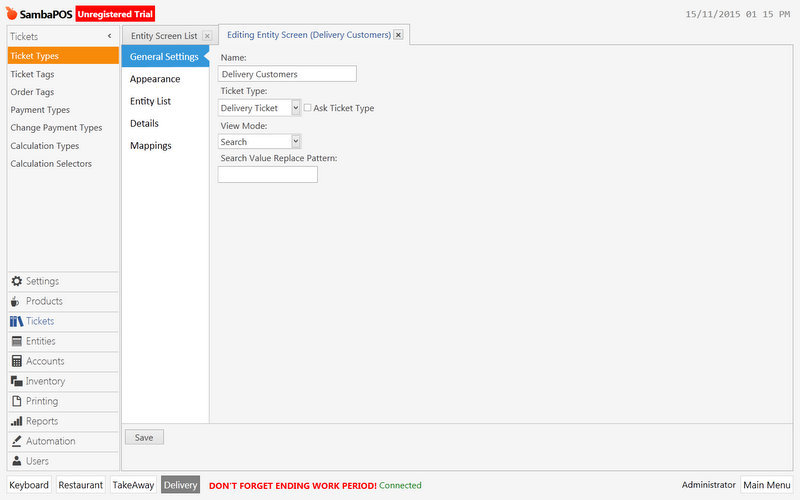
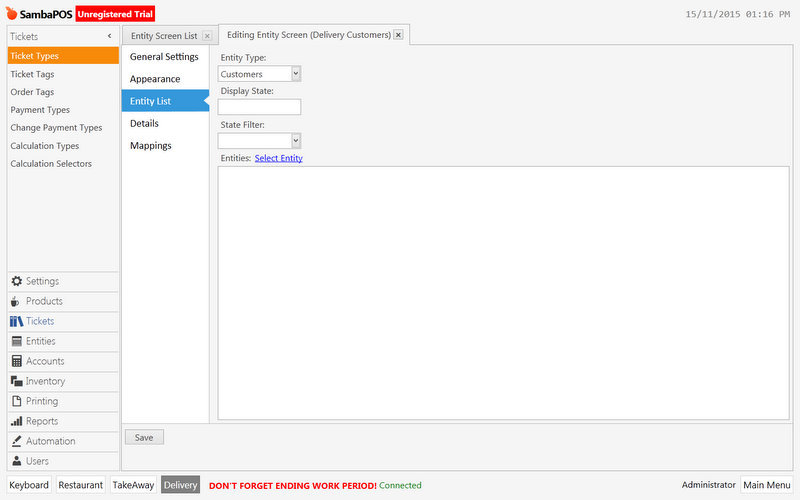
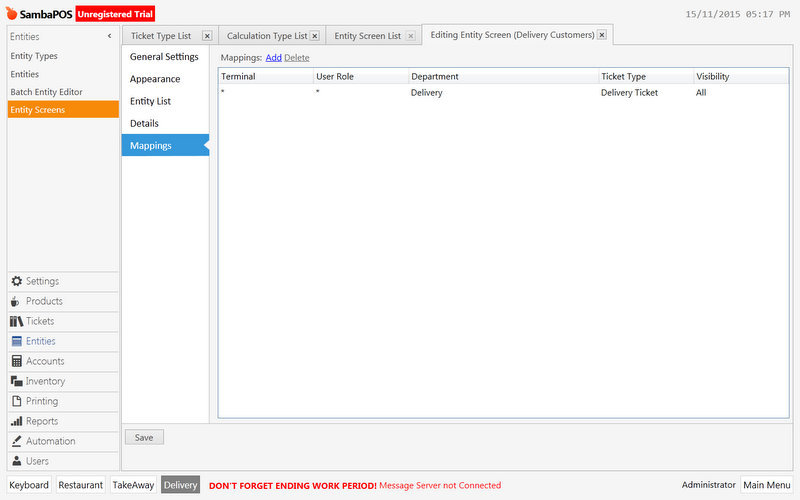
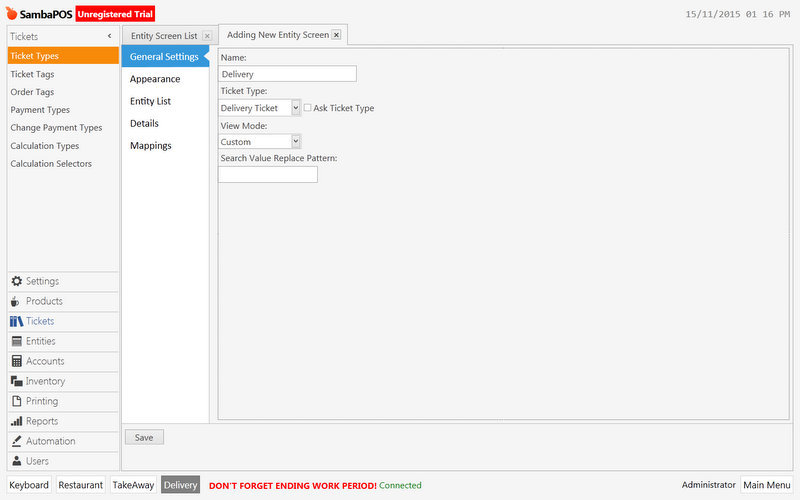
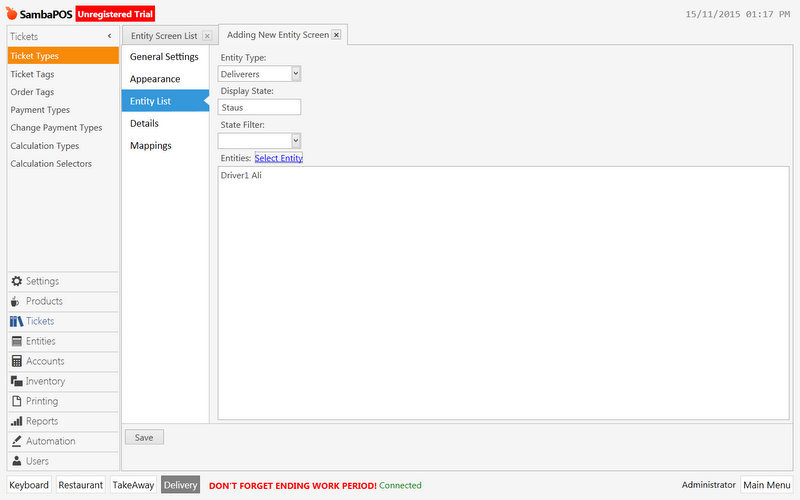
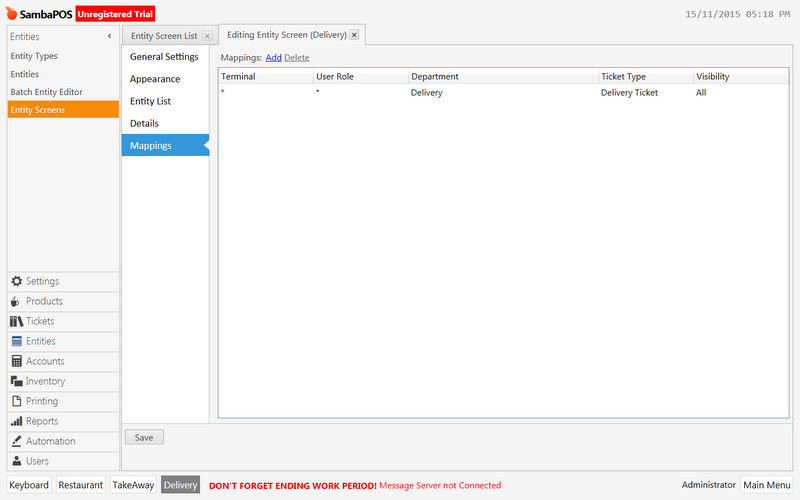
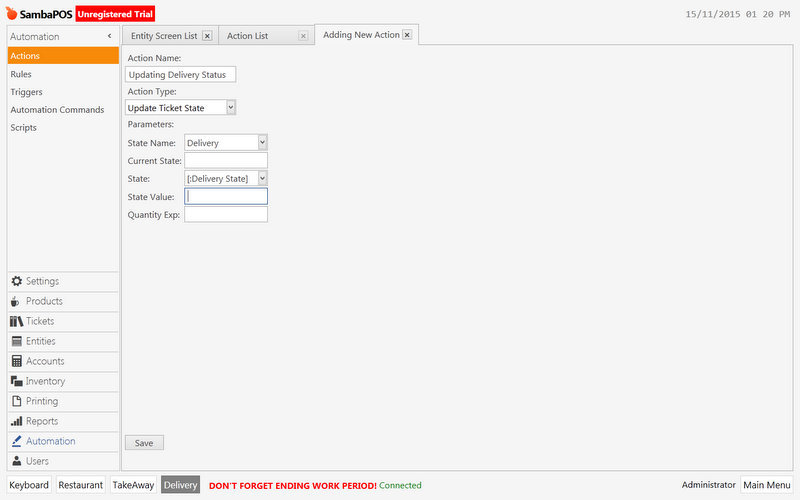
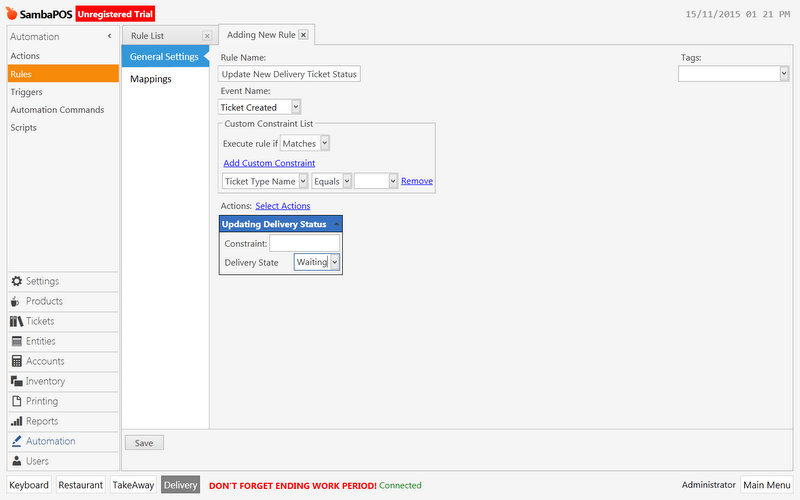
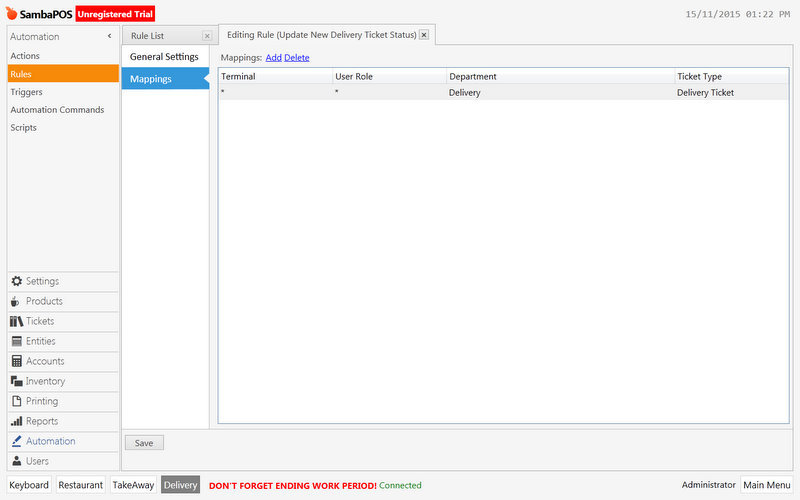
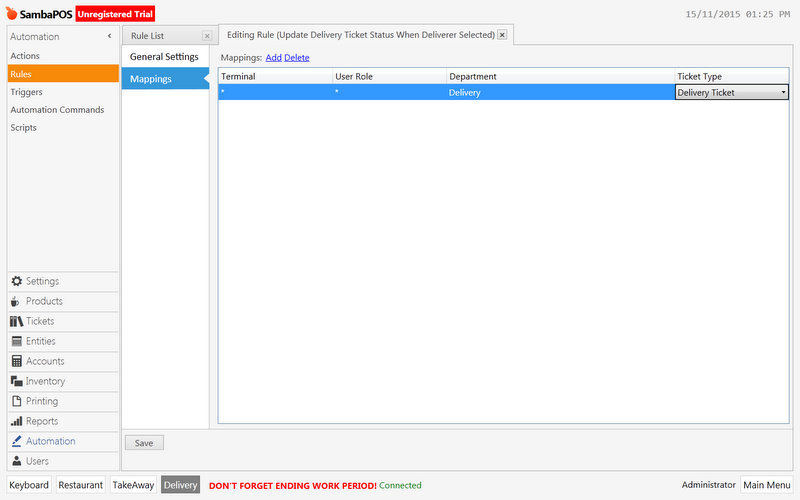
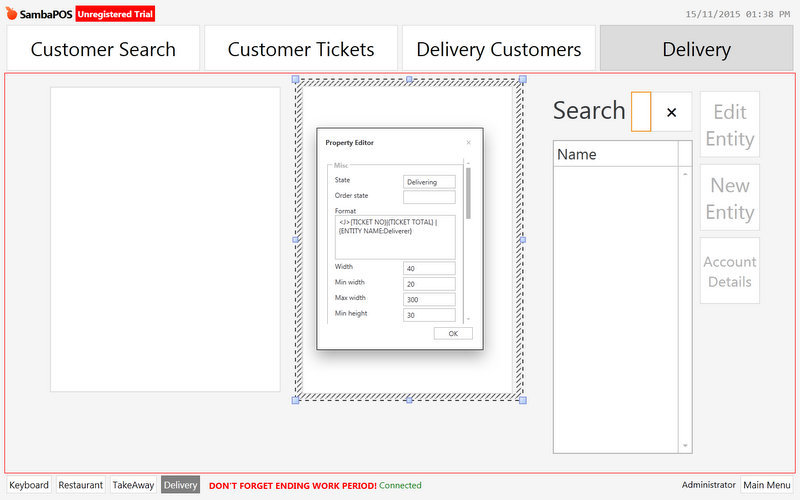
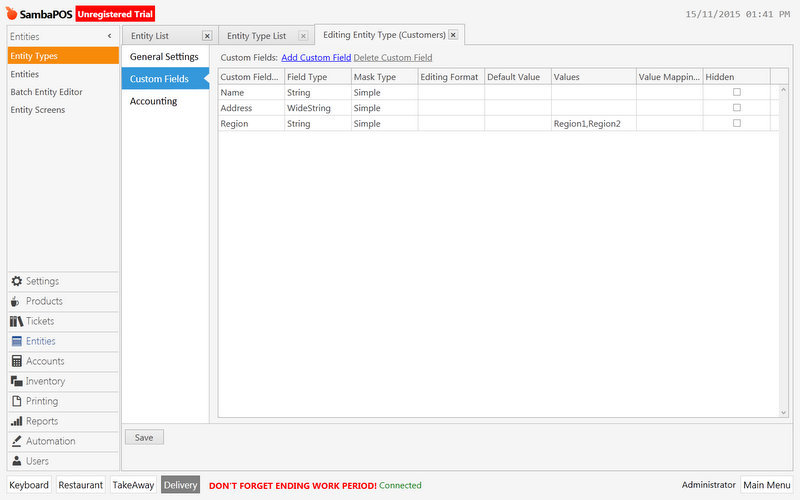
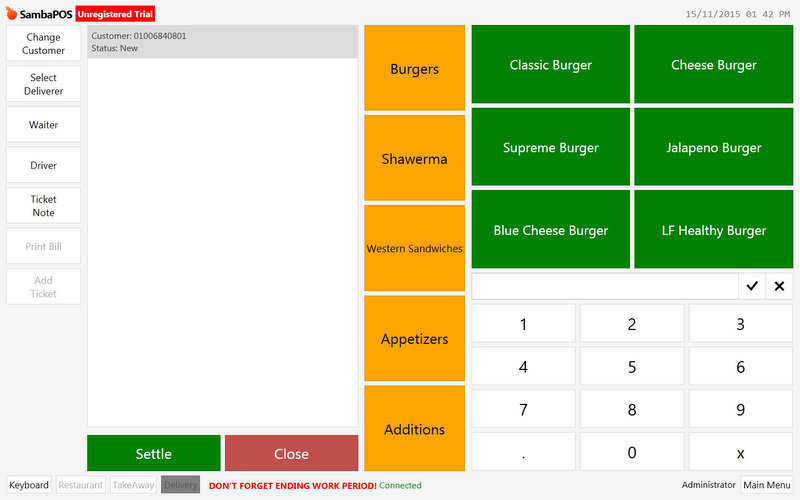
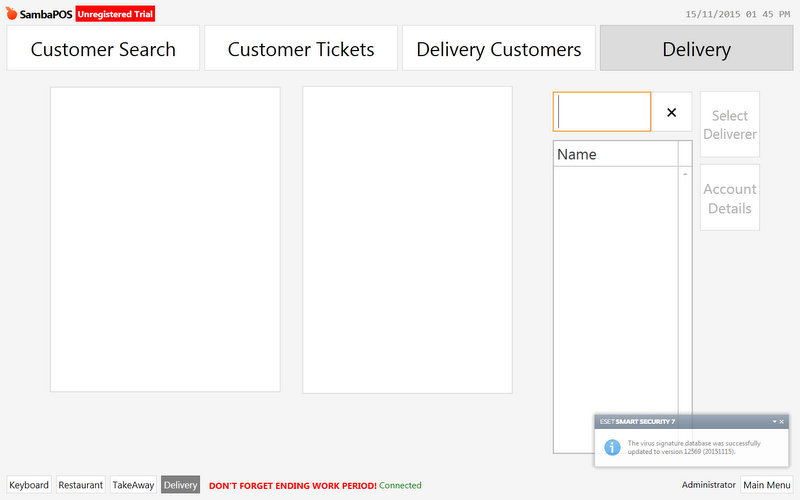
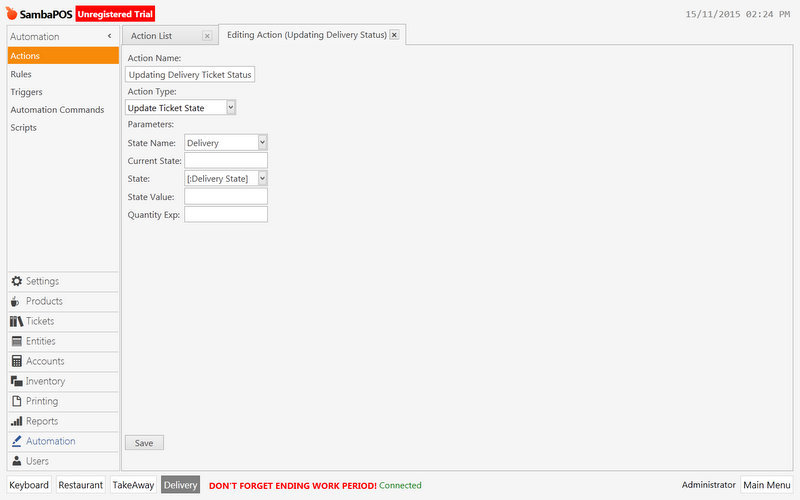
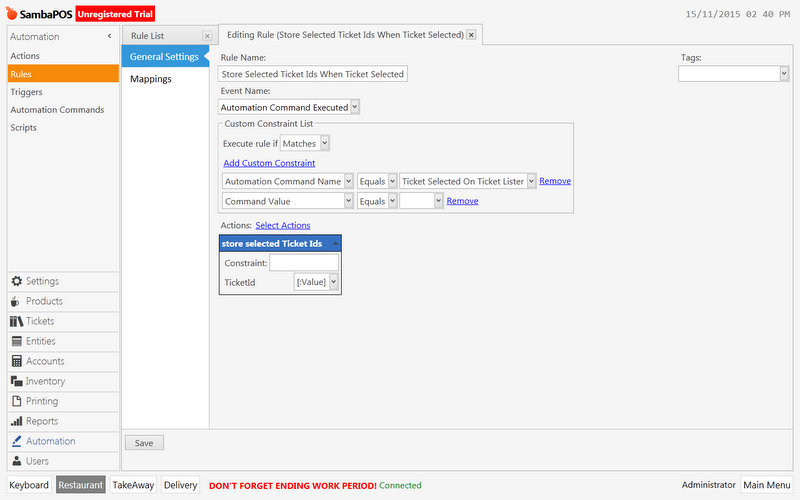
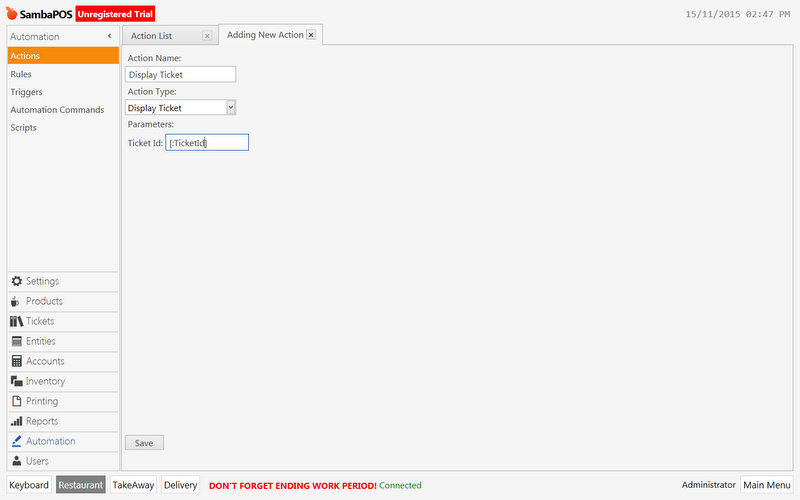
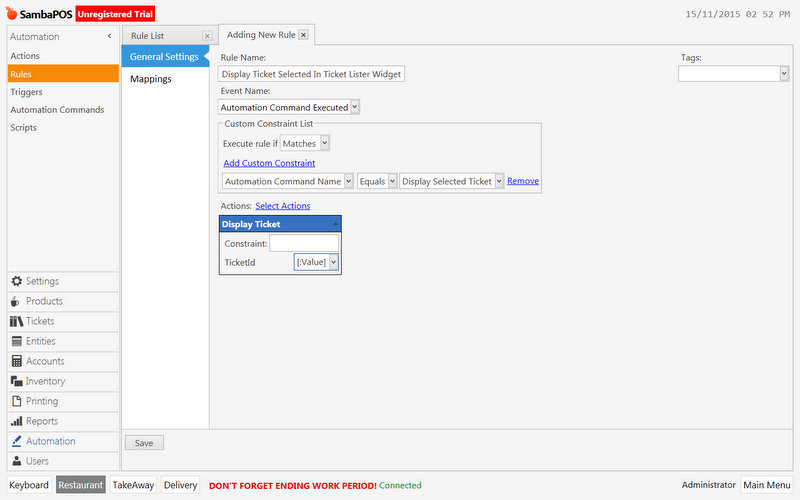
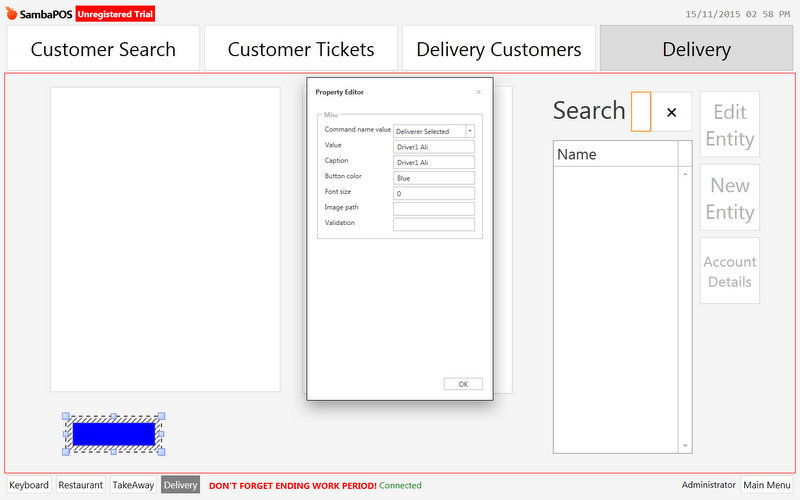
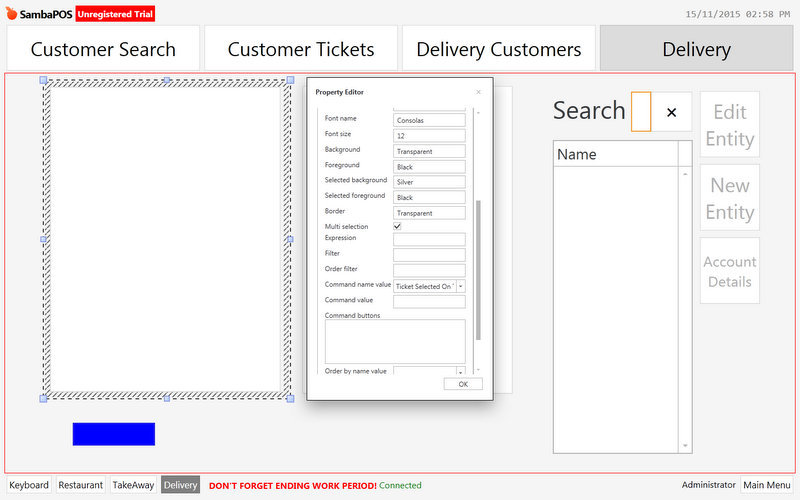
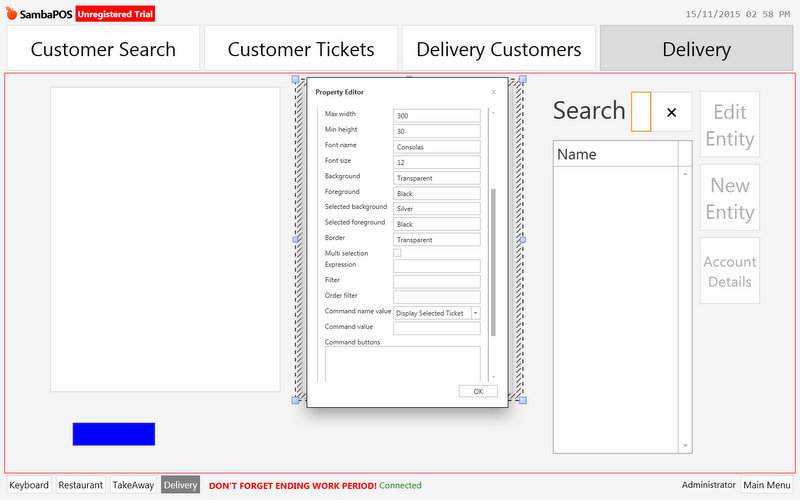
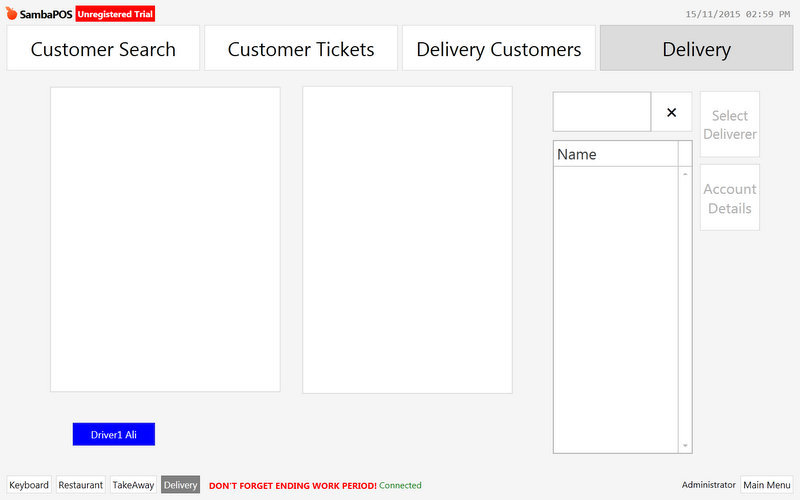
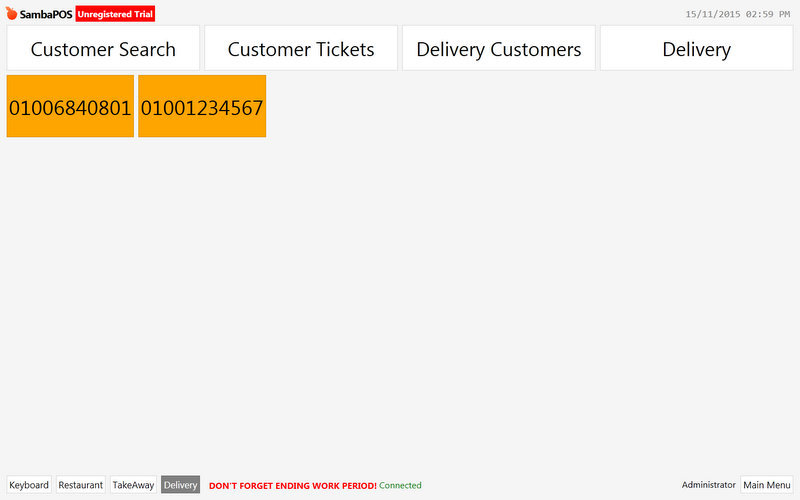
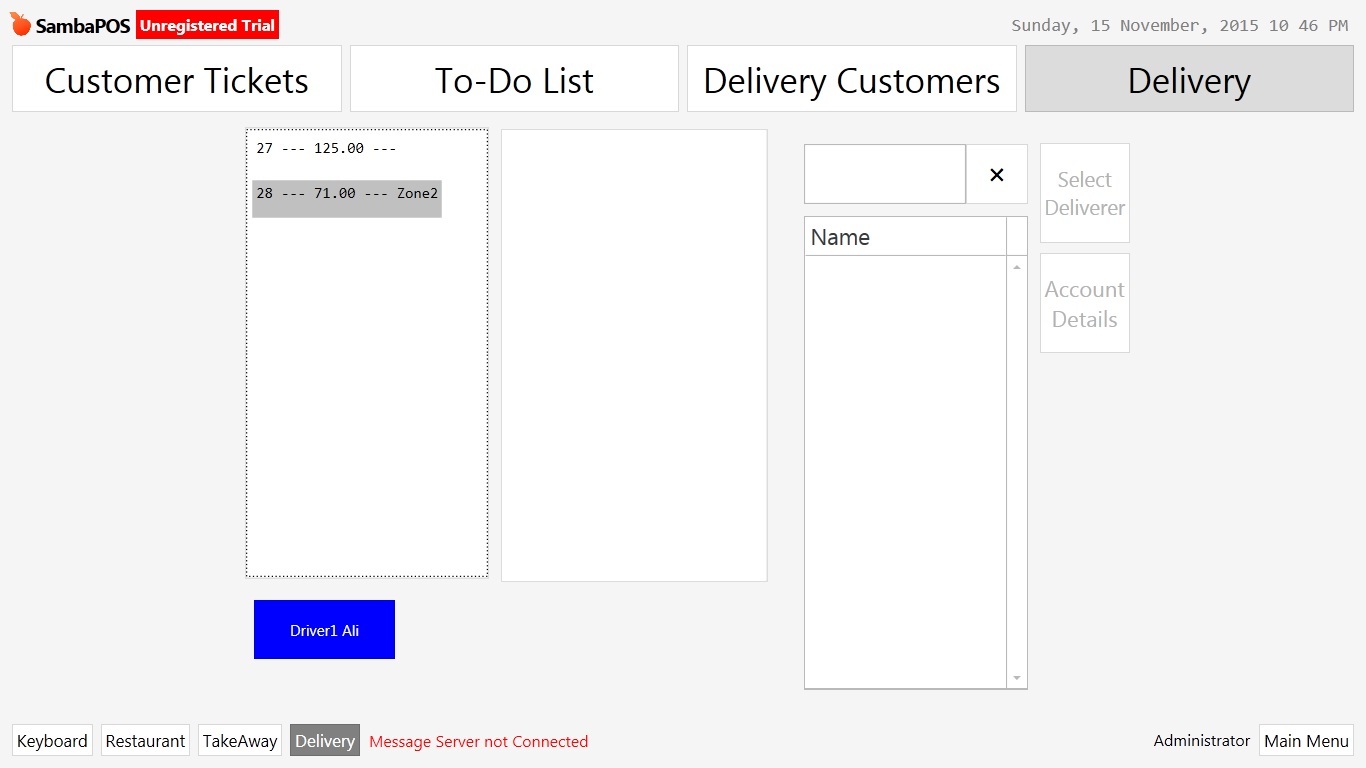
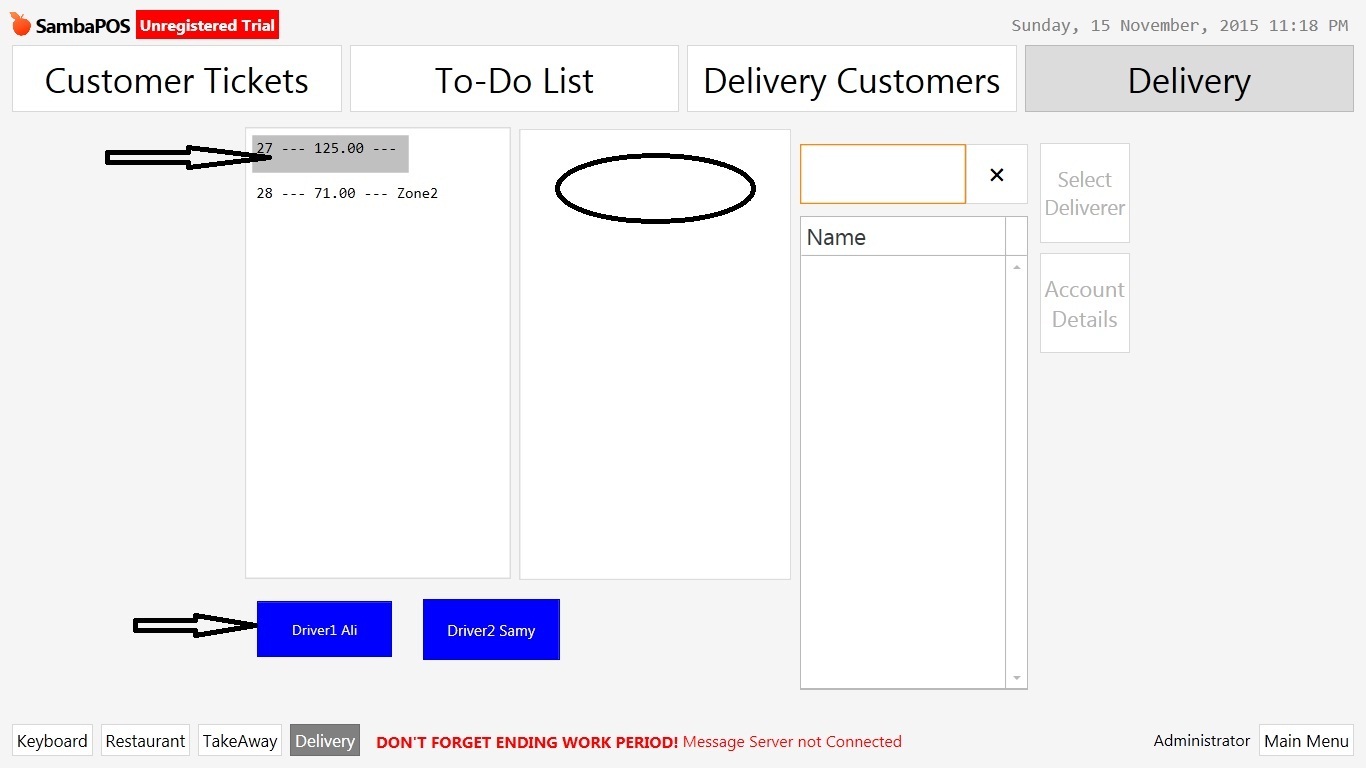
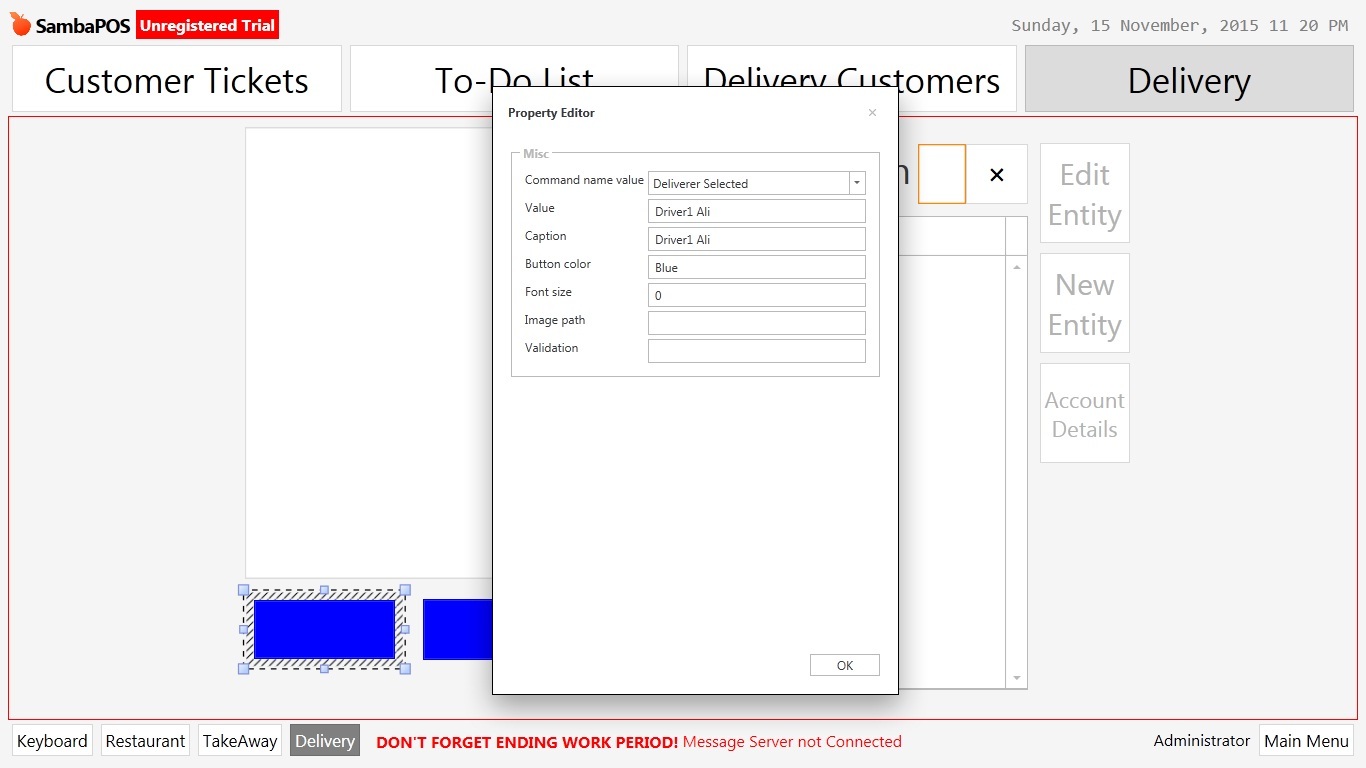
These All screen shot I do, the order didn’t shown in lister widget, and its status didn’t shown in Order screen.
I want to print order when assign order to the driver with the name of the driver on the receipt, Also I need to know the assign and arrive time for each driver, and cash for every driver at end of shift.
Thanks for your help.
First I want to let you know I am working on a configuration task that you will be able to run to install the basic delivery system. It will hopefully be finished today sometime.
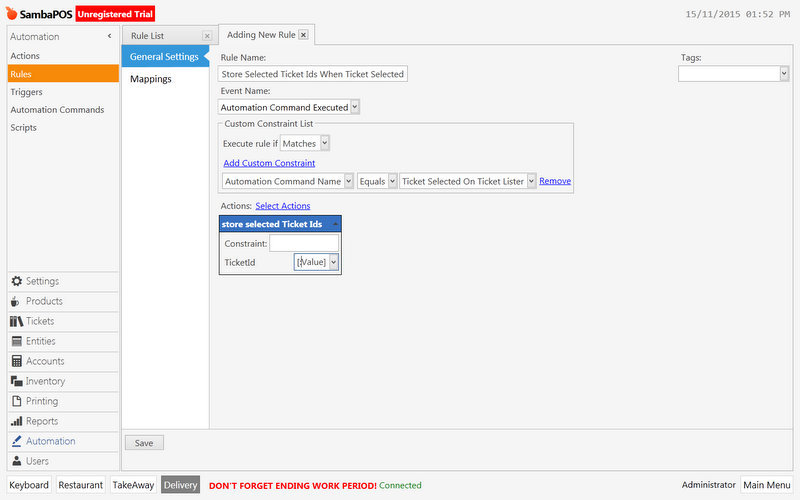
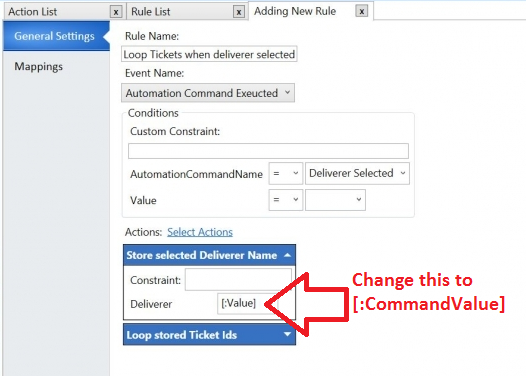
About your mistakes ill take this for example:
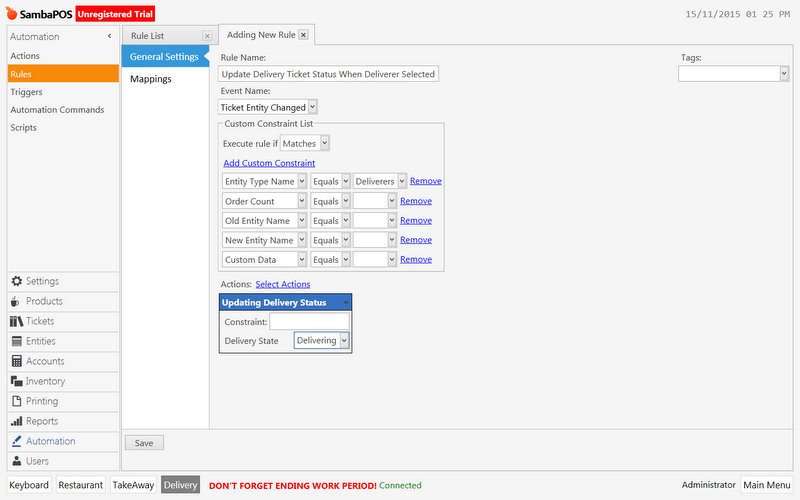
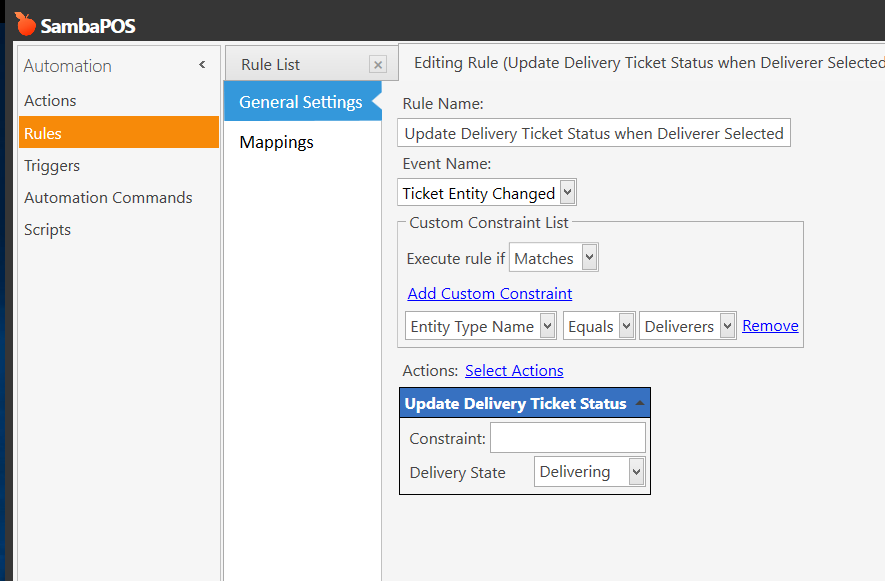
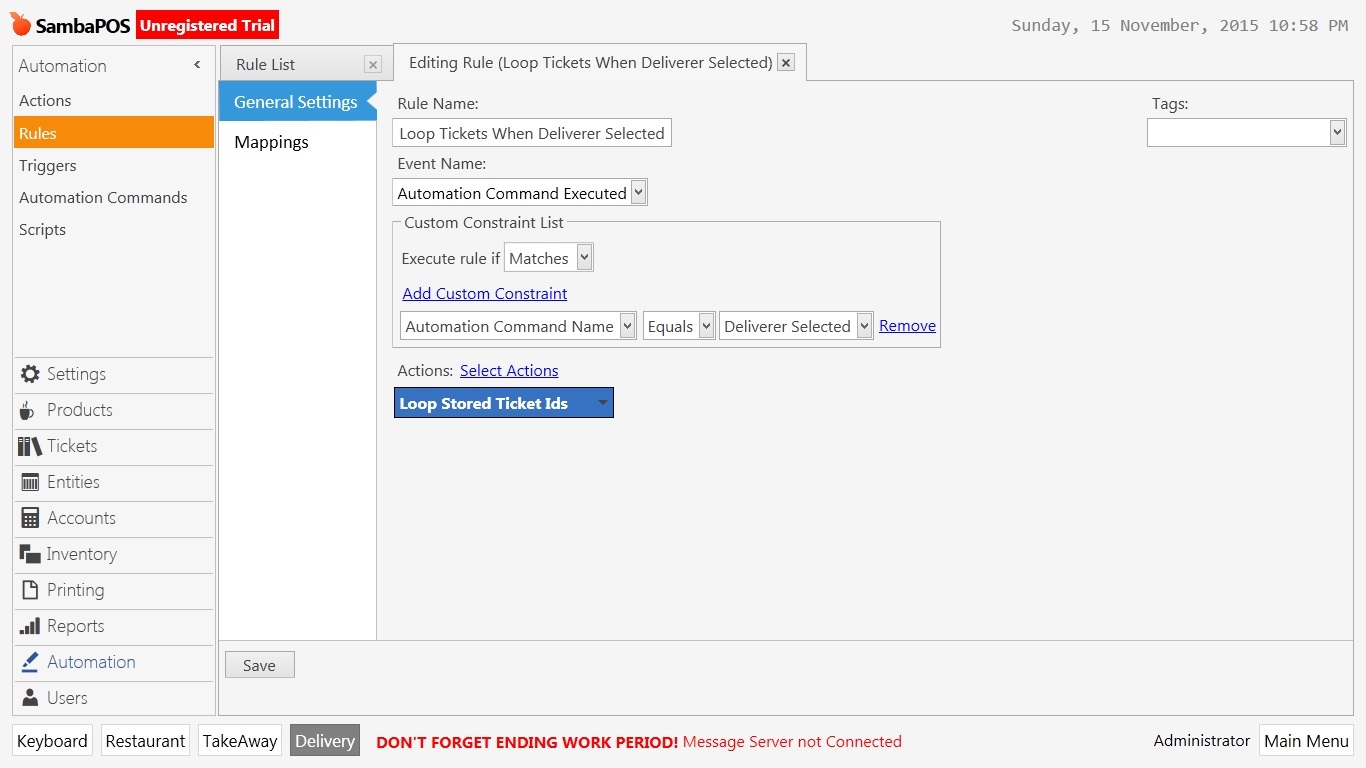
All of the custom constraints that Equal blank need to be removed. V3 required this but version 4 and 5 does not. So any rules that have custom constraints of x Equals empty value need to be removed completely from the rule.
So this screenshot you see here should look like this instead:
You may not have known that and its understandable. There have been several discussions recently in last few months about this exact same thing where we pointed out the difference which is why I stress to read and utilize the forum search function.
Thank you for the screenshots this is the proper way to ask a question to get a good quick response. If you make a generic question and demand us to do all the work for you likely you wont get much response as you found out unfortunately. Its not that we dont want to help you its just that the community are not workers for SambaPOS we are business owners and if we are not interested we typically dont respond.
So put yourself in the communities shoes if we see someone requesting us to do virtually all the work for you without any compensation its likely we wont be interested. But by showing your work and explaining your real problems we will be more inclined to offer solutions to help you.
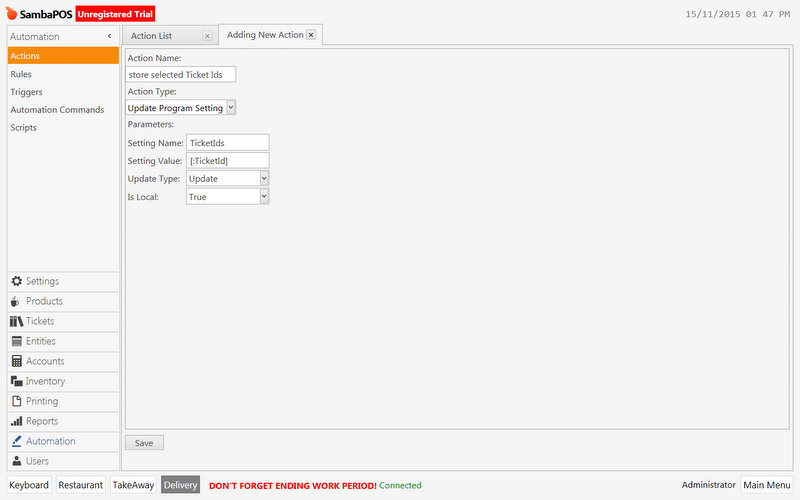
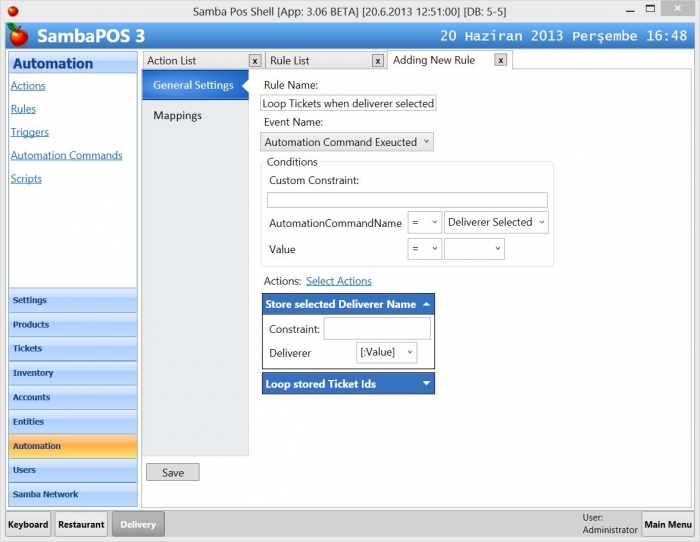
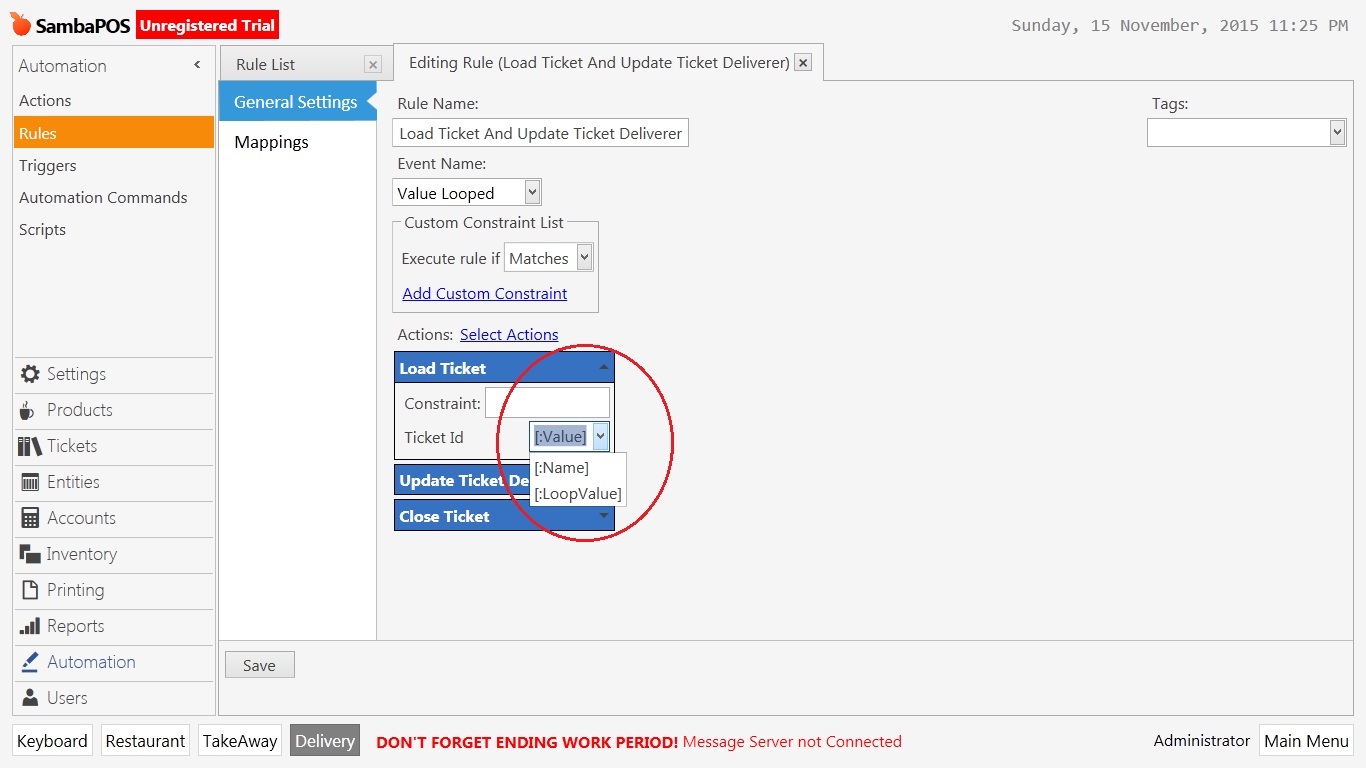
Additionally in the actions where it said use [:Value] this should be [:CommandValue] its available via dropdown selection you shouldn’t have to type it.
I unfortunately may not finish it today I have had unexpected circumstances come up that has me away from my test machine for a while. I’ll try to work on it later tonight but no promises.
You did a good job creating the tutorial just those few things I told you about likely are causing it not to work.
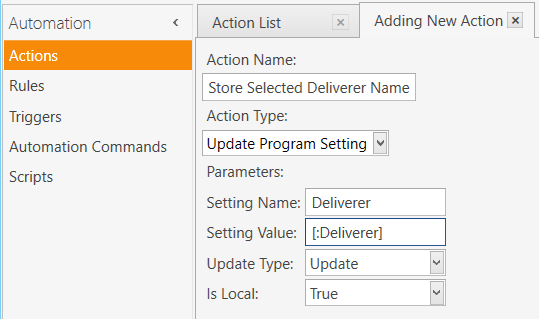
Yes that is an update program setting action. It was skipped in the tutorial. I’m not at computer to show you the correct settings for the action though.