Hi All,
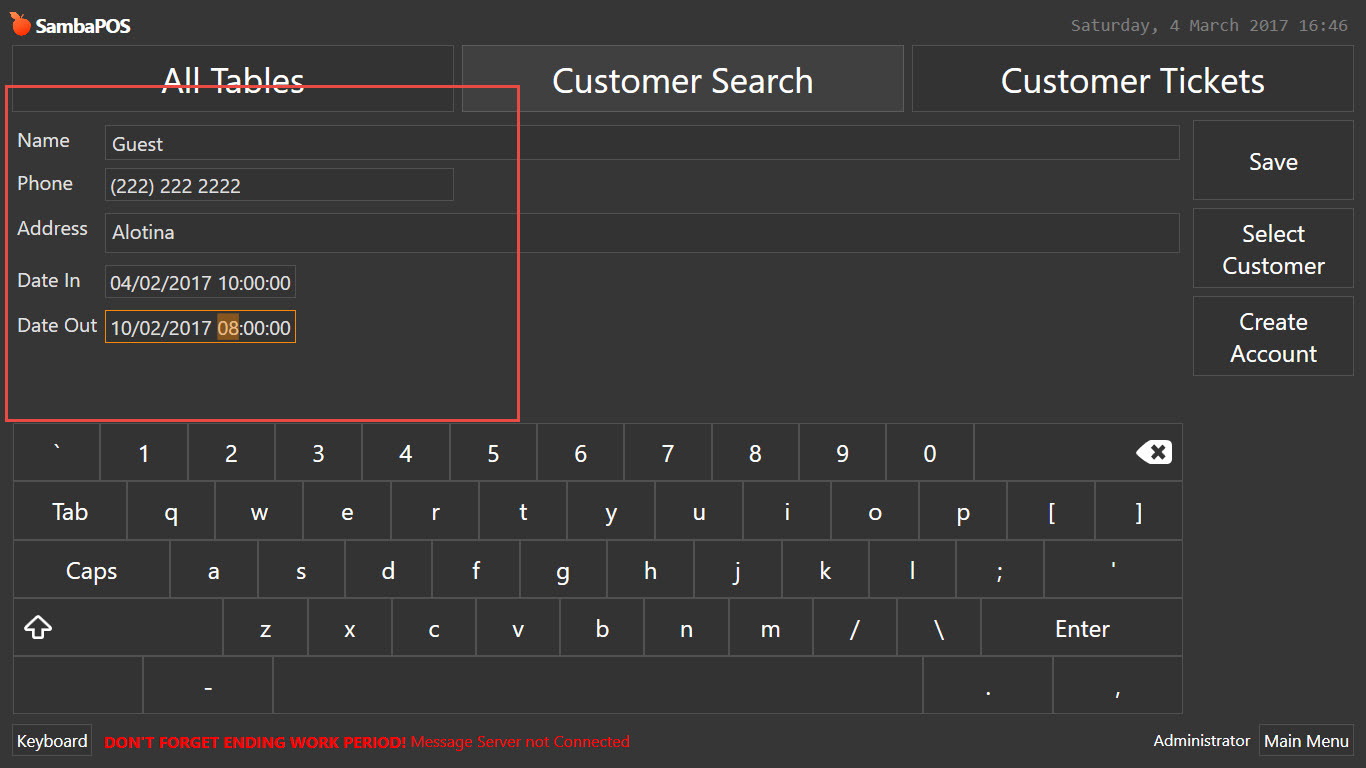
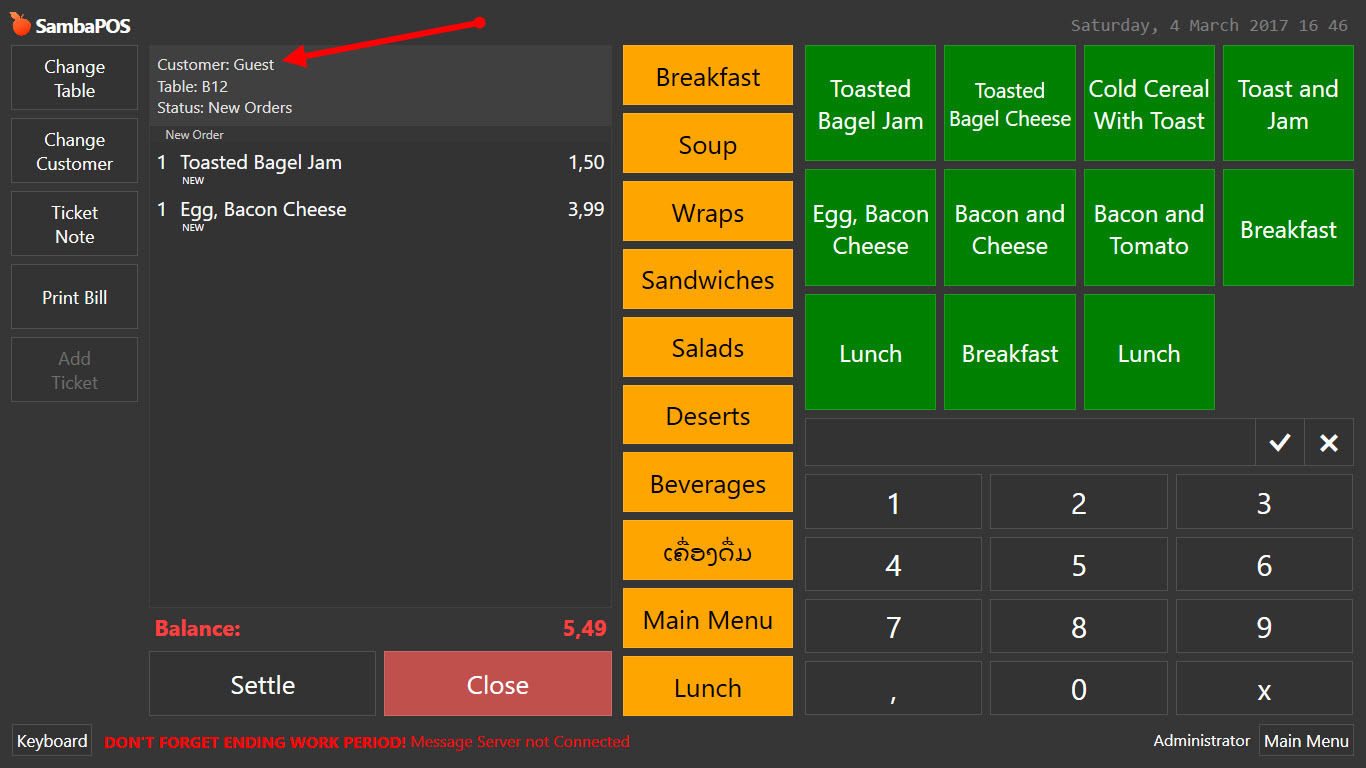
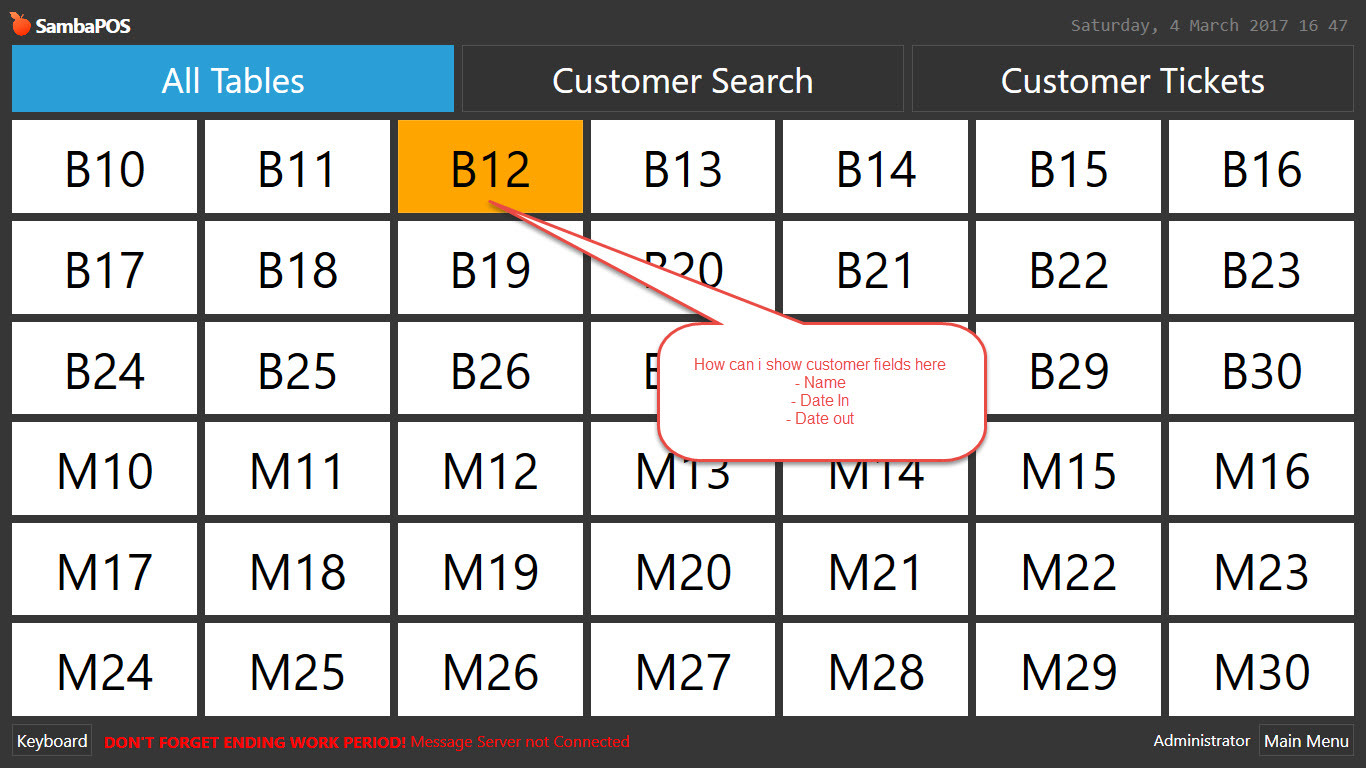
I have create customer fields call Date in and Date out, and how can i show Customer name, Date in and Date out on Table button or entites button please
Search is your friend, this is the first topic, a tutorial on how to do what you want 
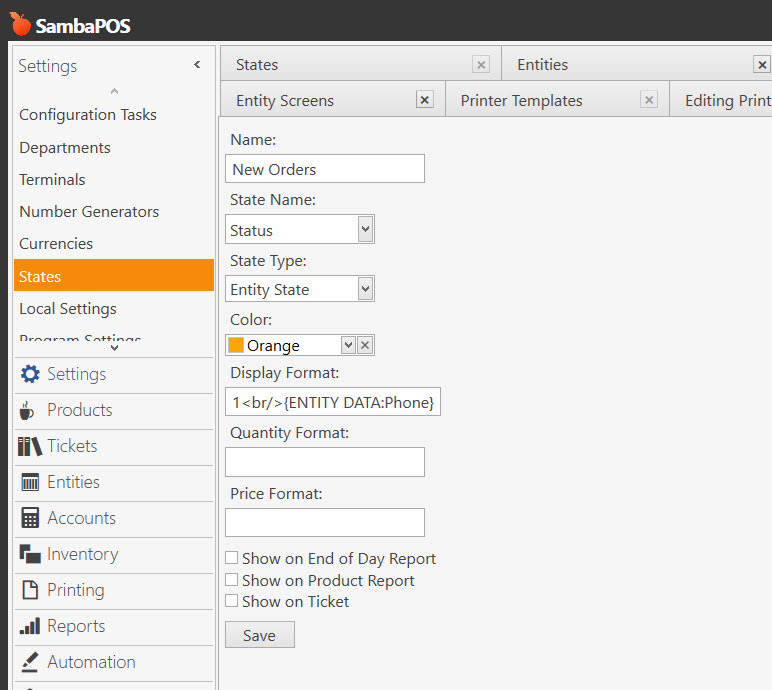
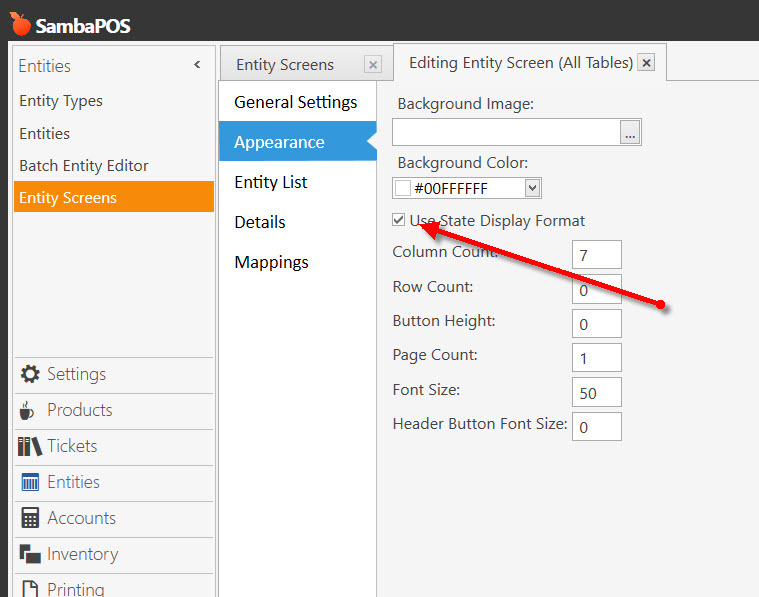
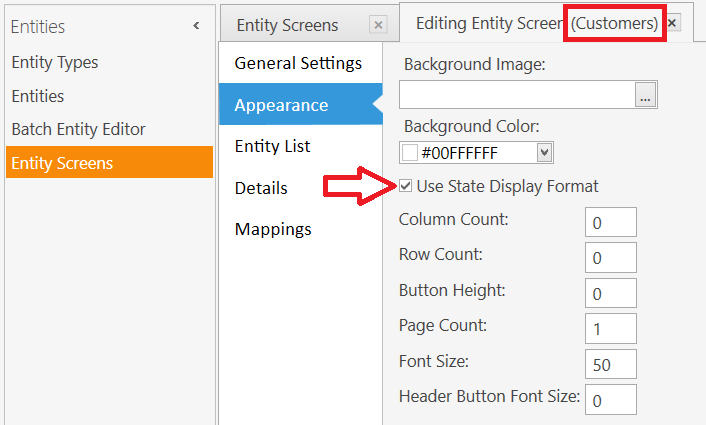
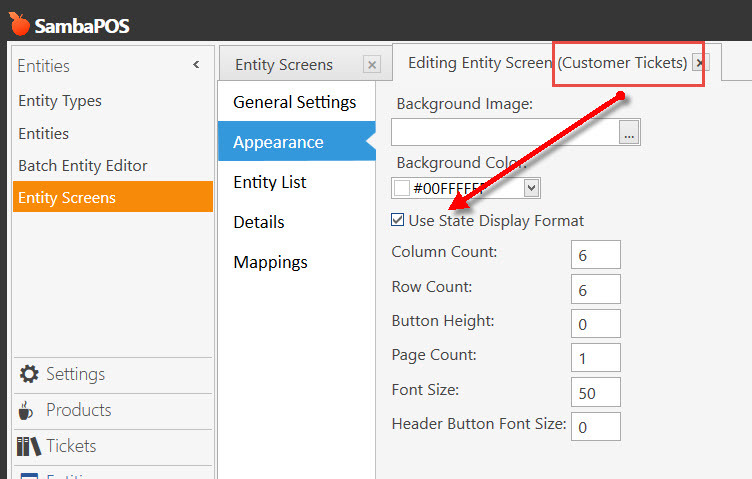
I think you have to enable something but I’m not at a terminal to check. Pretty sure it’s an option for entity screen to enable display state.
The Table selection screen is tied to the Tables Entity Type. You cannot display Customer Entity Data on a Table button.
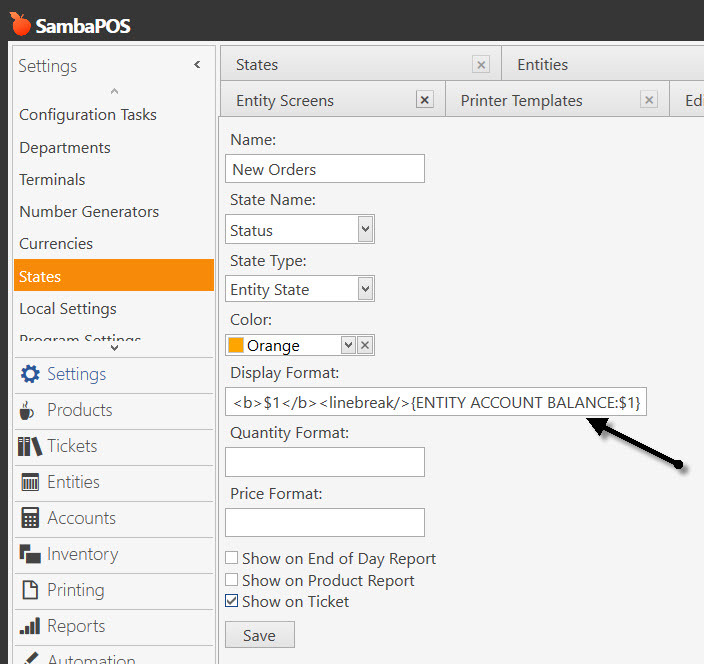
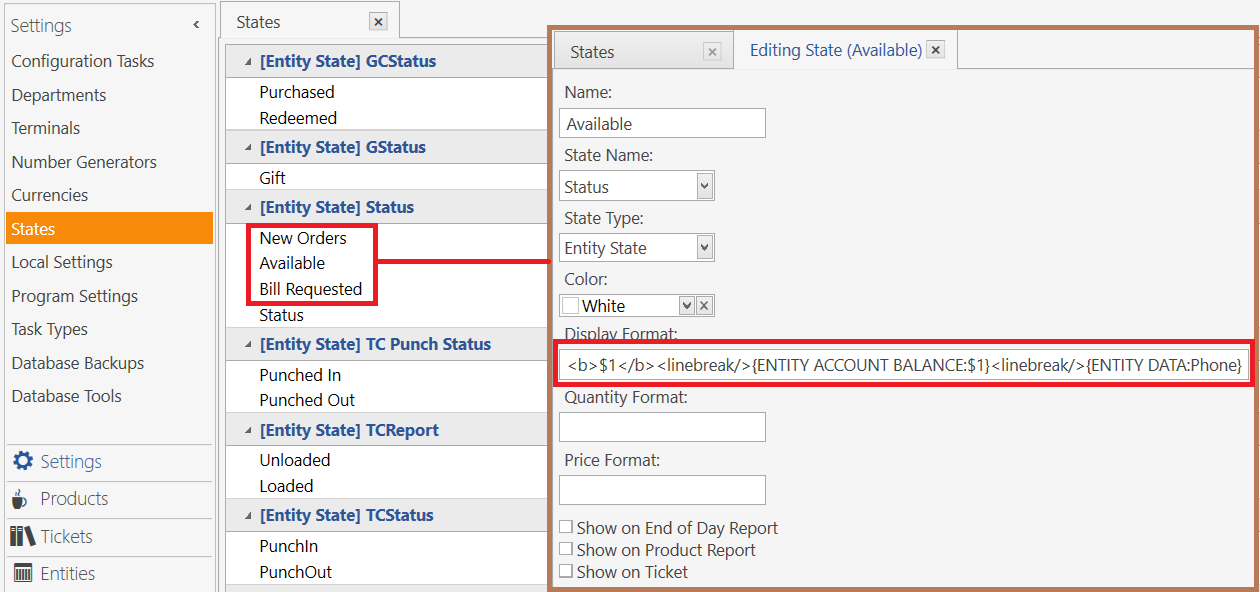
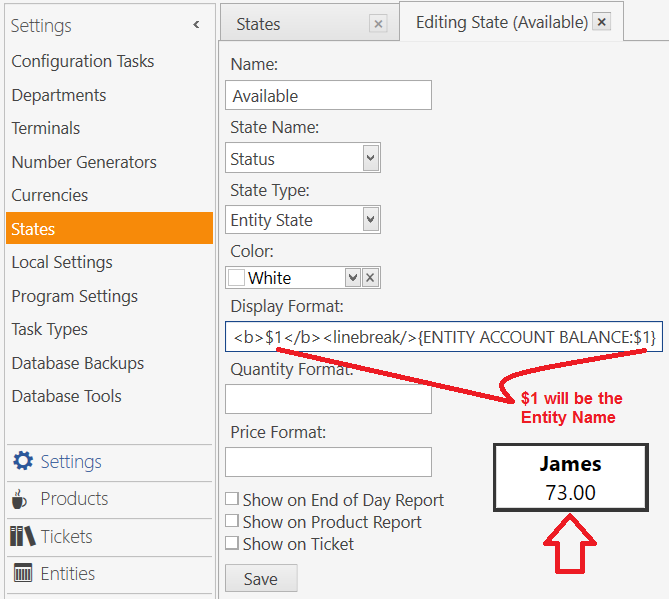
This will work on a Customer selection screen to display Customer Name, Account Balance and Phone:
<b>$1</b><linebreak/>{ENTITY ACCOUNT BALANCE:$1}<linebreak/>{ENTITY DATA:Phone}
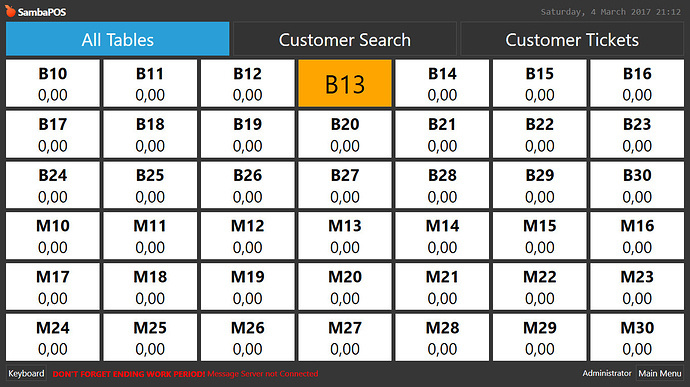
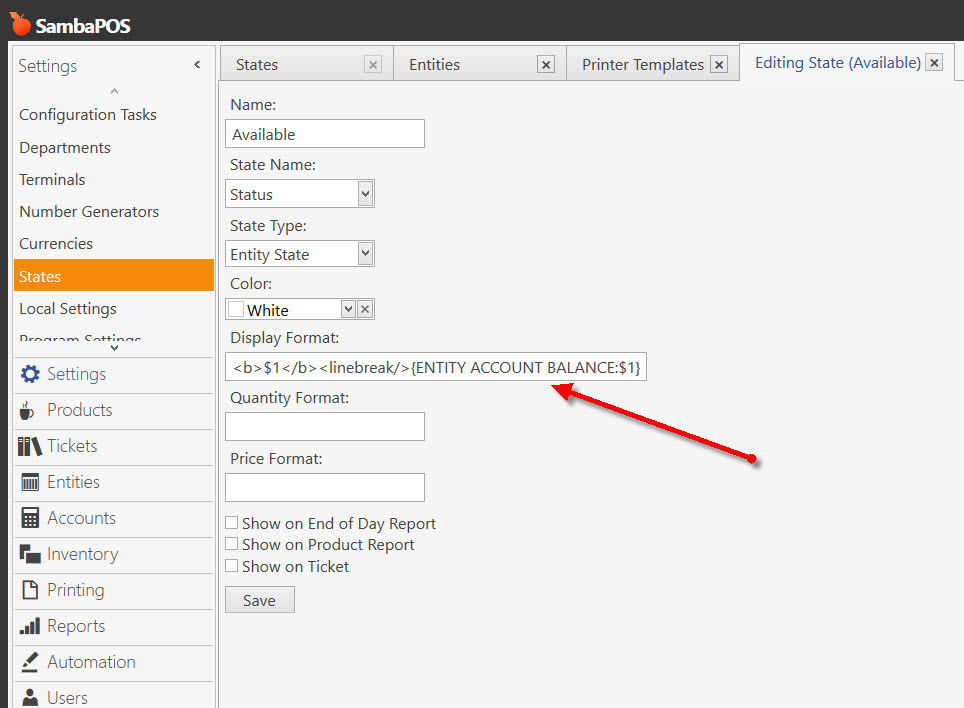
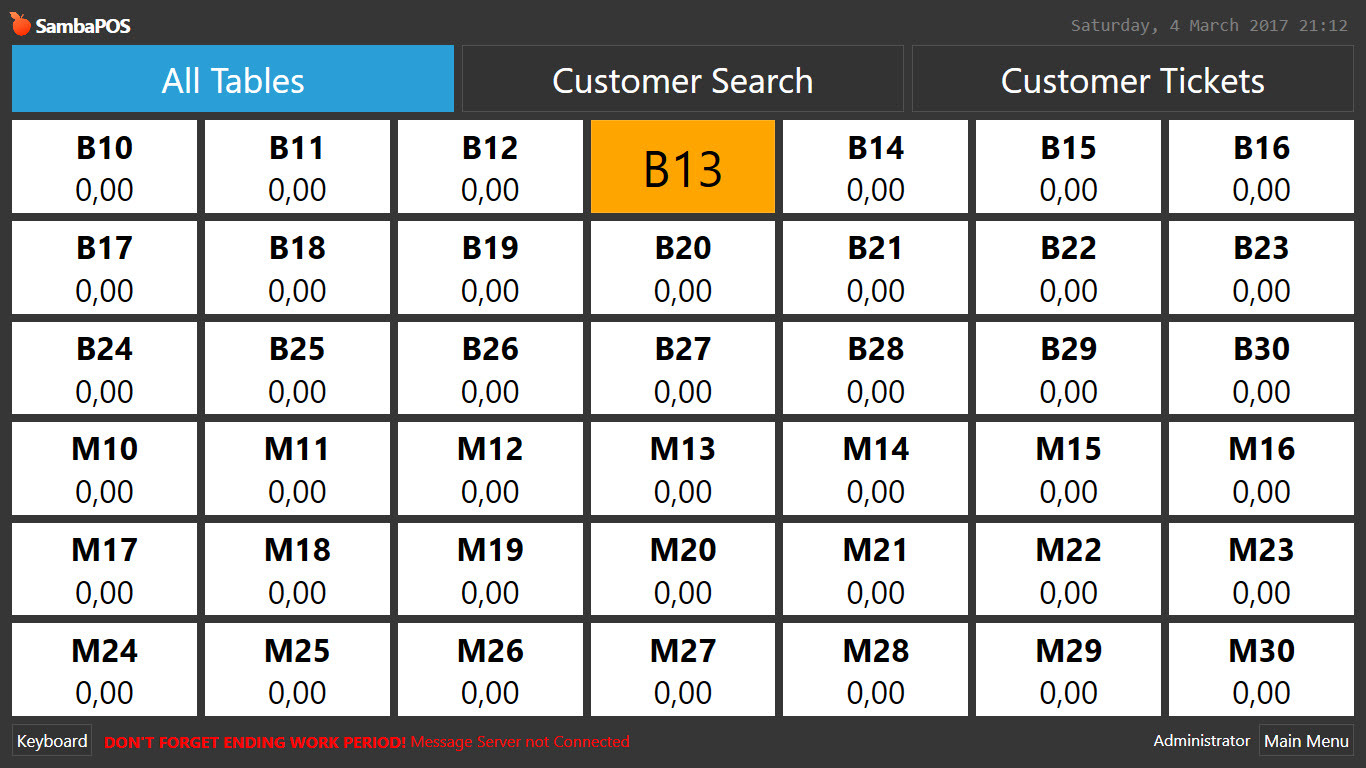
You set the available state format, look at the white ones…
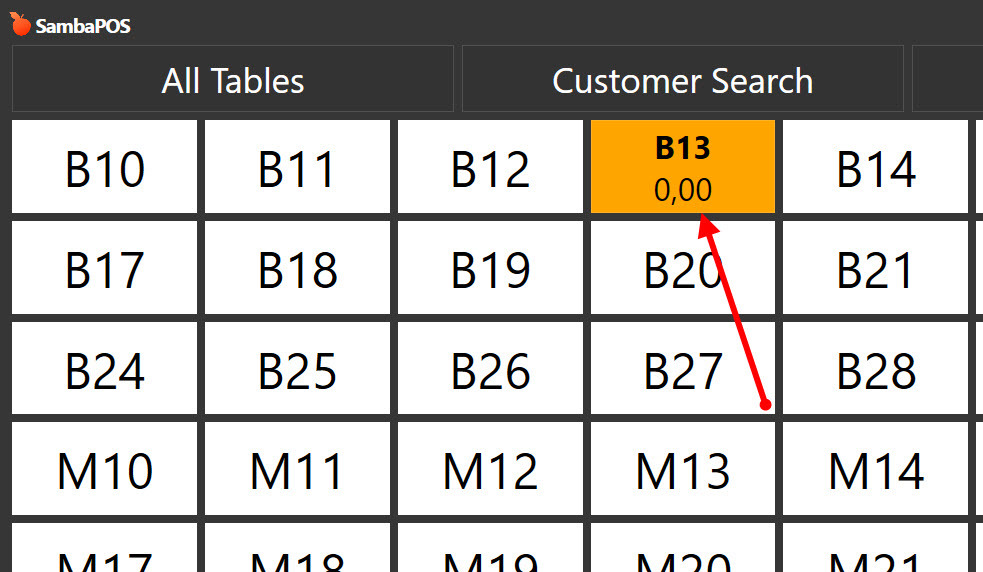
The orange one is a table in new orders state…
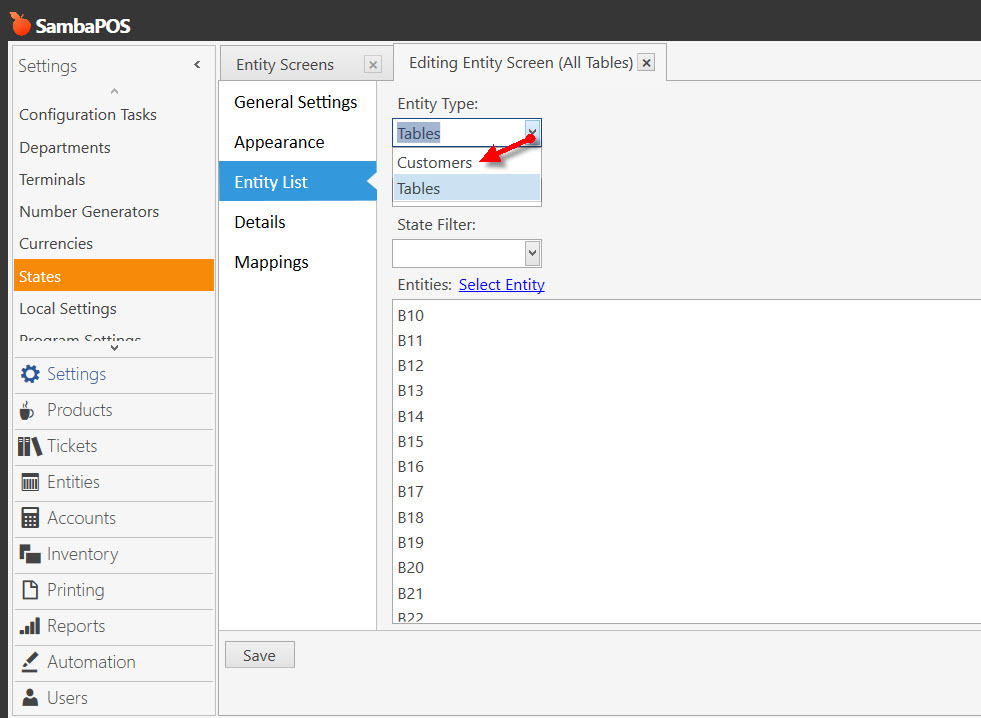
No. If you do that then your Table selection screen will be tied to Customers and your Table buttons will not appear. Instead, you will see Customer buttons on your Table screen.
What you are asking to do cannot be done. You cannot display Customer Entity Data on a Table button.
Hi QMcKay,
Thank you, could i have your advise more how to enter this on Customer selection screen please
$1{ENTITY ACCOUNT BALANCE:$1}{ENTITY DATA:Phone}
Just follow the tutorial.
Thank you all, will try and let you know 
Customer Tickets is what you need.
You can make any Entity Screen that you want. If you want one called Customers, just create it. You could even clone the Tables screen, then change the Name to Customers, and change the Entity Type to Customers.