I had a client ask a interesting question the other day regarding discount threshold.
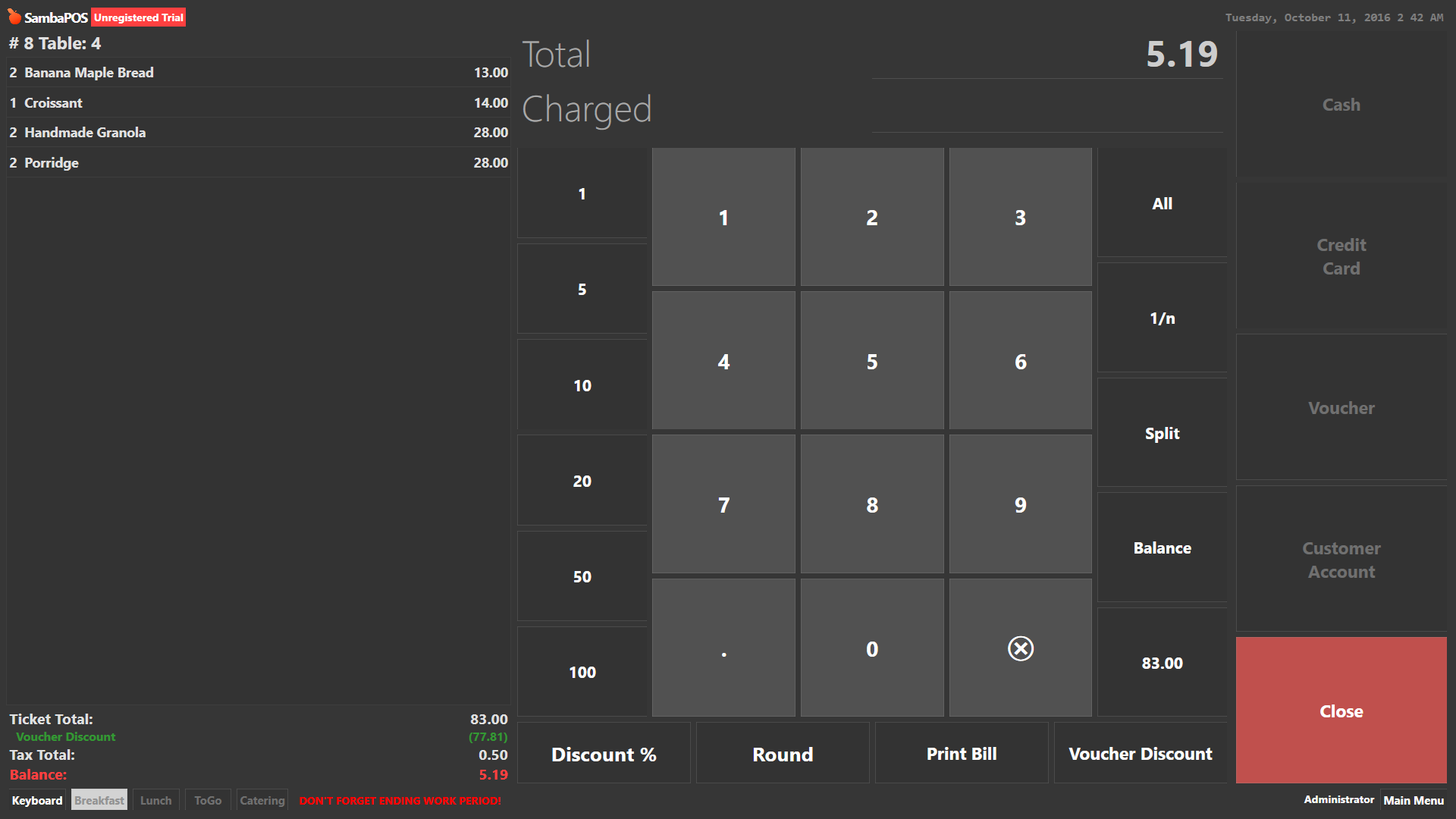
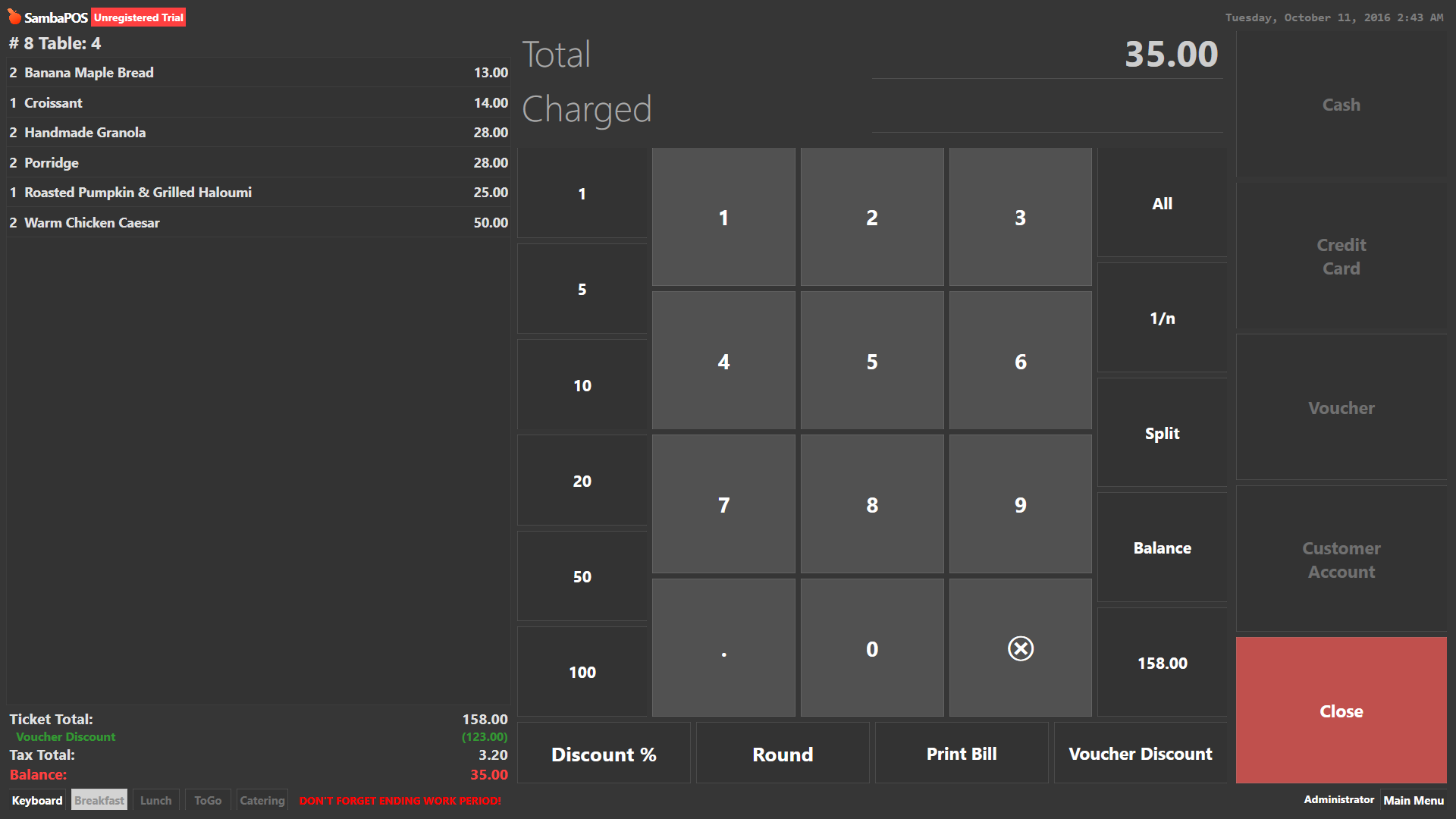
Basically he wanted when voucher button is clicked, then a few different type of options appear, fixed discount amount in $. And one that applies a discount but has a threshold.
The discount is supposed to work like this,
As long as amount purchased does not exceed $140, the system would apply a 30% discount. If it goes above 140 it would only minus $30 instead.
So I know I can use ask question command to prompt user to select the type of discount to apply.
The only thing I need help with is the the constraint and action I would use to make that discount calculation.
I can do fixed discounts, but never encountered threshold calculations.
@emre my opinion way similar too , for future development Discount : A single Command Button may be through ask question goes to many discount types where selected all types of discounted amounts comes under one Discount Account. And A Single Discount Report shows the amount discounted. Sorry if its already exists but this will be pro .looking forward for this.
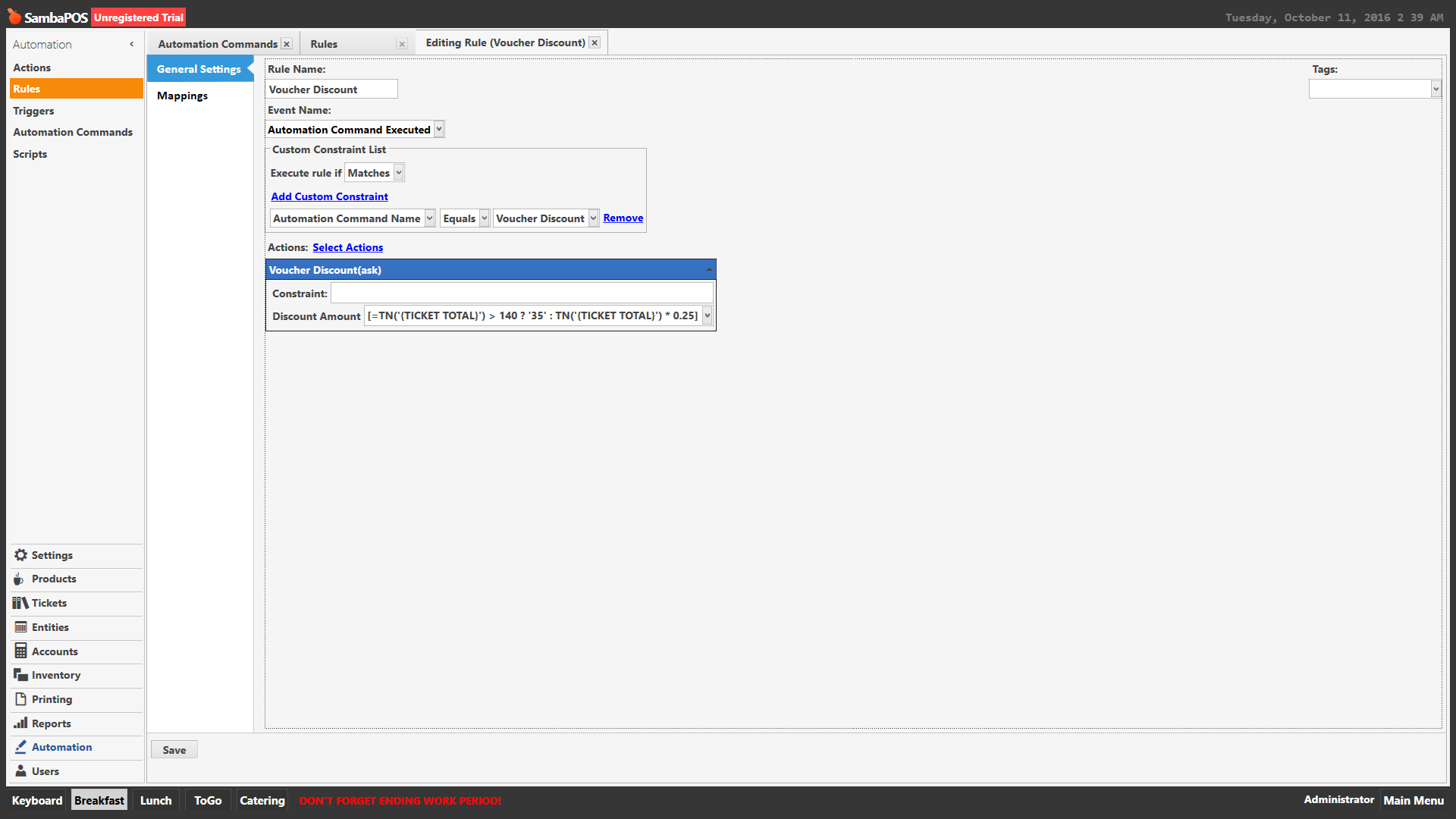
Since it already exists, and possible to do, I was just hoping to get some help with calculation constraint I can put in the discount action rule and test it.
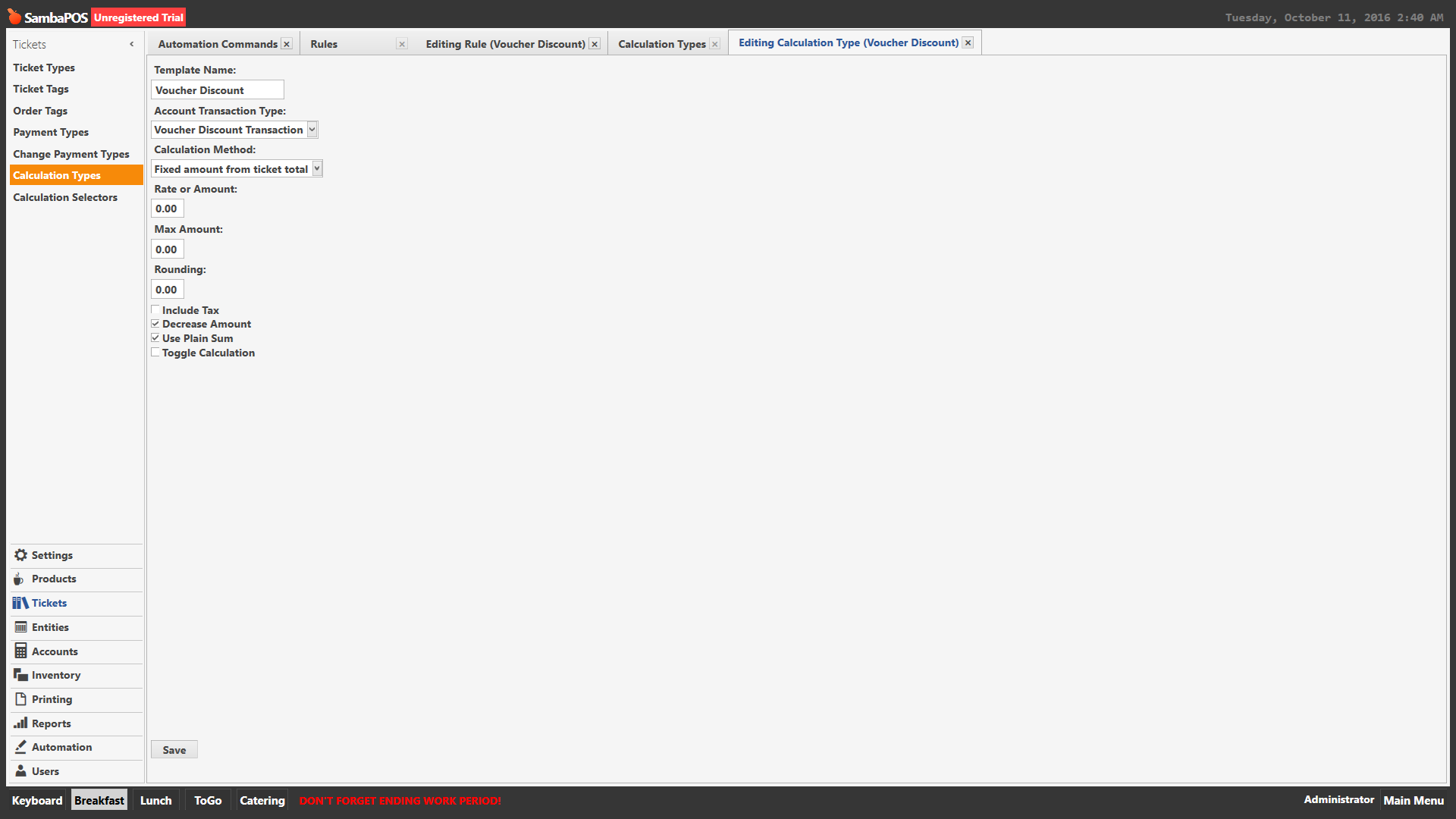
I’m going based off the already available discounts tutorial which uses ask question command to make choice of discount
Just that this type of discount only applies 30% when its below $140 or $30 if its above 140
Ahh sorry man, i made a mistake, its supposed to be 25% up to a max total of $35 off bill. So $140 - 25% should total 105. Anything over that, then discount % goes higher than 25%. That’s why $140 is the threshold.
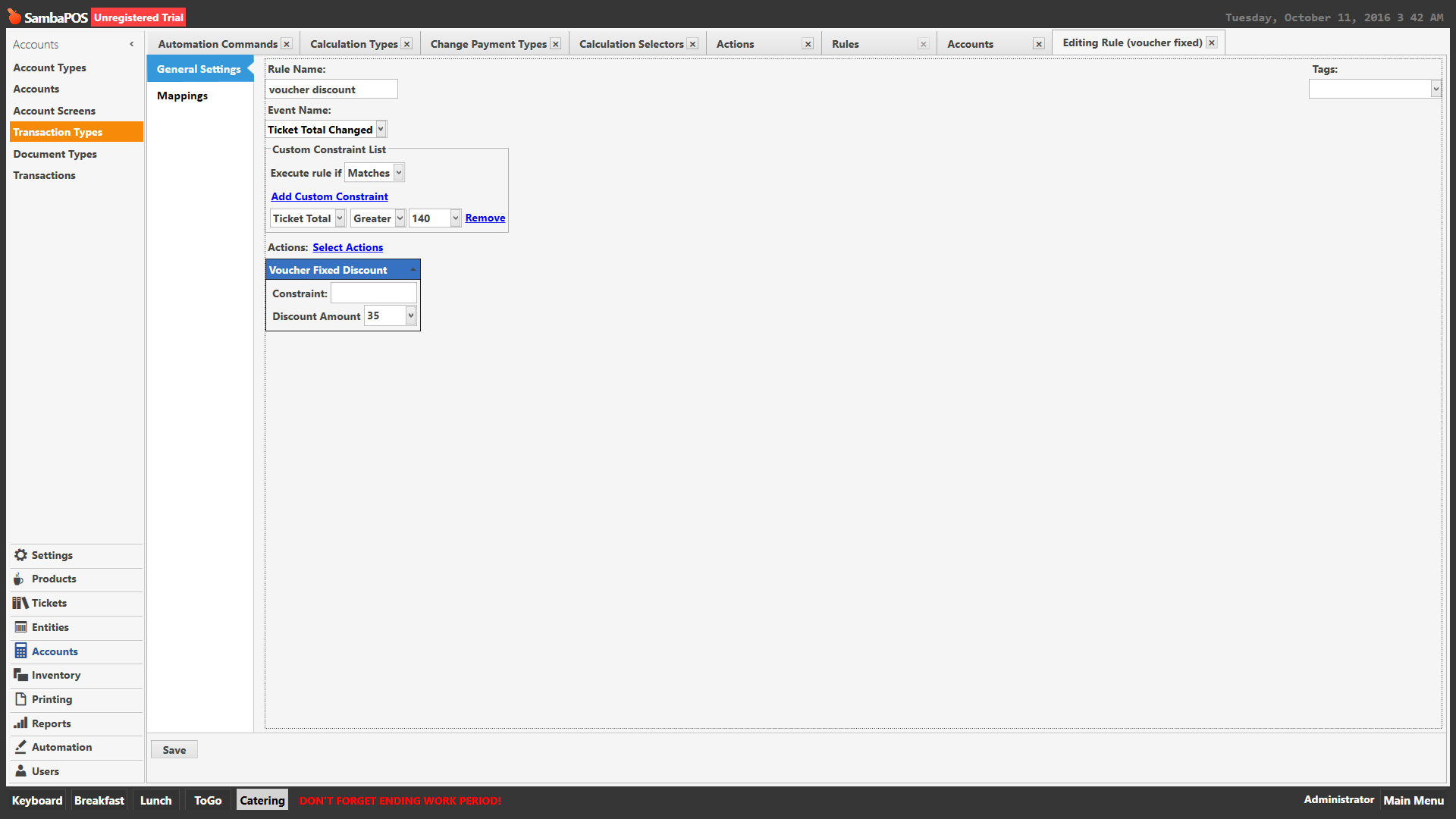
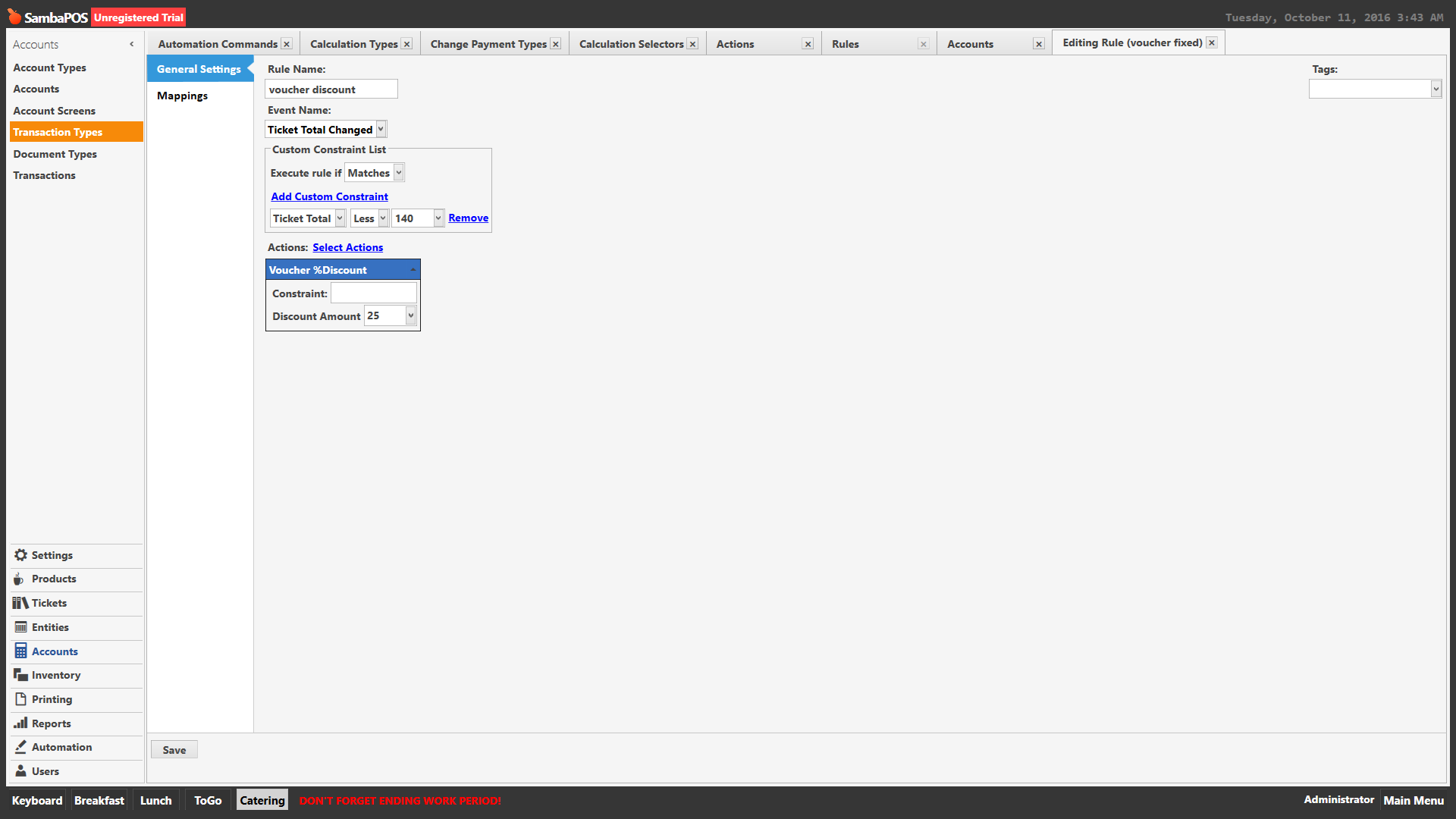
In other words, If bill is less than $140, then 25% discount applies, if it’s more than $140 then only $35(fixed amount) gets discounted.
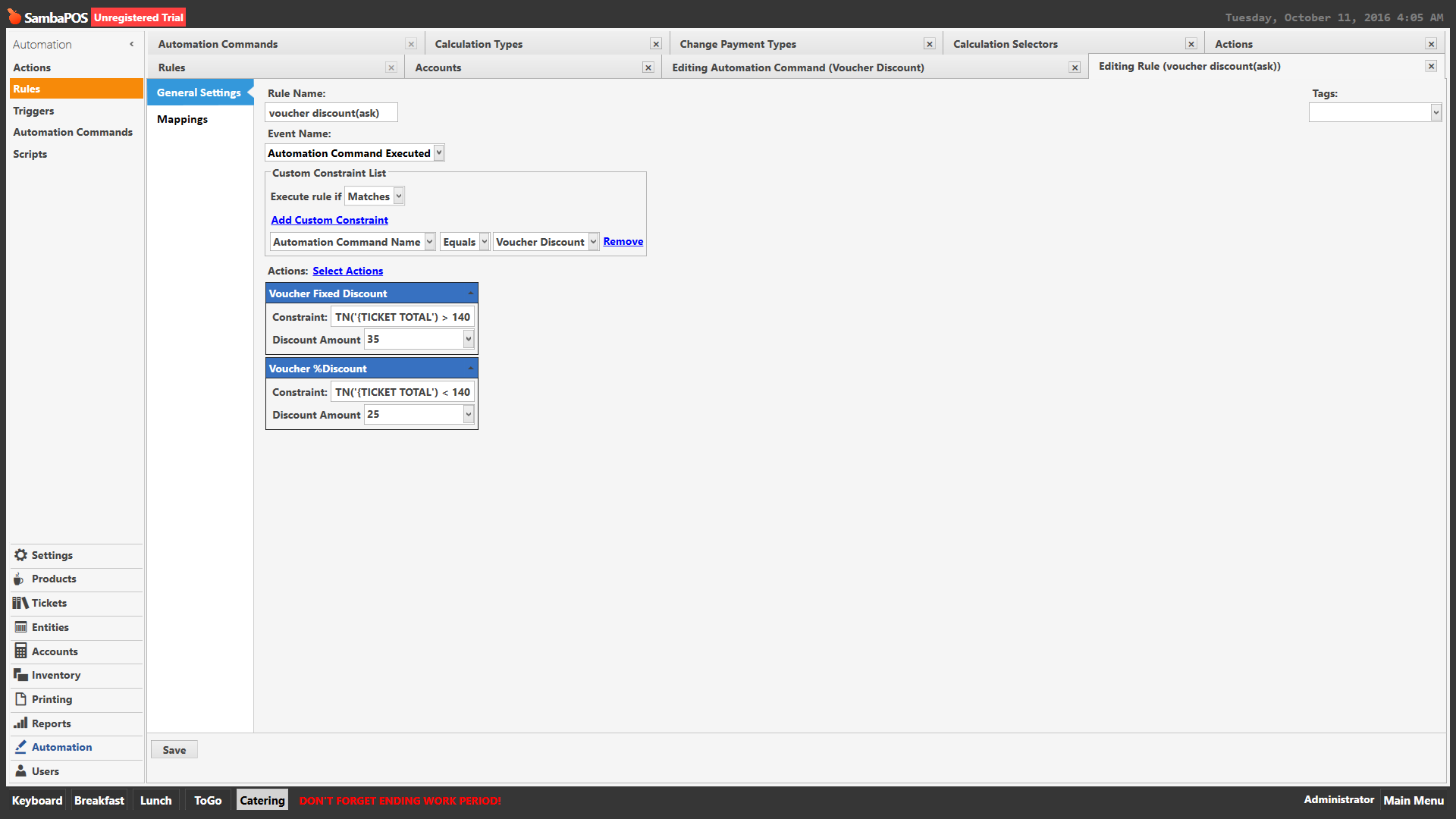
Make it two actions and use constraints based on ticket total and set discount accordingly. when adding action right click and show all to add the same action a second time)
Not sure ternary expressions work in actions like that…
No just do in one rule for automation command as before if thats how your triggering it being added.
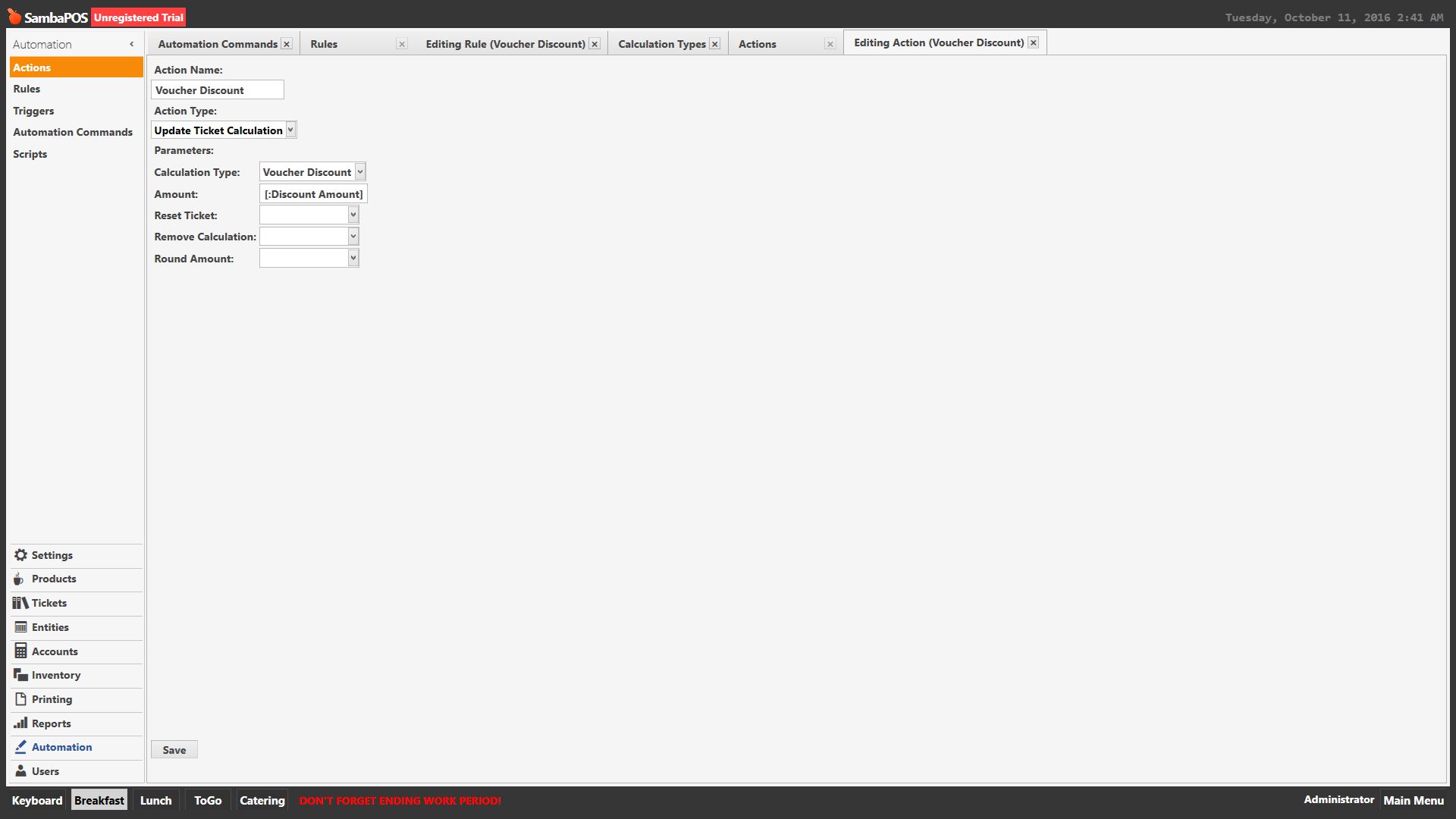
Select actions -> add that action once then right click on the action list and select show all then add a seccond time.
You then have two discount actions.
Then set action constraints based on ticket total and the discount calculations as required.