@srijit default SambaPOS behavior is proven to work fine and I don’t recommend you to change it unless you have a good reason to do it.
When you place 5 Coke order Bar immediately receives a print with …
5 Coke
When you need to change it to 6 coke bar needs to know it replaces previous 5 Coke. So what he need so see is…
5 Coke   ***V O I D***
6 Coke
So you need to Void 5 coke line and add new quantity as a new order line.
That does not change for take away or dine in. I’ll strongly recommend to use one method for ALL quantity changing cases. If you customize it for specific workflows staff should need to learn different ways to change quantity and that will increase complexity of the system.
However we allow our users to shoot themselves from foot if they really want.  Here is a way to change quantity of an order.
Create a new Automation Command
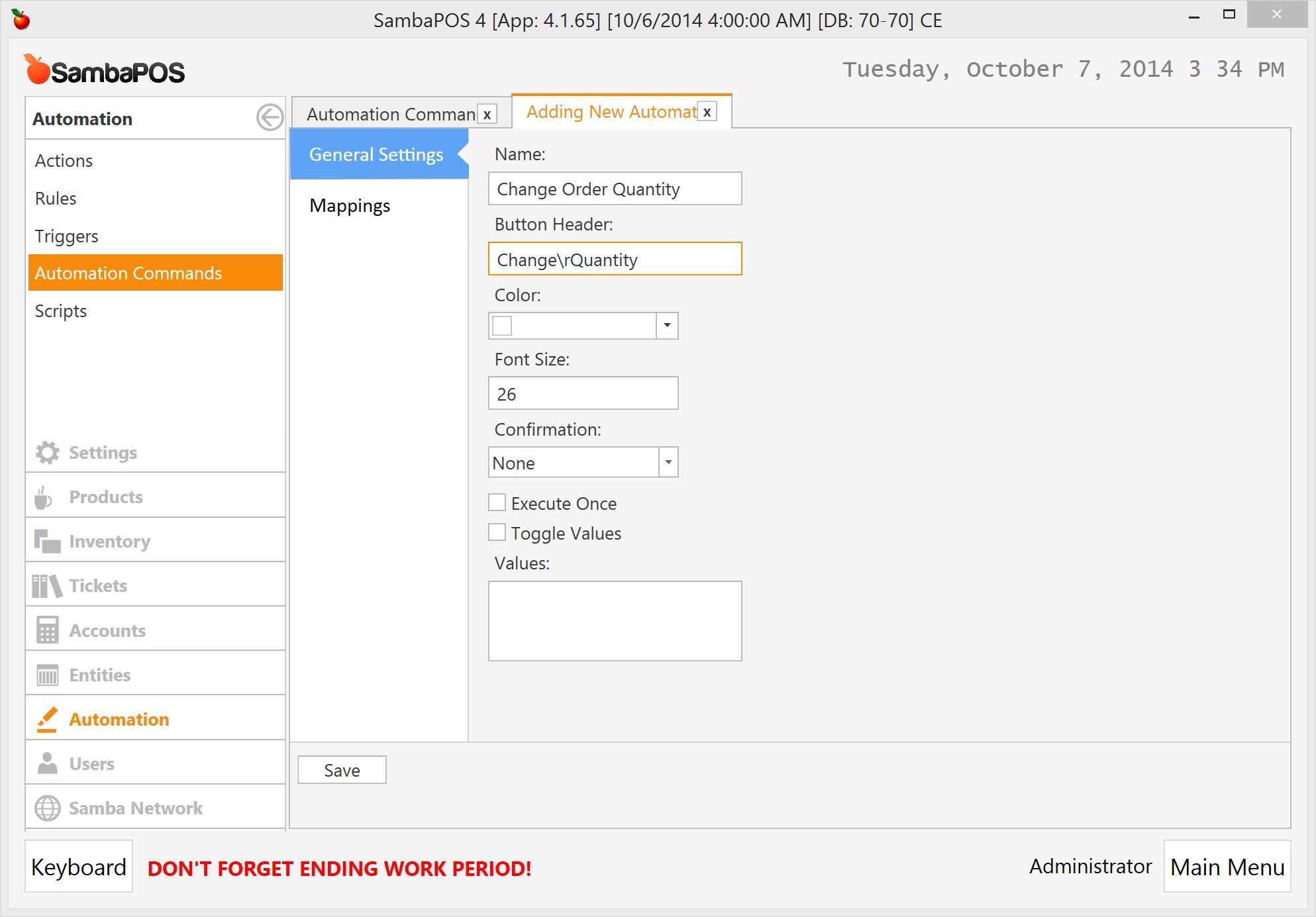
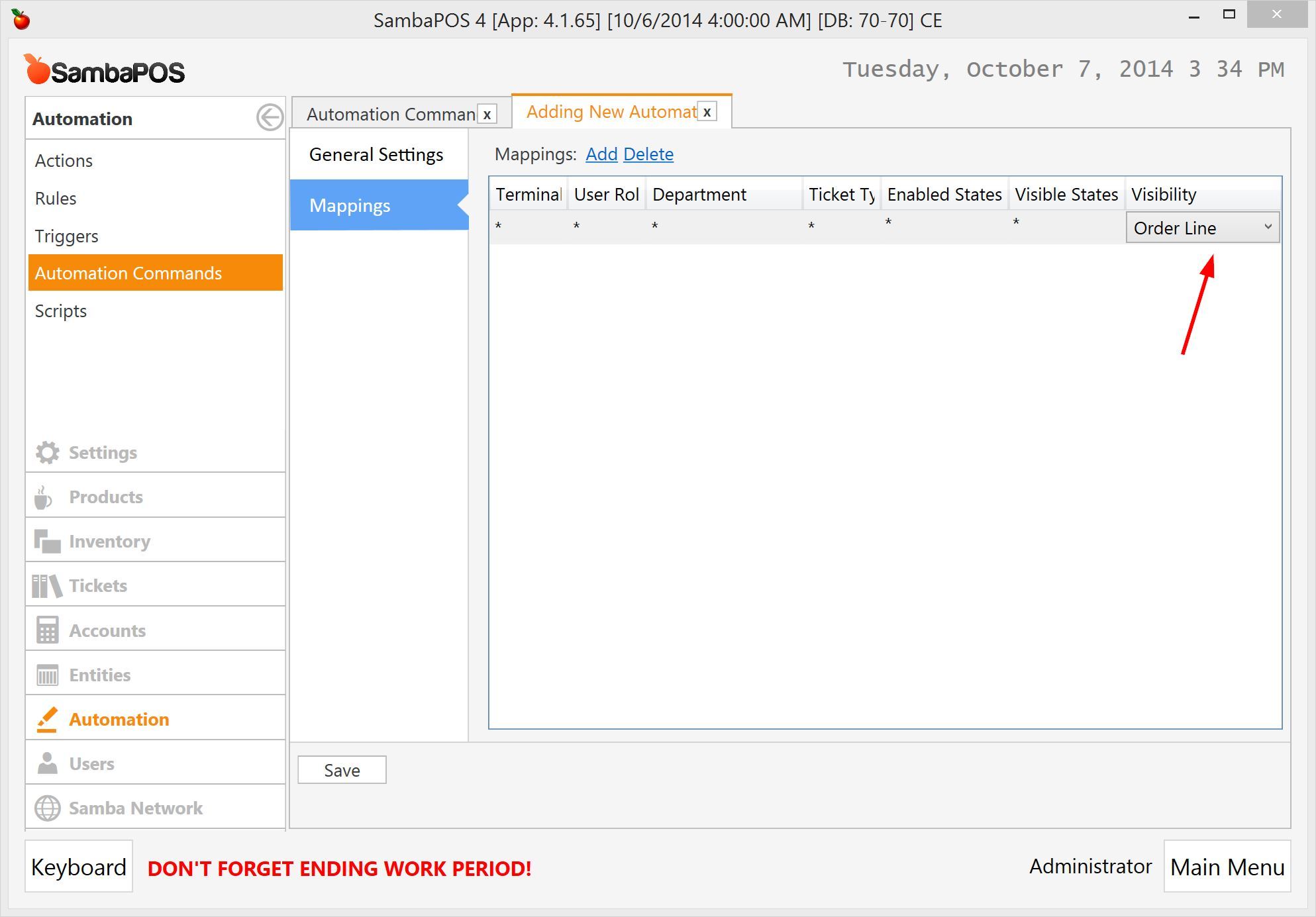
Configure mapping…
Create a new Action

Create a new rule that works when you click Change Quantity command button.

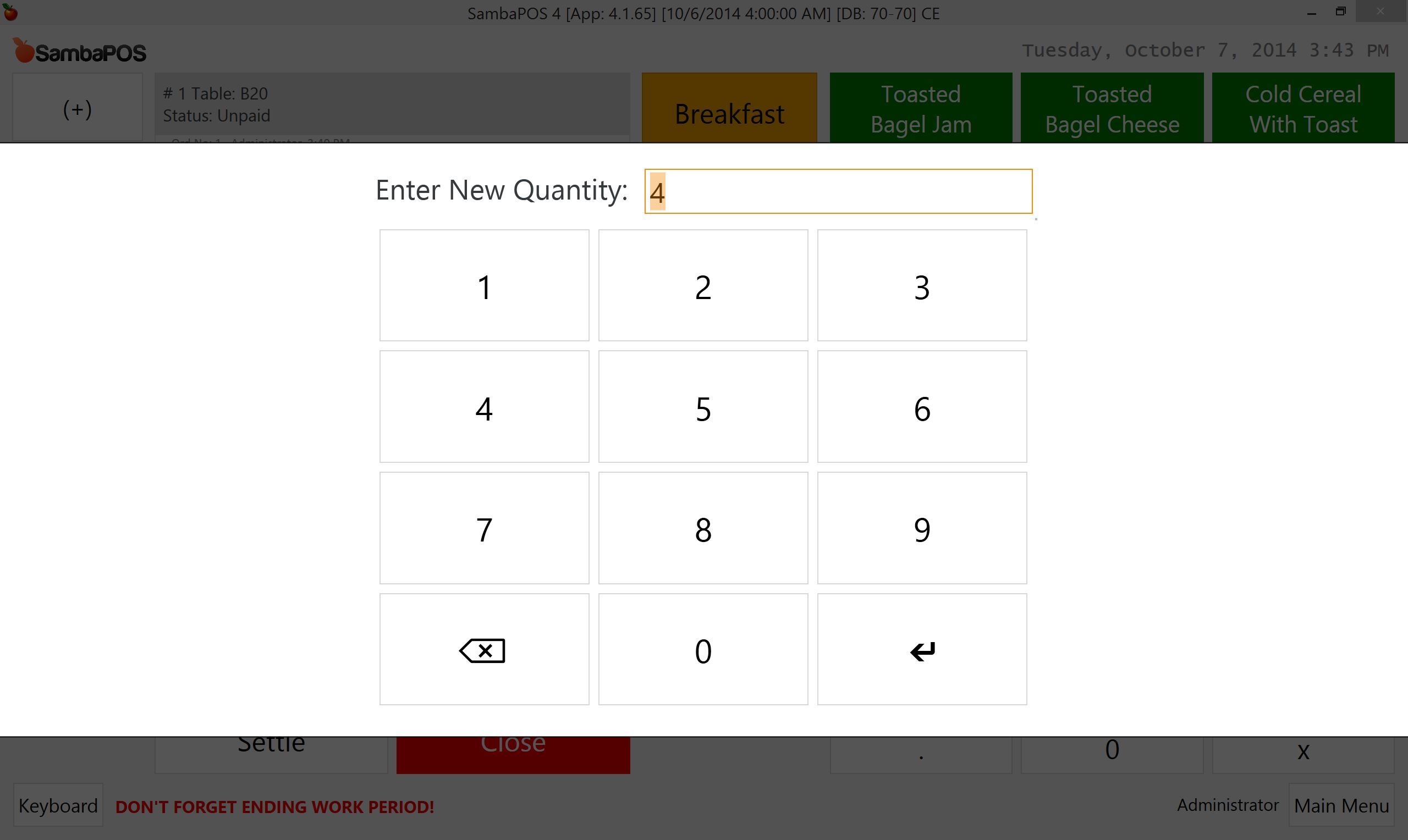
[?Enter New Quantity:\d\d?:{QUANTITY}:N]
That syntax creates a dialog box that asks for the quantity. It also takes current order quantity as default value.
Clicking on an order and Change Quantity button will display this dialog.
Please keep in mind that does not sends quantity change notifications to kitchen and do not use it if you automatically send kitchen prints as you receive new orders.