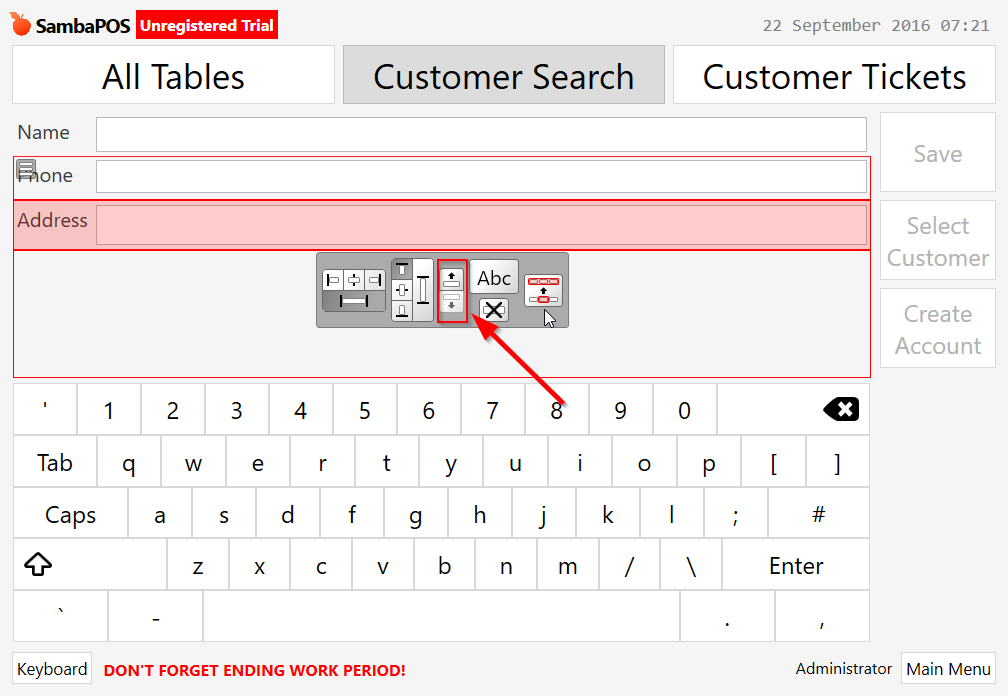
It mentions about this already, but importantly I saw that sorting is possible on the Entity Search screen by right clicking and selecting “Design Mode” (didn’t know you can do that with default Entity Search screens!). You can then change the sort order after selecting the field by using the buttons as shown below: