I am able to see only one menu, how can i setup to see multiple menus.
Would be useful if you could explain how you want to use multiple menus.
Menus are firstly defined by ticket type or department.
There is also a switch menu action in v5 which can be used to change menu in automation.
Without knowing more about how you want to use multiple menus its hard to offer suggestions?
PMPOS is not finished working software. You would need to code menu switch yourself for it to work.
i am using the switch menu action BY CHANGE SCREEN METHOD in V5. and its working great in the POS,
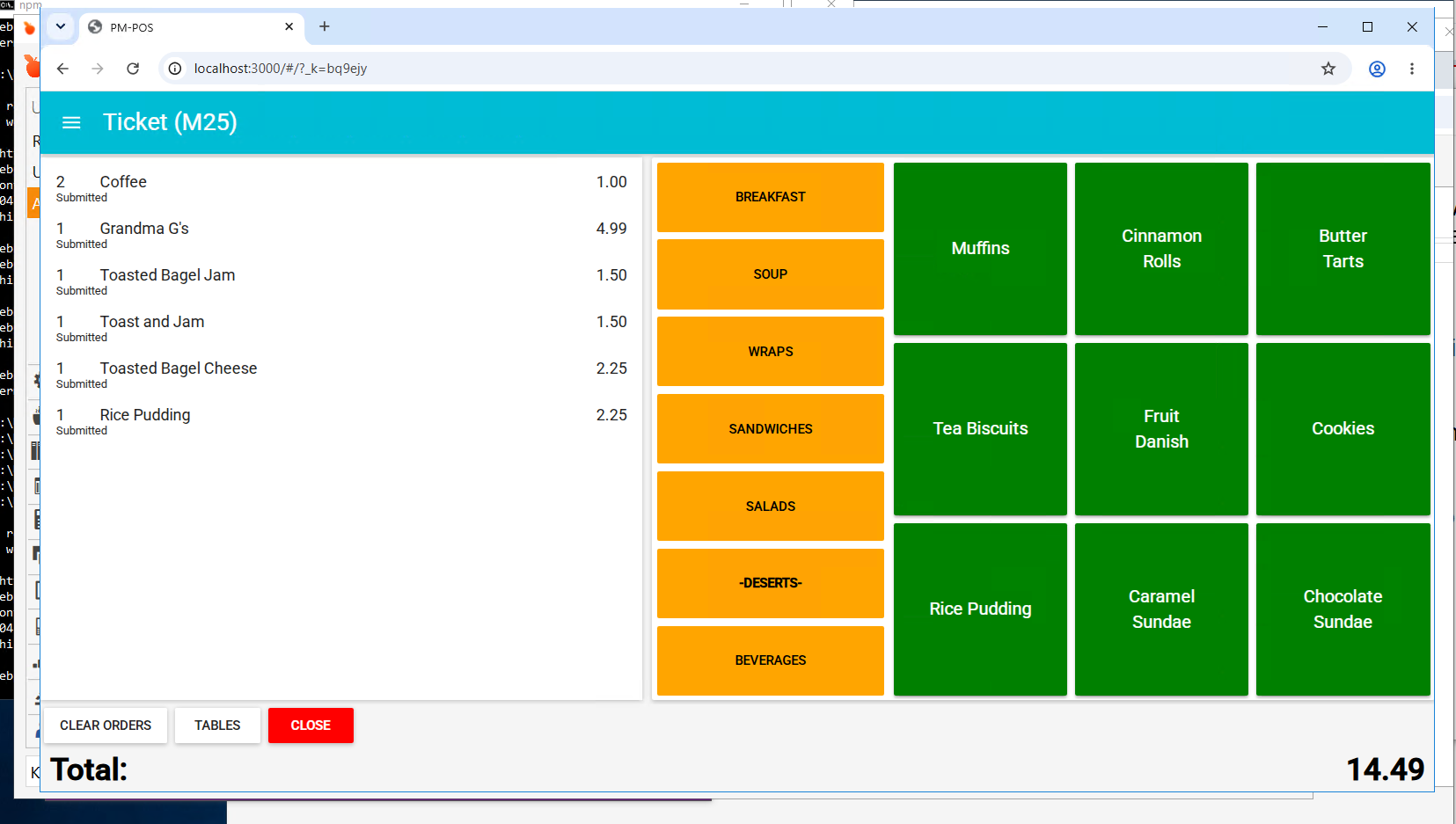
But its not working in PMPOS. It shows other menu in PMPOS, but when i click on them, nothing happens.
Q1> Can we display the entire ticket of that table, instead of just showing whats been punched by that user in PMPOS ?
Q2> Order tags are not displaying ? But when you click item, it shows portions, but not additional order tags.
Q3> GRAPH QL Pop ups also dont show ? Can that work ?
Q4> How can i access the localhost:8080 via another system on same network ?
After searching i found that, we need to declare 0.0.0.0 as IP with Port 8080, but i am not sure where to enter that.
PMPOS is not working software it was proof of concept. You are on your own with it. QMcKay developed a really good one called QMX I highly recommend it.
I’ll tell you the same thing that I did in the other thread:
It’s no longer available. The author passed away almost 8 years ago and with him went his code.
QMX was never an official SambaPOS product. IIRC it was a proof-of-concept by the user for the API SambaPOS was implementing at the time.