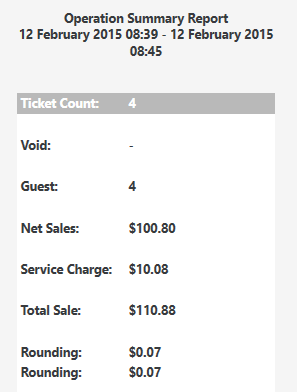
Which ones because all of the ones I have tried worked fine. If you combine a priced dish with the unpriced it does it.
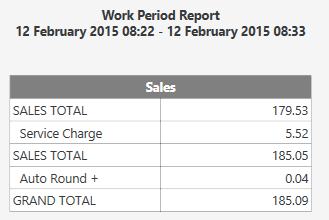
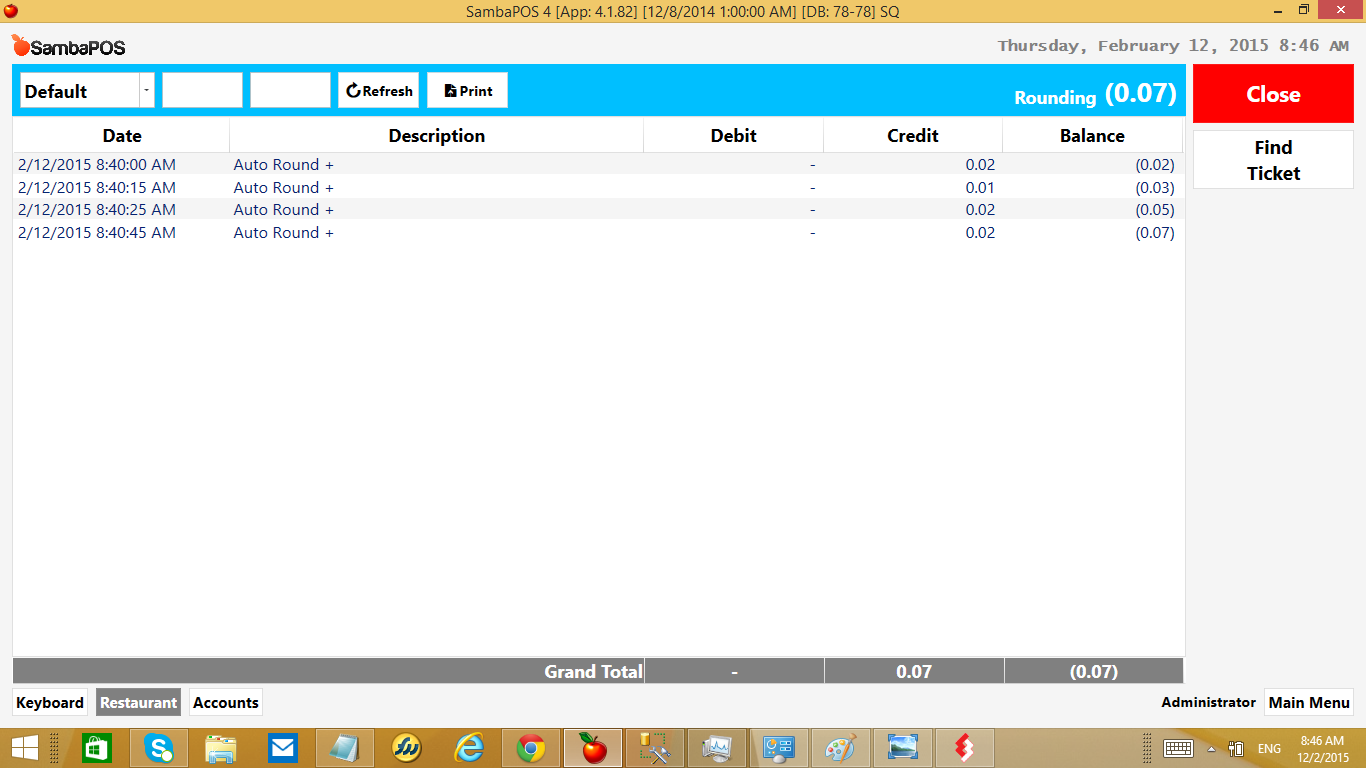
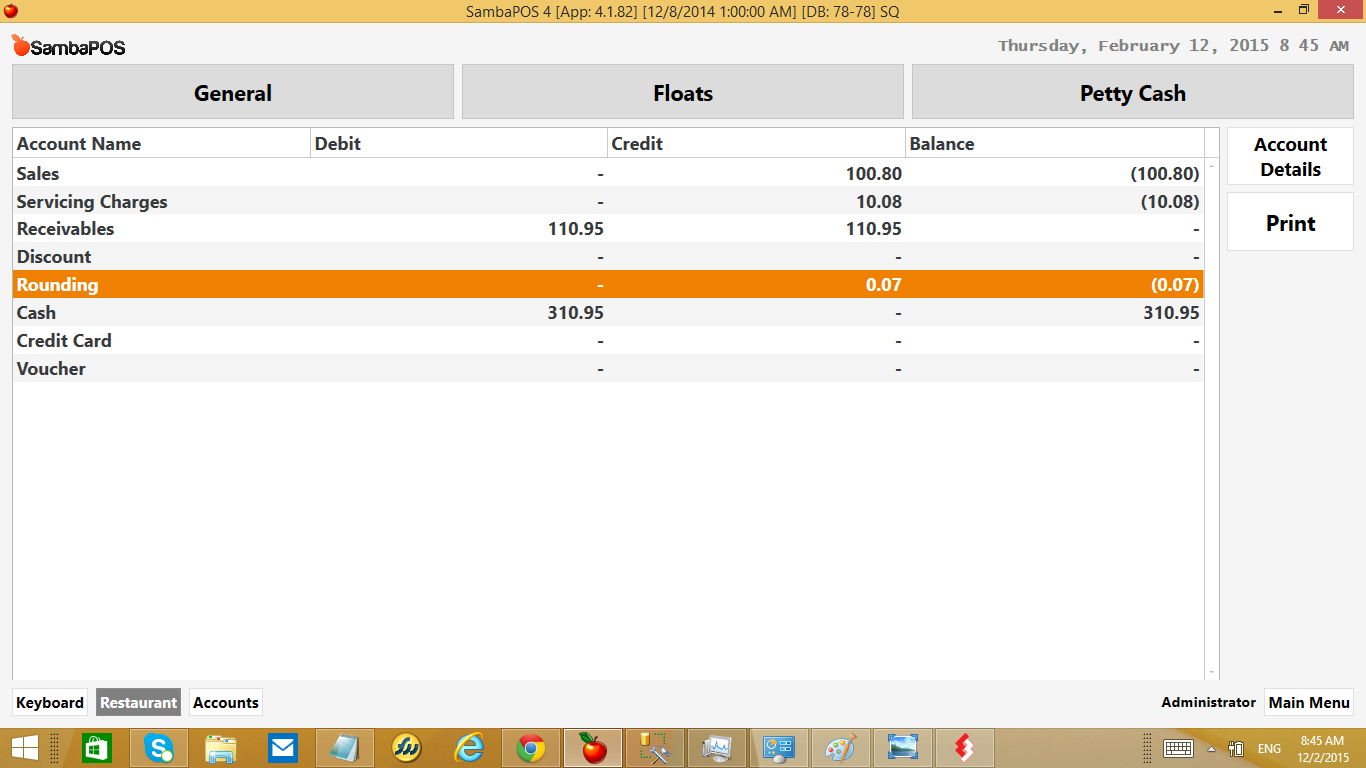
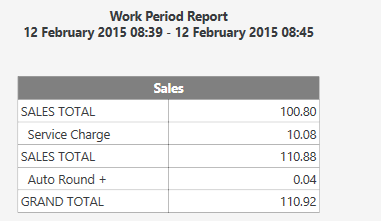
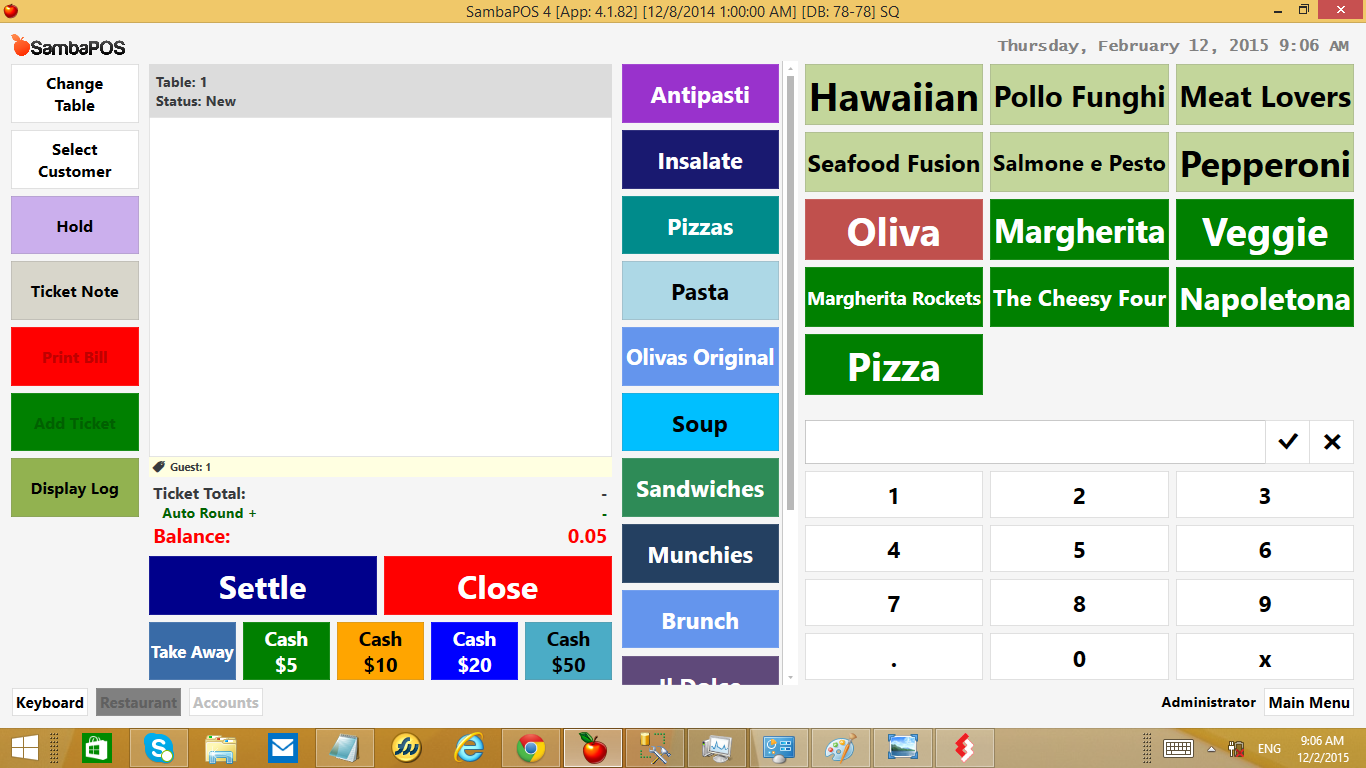
I tried all of your priced dishes and none of them do it. Its specific with unpriced dishes. Odd thing is it actually calculates correctly and it collects the right amount… it just does not finish the Transaction it stops at Receivables. Its like it forgets about the transaction type and simply collects payment.
Your customers are paying the right amount and you are collecting the right amount its just not showing it in the correct account. @emre is looking at it now too I invited him to the PM that had your db.
sigh… It removes account transaction automatically as soon as custom calculation returns zero but ticket keeps it alive as it is a custom calculation.
So we should force calculation to update as ticket total changes.
Try this.
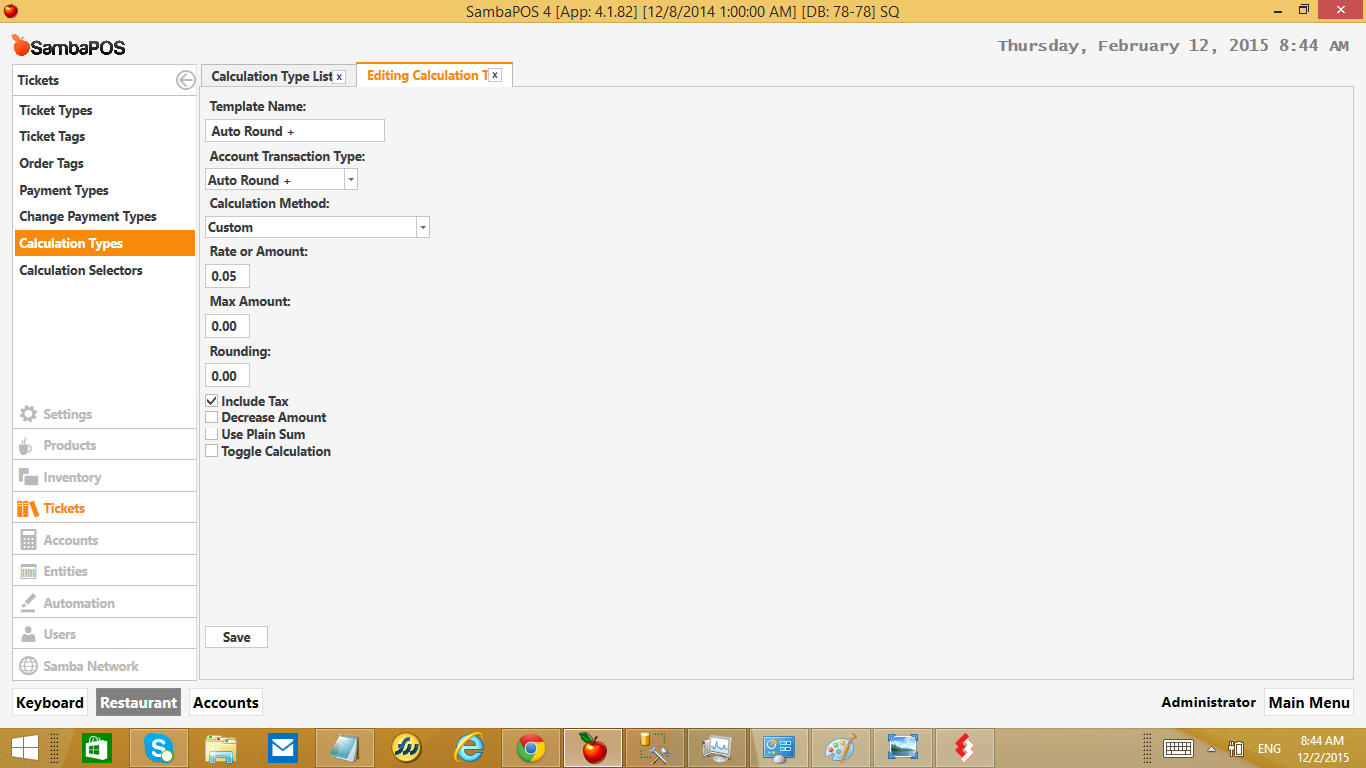
Add an action that removes rounding calculation. Name it as “Remove Rounding”, set action type as Update Ticket Calulcation, select calculation type and set Remove Calculation as True.
Switch calculation adding event from ticket state changed to ticket total changed.
Add one more rule for ticket total changed event and add [=TN('{SERVICE TOTAL}')]Equals0 constraint. Execute Remove Rounding action inside that rule.
Sort rules properly so remove rounding rule will work after add rounding rule.
So the idea is every time ticket total changes it will add and remove calculation immediately if calculation amount is zero.
As custom calculation expressions changed on the version I’m working I couldn’t add screenshots. Let me know if more help needed.
[quote=“emre, post:49, topic:4189”]
Switch calculation adding event from ticket state changed to ticket total changed.
Add one more rule for ticket total changed event and add [=TN(’{SERVICE TOTAL}’)] Equals 0
[/quote] didnt understand this part
That will crash as ticket total change rule triggers itself back endlessly while adding calculation. That’s why I’ve recommended two separate rules and [=TN('{SERVICE TOTAL}')] Equals 0 constraint.
try ordering rules to first add the calculation and remove later.
Be sure you do not have additional calculations that may also breaks service total. Maybe setting up constraint with calculation total will be better.
Ahh… OK. So obvious. Both rule constraints checked at the same time even they are ordered. new rule debugger helped, lol. Try removing constraint for calculation removing rule and add this as the action constraint. TN('{SERVICE TOTAL}') == 0 So it evaluates just at the time action being executes.