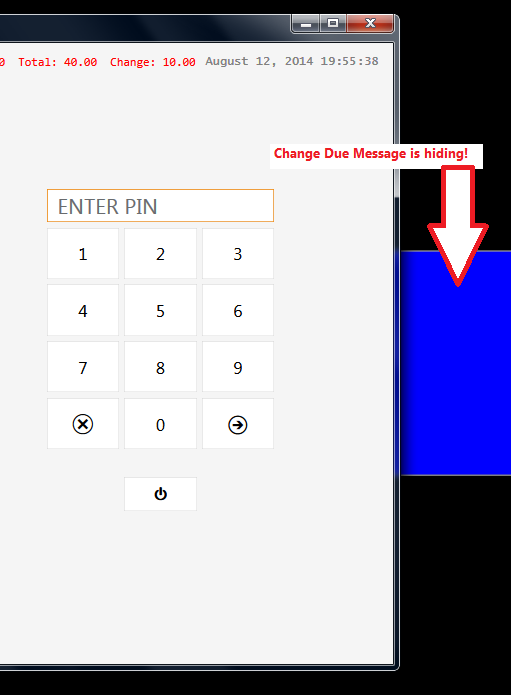
I’ve added an order > clicked Payment > All > Cash and login screen displayed. What I’m missing?
mine doesnt do that, when i add an order > clicked Payment > All > Cash i get change box, click ok and get the following screen and not the login one
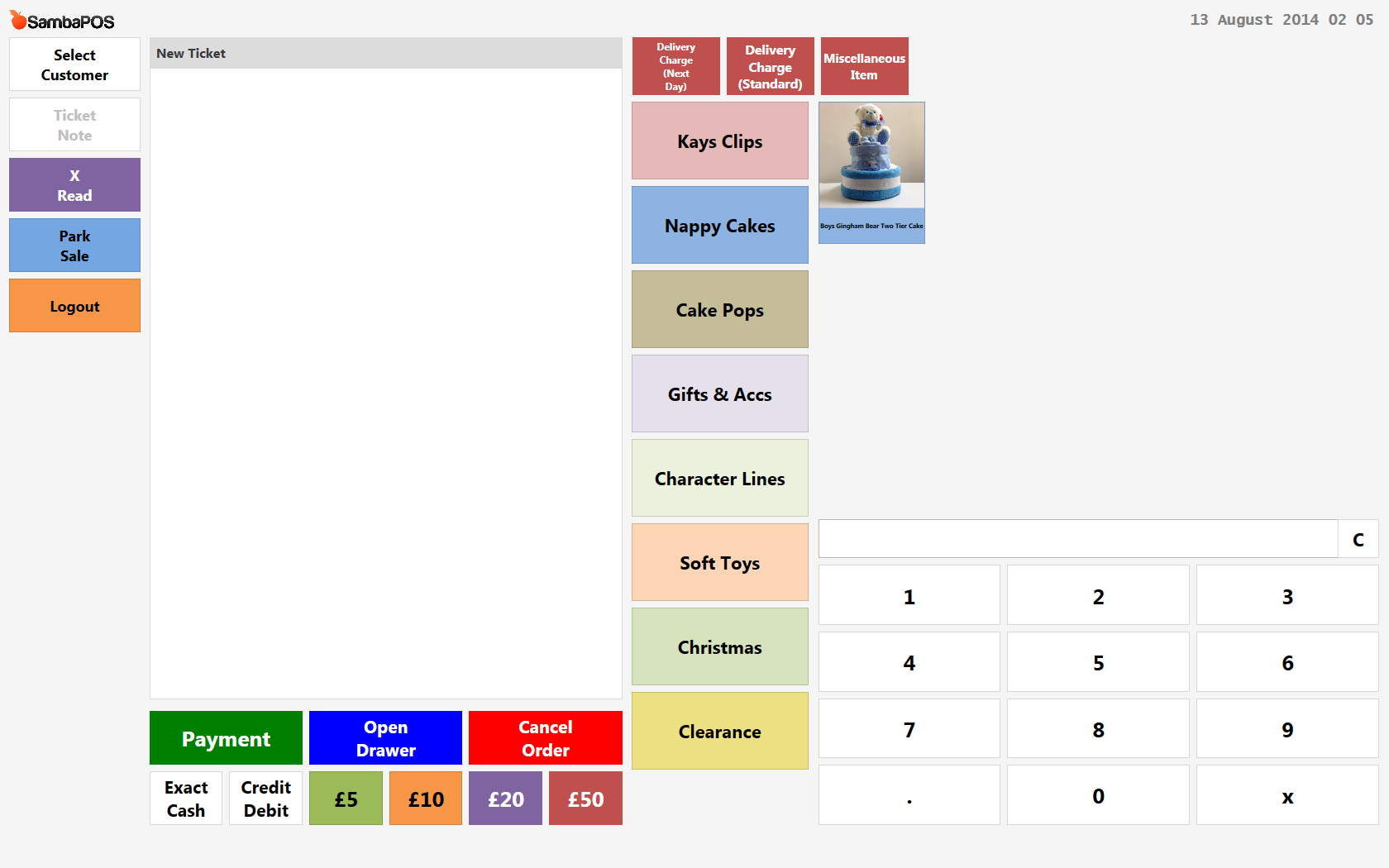
this happens for a refund item as well that is processed through the payment screen so im hoping if the fix is found it correct the refund item as well, it does the same thing so i guess its the same problem
humor me niw that you took the value out scroll up try how I said to do it see if it works
do which bit, sorry theres been so much
This one try it see if works
OK I’m giving up. That feature already exists but I’ve tried to understand if it will be possible to replace it with that action. It seems we’ll continue using it for a while…
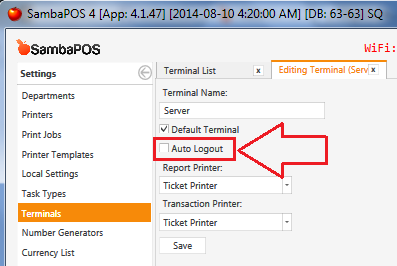
Remove Logout User action from all rules and enable Auto Logout setting on Management > Settings > Terminal. You can only use it for Logout button if needed.
1 Like
Thevsetup I posted works for me. I got rid of logout on payment processed and no close ticket on payment processed
so enabling auto log out setting will log out after every sale, after clicking OK on change message?
sorry to be a pain but what exactly do i need to change to fix the payment screen?
could you add screenshots?
Wow… I’m afraid it will never end  Just try what I’ve described here… Remove auto logout actions from rules and enable auto logout. Yes it will work.
Enable this:
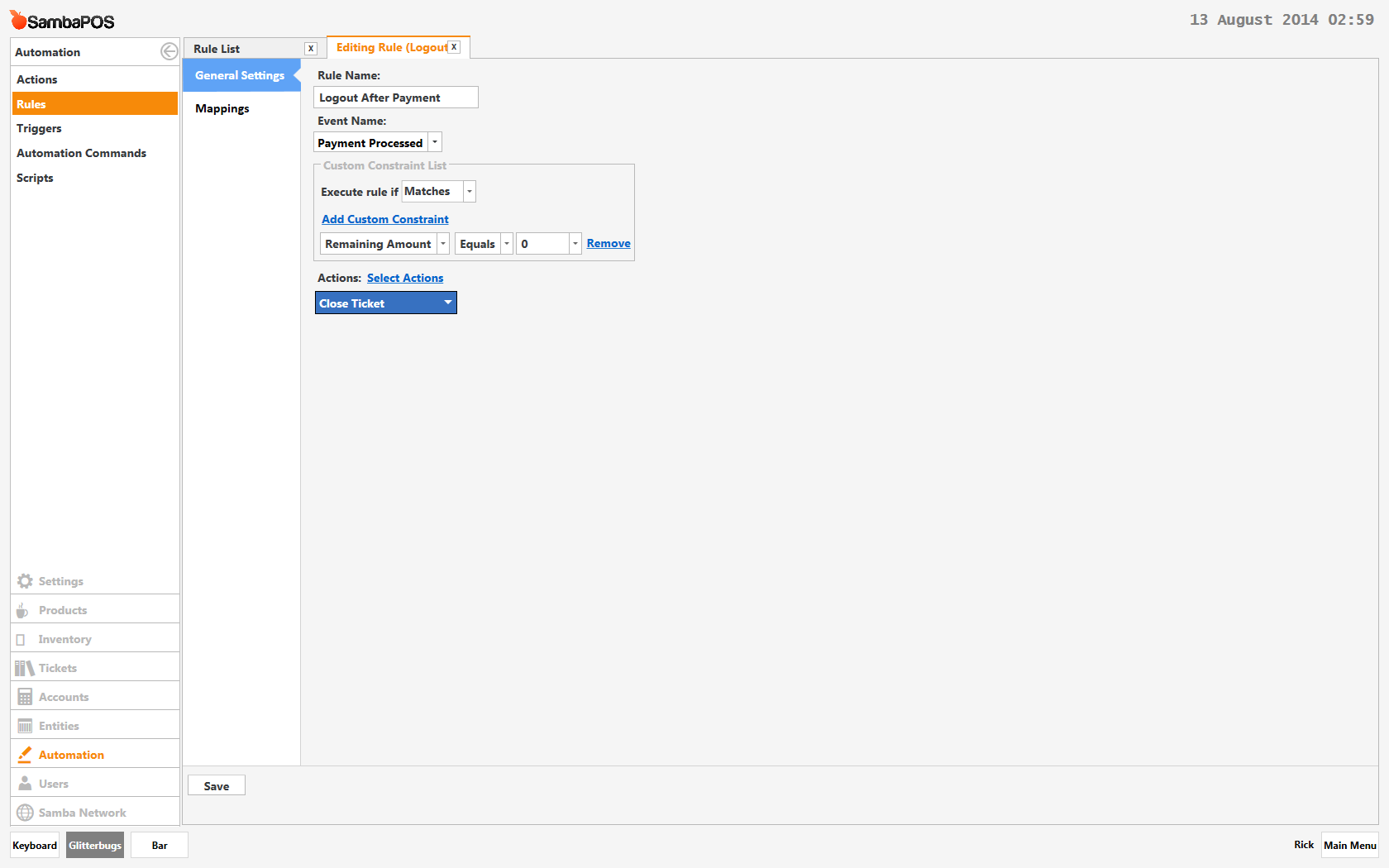
Remove all Logout User actions from all Rules.
EDIT: hmmm… still broken. Probably the Close Ticket actions need to go?
sorry to be the bearer of bad news but that didnt work, i went through all rules and removed auto logout actions and applied terminal auto log out. this worked just once, but it didnt display the change message it just logged out so i wouldnt know what change to give.
Then the pos locked up, i could not click the keypad numbers to log in nothing happened, i could just type on the keyboard to log in. then np buttons on the main menu worked and i had to do ctl alt delete for task manager to close pos and revert back to previous settings
@RickH, Also remove Close Ticket action from Payment Processed rule, and add Close Ticket action back into all Fast Payment buttons.
But then something else breaks. If you over pay, and change is due, the Ticket won’t close until you hit close button in lower right, when using Settle button. I guess that’s not so bad… one extra click, so it’s not really broken. Don’t know how to get around it.
if i do all that and enable auto logout in terminal setting it still just logs out without displaying change and then everthinh locks and i can get back in until i use windows task manager to close pos the restart and change setting back
that would be great if itd work for me but i get the problem described above
Partial success, ive reverted back to previous settings without using terminal auto logout and the payment screen works when you tender a value that is 0.02 greater than the price, its thats error we had before when emre told me to delete that constraint, the same thing is happened on payment screen.
if i sell 44.99 product and tender 45.01, hit cash, the change message appears and it logs out IT CAN BE DONE WAHOOO!!
if i tender 44.99 or 45.00 thats when the log out doesnt properly log out and the screens dont switch, do you have any ideas now on that fix?
lol do you have ticket close on payment processed? @QMcKay I can’t test it because I can’t reproduce it on my side, can you help me to try something? Can you create a Display Ticket action with Ticket Id = 0 and execute it on payment processed before calling close ticket?
I expect you’re experiencing this issue: the change due message is hiding behind the main display. If you hit Alt-Tab on your keyboard, you will cycle through windows and you will find it. Then you can click ok, and be left at the login screen.
@emre, sorry to bother you, but I have seen this occur more than a few times, but maybe it’s just because I run testing in Windowed-mode rather than full screen.