Do you use any module dll like paymentcontroller ?
1 Like
There isnt samba listed there
Nope no payment controller
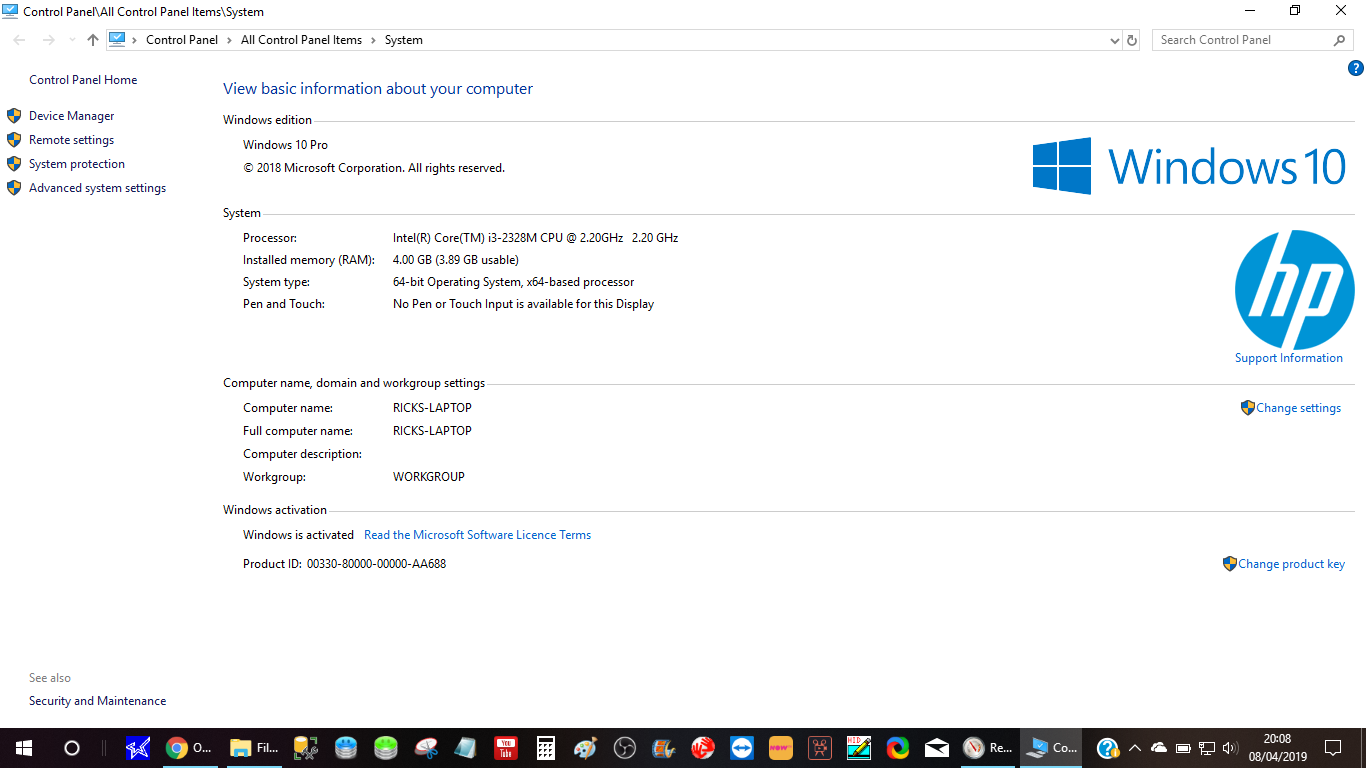
Check your Sambapos install dir for the payment controller dll. Try deleting that.
I meant start Sambapos then try resmon
tried starting samba with resmon open and nothing happens, when i click the samba logo to start samba it doesnt even listed in the resmon screen
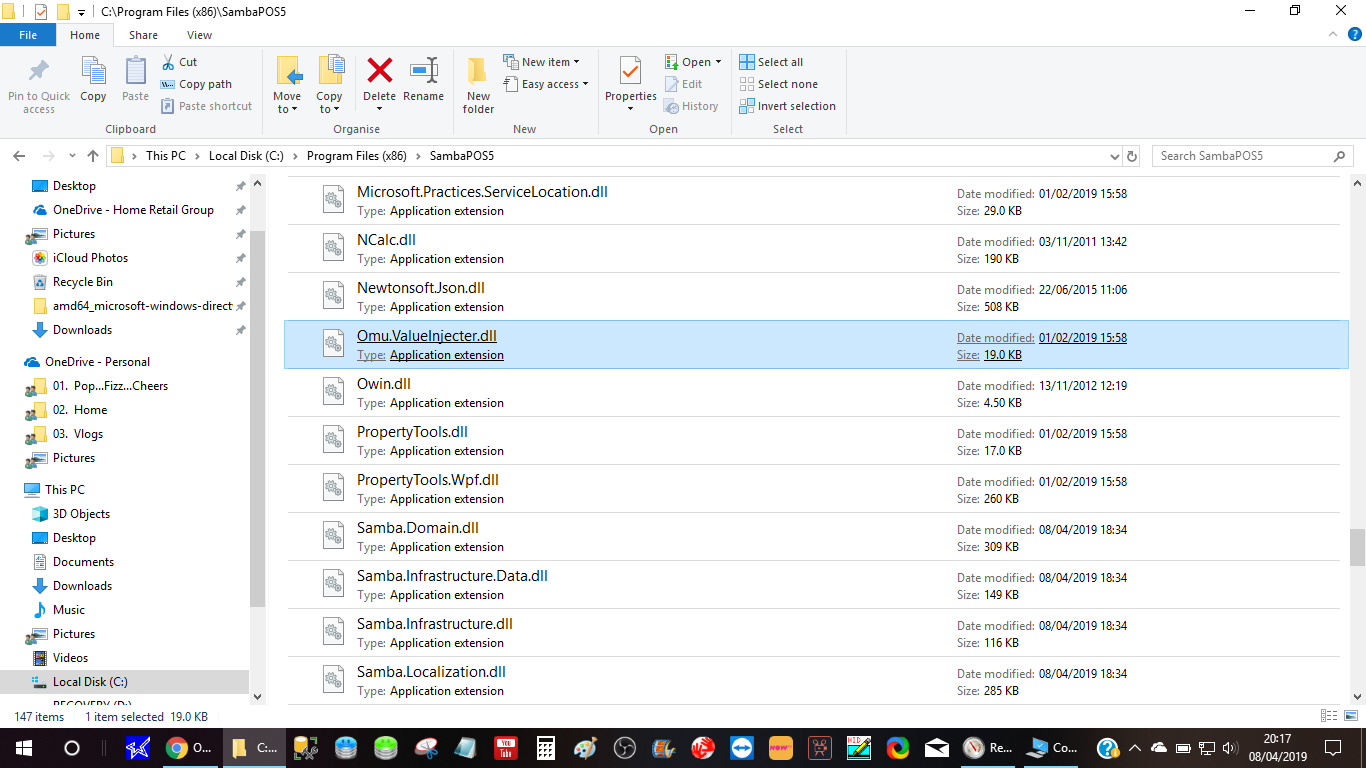
Typically Samba.modules.paymentcontroller or similar
Cheers J I’ll have another when I get home from work
ive got samba.modules.paymentOperations.dll should i delete that?
didnt work still comes up suspended in task manager and is blocked from running
the only difference between my dev machine and live machine is dev machine is on update 1803 and live machine on 1809 so im updating dev to 1809 to see if that has any effect
No that is a required module.
Can you go to Windows Defender Security Centre and try turning off SmartScreen (set to “off”) under “Check Apps and Files”

NOTE: This is not recommended and bad practice in normal use as it removes important protection in Windows 10, but we need to see if this is causing this. I have my suspicious as I mentioned a few days ago on another post that there is an issue on this release with Windows Defender SmartScreen filter.
@Jesse did you try the new version on a fresh Win 10 IoT Enterprise that it wasn’t working with before and does it work now?
I don’t have a fresh system to test on right now, I will have in the next 2 days or so.
Still no effect mark, smart filter is off and still wont open, ive also downloaded the latest beta and that still wont open
Have you checked event viewer to see the error message that is being when it doesn’t launch?
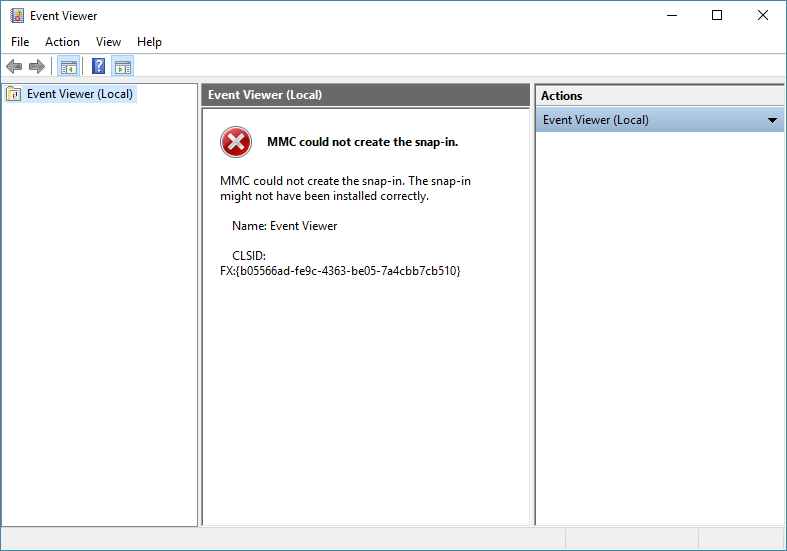
That is not normal. I think you have more serious issues with this computer and possibly it’s why SambaPOS is not running.
I assume the windows account you are using has full admin rights?
yea full admin rights, i only got the issue it seems after windows update 1803 installed, so im just downloading 1809 which is on my live machine to see if that makes any difference
Hopefully the update will resolve any issues on the system.
I only had this issue once and it resolved itself when I rolled back windows and installed the update again.
1 Like